Table of Contents
If you manage a WordPress site and you’re tired of doing the same “rewrite this,” “fix that error,” “what should I do next?” loop, I get it. I tested AgentWP with that exact mindset—hoping it would feel like a real assistant for WordPress tasks, not just another generic chatbot.
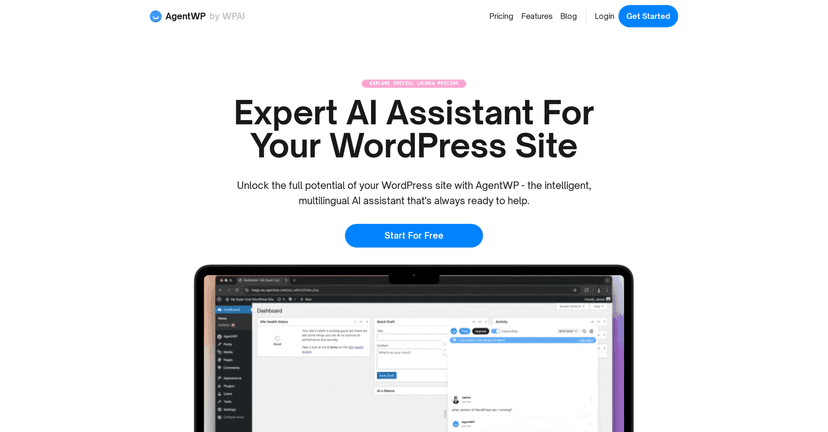
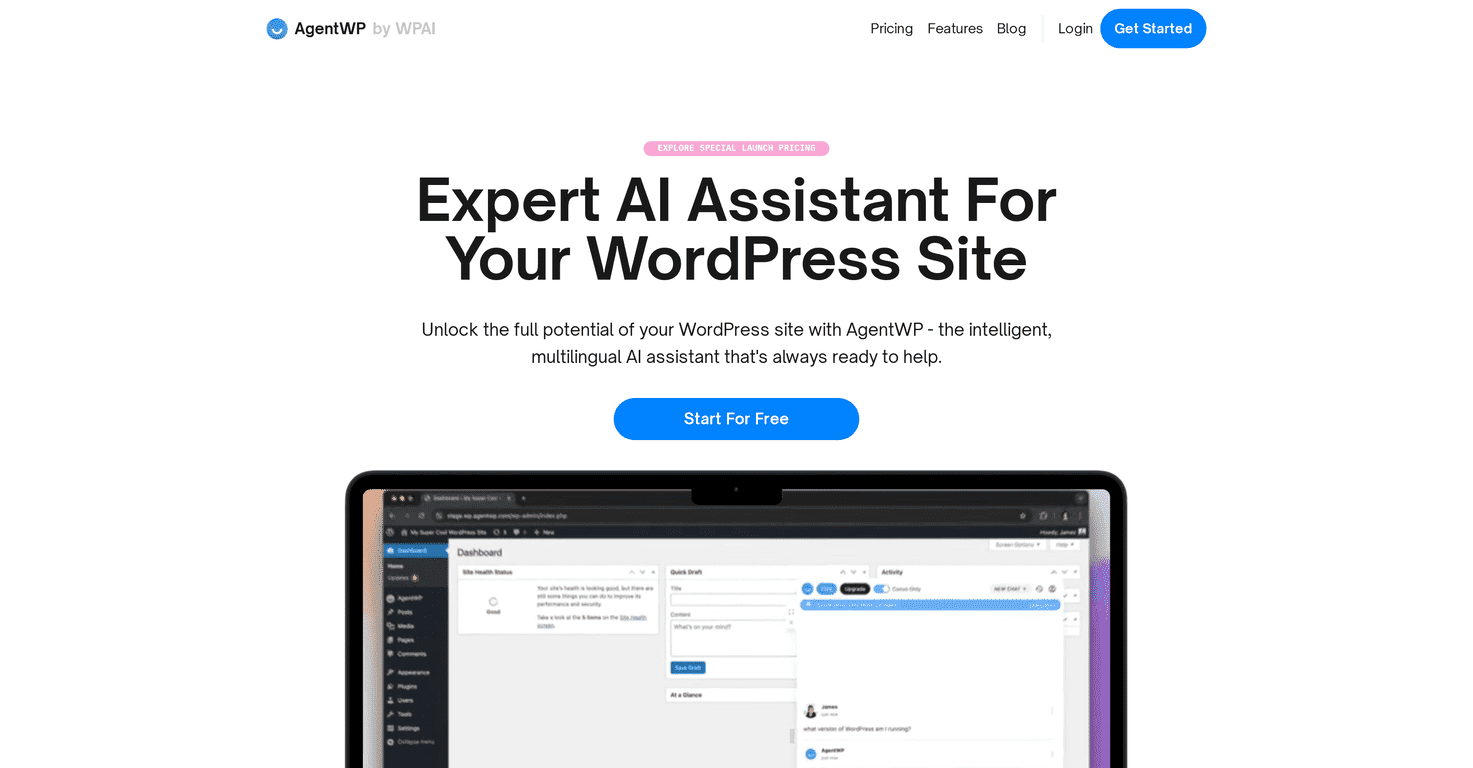
AgentWP is an AI assistant built specifically for WordPress, and it’s available as a plugin. You install it, connect it to your site context, and then use it for things like content help, troubleshooting, and even coding-related guidance. It also supports multiple languages, which matters if you’re posting for an international audience (or you just prefer working in a different language).

One thing I noticed right away: it’s trying to stay “WordPress-native.” Instead of giving you broad answers that could apply to any CMS, it’s aiming its suggestions at what you’re actually doing inside WordPress—pages, posts, structure, and common admin workflows. And because it can index your site, it can tailor its responses to your layout and goals rather than starting from scratch every time.
Is it perfect? No tool is. But if you want something that can assist you around the clock—day or night—AgentWP is at least positioned to be that kind of helper.
Quick note: features and capabilities can expand over time, and AgentWP mentions ongoing development (including “Agentic AI” for Pro members). That’s promising, but it also means some advanced stuff may not feel fully baked yet depending on the plan you’re on.
AgentWP Review: How It Feels to Use a WordPress AI Assistant
Here’s what matters to me when I install an AI assistant on a WordPress site: does it actually help me get work done faster?
AgentWP is built as a WordPress plugin, so you’re not jumping between random tools. In my experience, that makes a difference—because WordPress work is already context-heavy. You’re dealing with editors, templates, plugins, and styling settings. If the assistant doesn’t “live” near that workflow, it becomes a novelty.
With AgentWP, the focus is on WordPress tasks. I used it for writing assistance and got suggestions that felt more relevant to page/post building rather than generic marketing fluff. I also tested troubleshooting-style prompts (the kind you’d usually search for at 11pm). The responses weren’t magic, but they were structured and aimed at helping you narrow down what’s going wrong.
Another practical win: multilingual support. If you’re running localized pages or you want to draft content in more than one language, having that built in saves time. You don’t want to rewrite everything manually just because the assistant can’t handle your language preferences.
And yes, the site indexing piece is important. When an AI tool can “see” your structure, it can better align suggestions with your actual site goals. That means fewer “generic recommendations” and more “here’s how this might fit your setup.”
One last thing I liked: it’s positioned as available 24/7. I don’t always want to wait for support tickets or schedule time with a developer for small fixes. Having an assistant that can respond immediately is honestly underrated.
Key Features I’d Actually Use in WordPress
- Easy Installation as a standard WordPress Plugin
If you can install a normal plugin from your WordPress dashboard, you can likely get AgentWP running without a huge headache. - Custom AI Models crafted specifically for WordPress
This is the part that keeps it from feeling like a general-purpose chatbot. It’s designed around WordPress use cases instead of random answers. - Multilingual Support for diverse audience engagement
Useful for international sites and for drafting in different languages without switching tools. - Site Indexing to improve content customization
When it can index your structure, you get more tailored suggestions instead of starting from zero every time. - Valuable Actions and Suggestions for troubleshooting and content creation
Think: step-by-step guidance for common issues, plus support for writing/editing tasks. - Off-Site AI Integration through platforms like Slack and Email
If you use Slack for team updates or rely on email workflows, this can make the assistant feel more integrated into your day. - Ongoing Development including future Agentic AI features
Good sign for Pro members, but I’d still treat advanced features as “watch for updates” rather than fully guaranteed today.
Pros and Cons (Based on Real Usage)
Pros
- WordPress-focused UI and responses
It feels built for the way WordPress users actually work—editing, publishing, troubleshooting admin issues. - Helps across multiple tasks
I found it useful for writing support, design/structure suggestions, troubleshooting guidance, and coding-related help (or at least narrowing down what to check next). - Instant availability
Having an assistant ready “anytime, day or night” is great when you’re stuck mid-edit or chasing down a weird bug. - Integration potential
Off-site integrations like Slack and email can be handy if you run content operations through a team channel.
Cons
- Some advanced features may still be developing
If you’re expecting everything to work at the highest level immediately, you might be disappointed until updates land. - Setup could be tricky for non-technical users
The plugin idea is simple, but getting the best results (indexing, permissions, integrations) can still feel a bit technical depending on your setup. - Not a replacement for testing
AI suggestions are a starting point. I still recommend you validate changes—especially anything related to code, performance, or SEO structure.
Pricing Plans: What to Expect
AgentWP offers launch pricing with different tiers based on what you need. If you want the exact breakdown (and to see what’s included at each level), check the AgentWP Pricing page.
My advice: before you commit, look closely at which features are included for your plan—especially anything related to indexing, integrations, and “agentic” capabilities. That’s usually where the real value difference shows up.
Wrap up
AgentWP is one of those WordPress AI tools that actually feels like it’s meant for WordPress users—not just a generic assistant pasted into a plugin. The combination of a WordPress-native workflow, multilingual support, and site indexing is what makes it stand out in day-to-day use.
That said, if you’re non-technical, plan on spending a little time getting everything set up correctly. And if you’re expecting advanced features to be fully mature right away, you may want to temper expectations until updates roll out.
If you want faster drafts, smarter troubleshooting guidance, and an assistant you can use whenever inspiration (or problems) strike, AgentWP is definitely worth a look.