Table of Contents
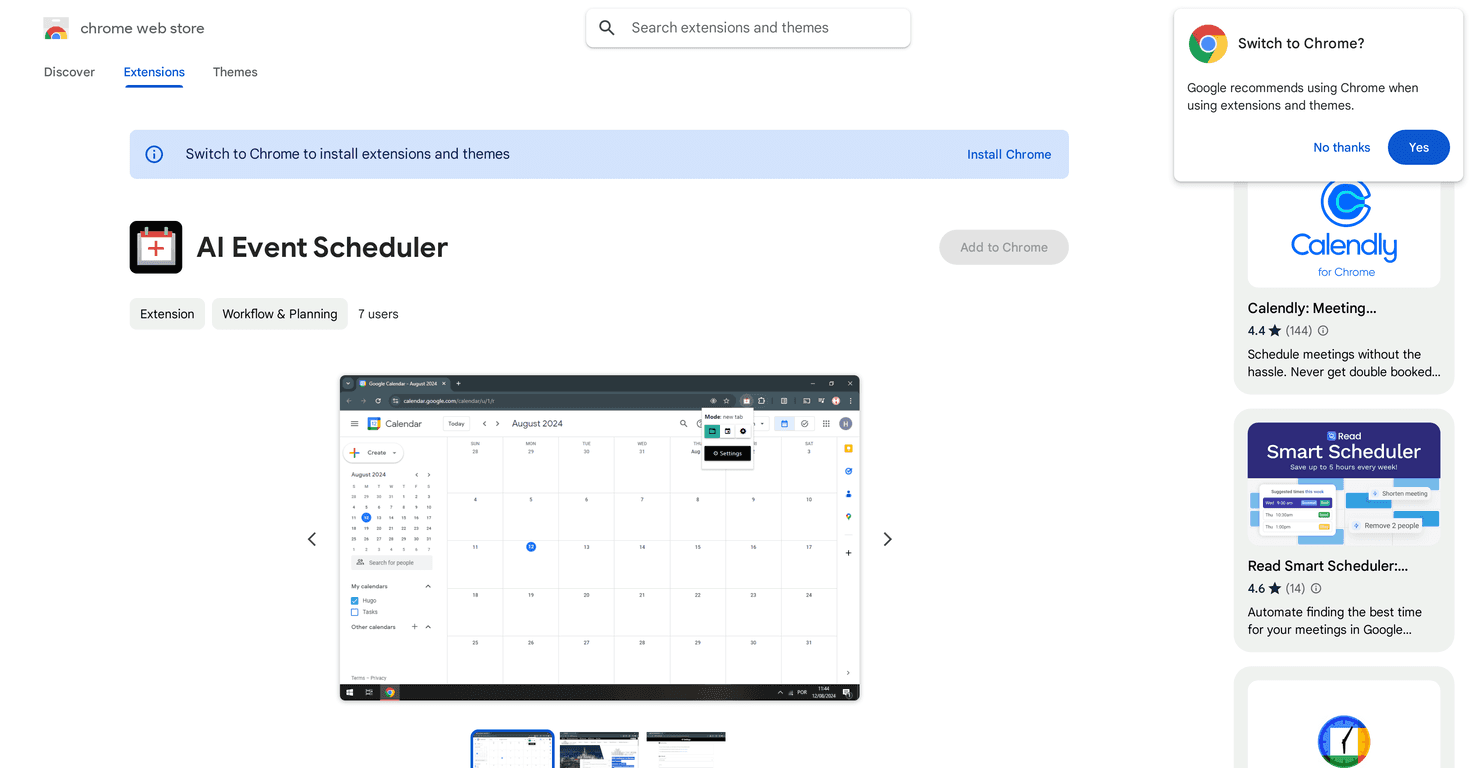
If you’ve ever been halfway through an email or chat and thought, “Ugh, I should turn this into a calendar event,” you’re going to get why I’m interested in AI Event Scheduler. I tested this Chrome extension for a bit, and the whole idea is simple: highlight the relevant text, click once, and it helps create a Google Calendar event without you manually typing everything.
For me, the biggest question wasn’t “does it work?”—it was “does it actually save time?” Because if you still have to fix half the details, then it’s not really helping, right?
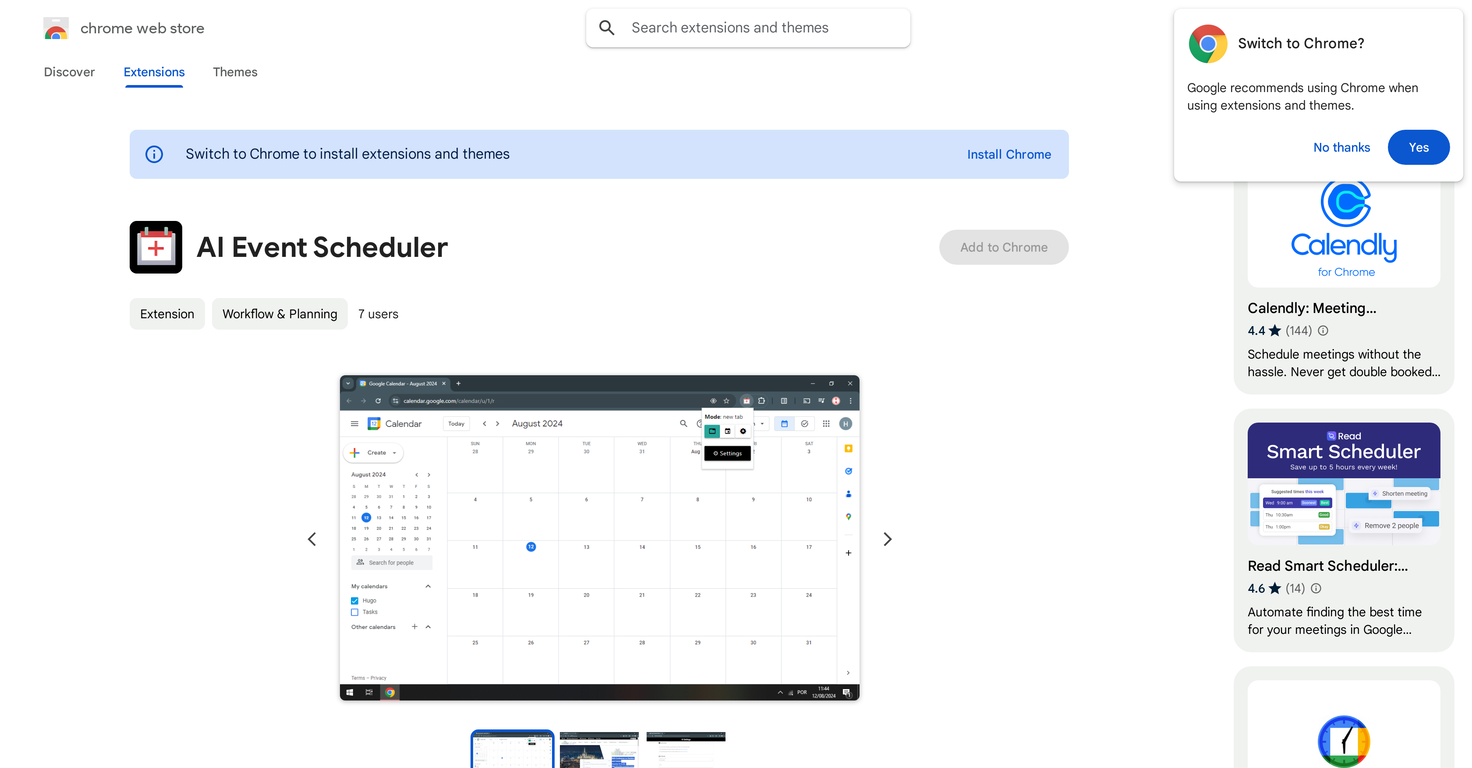
AI Event Scheduler Review
AI Event Scheduler is a Chrome extension built to help you create Google Calendar events faster. The workflow is basically: grab the relevant details from a piece of text (an email snippet, a message, a note—whatever you’re working from), then let the extension generate an event you can review and confirm.
According to the listing, it’s offered by Hugo Tadashi and is currently at version 1.2. I used it a few times with real-world text like: “Team sync tomorrow at 10:30am for 30 minutes” and “Dentist appointment next Tuesday at 2pm—take my insurance card.” In my experience, it’s best when your text includes clear time/date info. If the details are vague, you’ll likely end up doing a bit of cleanup.
So does it feel “smart”? Yes—especially for turning messy notes into something structured. But it’s not magic. You’ll still want to double-check the event title, the date, and the duration before you hit save.
Key Features
- Create Google Calendar events from selected text
Highlight the part you care about and convert it into an event instead of typing everything manually. - Simple, user-friendly interface
It doesn’t bury you under settings. After a highlight, you’re basically trying to get to “review and add” as quickly as possible. - Pick out event details easily
You’re not just generating a random blob—you can select the key details so the event is closer to what you meant.
Pros and Cons
Pros
- Big time-saver for repeat scheduling tasks
If you often schedule meetings from emails or chat threads, this cuts down the “copy → paste → retype” loop. - Works well when the text is clear
When the message includes a date and a time (like “Friday at 1pm”), it usually gets you very close on the first try. - Cleaner than manual entry
I noticed fewer typos compared to when I rush through event titles and times myself. - Easy to test
You can try it on a couple of events in minutes and see if it matches your style of writing.
Cons
- Google Calendar only
If you’re using Outlook, Apple Calendar, or something else, this won’t help much. - Complex scheduling can still be a hassle
If your needs involve multiple attendees, recurring rules, special reminders, or weird constraints, you may find yourself editing after the AI generates the draft. - It depends on how your text is written
For example, if you say “sometime next week” or “around lunch,” it won’t magically guess the exact time. You’ll need to supply clearer details.
Pricing Plans
The AI Event Scheduler extension is available for free on the Chrome Web Store. For me, that’s a big deal because you can test it without committing to a subscription. Just keep in mind: “free” doesn’t always mean “feature-complete,” so it’s smart to evaluate it with your own scheduling habits.
Who should try it (and who might not love it)
If your day-to-day involves turning notes, emails, or messages into calendar events, this is the kind of tool that can genuinely reduce friction. I’d especially recommend it if:
- You frequently schedule meetings from text you already have open
- You want faster event creation without building a custom workflow
- You prefer to review and confirm events rather than fully automate them
On the other hand, if you need deep calendar automation (complex recurrence patterns, heavy integrations, advanced scheduling logic), you might find the extension too limited and end up doing more manual editing than you expected.
Wrap up
Overall, I think AI Event Scheduler is a solid, practical add-on for anyone who lives in Google Calendar and wants fewer manual steps. It’s not perfect, and it works best when your input text is clear—but when it clicks, it feels like the easiest way to turn “here’s the info” into “it’s on my calendar.” If you’re already on Chrome and use Google Calendar daily, it’s worth giving it a spin.
Promote AI Event Scheduler