Table of Contents

What Is Asterode?
Honestly, when I first heard about Asterode, I was a bit skeptical. The idea of consolidating multiple AI models, notes, and memory into a single app sounds great in theory, but I’ve seen plenty of tools promise a unified experience that ends up feeling cluttered or half-baked. So, I decided to give it a try because I was curious whether it could actually deliver that kind of streamlined productivity boost.
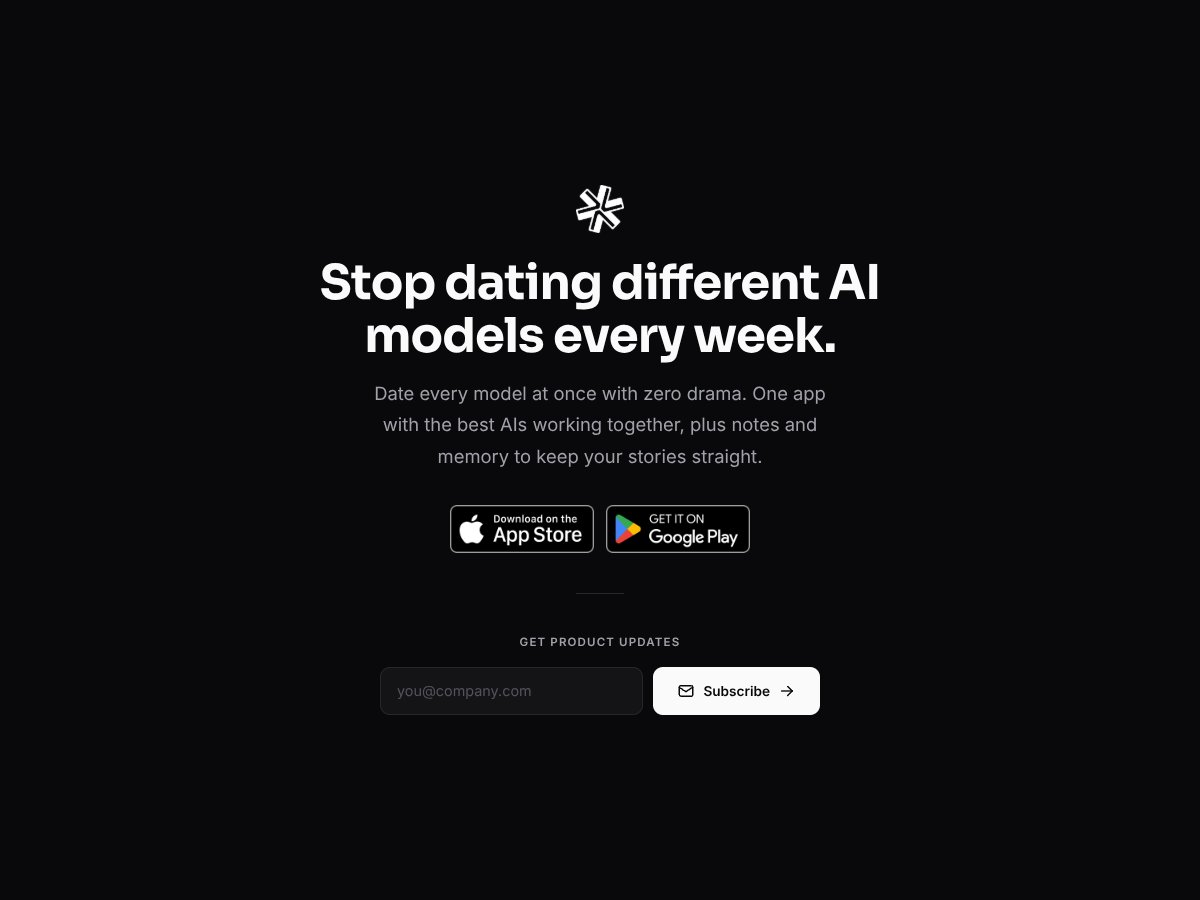
In plain English, Asterode is a mobile app available on both iOS and Android that aims to bring together several top AI models—like GPT, Claude, Gemini, Llama, Grok, Mistral, and others—into one interface. The goal is to let you switch between these models easily, keep your notes organized, and store conversation history, all within a single app. It’s like having a Swiss Army knife for AI interactions, plus some note-taking features thrown in.
The main problem it’s trying to solve is the hassle of juggling different AI apps or services. Instead of bouncing between multiple apps, Asterode hopes to let users compare responses, keep context, and stay organized—all in one place. If you regularly experiment with different AI models or use AI for productivity tasks, this might seem appealing.
As for who’s behind it—well, the website and app don’t disclose much about the company or the team. That’s a little red flag for me, honestly. When a tool doesn’t share its background, I tend to be more cautious about data privacy or long-term support.
My initial impression? It’s as advertised—at least on a surface level. The app promises multi-model AI access, note integration, and conversation memory, and it delivers those core features. But I also want to be upfront: it’s not a fully fleshed-out productivity suite with deep customization, nor does it seem to have advanced privacy controls or offline modes. It’s more like a demo playground for AI models with some note-keeping thrown in.
The thing is, don’t expect a highly polished, feature-rich platform that handles complex workflows. It’s still early-stage in terms of what it offers, and there’s a fair amount of ambiguity around pricing, security, and integrations. So, if you’re looking for a mature, enterprise-grade tool, Asterode probably isn’t there yet. But if you want to experiment with multiple AI models in one app and see how they compare, it might be worth exploring.
If you’re a power user who regularly juggles multiple AI models and needs a centralized place to organize your notes and AI interactions, Asterode could be a game-changer. For example, a researcher experimenting with different language models for data analysis or a content creator comparing AI-generated ideas might find this app particularly useful.
It’s also ideal for freelancers or small teams who want a unified workspace to manage various AI tools without switching between multiple apps or subscriptions. If your workflow involves testing different AI responses side-by-side or keeping detailed conversation histories, Asterode’s integrated approach can streamline your process.
However, if you’re just looking for a simple, straightforward AI chat app or don’t need multi-model support, this might be overkill. Similarly, if you rely heavily on offline access or require detailed privacy controls, the current lack of information in these areas could be a dealbreaker.
How Asterode Stacks Up Against Alternatives
ChatGPT (OpenAI)
- What it does differently: ChatGPT is primarily a conversational AI focused on generating human-like text. It doesn't natively support integrating multiple AI models or note-taking, but it's widely accessible via web and app, with robust API options for integrations.
- Pricing comparison: Usually offers a free tier with limited GPT-3.5 access, and a paid plan (ChatGPT Plus) at $20/month for GPT-4. Asterode's pricing isn’t clear yet, but ChatGPT is straightforward on cost.
- Choose this if... You want a simple, powerful chat AI with broad availability and don’t mind switching between separate apps or tools.
- Stick with Asterode if... You prefer a unified platform that lets you compare multiple AI models and keep notes all in one place.
Claude (Anthropic)
- What it does differently: Claude emphasizes safety and steerability, making it a good choice for sensitive or nuanced conversations. Unlike Asterode, it doesn’t offer built-in note-taking or multi-model switching.
- Pricing comparison: Claude’s pricing varies; it often operates on a credit system or subscription, typically starting around $20/month, but details are less transparent than OpenAI.
- Choose this if... You need a safer, more controllable AI for complex or sensitive tasks.
- Stick with Asterode if... You want a multi-model environment with integrated notes and memory, rather than just a single AI interface.
Google Gemini
- What it does differently: As Google’s latest, Gemini aims to combine search, reasoning, and multi-modal capabilities, potentially outperforming in knowledge integration. It’s still emerging and lacks a dedicated app like Asterode.
- Pricing comparison: Not publicly available yet; likely to be integrated into Google’s ecosystem or offered as part of cloud services.
- Choose this if... You want cutting-edge AI with tight integration into Google services and are comfortable waiting for wider availability.
- Stick with Asterode if... You need a ready-to-use app that consolidates multiple models and notes today.
Perplexity AI
- What it does differently: Focused on quick, factual answers with a sleek search-oriented interface. It’s more about research and retrieval than ongoing note management.
- Pricing comparison: Free for basic use, with premium options for advanced features. Asterode’s pricing details are less clear but seem to target more productivity features.
- Choose this if... Your main goal is quick, accurate info without much note-taking or multi-model comparison.
- Stick with Asterode if... You want a comprehensive tool that combines multiple AI models with note and memory features.
Microsoft Copilot
- What it does differently: Integrated tightly into Microsoft 365 apps, offering AI-powered document editing, email management, and data analysis. It’s more business/office focused.
- Pricing comparison: Usually part of enterprise Microsoft 365 subscriptions, which can be expensive for casual users.
- Choose this if... You’re already invested in Microsoft’s ecosystem and need AI for productivity within those tools.
- Stick with Asterode if... You prefer a more flexible, multi-model AI environment that isn’t tied to a specific productivity suite.
Bottom Line: Should You Try Asterode?
Overall, I’d rate Asterode around 7/10. It’s a solid choice if you want a unified platform that combines multiple top AI models, notes, and memory in one app. The interface is user-friendly, and the ability to switch models seamlessly is a big plus. However, the lack of clear pricing info and data privacy details makes it a bit of a gray area for some.
This app is perfect for anyone who’s juggling multiple AI tools and notes, and doesn’t want to hop between different apps or services. If you’re someone who loves experimenting with AI and keeping everything organized, give it a try. On the flip side, if you need specialized, enterprise-level AI solutions or offline access, you might want to look elsewhere.
The free tier could be worth exploring if you’re curious about its core features, but upgrading might be necessary to unlock its full potential. Personally, I’d recommend it if you’re looking for a modern, all-in-one productivity companion—just keep your expectations realistic about privacy and offline use.
If you want a versatile AI workspace and don’t mind the subscription uncertainty, give Asterode a shot. If you need a more established, transparent service for specific tasks, consider alternatives like ChatGPT or Microsoft Copilot.