
Blurts-Voice to Any Task App Review
An honest review of Blurts-Voice to Any Task App in 2026. Great for quick voice capture but limited for deep project management—see if it fits your needs.
Screenshots
Swipe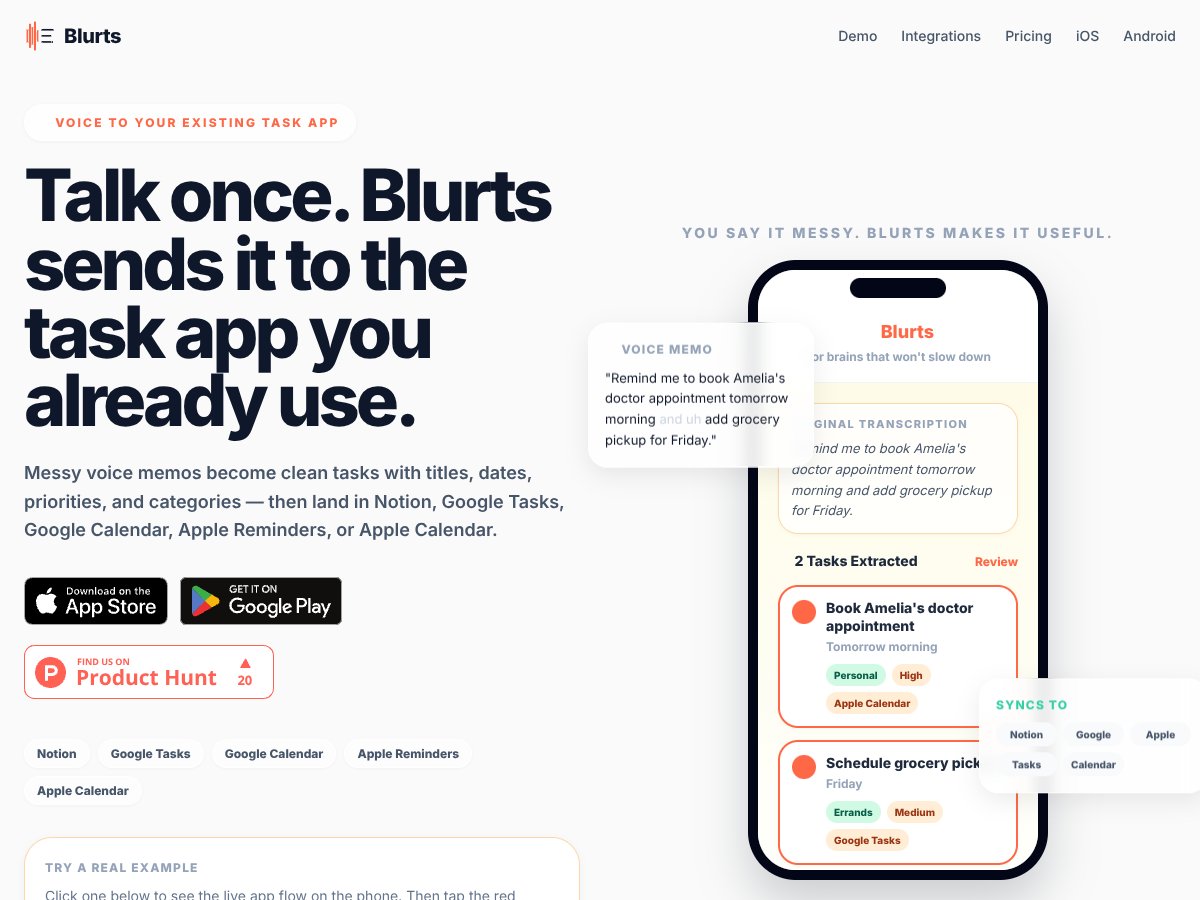
About Blurts-Voice to Any Task App
An honest review of Blurts-Voice to Any Task App in 2026. Great for quick voice capture but limited for deep project management—see if it fits your needs.
Key Features & Use Cases
Best for
Pros
- ✓Fast, intuitive voice capture flow that minimizes friction during quick thought entry.
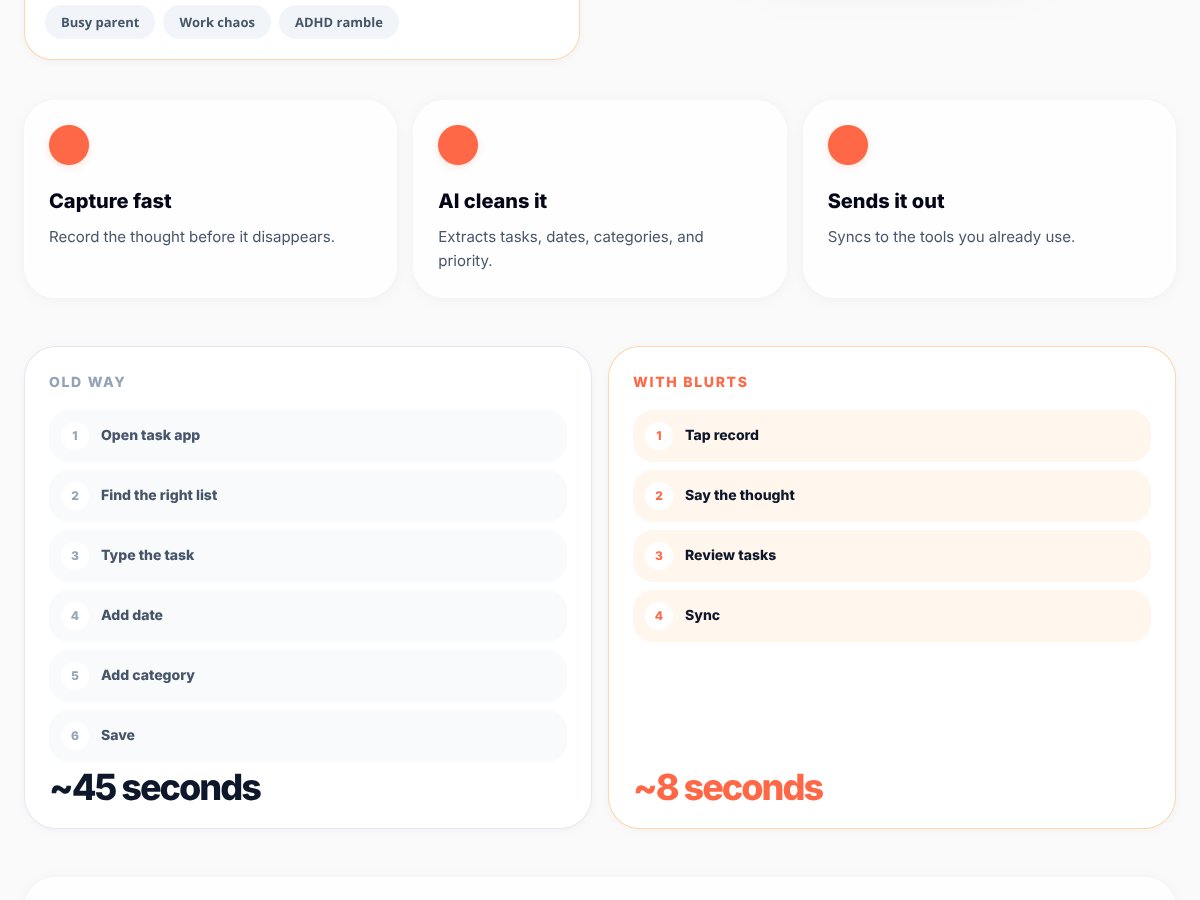
- ✓Effective AI structuring that automatically extracts dates, priorities, and categories from spoken input.
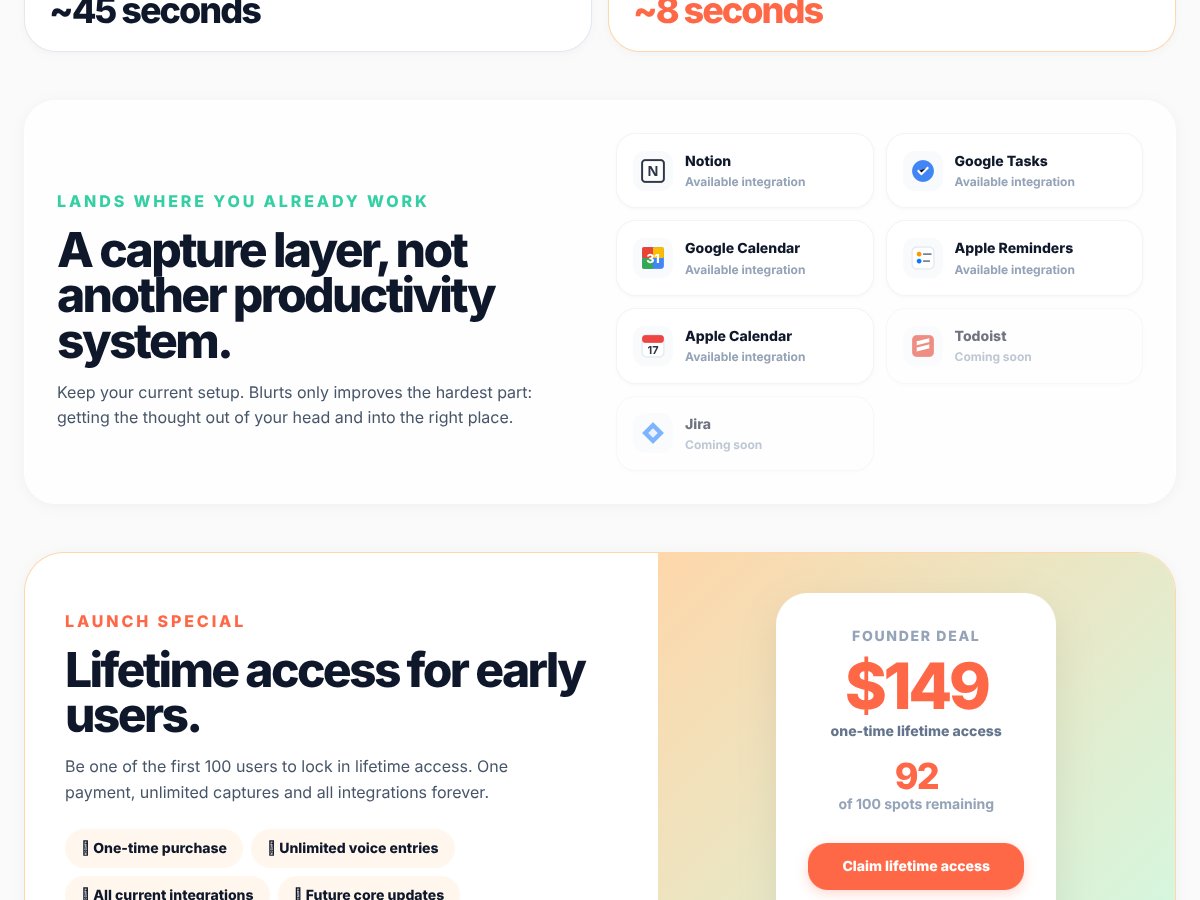
- ✓Seamless integration with popular tools like Notion, Google Tasks, and Calendar, keeping existing workflows intact.
- ✓Great for on-the-move capturing—driving, cooking, walking—where typing is impractical.
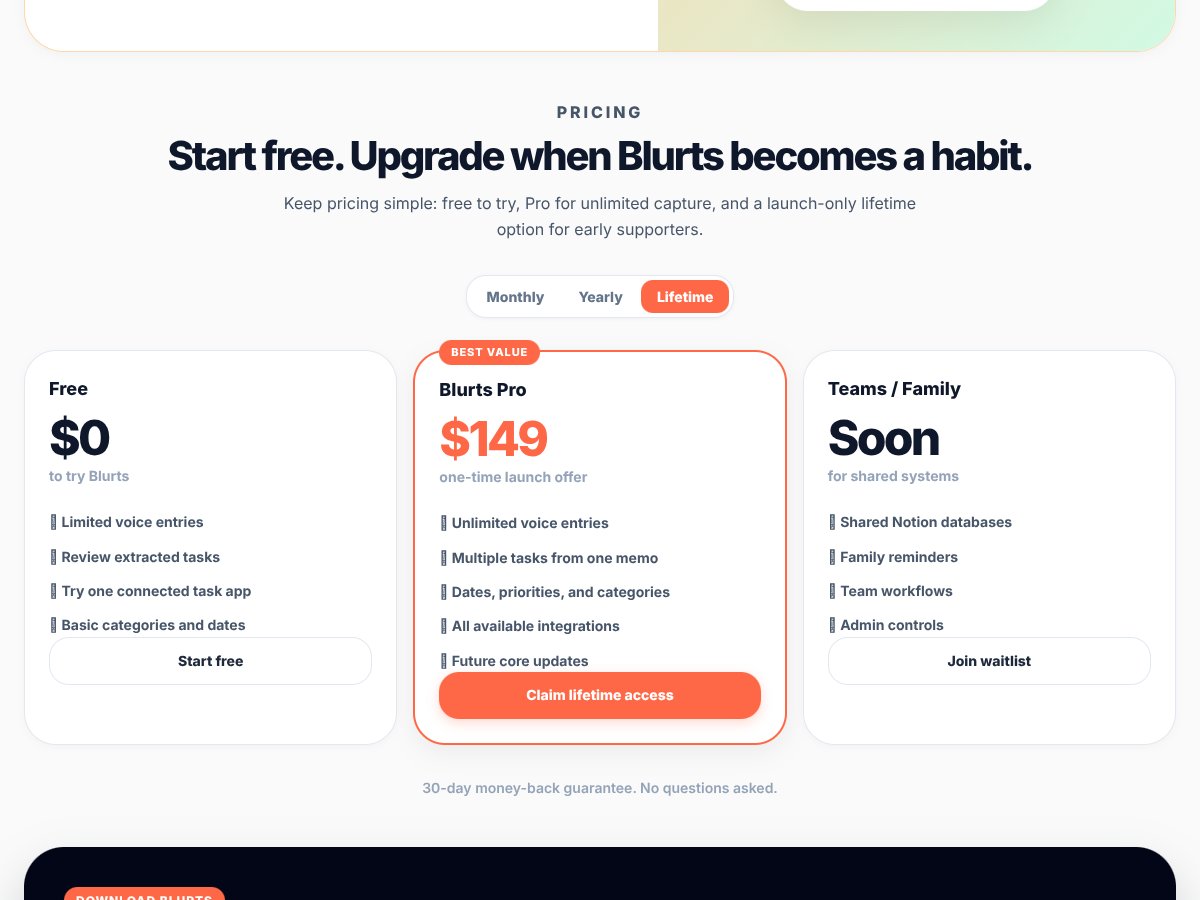
- ✓Affordable entry point with a free tier for testing basic features, reducing initial risk.
- ✓Designed with neurodivergent users in mind, offering a less overwhelming way to manage tasks.
Cons
- ×Limited free plan caps at only 10 voice captures per month, which might be too restrictive for regular use.
- ×Some integrations, like Todoist and Jira, are coming soon, so the ecosystem is not fully mature yet.
- ×Lack of detailed information on privacy and data handling could concern enterprise or sensitive users.
- ×Pricing can get expensive over time, especially if you need multiple features unlocked via Pro or lifetime deals.
- ×User onboarding and setup details are sparse; some users may find initial configuration tricky.
Frequently Asked Questions
Is Blurts-Voice to Any Task App worth the money?
It’s worth trying if you need fast voice capture and automatic task structuring; less ideal for detailed project planning.
Is there a free version?
Yes, it offers a free tier with 10 captures per month and basic features—good for testing the core functions.
How does it compare to Todoist?
Blurts focuses on quick voice input, while Todoist offers extensive ongoing task management. Use Blurts for speed, Todoist for depth.
Can I get a refund?
Refund policies depend on your purchase platform; check their policies if you’re not satisfied after buying.
Does it work offline?
Yes, in the Pro plan, offline mode is supported, so you can capture tasks without internet.
How secure is my voice data?
Data security info is limited; review their privacy policy to understand how your voice recordings are handled.
As featured on

Add this badge to your site