Table of Contents
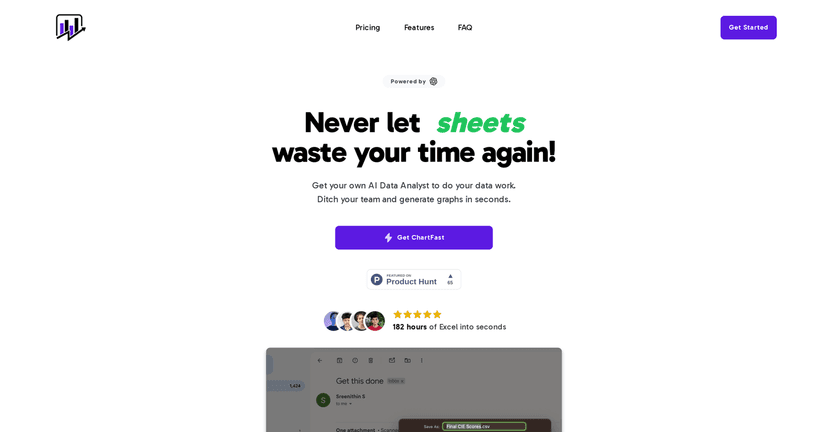
I’ve tried a bunch of “AI chart” tools over the years, and most of them either feel too limited or they create visuals that look nice but don’t really answer the question behind the data. ChartFast is different in a way I actually like: it’s built to get you from messy data to a usable chart fast, without making you fight the UI for every little formatting choice.

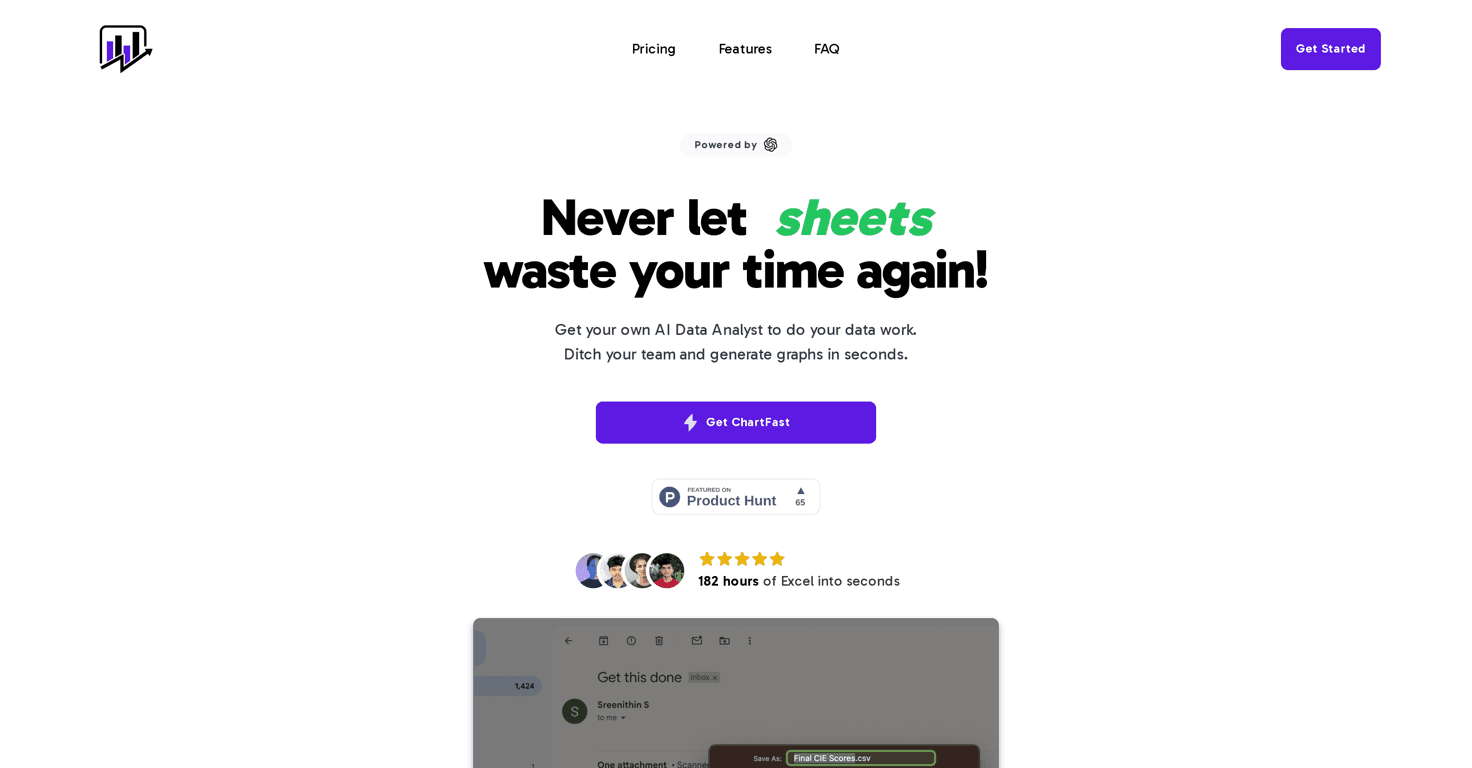
ChartFast positions itself as an AI data analyst that simplifies visualization and analysis. In my experience, the biggest win is speed. You upload your dataset, ask for what you want to see, and it generates graphs quickly enough that you can iterate like you’re sketching—try one idea, tweak the question, generate again.
It also leans into specialized plotting instead of “one-size-fits-all” charts. The tool uses dedicated plotting capabilities (and the underlying libraries) to match what you’re working with. That matters when your data isn’t perfectly clean or when you’re trying to visualize something more specific than a basic bar/line chart.
One feature I kept coming back to is the ability to run Python scripts on a dedicated server for custom visualizations. I’m not always writing full notebooks, but having a way to extend beyond the default charts is huge when you want something a bit more tailored—like a specific aggregation, custom styling, or a chart type you can’t quite get from the standard options.
Then there’s the interactive querying. Instead of staring at charts and guessing, you can ask targeted questions and get answers back. It’s the kind of loop that helps when you’re doing real investigation work—“Which segment is driving this trend?” or “What changed after this date?”—not just making something pretty.
And finally, exporting is straightforward. Quick export options (CSV/Excel) mean it’s easier to share results with teammates or move charts into slides/docs without turning it into a whole separate project.
ChartFast Review: What It’s Like to Use for Real Charts
Let me be honest about what I care about in a tool like this: can I get the chart I need without spending an hour cleaning settings and labels? ChartFast does a decent job at that. The workflow feels built around iteration—generate, review, adjust the question, and move on.
The “plotting specialist” idea is noticeable when you’re not dealing with simple demo datasets. Instead of forcing you into one visualization style, it tries to select appropriate chart logic based on the data context. I found that helpful when I wanted to compare trends and distributions without manually choosing every transformation.
Another thing I appreciated: the Python scripting option isn’t just a marketing bullet. If you’re the type who already knows how to do a specific transformation in Python (grouping, rolling averages, custom filters), you can go beyond what the standard chart templates provide. That’s especially useful if you’ve got stakeholders who want a very specific view of the same data.
And yes, the interactive querying is genuinely useful. It’s the difference between “I made a chart” and “I answered a question.” When you can ask something like “What’s the biggest driver here?” and then follow up with another prompt, you keep momentum instead of bouncing between tools.
Exporting also matters more than people think. I’ve used tools where exporting is clunky or produces files that don’t match what you see on screen. ChartFast’s quick export options (including CSV or Excel formats) make it easier to share outputs without turning it into a formatting scavenger hunt.
Key Features That Actually Impact Your Workflow
- Plotting specialist for complex graph generation
If your dataset isn’t perfectly structured, it still helps to have chart logic that can adapt. ChartFast focuses on generating the right kind of visualization instead of dumping you into a blank “choose your own chart” screen. - Custom visualization code with Python scripts
For the times you need more control—custom aggregations, specific chart types, or formatting tweaks—Python scripting on a dedicated server gives you that flexibility. - Interactive data queries for real-time insights
This is where the tool feels more like an analyst. Ask targeted questions, get answers, then iterate. It’s a nice loop for discovery. - Quick data export in CSV or Excel formats
When you need to hand results to someone else (or use them in a report), quick exports keep you from losing time.
Pros and Cons (The Stuff You’ll Notice Fast)
Pros
- Faster analysis turnaround — I spent less time wrestling with chart settings and more time iterating on the questions.
- Access to diverse visualizations — not every dataset needs the same chart type, and it doesn’t feel locked into one style.
- Instant-ish export options — makes sharing with colleagues easier, especially when you need CSV/Excel outputs.
- Interactive querying boosts exploration — it’s easier to go from “chart” to “insight” when you can ask follow-ups.
- Lifetime access available with purchase — if you’re planning to use it regularly, that’s a solid incentive.
Cons
- Starter plan limitations — the basic tier is fine for getting started, but you’ll hit constraints if you generate lots of charts or upload many files.
- Dedicated server needs can affect costs — if you rely heavily on custom Python visualizations, you may want to check how that impacts your plan.
- There’s still a learning curve — you don’t need to be a data scientist, but you’ll get better results faster if you know how to phrase your questions and what fields matter.
Pricing Plans: What You Get for the Money
ChartFast has two main tiers. Here’s what matters if you’re trying to estimate real usage:
Starter Plan: $9/month (originally $29/month)
- Lifetime access
- 50 generations/month
- Limit of 5 files at a time
Advanced Plan: $12/month (originally $45/month)
- 200 generations/month
- Unlimited file uploads
- Improved performance with larger datasets
If you’re only making a handful of charts for internal reporting, Starter might be enough. But if you’re doing heavier iteration (or uploading multiple datasets during the same project), Advanced is the one I’d lean toward.
Wrap up
ChartFast is one of the more practical AI visualization tools I’ve used because it’s focused on results: generate charts quickly, explore with interactive queries, and export without drama. It’s not magic—you’ll still need to think about what you’re asking and what your data actually supports—but it removes a lot of the busywork.
If you want a faster way to go from dataset to insight (especially with the option to extend via Python), ChartFast is worth a look.