Table of Contents
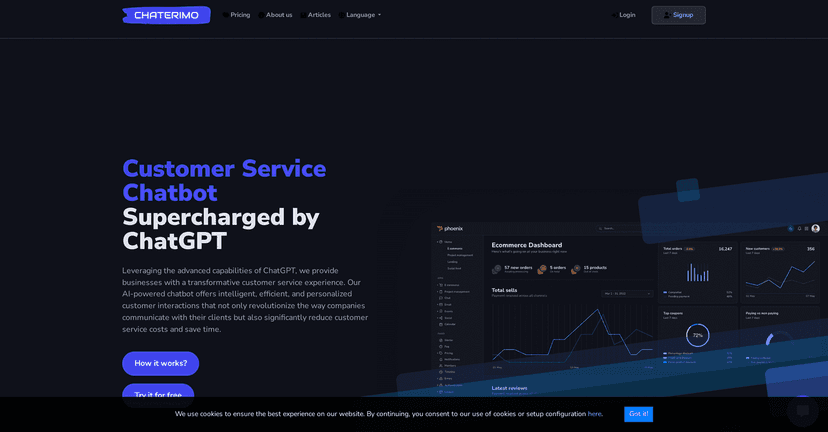
If you run an e-commerce site, you already know the drill: customers ask the same questions all day long—shipping times, returns, order status, sizing, “do you have this in stock?”, you name it. And when you don’t answer quickly, you don’t just lose a sale. You lose trust. That’s why I checked out Chaterimo as a customer service chatbot option for 2026.
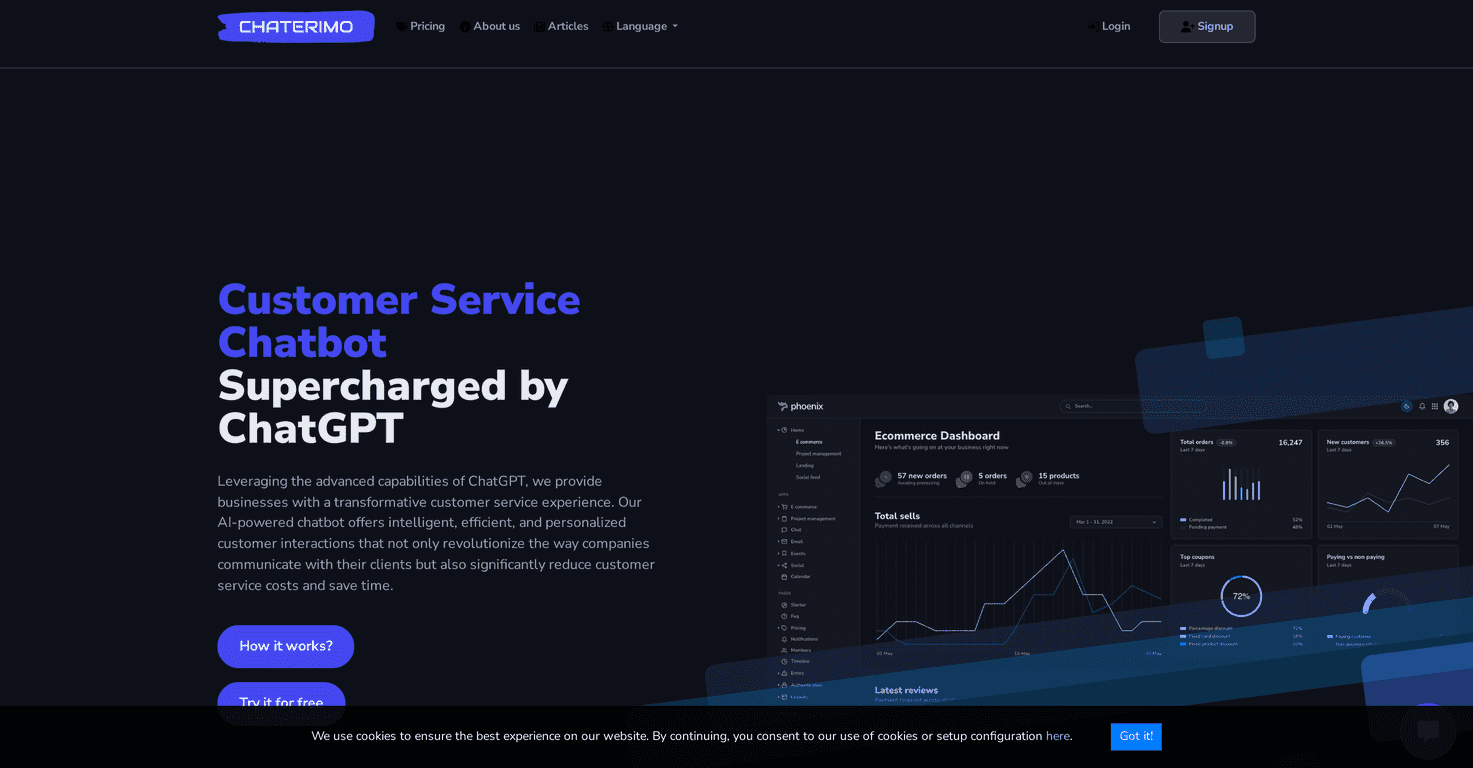
Chaterimo is an AI chatbot that you embed on your website so it can handle common questions right away. In my experience, the biggest win with tools like this isn’t “wow, it sounds smart.” It’s whether it actually answers correctly using your own product and policy info. Chaterimo leans into that with a knowledge base you can build and manage, plus AI models (including ChatGPT-style and Anthropic-style options) to generate responses.

Chaterimo Review (What It Actually Does)
Chaterimo’s whole premise is pretty simple: put an AI assistant on your site that can answer customer questions instantly, using your own content. When I looked at it, the thing I cared about most was whether the chatbot would stay “on brand” and not just hallucinate answers. The knowledge base setup is where this matters.
Here’s what you can expect in practice:
- Website chat widget: it’s meant to connect directly to your site so customers can get help without hunting for an email address.
- Knowledge base answers: you can populate the info the bot should use (things like shipping policy, return windows, warranty details, product FAQs). If your knowledge base is solid, the answers tend to be much more reliable.
- AI-generated responses: it uses AI language models to turn your stored info into a helpful, readable reply. It’s not just keyword matching.
- Multilingual support: if you sell internationally, this is one of those features you’ll either use a lot or ignore completely—so it’s nice to have.
One more thing I noticed: chatbots don’t replace every agent. They’re best at handling the “first response” and the repetitive questions. For the weird edge cases (“my package is missing but tracking says delivered”), you’ll still want a clear handoff path.
Key Features I’d Pay Attention To
Some features sound good on paper. These are the ones that actually affect day-to-day support work:
- Flexible Knowledge Base Creation
- Build your FAQ and policy content so the bot can answer from your rules—not generic internet advice. In my experience, this is the difference between “useful chatbot” and “why is it giving me the wrong return policy?”
- User-Friendly Integration
- Chaterimo is designed to be embedded on your website (and it supports common e-commerce setups). If you’ve installed other widgets before, you’ll probably feel comfortable with the process.
- Hassle-Free Data Management
- You’ll want to update shipping times, promotions, and product details regularly. A chatbot tied to outdated info becomes a support problem instead of a solution.
- Powerful AI Language Model
- The AI is what makes the responses feel conversational instead of robotic. Still, the quality depends heavily on your knowledge base quality.
- Multilingual Support
- If you have customers in different regions, multilingual responses can reduce friction fast.
Pros and Cons (Realistic Expectations)
Pros
- 24/7 customer support capabilities: customers don’t wait until business hours, and neither should your support system.
- Cost reduction potential: if you handle a lot of repeat questions, fewer tickets to live agents can add up.
- Multi-channel integration options: it’s built to work with common platforms like Shopify and WordPress, which makes deployment easier.
- Simple knowledge base management: you can keep answers updated without rewriting everything from scratch.
- Analytics and insights: being able to see what people ask helps you improve your knowledge base over time.
Cons
- API keys for premium features: some capabilities may require you to provide your own API keys. That’s not a dealbreaker, but it’s something to budget time for.
- Initial setup takes effort: you can’t just install it and expect perfect answers. You’ll need to add your policies, product FAQs, and any common troubleshooting steps.
Pricing Plans (How to Think About Cost)
Chaterimo offers a free trial, which is honestly the best way to judge it—because chatbot performance depends on your content more than the marketing copy does. After that, subscription pricing can vary based on usage and which features you unlock.
My practical advice? Don’t just ask “what’s the monthly cost?” Ask these instead:
- How many chats do you expect per day? If you get 30 questions a day, your ROI will look different than if you get 300.
- Will you update the knowledge base weekly? If sales and policies change often, make sure the tool fits your workflow.
- Do you need multilingual right away? If not, you can start simple and scale later.
Since pricing can change, it’s smart to check their pricing page for the latest details before committing.
Wrap up
Chaterimo is a solid option if you want an AI chatbot for customer service that’s tied to your own knowledge base. I like that it’s built for practical support tasks—shipping, returns, order questions, and FAQ-style help—where instant answers actually matter. Just don’t expect it to work miracles without feeding it good policy and product info.
If you’re trying to reduce repetitive tickets and give customers faster responses, Chaterimo is worth testing during the trial period. You’ll quickly see whether it matches your store’s needs or if you’ll have to tighten up your knowledge base first.