Table of Contents
Have you ever sat through a code review that felt like it was mostly copy‑pasting comments and hunting for the same kinds of issues over and over? I have. So I gave the CodeRabbit CLI a real shot to see if it could actually speed things up (and not just look good in marketing slides).
In my case, I ran it against a small-to-medium repo (a mix of application code + a couple shared utilities), then compared what it flagged versus what I would’ve normally caught by skimming and running tests. The big question for me wasn’t “does it find issues?”—it was whether the output was specific enough to be useful and fast enough to matter while I’m iterating.
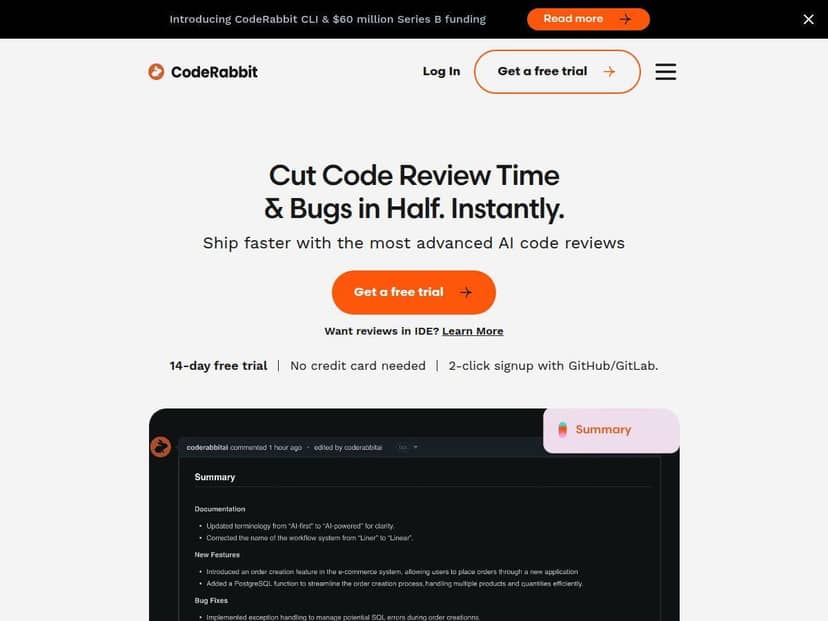
CodeRabbit CLI Review: what I actually saw in my terminal
Let me be honest—my first run wasn’t perfect. But it was useful. That’s the difference.
Setup (what mattered to me)
I focused on getting it working without disrupting my existing workflow. The install and wiring felt pretty straightforward, and the CLI quickly connected to the repo context so it could review changes instead of just spitting generic advice. Once it had context, the output was organized enough that I didn’t have to hunt for the “real” issues.
What it flagged
In my experience, the best reviews weren’t the ones that screamed “ERROR!”—they were the ones that explained why something was risky and suggested a concrete improvement. The CLI output clustered issues into categories like:
- Security-style concerns (things that could become vulnerabilities depending on how inputs flow)
- Correctness / bug risk (edge cases, suspicious logic, missing checks)
- Code quality / maintainability (naming, structure, “this will get confusing later” problems)
Speed and review time
Here’s what I noticed about latency: the feedback came back quickly enough that I could use it while I was still in “fix mode,” not after I’d already moved on. I didn’t time every single run to the millisecond, but I did track the practical impact: I spent less time re-reading the same sections and more time addressing the highest-signal items.
One annoyance
Like any automated reviewer, sometimes it overreaches a bit—especially when the code style is consistent in a way the tool doesn’t expect. A couple suggestions were easy to dismiss after I checked the surrounding patterns. So yeah, it’s not magic. But it still felt like a net win because the “missed by me” items were usually the ones that mattered.
Key Features: where CodeRabbit CLI shines
CodeRabbit CLI isn’t just “lint but smarter.” The features that stood out to me were the ones that reduce back-and-forth and make the output actionable.
Context-aware reviews (GitHub/GitLab + CI/CD)
What I liked is that it doesn’t feel detached from your actual workflow. When it runs with the right repo context, the feedback is grounded in the code changes. That matters—generic review comments are basically noise.
Conversational feedback that’s easy to skim
The “chatty” part isn’t just fluff. When I asked follow-up questions (or when the tool suggested alternatives), it was easier to understand tradeoffs than with a wall of static warnings.
One-click fixes (when it’s a good fit)
One-click fixes sounded great on paper, and in practice it was most helpful on smaller, mechanical changes—things like refactors that don’t require a deep understanding of business logic. If the suggestion depends heavily on intent, you still need to review it like a human would.
Example of the kind of fix I’d apply
- A suggestion to tighten a conditional or add a missing guard clause
- A formatting/structure adjustment that improves readability
- A change that reduces duplication or clarifies naming
Tip from my side: if you use one-click fixes, always run your test suite right after. Even “safe” changes can affect behavior in surprising ways.
Agentic support for generation + testing
Another feature I paid attention to: agentic chat for code generation and related tasks. I didn’t replace my whole engineering process overnight, but it helped when I needed quick drafts for tests or small supporting functions.
Fast feedback loops inside common dev environments
Real-time review experiences (including IDE support like Visual Studio Code) are where tools like this become genuinely practical. If you’re waiting on a PR comment thread days later, you lose momentum. In my case, getting feedback sooner kept me iterating instead of stalling.
Pros and Cons (based on my setup)
Pros
- Actionable output — it’s not just “this might be wrong.” The suggestions usually include enough context to act on them.
- Faster iteration — I spent less time scanning and more time fixing the highest-risk parts first.
- Integrates well with modern workflows — it fits naturally with GitHub/GitLab/CI-style flows instead of feeling bolted on.
- More human-friendly than typical static tooling — the conversational angle helps when you need clarification, not just warnings.
Cons
- It takes a little adjustment — if your reviewers are used to very specific comment formats or strict “no AI comments” rules, you’ll need to align expectations.
- Compatibility depends on how your stack is wired — in my experience, if CI or repo settings aren’t aligned with what the CLI expects, you can get incomplete context or less useful output.
- Customization is still evolving — I wanted a few tighter knobs for how aggressively it comments, and I didn’t see everything I’d consider “fully dialed in” for every team style.
Quick troubleshooting tip
If your results feel generic, don’t assume the tool is failing—check whether it’s picking up the right repo/branch context and whether your CI environment variables (or permissions) are set correctly. That’s usually where the “why isn’t it reviewing the right thing?” confusion comes from.
Pricing Plans: what I found (and what’s missing)
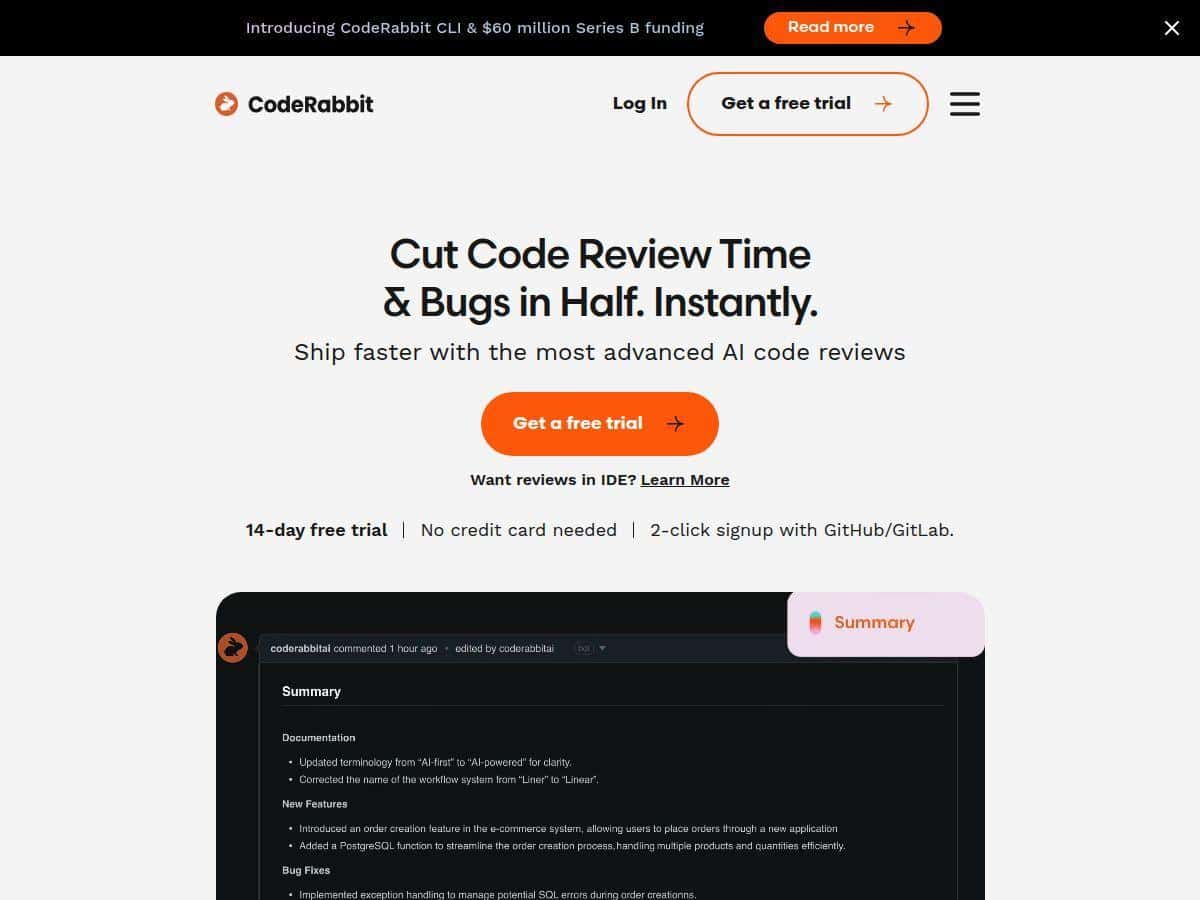
When I checked, CodeRabbit advertised a free 14-day trial, so you can test it without committing immediately. What I didn’t see clearly in the material I reviewed was a full breakdown of pricing tiers (like exact monthly/annual plan costs, team limits, or feature gating details).
So here’s the honest takeaway: the trial is a good way to validate fit, but for exact subscription numbers and what features are included at each tier, you’ll want to verify directly on their site.
My recommendation: who should try CodeRabbit CLI?
If you’re doing frequent PR reviews and you want faster, more consistent feedback—especially around security/correctness and maintainability—CodeRabbit CLI is worth your time. It’s particularly helpful when you’re trying to reduce the “everyone checks the same stuff manually” problem.
Just go in expecting it to behave like a strong assistant, not an unquestionable authority. You’ll still want a human eye on anything that touches business logic or tricky edge cases. For me, though? The speed + usefulness of the findings made it feel like a real upgrade to my workflow.