Table of Contents
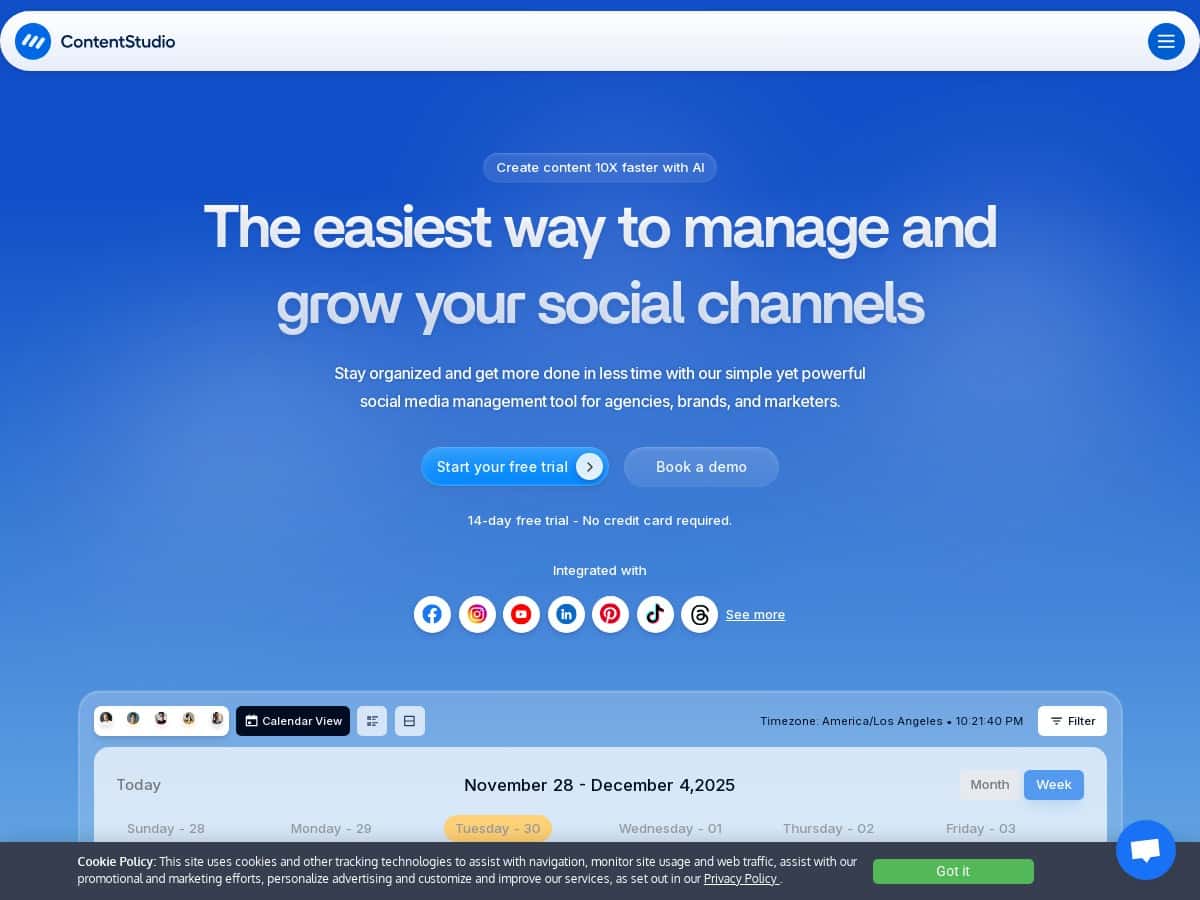
I’ve been using a few different social tools over the years, and the annoying part is always the same: you end up bouncing between a scheduler, a content bank, an analytics view, and then whatever you use for approvals. That’s why I wanted to test ContentStudio in a real workflow—create posts, get them approved, schedule them, and then check the numbers without logging into five places.
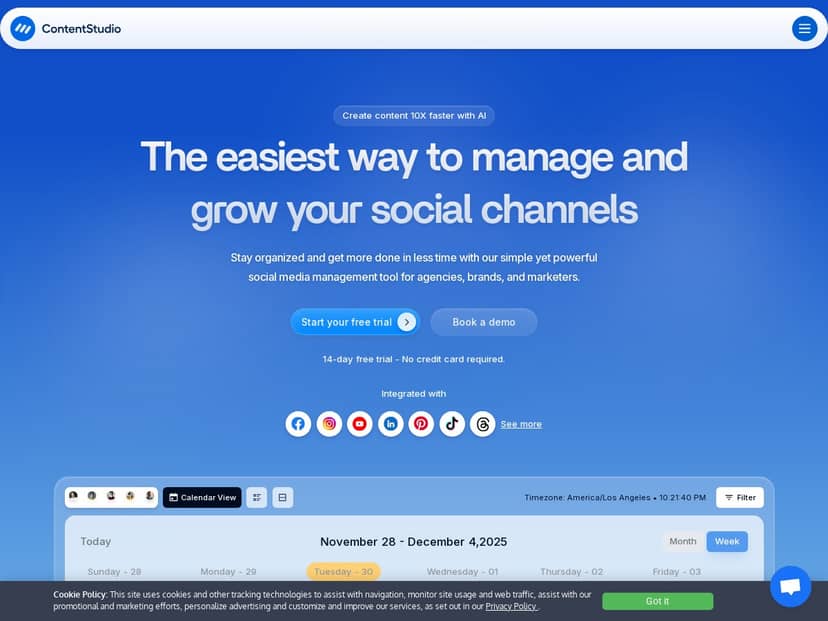
What I noticed right away is that the dashboard is built around the actual work: content planning → publishing → reporting. It’s not just “here are some buttons.” I connected my social accounts, built a small batch of posts, ran them through an approval workflow, and then watched how the analytics reports lined up with what I scheduled. If you’re tired of juggling multiple tools, this might genuinely be the one place you can keep coming back to.
ContentStudio Review: what I actually did (and what I learned)
My test wasn’t “click around for 20 minutes.” I set up a workspace, connected social channels, created a week of content, and used the collaboration tools the way agencies and team leads would—draft first, approval second, schedule third.
Setup + first workflow
1) I connected the social accounts I wanted to post from (the usual suspects). Once connected, I could see them in the publishing flow and choose where each post should go.
2) I used the content discovery/media area to pull ideas, then opened the composer to turn those ideas into actual posts.
3) For the collaboration part, I enabled the approval workflow so drafts didn’t just go live immediately. In my case, the approvals were the “real test,” because that’s where tools usually fall apart (missing notifications, unclear statuses, or approvals that feel bolted on).
What I noticed during scheduling
Scheduling felt pretty direct. I planned a small batch (a mix of posts with different messaging styles), scheduled them across platforms, and then watched how ContentStudio handled the details—like whether captions stayed consistent and how media was attached.
One thing I liked: I didn’t have to rebuild the same post multiple times from scratch. I could keep the structure, then tweak per platform where needed. It’s the difference between “I’m managing content” and “I’m copy/pasting forever.”
Analytics and reporting (the part I care about most)
After the scheduled posts started running, I checked performance inside the analytics area and compared it to what I had planned. The reports are detailed enough that I could see what was working and what wasn’t without exporting everything into a spreadsheet.
My favorite use case here was building a branded report for stakeholders. It’s not just raw numbers—it’s the kind of view you can send to someone and explain quickly.
So yeah—ContentStudio feels like an all-in-one platform that’s meant for ongoing content operations, not just posting.
Key Features: how they work in a real posting workflow
- Content publishing & scheduling across multiple platforms
I used the composer to create posts, then selected the channels to schedule for. The key difference vs. “separate schedulers” is that the post planning and the distribution are connected. When you’re doing a week of content at once, that matters. - AI assistant for captions and image ideas
In my experience, the AI assistant is most helpful when you already have a rough direction. For example, I gave it a topic + tone, and it generated caption options I could actually use. I didn’t treat it like a magic button—more like a fast starting draft that I could refine. - In-depth analytics + custom reports
After posts went live, I checked engagement and performance in the analytics area and then used the reporting view to package insights. If you manage multiple accounts, having reporting that doesn’t feel like “manual cleanup” is a big win. - Social inbox for customer interactions
I used the inbox area to view incoming messages/comments in one place. Even if you’re not going to reply to everything inside the tool, it’s useful for tracking conversations without hunting across platforms. - Workflow approval system
This is one of the biggest reasons teams pick tools like this. I set drafts to require approval before scheduling. What I appreciated was clarity around status—who approved what and what was still waiting. It’s the difference between a smooth team process and a guessing game. - Organized workspaces for team/client management
When you’re managing more than one account, organization becomes everything. ContentStudio’s workspaces made it easier to keep content and permissions separated instead of everything living in one messy “everything folder.” - Content discovery + media library
For ideation, I pulled content ideas and then built posts from there. The media library helped me keep assets in one place so I wasn’t constantly re-uploading or searching for the “right” version. - Integrations with third-party apps
I tried common workflows that usually depend on integrations (connecting existing tools to content and reporting). The integrations felt solid for mainstream platforms, but I’ll be honest: if you rely on a niche tool, you may need to double-check compatibility.
Pros and Cons: what worked well vs. where I hit friction
Pros
- All-in-one flow that matches how teams actually work
ContentStudio didn’t just “bundle features.” The workflow from draft → approval → schedule → report was consistent, which reduced context switching for me. - Scheduling across platforms without turning into a copy/paste machine
I could plan a batch of posts and adjust per platform instead of rebuilding everything from scratch. - AI assistant is useful for speed, not perfection
It helped me get from “blank page” to “draft I can edit.” That saved time, especially when I was testing different caption angles. - Collaboration features are genuinely relevant for agencies
Approval workflows and team management made the process feel structured. If you work with clients, this is the part you’ll actually use. - Reporting that’s easy to share
The analytics aren’t just for internal dashboards—there’s a reporting angle that’s closer to what you’d send to a stakeholder.
Cons
- There’s a learning curve
I won’t pretend it’s instant. The first day is mostly configuration and figuring out where everything lives (workspaces, approvals, assets). Once you set it up, it gets easier. - Pricing can feel steep if you’re solo
If you only need basic scheduling and you’re not using approvals or team features, you might feel like you’re paying for more than you use. - Integrations may not cover every niche platform
Mainstream connections worked fine in my tests, but if your stack depends on a less popular platform or a very specific workflow, you’ll want to confirm before committing.
Pricing Plans: what I reviewed and who each plan makes sense for
ContentStudio offers a 14-day free trial, which is honestly the best way to judge it—because the value depends a lot on whether you’ll use approvals, reporting, and multi-account management.
Pricing generally ranges from $25 for basic plans up to around $299 for larger agency-level tiers (with annual discounts available, depending on what they’re running at the time). Since plans and exact feature limits can change, I recommend checking the current plan details on their official site before you pick a tier.
Who should choose what (based on how I used it)
- Solo creators / small businesses: If you’re mainly scheduling a few posts and don’t need approvals or heavy reporting, you may want the lowest tier and see if the extra features are worth it for you.
- Teams and agencies: If you manage multiple accounts and need approval workflows, the mid-to-higher tiers start to make more sense fast—because collaboration and reporting save real time.
Wrap up
Here’s my honest take: ContentStudio is best when you want one platform for the whole content machine—planning, scheduling, approvals, and reporting. If that’s your reality, it can cut down on tool-hopping and make collaboration feel more organized.
But if you only need basic scheduling and you’re not using team workflows, the learning curve and pricing may feel like overkill. For me, the decision came down to one question: am I managing content at a pace where approvals and reporting actually matter? If the answer is yes, ContentStudio is worth a serious look.