Table of Contents
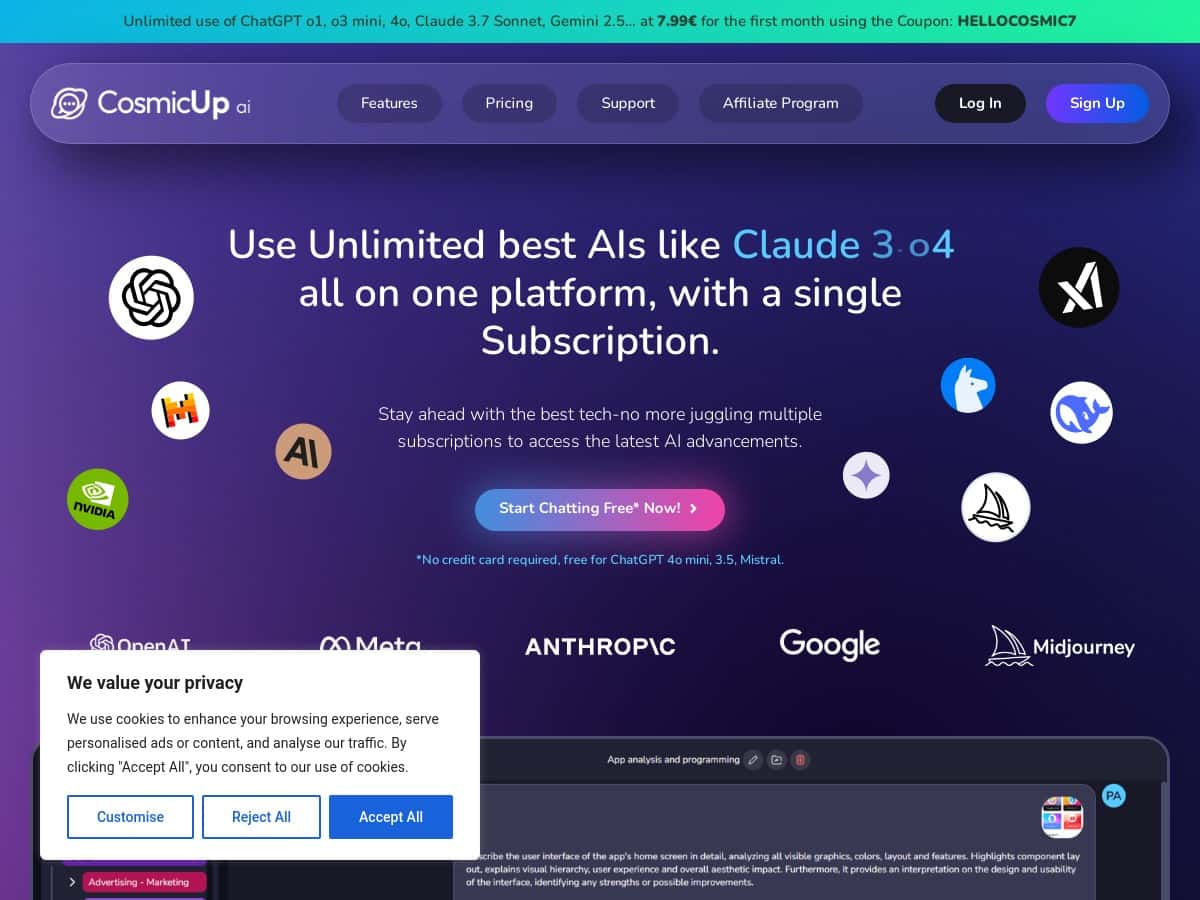
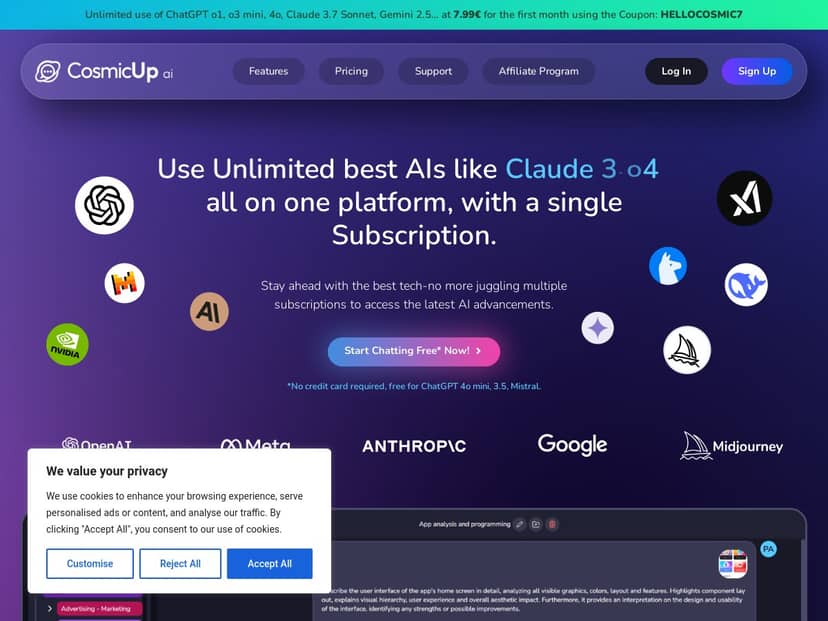
If you’re trying to stop bouncing between tabs and subscriptions, CosmicUp.me is one of those tools that immediately sounds practical. The pitch is simple: one workspace, lots of AI models, and a few “serious” extras like document upload + online search + deep research.
I’ve been using it for a few weeks (mostly weeknights), and what stood out to me wasn’t the marketing—it was how quickly I could switch models without losing the thread of what I was working on. I also like that it doesn’t feel like you have to be a power user to get something useful out of it.
CosmicUp Review: What I Actually Did (and What I Got)
I’ve been using CosmicUp.me for a few weeks now, and I’ll be honest: the “all-in-one AI platform” idea only matters if the switching and outputs are smooth. In my experience, CosmicUp delivers on the workflow part—especially when you’re bouncing between drafting, rewriting, and “okay, now make it smarter” iterations.
Here are a few real things I tested, not just feature bullets:
- Model switching without losing context: I started a chat using a general assistant model to outline a blog post structure. Then I switched to a different model to rewrite the intro in a more conversational tone. What I noticed: the conversation stayed coherent, and the new model didn’t “reset” the task. That’s a big deal when you’re iterating quickly.
- Document upload + extraction: I uploaded a PDF and asked for (1) a summary, (2) key takeaways, and (3) a list of action items. The output was organized and readable, and the follow-up prompts (like “turn these action items into a checklist”) worked well because I could keep everything in the same thread.
- Online search for quick facts: For a “background check” style request, I used the online search capability to pull together supporting info for a claim. I didn’t need to leave the platform to gather sources, and the response was easier to verify than when I rely on memory alone.
Now, a quick reality check: I’m not claiming it’s perfect. Like most AI tools, it can still produce answers that sound confident but need human review—especially for niche topics or highly specific numbers. What helped was using follow-up prompts like “show your assumptions” or “list what you can’t verify.”
If you want a platform you can use in a practical way—drafting, researching, and refining in one place—CosmicUp is worth your attention.
Key Features (with Examples from My Workflow)
- Access to 30+ AI models (ChatGPT, Claude, Gemini, DALL-E, Midjourney, and more)
- Switch models inside the same chat
- This is the part I care about most. In practice, I’ll start with one model for brainstorming, switch to another for editing, and sometimes switch again for a more “structured” output. It’s not just switching for fun—it’s how I keep momentum.
- Upload and analyze documents (PDF, DOC, CSV, TXT)
- Folders for organizing chats and projects
- I used folders to separate “client work” from “personal experiments.” It sounds minor, but once you have multiple conversations running, organization stops being optional.
- Real-time online search
- When I needed quick background info, I used search so the response wasn’t purely “from training.” The results were faster than doing a full manual research loop.
- Deep research across multiple sources
- Here’s the kind of prompt I used: “Do a deep research overview on X. Use multiple sources, compare viewpoints, and end with a short pros/cons section. If you can’t verify something, say so.”
- What I noticed: the deep research output tends to be more structured than a normal chat response, and it’s easier to skim for the points you actually need. Still, I’d treat it like a strong first pass, not a final authority.
- Custom prompts
- I like having reusable prompt patterns (for example, “rewrite this for clarity,” “make it shorter,” “add examples,” “convert to a checklist”). It saves time on repetitive tasks.
- AI coding assistant
- For coding help, I tested small tasks like refactoring a snippet and explaining what it does. The better results came when I included the goal and constraints (language, expected input/output, what “good” looks like).
- Canva integration for creating/editing documents
- If you’re turning AI output into something visual, this integration is handy. I didn’t use it constantly, but when I did, it cut down the “copy/paste into another tool” friction.
Pros and Cons (Based on What I Ran Into)
Pros
- One subscription, lots of models: If you regularly switch between different styles (creative vs. structured vs. coding), that multi-model access is genuinely useful.
- Organization helps: Folders made it easier to keep work separate, especially once I started doing multiple research threads.
- Document + search are practical: Uploading a file and then continuing the conversation is where it starts to feel like a real workspace, not just a chatbot.
- Free plan is easy to start with: I didn’t have to enter payment details to test the basics.
Cons
- Costs can add up if you’re casual: If you only use AI once in a while, a paid plan might feel hard to justify. (In my case, I used it enough that the subscription made sense, but I can see casual users questioning it.)
- No mobile app yet: It’s currently web-based only. If you live on your phone, that’s a limitation.
- There’s a small learning curve: Not in a “hard to use” way—more like learning which models are best for which tasks, and figuring out how to phrase prompts so you get consistent results.
Pricing Plans (What’s Included)
Here’s how CosmicUp breaks it down (at least from what’s publicly listed):
- Free plan: 0€ per month. It includes access to basic models such as ChatGPT 4o mini. This is enough to test the workflow—uploading, switching models (within the free set), and getting a feel for the interface.
- Plus plan: 14.99€ per month or 179.88€ annually. This unlocks premium models and features, including models listed like GPT-4.1, Claude 4, and Gemini Pro 2.5.
My take: The Plus plan makes sense if you actually use multiple models and want access to stronger outputs. If you only need one decent model for occasional writing, the free plan may be “good enough” to start.
One note: This review is based on my experience using the platform’s core features. I didn’t run a full “credits/rate-limit spreadsheet” test across every plan, so if you’re sensitive to usage caps, it’s smart to check the latest limits in your account dashboard before committing.
Wrap up
CosmicUp.me is one of the cleaner ways I’ve found to use multiple AI models without turning your day into a tab-management nightmare. The document upload + online search combo is especially useful when you’re doing real work—drafting, revising, and fact-checking without constantly switching tools.
If you want a versatile AI subscription that feels like a workspace (not just a single chatbot), I’d add CosmicUp to your shortlist. Just go in expecting “great first drafts” and plan on doing a quick human check for anything important.