Table of Contents
Creating a book trailer can feel like a daunting task, right? You want it to capture the essence of your story, but where do you even start? It’s easy to feel overwhelmed with so many options and ideas swirling around in your head.
But don’t sweat it! If you stick with me, I’ll break down the process into simple, manageable steps. By the end, you’ll have a clear roadmap to craft an engaging trailer that resonates with your audience and gets them excited about your book.
From understanding your book’s theme to promoting your trailer, we’ve got this covered. So grab your favorite beverage, and let’s dive into the world of book trailers together!
Key Takeaways
- Understand your book’s theme and audience to guide your trailer’s tone and content.
- Keep your trailer between 30 seconds to 2 minutes, depending on the platform.
- Write an engaging script that hooks viewers and highlights key plot points without revealing too much.
- Gather strong visuals and audio; use stock images and royalty-free music if on a budget.
- Use user-friendly video editing software to arrange your materials and refine your trailer’s flow.
- Add text and captions to convey key messages, ensuring readability and engagement.
- Include a clear call-to-action to motivate viewers to take the next step.
- Share your trailer across social media and book platforms to maximize exposure.

Step 1: Understand Your Book’s Theme and Audience
Before you even think about creating a book trailer, take a moment to clarify your book’s theme and who it’s meant for.
This understanding will guide the overall tone, visuals, and content of your trailer.
Identify the core message of your book. Is it a thrilling mystery, a heartwarming romance, or perhaps an educational piece?
Next, determine your target audience. Are they teens, adults, or a specific niche group?
Research similar book trailers in your genre to see what resonates with viewers. Look for popular trends, unique elements, and even common mistakes to avoid.
By knowing your theme and audience, you’ll be able to create a targeted and appealing trailer that encourages viewers to read your book.
Step 2: Decide on the Trailer Length and Format
When it comes to crafting your book trailer, length and format really matter.
A good rule of thumb is to keep your trailer between 30 seconds to 2 minutes long; this is usually enough time to tease the story without losing viewer interest.
Consider the platform where you’ll be sharing your trailer. For platforms like Instagram or TikTok, shorter is often better.
On the other hand, if you plan to showcase your trailer on YouTube, you can lean towards the longer end.
Decide whether you want to do a live-action video, animation, or just a simple slideshow of visuals. Each format has its own appeal.
For example, animated trailers can add an artistic touch, while live-action can create a personal connection with the audience.
Ultimately, choose the style that best resonates with your book’s theme and your target audience.
Step 3: Write an Engaging Script
Your script is the foundation of your book trailer, and it needs to grab attention right from the start.
Begin with a hook that makes viewers want to know more; this could be a compelling question or a powerful quote from your book.
Keep your language simple and compelling. Aim for a conversational tone that reflects your book’s voice.
Include key plot points, character highlights, or emotional hooks, but don’t give everything away!
Think about pacing; you want your script to flow smoothly and fit the visuals you have in mind.
Once you have your draft, test it out loud. Make sure it sounds natural and fits within your chosen length.
If possible, get feedback from others, and be open to tweaking your script to make it even better.
Step 4: Gather Visuals and Audio
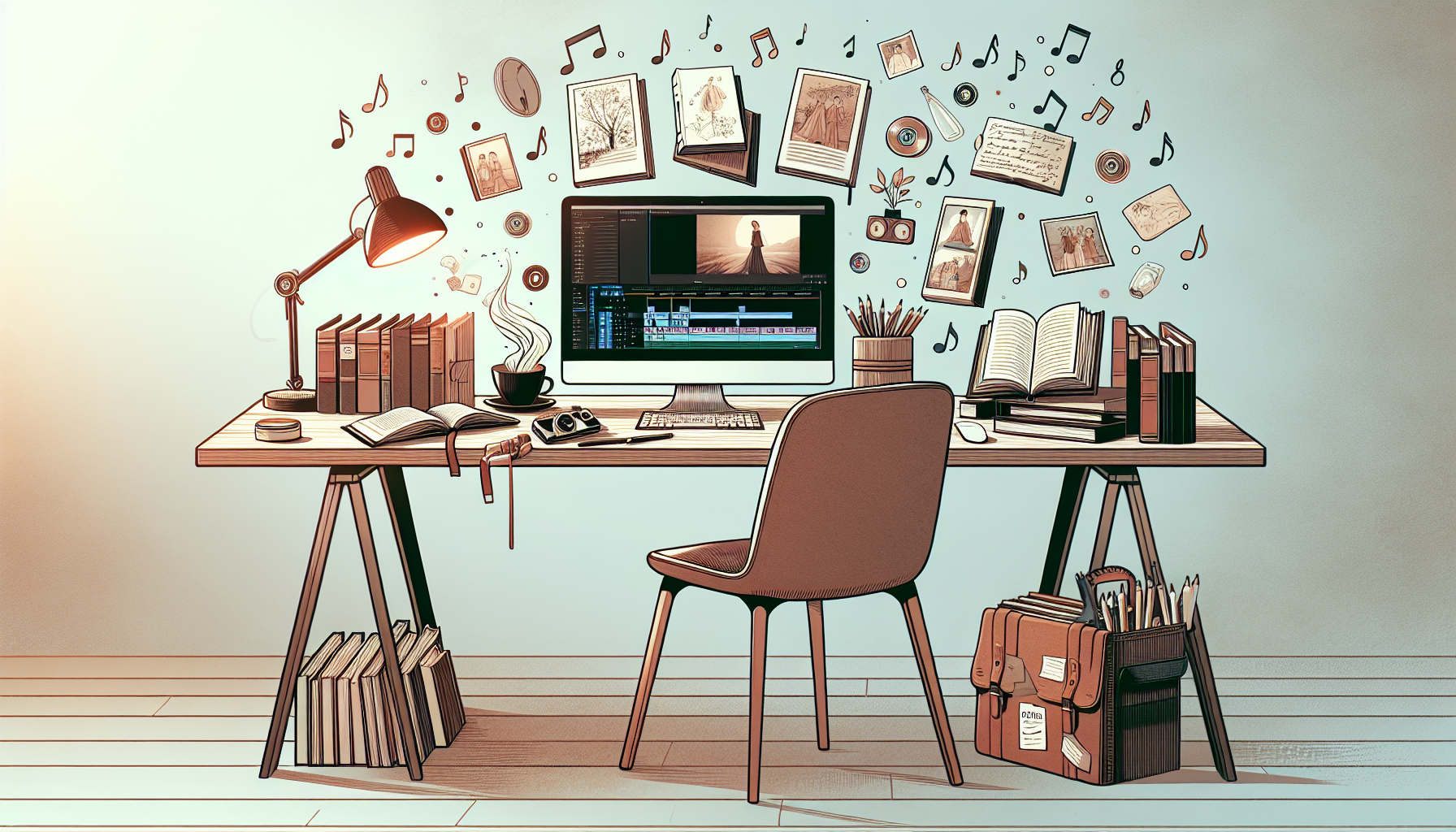
Creating a compelling book trailer requires strong visuals and captivating audio.
Start by collecting images that resonate with your book’s theme. This could include character sketches, key scenes, or even landscapes that represent the setting.
If you’re working with a budget, consider using stock images and royalty-free music from sites like Unsplash or Pixabay.
For audio, choose background music that enhances the emotions you want to convey. Make sure to avoid tracks that overpower your narration.
Additionally, including sound effects can help draw viewers into the world of your book. Just make sure they fit seamlessly into the overall sound design.
Using high-quality visuals and audio contributes significantly to the overall production value of your trailer.
Step 5: Use Video Editing Software
The best part of creating a book trailer is putting all your materials together with video editing software.
There are many user-friendly options available like iMovie, Adobe Premiere Pro, or even online tools like Canva and InShot that can get you started.
Import your visuals and audio into the software and start arranging them in a way that follows your script.
Experiment with transitions and effects to make your trailer visually appealing but don’t go overboard; too many effects can distract from your book’s message.
Once you’re satisfied with the initial cut, take the time to review the pacing and flow of your trailer, adjusting as necessary.
Don’t forget to save your work regularly, especially if you’re trying out different styles!
Step 6: Add Text and Captions
Text can play a crucial role in enhancing your book trailer.
Adding titles, subtitles, and captions helps convey key messages while ensuring that even viewers watching without sound can follow along.
Use fonts that reflect your book’s voice and genre; ensure they are easy to read against the background.
Strategically place text throughout the trailer to highlight important quotes or themes.
Consider timing as well; text should appear and disappear in sync with the visuals to maintain viewer engagement.
A little bit of text goes a long way, so make sure it adds value and isn’t just filling space!
Step 7: Include a Call-to-Action
Your book trailer should inspire viewers to take action.
This is where a strong call-to-action (CTA) comes into play. It could be directed towards purchasing the book, visiting your website, or signing up for a newsletter.
Make your CTA clear and concise. You want it to be memorable and easy to act upon.
Consider including a visual element or text that directs viewers where to go next; you can even add your book’s release date or purchase link within the trailer.
A well-placed CTA can significantly boost reader engagement after watching your trailer.
Step 8: Share and Promote Your Book Trailer
Now that your book trailer is complete, it’s time to share it with the world!
Post it on your social media channels like Facebook, Instagram, and Twitter. Engage with followers by encouraging them to share, like, and comment.
Consider sharing your trailer on platforms where book lovers gather, like Goodreads or book-related blogs.
You can also include it in your email newsletters to reach existing fans directly.
Don’t forget about video platforms like YouTube or TikTok, where trailers can attract a wider audience.
For more extensive reach, think about collaborating with book influencers for promotional support, as they often help in amplifying media like trailers!
FAQs
The ideal length for a book trailer is typically between 30 to 90 seconds. This duration keeps the content engaging while allowing enough time to convey your book’s theme and hook potential readers effectively.
A book trailer should include a compelling script, captivating visuals, suitable audio, and a clear call-to-action. Additionally, adding text and captions helps reinforce main points and aids viewers who may watch without sound.
To promote your book trailer effectively, share it across your social media platforms, include it in your newsletters, and consider using paid ads. Collaborate with book bloggers and influencers to maximize reach within your target audience.
Popular software for editing book trailers includes Adobe Premiere Pro, Final Cut Pro, and iMovie. These tools offer user-friendly features along with advanced editing capabilities suitable for creating professional-looking trailers.