Table of Contents
In 2026, creator spaces aren’t just “a room with a camera.” They’re the place where your income, your energy, and your personality all show up—every single day. I’ve helped plan spaces that go from content day to community night to a small pop-up sale, and the biggest shift is this: your layout has to work like a system, not a mood.
⚡ TL;DR – Key Takeaways
- •Plan for multiple income modes: filming, workshops, retail pop-ups, and digital work should share the same “core” infrastructure.
- •Go local, go tactile: maximalism, handcrafted details, and regional materials feel more credible (and they photograph better).
- •Design for people in the room: even small community corners (seating + lighting + flow) help fight digital fatigue.
- •Wellness should be practical: think ventilation, maintenance, and “minimum viable” upgrades before you jump into steam rooms or therapy beds.
- •Hide the tech, don’t hide the comfort: camera-friendly lighting, audio clarity, and clean wiring matter more than flashy gadgets.
Understanding the Creator Lifestyle in 2026
When I tested this approach in my own projects, what surprised me wasn’t the “aesthetic trends.” It was how creators started treating their homes like operational hubs. The same space had to support filming, client calls, shipping orders, and real downtime—without feeling like a production warehouse.
In practice, that means two big changes:
- •From platform dependence to owned assets: more creators invest in physical assets that can earn outside of ad rates—staging, retail shelves, event-ready seating, and workshop zones.
- •From “pretty room” to “repeatable workflow”: your lighting placement, storage, and seating flow should make content easier, not harder, every week.
And yes—this is showing up in the mainstream creator-commerce direction too. For example, Sofia Richie Grainge’s ShopMy is a reminder that influencer marketing keeps expanding into commerce. When that happens, your space needs places to stage products, handle small inventory, and still look intentional on camera.
The Creator-Entrepreneur Convergence
I worked on a layout refresh for a rising influencer where the main constraint was simple: the space had to support three deliverables without constant rearranging. We had:
- •Weekly filming: 2–3 “set” styles in under 60 minutes total
- •Workshops: seating for 8–12 people with clear sightlines
- •Retail display: rotating product wall that didn’t ruin the background for videos
So we designed for flexibility, not perfection. We used modular shelving, a portable backdrop system, and a “reset path” (a clear route from storage to set to client seating). The before/after difference was pretty noticeable: the creator went from filming sessions that required 45–90 minutes of setup to a repeatable routine that took about 25–40 minutes.
It’s the same logic behind creator-led media ecosystems like Alex Cooper’s Unwell Network—multiple revenue streams, multiple content formats, one brand identity. Your space should behave the same way.
Authenticity and Local Connection
Gen Z creators don’t just want “a vibe.” They want a reason. In my experience, spaces that feel rooted in local culture perform better—both emotionally and visually.
Here’s what I recommend if you want authenticity without it turning into a random pile of decor:
- •Pick 1–2 local materials to anchor the whole palette (for example: reclaimed wood + a regional textile).
- •Use handcrafted pieces with a story (ceramics, woven wall hangings, custom tiles, locally made lamps).
- •Repeat the theme in small places (coasters, tray sets, prop baskets). Consistency reads as intentional.
When you do this, the space stops looking like “inspiration.” It starts looking like you. And that’s what audiences connect with.
The Rise of In-Person Community Building
Digital fatigue is real. I’ve seen creators lose momentum when everything is online, even if they’re posting consistently. So more people are building in-person moments—meetups, retreats, dinner series, mini workshops.
To make that work, you don’t need a huge venue. You need a community-ready zone that’s easy to transform. What matters most:
- •Seating that’s comfortable for 60–90 minutes (not just “looks good for 10 seconds”).
- •Lighting that flatters faces (warm enough for humans, consistent enough for camera).
- •Storage for props and “event clutter” so you can reset fast.
In other words: design for people in the room, not just for the lens.

Design Aesthetic Preferences for Creator Spaces
I’ve been watching interior design patterns for years, and in 2026 (and carrying into 2026), maximalism and eclectic styling keep winning. Not because minimalism “failed,” but because maximalism gives creators more visual hooks—more texture, more story, more background variety for content.
If you want a broader take on style trends and how they show up in creator spaces, see our guide on bigideasdb.
Also, platforms like IKEA Hackers and magazines such as Colossal have a clear common theme: people aren’t just decorating. They’re building inspiration backdrops they can reuse for filming.
Maximalism and Eclecticism (How to Do It Without Looking Messy)
About that “39%” claim you’ll see floating around—this kind of statistic needs a real source (publisher, study name, sample size, and year) to be credible. Without that, it’s just noise. So instead of repeating an unsourced number, I’ll tell you what I notice in real spaces: eclectic doesn’t mean random. It means you have rules.
My rule of thumb for creators:
- •Choose one “hero” pattern (like a rug or bold wallpaper).
- •Choose two supporting textures (woven + wood + linen are a safe combo).
- •Keep one material consistent (for example, all your frames are the same finish family).
This is how you get that rich, maximalist look while still keeping your videos clean and readable.
Color and Material Trends (Warm Neutrals + Depth)
Chocolate brown and other deep warm neutrals keep showing up because they photograph beautifully and hide everyday wear better than icy whites. But again, if you’re going to cite a “33%” trend number, it should include the survey source and timeframe.
What I can say confidently from working with creators: deep browns + warm lighting makes skin tones look better on camera. Pair it with handcrafted materials (custom cabinetry, bespoke tiles, textured ceramics) and you’ll get a cozy-but-polished look.
Don’t ignore architectural “depth” either—alcoves, book nooks, reclaimed wood accents, and built-in shelves. Those features make great natural framing for portraits and product shots.
Wellness and Performance Features (Minimum Viable Wellness Setup)
Wellness is showing up in design, but you don’t have to go full spa on day one. In my experience, the best results come from upgrades that are maintainable and safe—especially if you’re filming in the same space.
Here’s a practical “minimum viable wellness setup” approach by budget:
- •Budget (low-cost): prioritize natural light control (good blinds), plants that tolerate indoor conditions, and a calming texture palette (linen, wool, soft rugs). Add an air-quality monitor if you can.
- •Mid-range: upgrade ventilation (especially if you burn candles or use fragrance), add sound-absorbing panels/curtains, and create a dedicated “reset corner” with a foldable mat + storage.
- •High-end: if you’re considering steam/red-light/cold plunge, plan for electrical load, plumbing, drainage, and cleaning schedules. Also think about who’s using it—if you have health conditions, ask a professional first.
One more thing people miss: ventilation and odor control. If you add wellness features and your space starts smelling like “facility,” it’ll hurt both your comfort and your content vibe.
Role of Technology in Creator Lifestyle Design
I’m not anti-tech. I’m just picky about it. In my experience, AI and smart systems work best when they support repeatable workflows—things you do every week—rather than when they’re added “because it’s cool.”
For example, AI can help with space planning decisions and visual direction. It won’t design your room for you, but it can speed up the boring parts.
AI as a Curation Tool (A Workflow Example)
When I tested an AI-assisted curation workflow with a creator, the time savings came from narrowing options fast. Here’s what the process looked like:
- •Inputs: 10–15 photos of the room, target vibe keywords (like “warm maximalist + local crafts”), rough budget range, and your “must keep” items.
- •Outputs: 3–5 mood board directions, suggested layout options, and a shortlist of materials/colors that match your references.
- •Human step: you validate against real constraints (measurements, lighting angles, camera framing, and what you actually own).
That’s the key limitation: AI can’t “feel” the room the way you do, and it can’t know your ceiling height, outlet placement, or how you prefer to move between set and storage. But it can cut down manual searching.
For more on design workflows and accessibility-related considerations, see our guide on ebook design accessibility.
Also, Automateed can assist with content formatting and publishing tasks—useful if you’re juggling multiple projects and want consistency. Just don’t let automation replace your brand voice.
Hidden Tech for Functionality (Tech Stack by Budget)
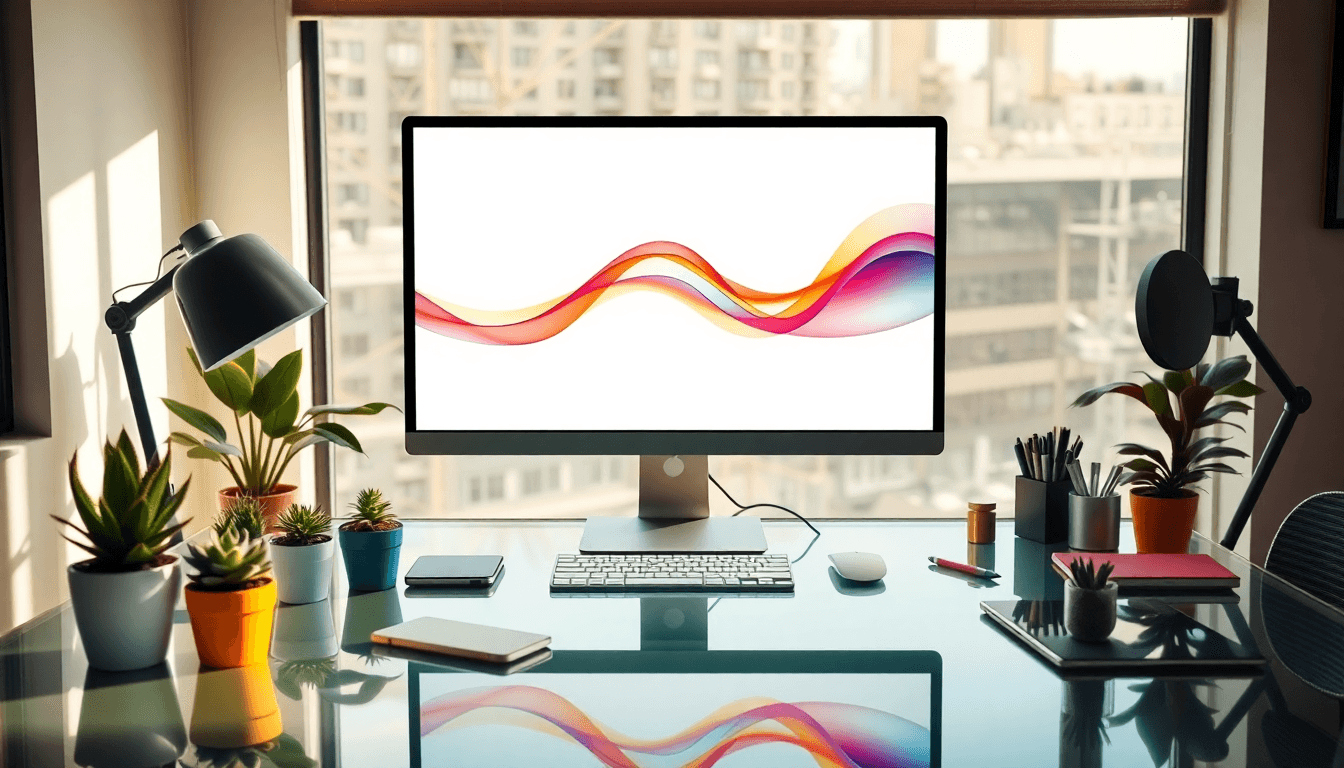
Hidden tech is great when it supports three things: camera-friendly lighting, clean audio, and reliable connectivity. It fails when wiring is sloppy or when lights make your footage look weird.
Here’s a simple tech stack I’d recommend:
- •Starter: 2–3 adjustable LED lights (aim for consistent color temperature), a dedicated mic for talking-head content, and a basic router placement that covers your filming zone.
- •Pro (mid-range): ceiling or track lighting with dimmers, one or two acoustic treatments (panels/curtains) to reduce echo, and cable management (in-wall raceways or under-desk channels).
- •Advanced: a centralized AV setup (clean switching, power strips mounted properly), camera-friendly lighting presets, and a measured Wi-Fi plan (mesh or hardwired backhaul if needed).
Practical constraints I always remind creators about:
- •Acoustics: if your room is reflective (hard floors + bare walls), you’ll hear it in your audio before you see it on camera.
- •Lighting temp: keep your lights consistent (warm vs neutral can change skin tones and product color).
- •Wiring: plan outlet placement around where you actually film, not where furniture “usually goes.”
Durable, performance fabrics are also a win—especially if you’re hosting events or constantly moving backdrops and props. You want materials that survive real life, not just photos.
Practical Ideas for Creator Space Design
Let’s make this usable. The fastest way I’ve seen creators get clarity is by starting with a zoning plan before buying anything. Mood boards help, sure—but zoning tells you what you must build.
If you’re starting from scratch, here’s a checklist I’d actually follow:
- •Step 1: Measure your “content triangle” (camera spot ↔ lighting spot ↔ storage spot). If you can’t move comfortably between them, you’ll hate filming.
- •Step 2: Decide your zones (filming, audience/community, work/admin, rest/offline).
- •Step 3: Choose flexible furniture that can reset in under 10–15 minutes.
- •Step 4: Add “hidden storage” early so your background doesn’t look like a storage unit.
- •Step 5: Validate with a test shoot. Take 20 minutes of footage and check: lighting, echo, clutter, and camera framing.
Pinterest is still one of the easiest places to collect references—just search with intent. Try queries like “studio lighting setup living room” or “content corner maximalist shelving.” Save what matches your real constraints.
Multi-Functional Spaces (Sample Zoning Plan)
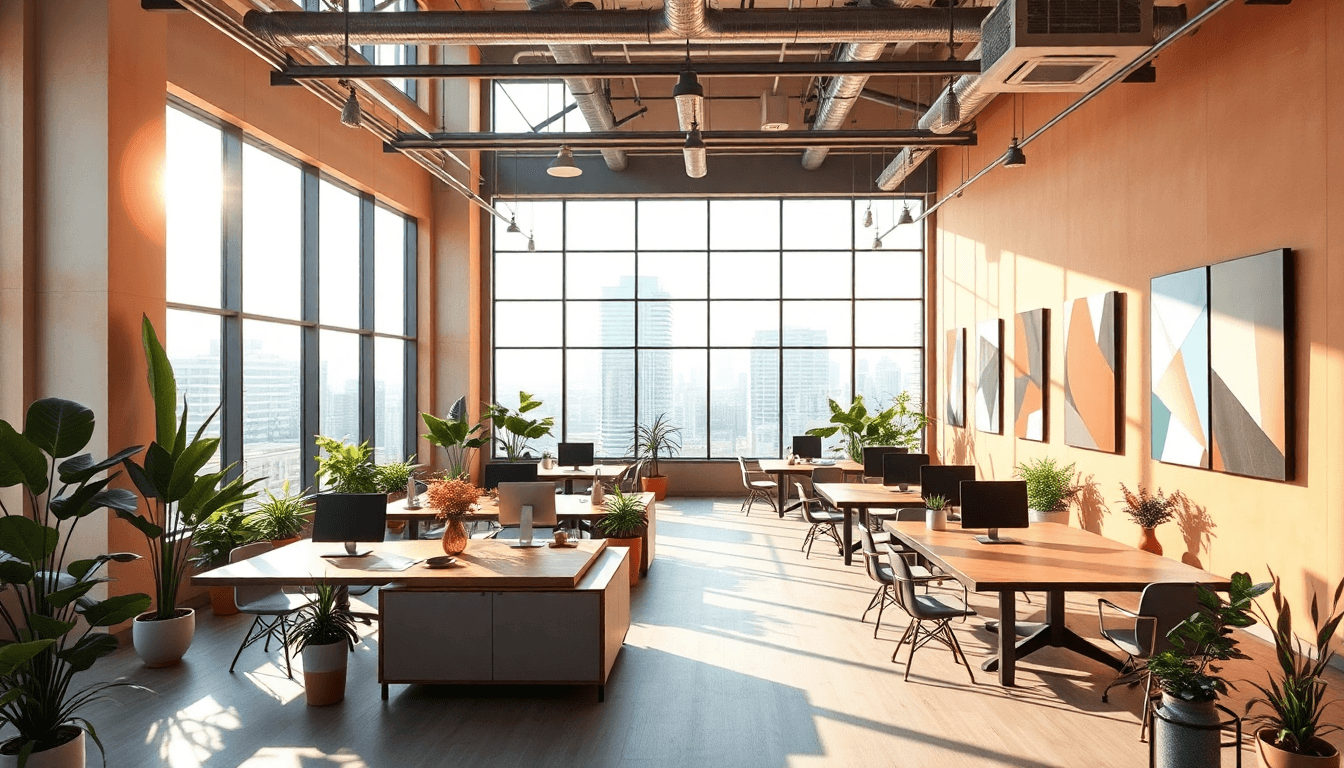
If you’re designing a single-room studio, here’s a zoning layout idea that works surprisingly often:
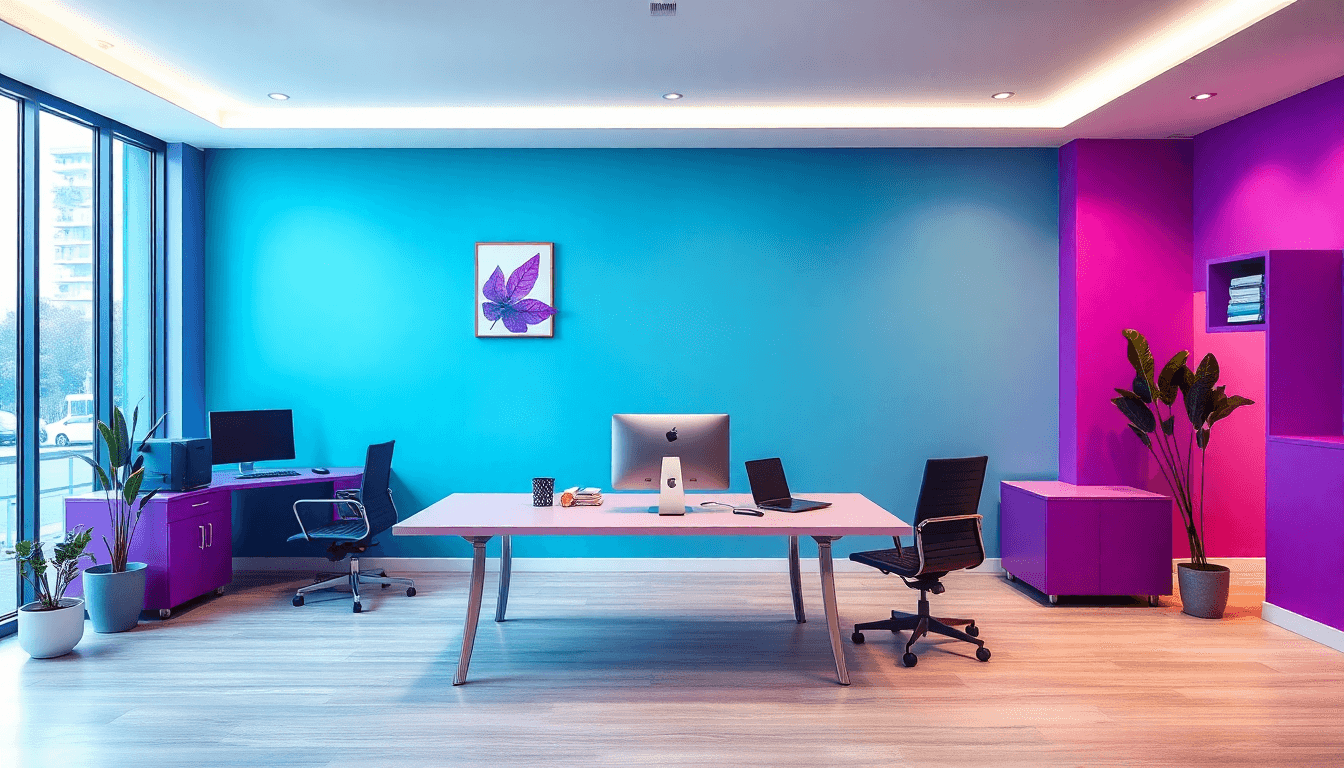
- •Filming zone: one consistent background wall + a movable backdrop rail or stand.
- •Work zone: a desk with storage underneath (so admin doesn’t spill into the camera view).
- •Community zone: modular seating (two chairs + a bench, or stackable seats) that can face a “talking” corner.
- •Offline/quiet zone: a chair + soft lighting + a small side table. No screen required.
What I like about this plan is that it supports change without forcing you to start over. A cozy corner can become a meditation spot on weekdays and a “host corner” on weekends—if the lighting and storage are ready.
Craft and Meaning-Driven Choices (What to Buy First)
If you want your space to feel handcrafted and intentional, don’t start with the biggest pieces. Start with the “high-visibility” items that show up in your content:
- •Wall art or a framed textile (anchors the background)
- •One ceramic set or handcrafted tray (perfect prop styling)
- •Custom shelving or a woven basket system (makes clutter look curated)
This approach gives you emotional comfort and content flexibility. It’s a win-win.
Aging in Place and Longevity (Build for Real Life)
Longevity isn’t just “buy better furniture.” It’s designing for how you’ll move through the space over time.
What’s worked well for creators I’ve supported:
- •Solid wood basics and quality textiles where you’ll touch things daily.
- •Clear pathways (avoid furniture layouts that block the route between camera and storage).
- •Flexible layouts that can shift from filming to hosting to admin without a full remodel.
If you’re thinking about how readers and audiences experience content too, check our guide on reader experience design. The same “experience design” thinking applies to your space.

Expert Insights and Industry Standards
I like grounding design advice in broader industry forces, because creators don’t live in a vacuum. The American Society of Interior Designers (ASID) talks about how trade, technology, climate, and workforce shape the built environment. That matters because it affects materials availability, ventilation expectations, and even how homes are built for flexible use.
So when you’re planning your creator lifestyle design, think beyond aesthetics:
- •Sustainability: locally sourced materials and lower-maintenance finishes reduce long-term cost.
- •Security: if you ship products or host guests, plan storage and access points accordingly.
- •Climate realities: ventilation and humidity control matter more than people think—especially with wellness features.
Key Trends from ASID (What You Can Actually Use)
Trade + technology + climate + workforce all push designers toward resilient, adaptable spaces. For creators, that translates to:
- •Materials that withstand daily use (and cleaning between shoots)
- •Future-friendly layouts (so you can change your content niche without a remodel)
- •Better planning for tech integration—because “retrofits later” usually costs more
Best Practices for Creating Impactful Spaces
Here’s what I’d call the sweet spot: authenticity that still works commercially. That means handcrafted elements that match your brand, but also practical considerations like safe layouts, air quality, and daylight control.
And if you want to feel confident you’re making sustainable choices, lean on eco-friendly materials and local resources where possible. It’s not just “good vibes”—it often reduces shipping delays and makes maintenance easier.
Common Challenges and How to Overcome Them
Two problems come up again and again:
- •Authenticity vs. commercial goals: you want your space to attract buyers, sponsors, or clients—but you don’t want it to feel fake.
- •Digital fatigue: if your whole home is “content mode,” you never fully decompress.
My fix for the authenticity issue is to anchor your space with local + handcrafted elements, then use commercial-friendly organization (clean shelves, smart storage, consistent signage) to keep it functional. For fatigue, create offline zones: natural textures, softer lighting, and a place where you’re not constantly surrounded by screens.
Budget-Friendly Design Tips (Real Examples)
If you’re on a budget, don’t try to decorate everything. Put money into statement pieces and performance fabrics, then DIY the rest.
For example, here are a few IKEA-style hacks that actually fit creator workflows:
- •Custom shelving “set wall”: buy basic shelving units, add a backing panel (wood veneer or peel-and-stick textured panel), then style with baskets + framed prints. Time: 4–8 hours. Cost: usually $150–$400 depending on materials.
- •Painted furniture refresh: pick one piece (a console or chair) and repaint it in a warm neutral that matches your lighting. Time: one weekend. Cost: $50–$200 for materials.
- •DIY prop wall storage: mount a pegboard or rail system behind your filming area for reusable props (trays, small frames, seasonal decor). Time: 2–5 hours. Cost: $40–$150.
For more collaboration and creator strategy ideas that pair well with space planning, see our guide on author collaboration ideas.
FAQs
How can I design a creative lifestyle that actually fits my routine?
Start with your real schedule, not your dream schedule. List what you do on a normal week (filming days, admin days, shipping days, community nights). Then zone your space around those patterns. If you don’t film at home every day, you still need a set-up that resets fast—so you’re not “creating a production” every time.
What should I search on Pinterest for creator studio lighting setups?
Search using specific phrases like “warm lighting for talking head,” “softbox placement for small room,” “practical light sources for filming,” and “LED panel diffusion DIY.” When you save inspiration, check for consistency: does the lighting look flattering on faces and stable across multiple shots?
How do I evaluate inspiration boards without copying someone else’s space?
Look for repeatable elements. Ask yourself: what’s the background made of? Where is the camera relative to windows? How is storage handled? If you can’t spot the “system,” it’s probably just a pretty photo—and you’ll struggle to recreate it.
What are the best inspiration websites for creators?
Pinterest is great for volume, but I also like Colossal and Inhabitat for more design-forward references. The best site for you is the one that shows spaces similar to your constraints—small rooms, shared spaces, or homes that need to do double duty.
How do influencers find content ideas?
Most influencers mix trend research with audience feedback and personal experience. The space matters too: if your studio is organized, you’ll actually reuse props and sets instead of reinventing everything. That consistency often leads to better content because you can test ideas faster.
What are top tips for lifestyle bloggers?
Make your environment support your story. That usually means consistent branding cues (colors, textures, repeating motifs) plus enough storage that your content doesn’t look cluttered. Your audience should recognize your world instantly.
How to curate a design inspiration board?
Collect images by category: backgrounds, materials, lighting, and storage solutions. Then pick one or two “anchors” you’ll build around (like a warm wood tone or a specific textile). If everything is equally important, nothing becomes a direction.
What tools do creators use for content creation?
Creators often use tools like Canva for visuals, editing software for video, and platforms like Automateed for formatting and publishing workflows. Pairing those tools with a well-designed filming space is what makes the whole system faster—because your environment reduces friction, and your tools reduce production overhead.