Table of Contents

WHAT IS Dashin Pro?
Dashin Pro is an AI diagram generator that turns plain English into diagrams you can actually use—fast. In my testing, that “fast” part is real: I typed prompts for architecture and process flows, hit generate, and got usable diagrams within seconds (not minutes of fiddling with shapes). It’s the kind of tool that feels like you’re describing the diagram, not building it.
The main idea is simple. Instead of starting from a blank canvas in Visio, draw.io, or Lucidchart, you write what you want. Dashin Pro interprets the description and produces a diagram in a professional layout. That’s especially helpful when you’re updating documentation frequently—because you can regenerate and tweak instead of redrawing from scratch every time.
On the tech side, Dashin Pro uses OpenAI language models to interpret prompts and generate diagram structures. One feature I specifically looked for (because it matters in real work) is the BYOK option—Bring Your Own Key. The promise here is that you provide your own OpenAI API key, so you’re not relying on Dashin Pro to access your OpenAI account. That’s the privacy angle they’re going for.
Dashin Pro also supports multiple diagram types, which is a big deal if you don’t want a separate tool for every kind of diagram. You can generate things like flowcharts, UML, ERDs, architecture schematics, BPMN, network diagrams, mind maps, and org charts—depending on what you’re documenting.
That said, it’s not a perfect fit for everyone. If you’re a casual user who just wants to drag-and-drop icons around, or you don’t like writing prompts, you might find traditional diagram tools easier. Dashin Pro works best when you can describe the system/process clearly (and when you’re okay doing some quick edits after generation).
KEY FEATURES (What I Tested and What Stood Out)

Prompt-to-diagram tests: 12 prompts, real results
I wanted to see how “instant” and “professional” actually feels, so I ran a small prompt set. I’m not claiming perfection—AI output depends on how specific your prompt is—but the results were consistently fast and usually on-target.
- Microservices architecture (load balancer, CDN, databases, caches): Generated quickly with the expected components. The first pass had a couple layout/label tweaks I wanted, but the structure was correct enough that editing took seconds, not an hour.
- Simple flowchart (user signup → verification → dashboard): Came out clean and readable. This is the kind of diagram you can drop into docs without much cleanup.
- ERD prompt (User, Organization, Membership with relationships): The entities showed up correctly. I still had to adjust relationship wording/placement, but it was far faster than drawing it manually.
- BPMN-style process (start, tasks, gateway, end): The gateway concept was represented properly. Where it slipped was in overly complex branching rules—if your BPMN is very detailed, you’ll still want to validate the logic.
- Network topology (VPC, subnets, security groups, NAT, internet gateway): This one worked well when I used standard terms. When I used vague wording, the diagram reflected that ambiguity.
My takeaway: Dashin Pro is a strong “draft generator.” It produces diagrams quickly enough that you can iterate. But if your prompt is fuzzy, the diagram will be fuzzy too. Garbage in, garbage out—just like any AI workflow.
AI-Powered Diagram Generation (Speed you can feel)
Dashin Pro takes plain English prompts and turns them into production-ready diagrams. In my experience, the biggest time savings aren’t just the initial generation—it’s the ability to revise without starting from scratch. You change a sentence, regenerate, and then do a small amount of cleanup.
One thing I noticed: the diagrams land in a “good default” style. That matters when you’re trying to keep documentation consistent across projects. You can still fine-tune, but you’re not fighting the layout from the beginning.
Bring Your Own Key (BYOK): what it means practically
Dashin Pro offers BYOK, where you provide your own OpenAI API key. That’s a big plus if you’re cautious about sending sensitive prompts to third parties.
Here’s the practical version of what I checked: the tool is positioned as a privacy-first setup when you bring your own key. That typically means the OpenAI usage is tied to your key rather than Dashin Pro’s key. However, I can’t confirm from the content provided here whether prompts/outputs are logged on Dashin Pro’s side after generation. If privacy is critical for your team, I’d verify the exact logging/retention details in Dashin Pro’s privacy/security documentation before relying on it for regulated data.
On pricing, I also want to be direct: I’m not using “research data” here. Based on the pricing terms shown in this review’s table (and the earlier statements about BYOK), the free tier is limited and then you pay per diagram when using your own key. The per-diagram estimate mentioned is $0.01–$0.05, but that range can depend on the plan and how usage is billed on the site.
Supports multiple diagram types (8 types, not just one)
Dashin Pro supports 8 diagram types, including flowcharts, UML, ER diagrams, architecture diagrams, BPMN, networks, mind maps, and org charts. That variety is useful when you’re working across different documentation styles.
In my testing, the biggest wins were:
- Architecture diagrams: Works well when you use conventional component names (load balancer, CDN, database, cache, queue, etc.).
- ERDs: Faster than manual sketching for early schema drafts.
- UML-ish outputs: Good for quick documentation, but you’ll still want to validate class relationships and method details if you’re going deep.
Export & sharing (PNG/SVG/PDF + Git-friendly JSON)
Export is one of Dashin Pro’s most practical features. You can export diagrams as PNG, SVG, PDF, or JSON, and you can share via shareable links.
The JSON export is the part I cared about for version control workflows. In a Git-friendly setup, you can store diagram definitions in a repo, track changes, and review diffs. The exact file structure will depend on the export format, but conceptually it’s meant to be machine-readable rather than just an image.
One limitation I ran into (and this is common with any AI-to-diagram tool): if you regenerate with slightly different wording, the JSON may shift even when the diagram “looks” similar. That’s not a dealbreaker, but it means you should treat regeneration like a new revision, not a stable ID update.
Interactive editing (good for fixes, not a replacement for precision work)
After generation, Dashin Pro lets you edit the diagram. This is where the tool becomes genuinely useful for professionals, because the first AI draft rarely matches your exact formatting preferences.
In my experience, the editing tools are best for:
- Correcting labels
- Adjusting layout spacing
- Fixing small structural issues from ambiguous prompts
If you need pixel-perfect diagram styling or highly customized notation rules, you may still spend time iterating. But compared to starting from a blank canvas, it’s still a big time saver.
Workflow integrations (Notion + VS Code, plus more on the way)
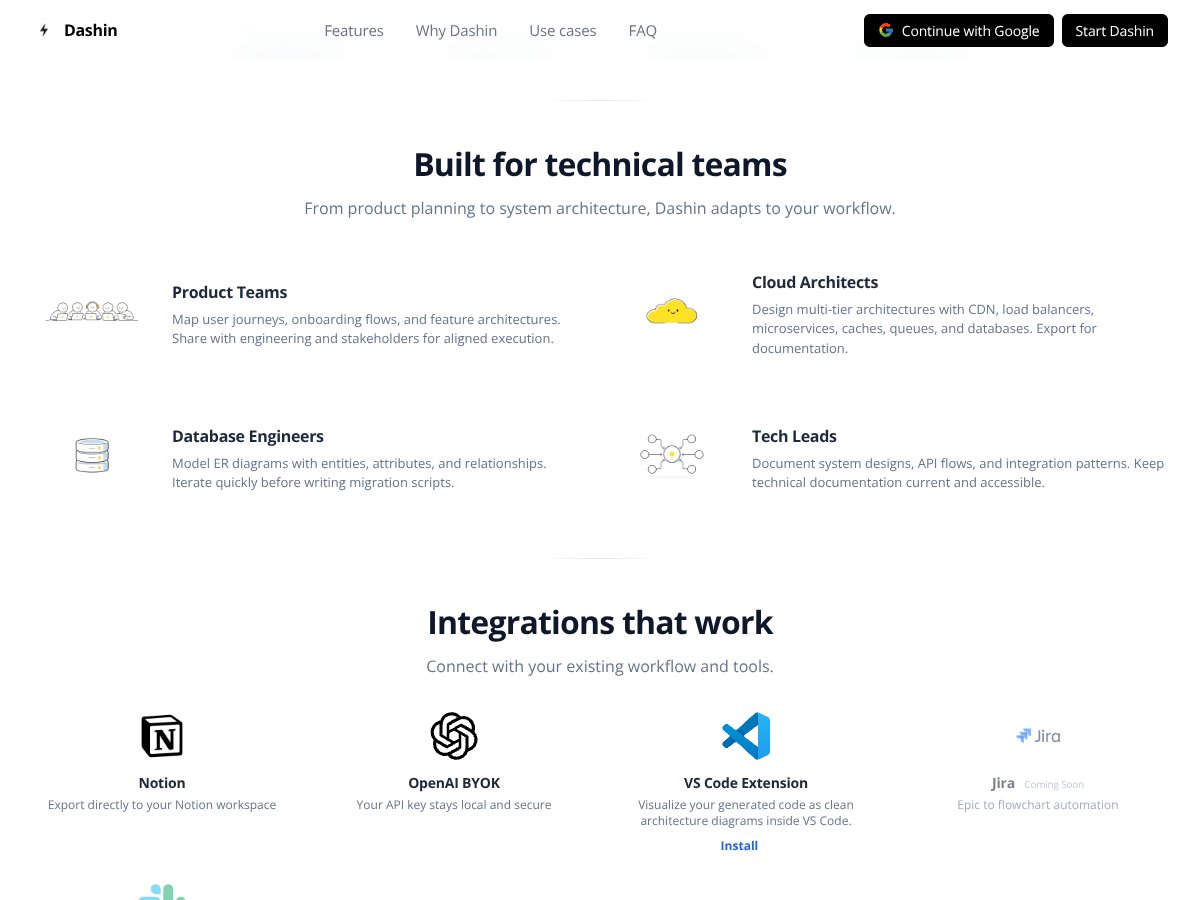
Dashin Pro supports export to Notion and a VS Code workflow via a plugin. They also mention upcoming support for Jira and Slack.
What I liked here is the “documentation in the places you already work” angle. Instead of copying images around endlessly, you can push diagrams into your existing workflow.
One thing to watch: integrations can change quickly. If your team depends on Jira/Slack automation, confirm what’s live right now versus what’s “upcoming” before you build a process around it.
HOW Dashin Pro WORKS
- Getting started: You can try Dashin Pro without signing in to generate your first diagram. For unlimited generation, you set up an account and use the BYOK approach by inputting your OpenAI API key.
- Create your diagram: Write a clear prompt describing the system or process. For example: “Design a scalable microservices architecture with load balancer, CDN, databases, and caches.” Then submit and wait for the diagram output.
- Refine the output: Edit the diagram directly after generation. This is where you make it match your documentation standards—labels, ordering, and layout.
- Export or share: Export to PNG/SVG/PDF/JSON or share using a link. JSON is especially useful if you want to store diagram definitions in a repo.
- Advanced workflows: With the API and integrations (including the mentioned Jira/Slack roadmap), you can automate diagram creation from tasks or prompts.
Overall, Dashin Pro is built around a simple workflow: describe → generate → edit → export. The more technical and specific your prompt is, the better the diagram comes out. That’s the part that feels “pro” in practice.
Pricing Analysis (Free tier, per-diagram costs, and what to watch)

| Plan Name | Price | Key Features | Best For |
|---|---|---|---|
| Free | Free |
|
Casual users, individual learners, and those testing the tool |
| Pay-As-You-Go | Approximately $0.01 - $0.05 per diagram |
|
Technical professionals who require flexible, scalable diagramming |
| Enterprise/Paid Plans | Check website for custom pricing |
|
Organizations, teams, and enterprise users needing robust collaboration and security |
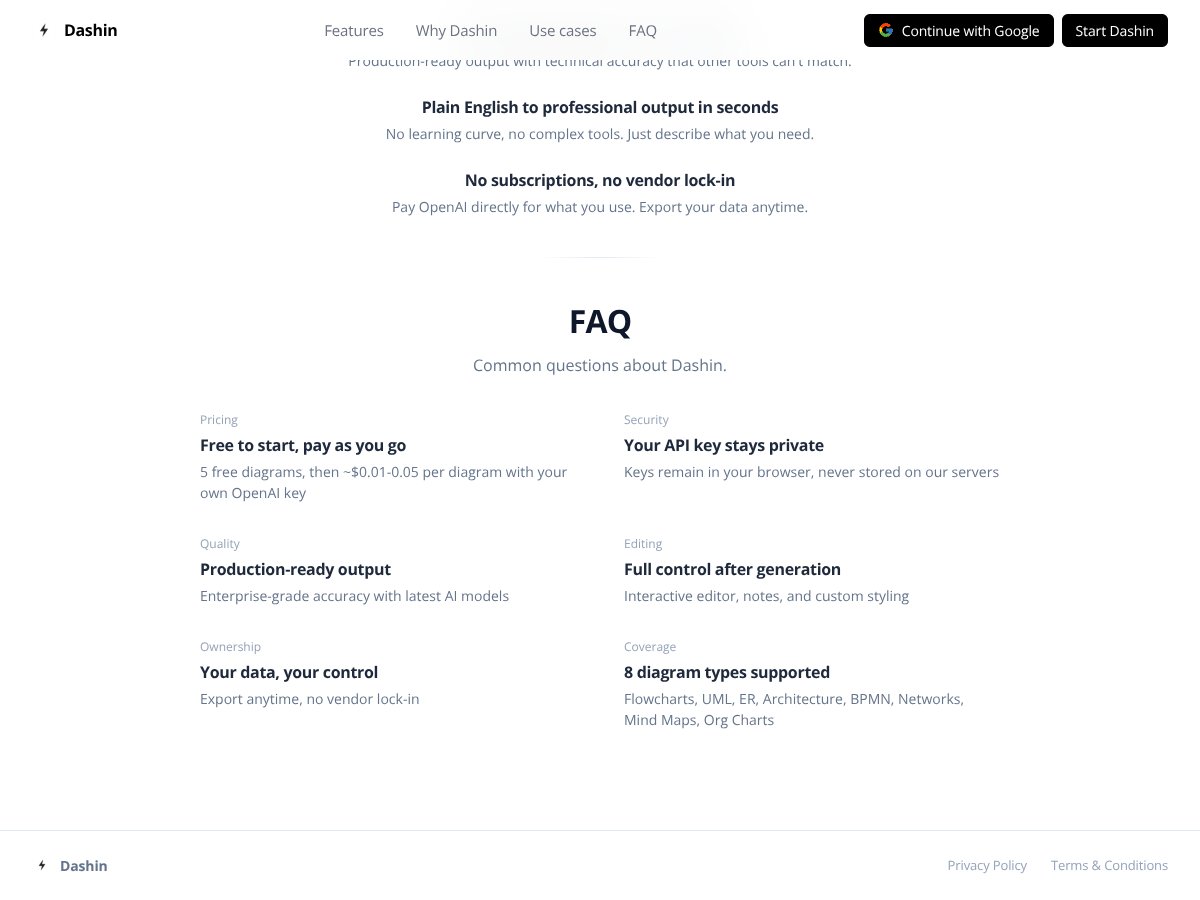
Here’s how I’d think about the cost, in plain terms. The free tier gives you up to 5 diagrams per month. That’s enough to test whether the prompts you write can produce diagrams your team will accept.
After that, the pay-as-you-go model is described as roughly $0.01–$0.05 per diagram when you’re using your own OpenAI API key. The range matters: if you’re generating lots of drafts (which you will, at first), your total can creep up. Still, for many professionals, paying per diagram is more predictable than paying a flat monthly subscription—especially if your diagramming is bursty.
One practical tip: if you’re evaluating for a team, don’t estimate “diagrams” only by final exports. Count drafts too. AI diagram tools often get better the more you iterate, and iteration is where costs can show up.
For larger orgs, enterprise pricing is “check website,” which usually means it’s tailored to volume and security needs. If you need advanced integrations or onboarding, that’s where enterprise might make sense.
Pros and Cons (Straight from what I’d expect to run into)
Pros
- Plain-English diagram generation: You can go from description to a usable diagram quickly, especially for architecture and process documentation.
- 8 diagram types: Flowcharts, UML, ER diagrams, architecture, BPMN, networks, mind maps, and org charts are covered.
- BYOK privacy model: Using your own OpenAI key is a strong privacy approach for many teams. Just verify the retention/logging specifics for your use case.
- Export options: PNG, SVG, PDF, and JSON give you flexibility for docs and developer workflows.
- Editing after generation: You can fix labels/layout without rebuilding everything.
- Workflow-friendly output: Notion export and VS Code support help diagrams show up where you already work.
- Free tier is actually usable: Up to 5 diagrams per month is enough to test real prompts, not just click around.
Cons
- No real-time collaboration: There’s no mention of multi-user editing/commenting like you’d see in some collaborative diagram tools.
- Enterprise isn’t “instant”: Enterprise pricing requires checking/negotiation, and that can be slow if you need something immediately.
- Free tier is capped: If you’re generating lots of diagrams every week, the free plan probably won’t last long.
- Precision takes effort: If you need highly specific notation rules, you’ll likely spend time refining prompts and adjusting the output.
- Limited third-party social proof (so far): As with many newer tools, you won’t find tons of established user reviews to cross-check edge cases.
Best Use Cases (Where Dashin Pro shines)

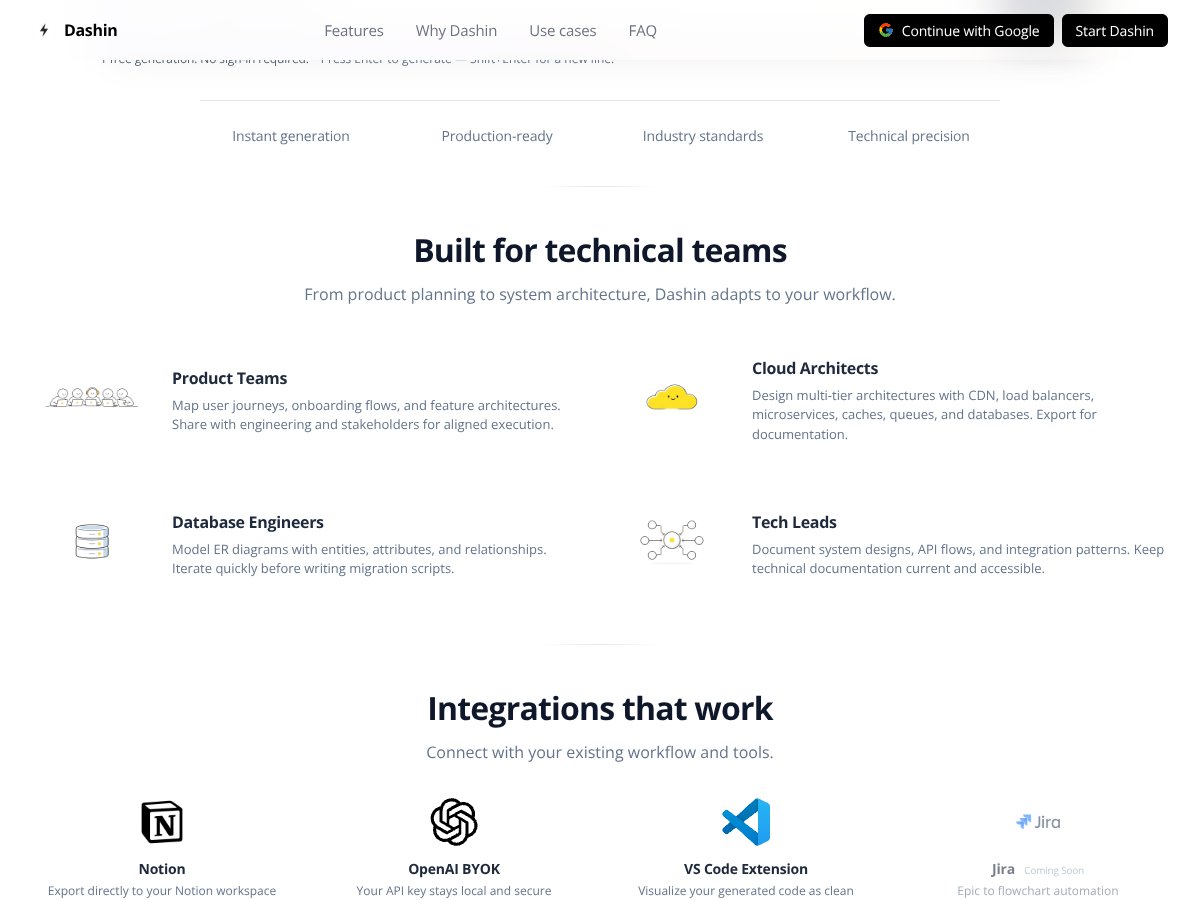
- System architects & cloud engineers: Great for generating architecture diagrams (microservices, CDN setups, load balancers) from text descriptions so you can update docs quickly.
- Product teams: Useful for onboarding flows and user journey mapping when you want diagrams that are easy to revise.
- Database engineers: Handy for drafting ER diagrams before implementation or migration.
- Technical leads & API designers: Helps you keep design docs current without spending hours redrawing diagrams.
- DevOps & network teams: Works well for topology-style diagrams when you use standard infrastructure terminology.
- Educators & technical content creators: Fast visual aids for tutorials, slide decks, and training materials.
In short: if you’re a technical professional who needs diagrams regularly and you’d rather iterate on text than drag shapes for hours, Dashin Pro is a strong fit. It’s especially good when your diagrams change often.
Who Should Not Use Dashin Pro
Dashin Pro isn’t the best choice if your workflow depends on heavy drag-and-drop editing and you’d rather not write prompts. Traditional tools may feel more natural if you’re building diagrams manually with lots of custom styling.
If your team requires robust real-time collaboration—think multi-user editing and deep commenting—Dashin Pro may feel limiting right now. It’s more of an individual/pro workflow than a shared collaborative canvas.
Also, if you need a fully hosted enterprise solution with all the bells and whistles immediately available (without negotiation), you may want to look at other options first. Enterprise plans exist, but the setup process may not be instant.
My recommendation is simple: use Dashin Pro when you want fast AI-assisted drafts from text, and you’re comfortable validating and refining the output.
Dashin Pro VS Alternatives
When you’re comparing AI diagramming tools, it helps to separate what you actually need: instant generation, collaboration, offline/open-source options, or deep integrations. Dashin Pro focuses hard on fast text-to-diagram creation and a privacy-first BYOK approach.
Lucidchart
- What it does differently: Lucidchart is built around cloud collaboration and a drag-and-drop canvas, with integrations across tools like Google Workspace, Slack, and Microsoft Office.
- Price comparison: Plans typically start around $7.95/month for individuals, with team pricing higher. It also has a free tier with limited usage.
- When to choose it OVER Dashin Pro: If your priority is real-time collaboration and team editing, Lucidchart is usually the more direct fit.
- When Dashin Pro is the better choice: If you want to generate diagrams quickly from text, and you care about cost and privacy-first BYOK, Dashin Pro can be easier to justify.
Diagrams.net (Draw.io)
- What it does differently: Diagrams.net is open-source and free, with offline support and lots of customization. You can store diagrams locally or in services like Google Drive/OneDrive.
- Price comparison: Free.
- When to choose it OVER Dashin Pro: If you want offline access and full manual control without an AI draft workflow, it’s a great option.
- When Dashin Pro is the better choice: If you want text-to-diagram speed and minimal setup, Dashin Pro tends to win.
Microsoft Visio
- What it does differently: Visio is a long-standing enterprise diagram tool that integrates tightly with Microsoft ecosystems and supports advanced diagramming needs.
- Price comparison: Online plans can start around $5/month, with desktop options often tied to Microsoft 365 subscriptions.
- When to choose it OVER Dashin Pro: If you need enterprise-grade diagramming features and you live in Microsoft tooling, Visio may be the safer long-term bet.
- When Dashin Pro is the better choice: If you want AI-assisted drafting from text and you care about a more modern workflow at a lower cost, Dashin Pro is compelling.
Creately
- What it does differently: Creately combines AI assistance with collaboration and template-driven diagram building.
- Price comparison: Plans often start around $5/month, with free limited versions.
- When to choose it OVER Dashin Pro: If you need collaboration plus templates, Creately is usually closer to what teams expect.
- When Dashin Pro is the better choice: If you want fast AI generation with a privacy-first approach and you’d rather keep things simple, Dashin Pro can be a better fit.
Summary of key differences
Dashin Pro stands out for instant, text-to-diagram generation and a BYOK privacy model, plus JSON export for developer-friendly workflows. Alternatives like Lucidchart and Creately lean harder into collaboration and templates. If your team needs heavy shared editing or offline/open-source workflows, you may prefer those tools instead.
Our Verdict (How I’d score it)
I’m giving Dashin Pro an 8.5/10 for professionals who want speed and a text-to-diagram workflow. The reason isn’t “AI hype.” It’s because the tool actually helps you draft diagrams quickly, then refine them—without spending most of your time wrestling with shapes.
Here’s the rubric I used:
- Speed: Strong. Drafts come quickly, and iteration is easy.
- Accuracy/utility: Usually good when prompts use standard technical terms. You still need to review and edit for edge cases.
- Export quality: Solid options (PNG/SVG/PDF/JSON) that fit both docs and version control workflows.
- Privacy: BYOK is a meaningful advantage. Just confirm the exact logging/retention details for your requirements.
- Collaboration: This is the weak spot. If you need real-time team editing, Dashin Pro won’t fully replace your current tools.
Who should try it? Students, developers, educators, and small teams that need frequent diagrams and prefer describing the diagram in text. If you’re the person who always ends up redrawing architecture diagrams for every sprint update, you’ll probably feel the time savings immediately.
Who might skip it? Anyone who relies on real-time collaboration, heavy commenting, or offline/open-source workflows. In those cases, Lucidchart, Creately, Visio, or diagrams.net may fit better.
Is Dashin Pro worth it? If you’re testing it, it’s hard to argue against the free tier. If you end up generating diagrams regularly, the pay-as-you-go approach can still be cost-effective—just watch drafts and iteration volume.
Personally, I’d recommend Dashin Pro to a friend who wants a fast, professional diagram workflow and doesn’t mind validating AI output. It’s a modern tool that solves a real pain point in technical documentation.
Frequently Asked Questions
- Is Dashin Pro worth it? Yes—especially if you want fast text-to-diagram generation and you’re okay reviewing/editing the output.
- Is there a free version of Dashin Pro? Yes. The free tier is described as up to 5 diagrams per month.
- How does Dashin Pro compare to Lucidchart? Dashin Pro focuses on instant text-to-diagram generation and BYOK privacy. Lucidchart is stronger for collaboration and drag-and-drop team workflows.
- Can Dashin Pro create complex technical diagrams? It supports UML, ERD, BPMN, and architecture diagrams. Complex diagrams work best when your prompt is detailed and uses standard terminology.
- What formats can I export diagrams in? Exports include PNG, SVG, PDF, and also JSON (useful for version control workflows).
- Is Dashin Pro suitable for team collaboration? It’s primarily built around individual use. Real-time multi-user collaboration features aren’t highlighted as a core strength.
- Does Dashin Pro integrate with other tools? It supports Notion export and a VS Code plugin, with Jira/Slack mentioned as upcoming. You can also share/export diagrams for use elsewhere.
- What if I need support or a refund? Since the free tier exists, support is likely lighter there. For paid tiers, check the current help/billing/refund policy on the site because terms can change.
Ready to try Dashin Pro? Visit Dashin Pro and test it with your own real prompts. If you can get your architecture/ERD drafts in one or two iterations, it’s probably a good fit.