Table of Contents
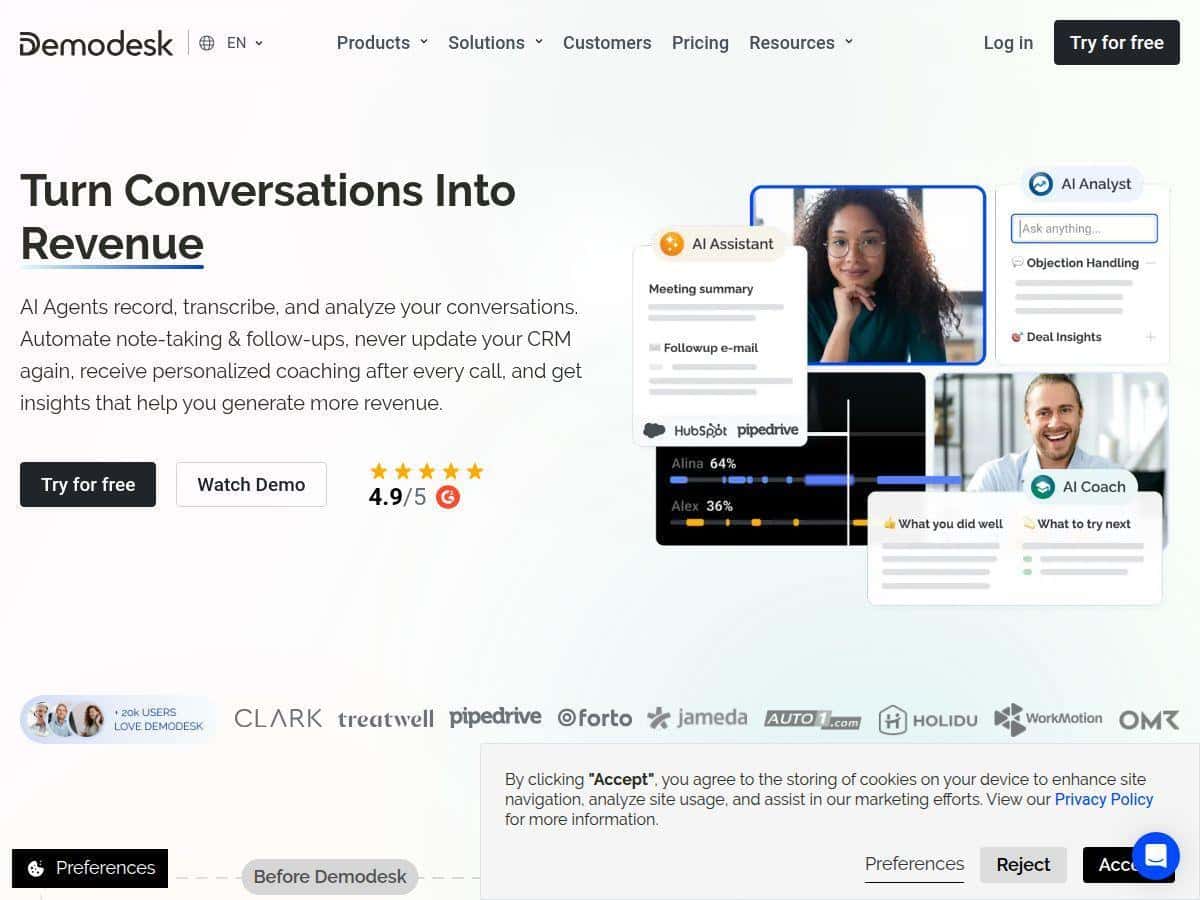
I signed up for Demodesk to see if it’s actually useful for day-to-day sales work—or if it’s just another AI tool that sounds great in a pitch deck. What I wanted to test was pretty specific: would it record and transcribe my calls cleanly, would the AI coaching give feedback I could act on, and would the dashboards point me to real improvements (not just generic “be better at sales” stuff).
I used it for a few weeks with an active pipeline and recurring call activity. In that time, I watched how the workflow felt from start to finish: connect the meeting, capture the conversation, generate insights, and then turn those insights into next steps. And honestly? It’s one of the few sales AI platforms where the “automation” part doesn’t stay theoretical.
Demodesk Review: what I actually noticed after using it
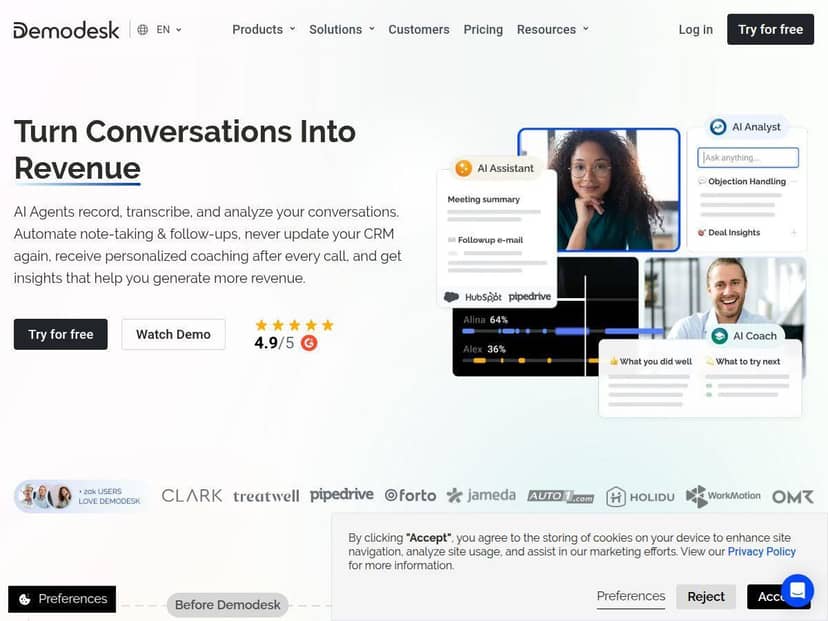
Here’s my real-world take. I didn’t just click around for an hour—I used Demodesk across repeated sales conversations and followed what it produced after the fact: transcripts, call summaries, coaching prompts, and the performance dashboard. Setup was mostly painless, and the integration with Salesforce (the CRM we already use) mattered, because otherwise this kind of tool becomes a “nice-to-have” instead of something you can trust in your workflow.
What the workflow looked like in practice:
- Before the call: I scheduled meetings in a way that connected to Demodesk’s recording/coaching flow. I also made sure the CRM mapping was correct so calls could land where they should.
- During the call: the platform captured audio and generated live coaching-style feedback. The UI didn’t feel like it was trying to hijack the call—more like it was quietly nudging me toward better talk tracks and objection responses.
- After the call: I reviewed the transcript and got a summary that made it easier to find key moments (questions asked, objections raised, next steps mentioned).
Recording + transcription: This is the part I’m always skeptical about with AI sales tools. If the transcription is messy, everything downstream gets worse. In my testing, it was consistently usable for review. I could skim the call, jump to key sections, and pull out follow-ups without having to listen to the whole thing.
AI coaching: The coaching was the most “real” feature for me. It wasn’t just inspirational advice—it gave feedback in the moment that aligned with how I wanted to run the conversation. What I noticed most was that it pushed me to (1) ask clearer questions, (2) respond more directly when objections came up, and (3) keep momentum toward a next step instead of drifting.
One example: on an early call, I tended to talk a bit too long when a prospect asked a pricing question. The coaching feedback flagged that pattern. On the next call, I tightened my response and asked a qualifying question right after addressing price. The difference wasn’t dramatic like “overnight miracle,” but it was noticeable—and it was the kind of change I could repeat.
Dashboards: This is where Demodesk started earning its keep. Instead of a vague “performance score,” I could see metrics tied to what I was doing in calls. That made it easier to improve intentionally, not randomly.
Key Features: how Demodesk works (and what you’ll see in the UI)
- AI Sales Agents for notes, CRM updates, and follow-ups
- This is the “automation” engine. In my experience, the agent-generated notes and follow-up items showed up in the post-call review flow, and the CRM side depended on your setup. If your CRM mapping is correct, it’s a big time-saver. If it’s not, you’ll spend a little time fixing associations before you can rely on it.
- What I actually did: after a call, I checked the generated notes and then compared them to what I would normally type manually. The big win was not having to reconstruct the entire conversation from scratch.
- Call recording and transcription
- During review, the transcript made it easy to locate key moments. I used it to verify what was said around objections and next steps, not just to read a summary. The transcription quality held up well enough that I didn’t feel forced to “double-check everything.”
- Limitation I hit: if the call audio is poor (background noise, people talking over each other), transcription accuracy drops like it would with any system.
- Real-time AI coaching and feedback
- This is where Demodesk felt most different from a passive tool. The coaching appears while you’re on the call, based on what it detects in the conversation. In my tests, it focused on conversation behaviors—questioning, handling objections, and steering toward outcomes.
- Before/after example: I got feedback on how I was responding when a prospect asked “what happens next?” After I adjusted my close-to-next-steps behavior, I saw fewer awkward pauses in later calls and more consistent next-step language in the summary.
- Performance dashboards (specific, actionable metrics)
- The dashboards aren’t just a pretty view—they’re tied to call behaviors. Here are the types of metrics I saw and used:
- Talk ratio (how much you vs. the prospect speaks)
- Follow-up rate (whether next steps were clearly stated)
- Keyword / topic detection (signals around deal stages, objections, and intent)
- Objection handling indicators (how often objections were addressed vs. avoided)
- Pipeline stage coverage (whether the call included the “right” info for the stage)
- What I liked: I could pick one metric to work on for the week, then see if my calls improved. It made practice feel measurable.
- CRM + communication integrations
- Sales tools live or die by integration. Demodesk connected with the tools we already used, including Salesforce. In practice, that meant call context didn’t feel isolated—it could tie back to the deal.
- Setup detail: my initial CRM integration took a bit of fiddling. Once it was aligned, it worked smoothly, but I wouldn’t pretend it’s plug-and-play for every environment.
- Automated scheduling + virtual meeting environment
- Demodesk’s meeting flow is designed to make capturing calls and coaching easier. The scheduling experience felt straightforward, and the meeting environment helped ensure the recording/coaching actually triggered.
- Small catch: in busy times, I saw occasional sync hiccups—mostly around the meeting metadata rather than the recording itself.
Pros and Cons (based on my testing, not marketing)
Pros
- Admin work drops off fast: notes and follow-ups are handled for you after the call, which means less “post-call panic.”
- Coaching is actually usable: the feedback was tied to behaviors I could change immediately.
- Dashboards help you choose what to improve: talk ratio, follow-up clarity, and objection-related signals gave me direction.
- Integration with Salesforce is a real advantage: it keeps call insights connected to deals instead of living in a separate bubble.
- Interface is friendly: I didn’t need a week of training to understand where to look after a call.
Cons
- You can’t blindly trust it on day one: I had to review the generated notes and summaries a few times before I fully trusted them. That “trust calibration” is normal, but it’s still time.
- CRM setup can be fiddly: I ran into initial integration issues where call-to-deal mapping needed adjustment. After that, it was fine.
- Busy-time glitches happened: I saw minor issues with meeting sync/metadata during higher call volume. Nothing catastrophic, but it did require a quick check.
- There’s a learning curve: mastering the full feature set took more than a couple sessions—mostly learning what each metric means and how to act on it.
- Support could be faster: when I needed help, response times weren’t as quick as I expected. It wasn’t constant, but it was noticeable.
Pricing Plans: what you get for the money
Demodesk’s pricing starts with plans around €29 per user/month (for scheduling), €79 for meetings, and €49 for coaching and AI features. They also offer custom enterprise options.
Here’s how I’d think about the plans based on what I used:
- Lower tiers (scheduling-focused): good if you mainly want the meeting workflow and recording basics, but you may not get the deeper coaching/AI insights depending on what’s included.
- Meeting-focused pricing: makes more sense if you’re doing consistent calls and want the recording + analysis loop to be reliable.
- Coaching + AI features: this is the part I found most valuable—real-time feedback and the coaching-driven improvements.
- Enterprise: if you need advanced admin controls, deeper CRM alignment, or larger team rollout, that’s where custom pricing usually fits.
I also appreciated that there’s a free trial. In my opinion, don’t skip the trial—test it with real call types you actually run (pricing calls, objection-heavy calls, and normal discovery). That’s the only way to know if the coaching and dashboards match your sales motion.
So… is Demodesk worth it?
If you’re a sales team that runs frequent calls and you want to improve call behavior with measurable feedback, Demodesk is a strong option. It’s especially worth it if you already use Salesforce and want call insights tied to deals.
But if you rarely do live calls, or you’re looking for something purely “set it and forget it” with zero review, you might feel like you’re doing extra work at first. The tool is powerful, but you’ll still want to review early outputs until you trust the system.
My bottom line: Demodesk is best for teams who want coaching + analytics they can act on—not just recordings to archive.