Table of Contents
If you’ve ever started a “quick” app idea and then immediately gotten buried in scaffolding, auth setup, database migrations, and deployment… yeah, I get it. That’s why I decided to test Devento. On paper, it’s an AI platform that goes from idea to a live app without you having to stitch everything together yourself.
In my experience, the biggest question wasn’t “can it generate code?”—it was “does it actually deploy something that works, and can I steer it when it doesn’t?” So I’ll walk you through what I tried, what stack it produced, how long each step took, and what I had to fix along the way.
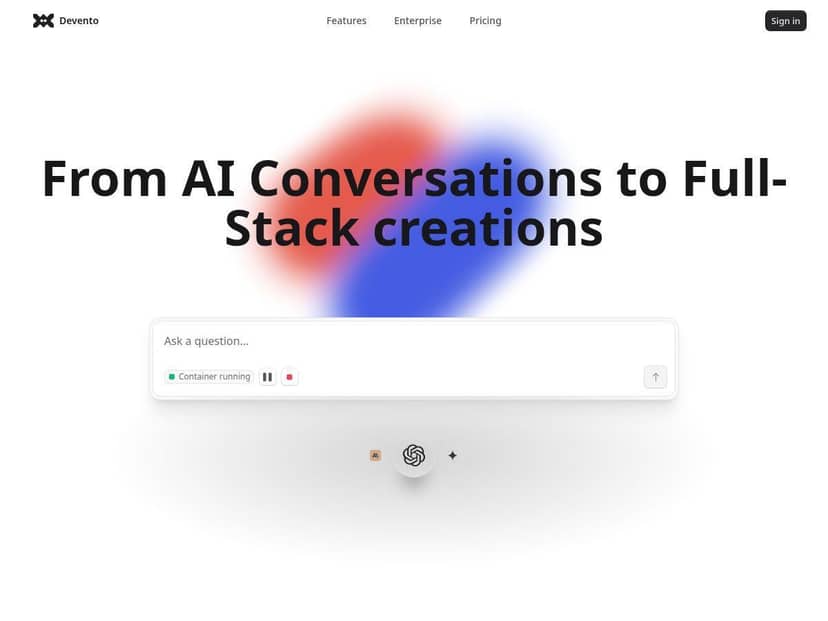
Devento Review: what happened when I tried building a real app
I tested Devento by signing up and jumping straight into the chat interface. No long setup wizard. Just: start a project, describe what you want, and let the agent do the heavy lifting.
My first prompt (and what Devento actually generated)
I started with a pretty typical “starter project” request:
Prompt I used: “Build a simple web app called ‘TaskFlow’. It should let users create tasks (title + due date), list tasks, and mark them as completed. Use a relational database. Provide basic CRUD endpoints and a minimal UI page. Deploy it and give me a live URL.”
What I noticed right away: after I sent the message, the agent moved quickly through scaffolding and setup. Within minutes (not hours), I had a running deployment and a project I could inspect.
What Devento did in my run (high-level):
- Scaffolded a backend + frontend structure (so it wasn’t “just code in a repo”—it was actually an app).
- Set up a database layer and created the necessary tables for tasks.
- Generated API endpoints for create/list/update completion.
- Deployed the app and provided a live URL.
- Exposed an SSH terminal so I could verify/modify files if needed.
I’m not going to pretend it was flawless on the first go. The first deployment came up with the live URL, but when I hit the UI, one of the API calls returned an error (it looked like a mismatch between the frontend request shape and the backend expectation). That was annoying—but also a good sign, because it meant the app was real enough to test.
How I fixed it (example of “steering” the agent):
- I used the SSH access to check the backend route/controller and compare it to what the UI was calling.
- Then I sent a follow-up message like: “Update the API handler to accept the frontend payload keys: title and dueDate; return JSON with id, title, dueDate, completed.”
- Devento regenerated the affected parts and the UI started working after the next deploy cycle.
That workflow—run, test, adjust—felt much closer to “pairing with an engineer” than “press button, hope it works.”
Deployment + health checks: what I saw
Devento’s marketing mentions fast deployment and health checks, and in practice that’s what I experienced. When it finished the build, it didn’t just throw a random link at me. The app went live and I could access it immediately.
What I checked:
- Live URL status: I refreshed the deployed page a few times to make sure it wasn’t a one-time render.
- Endpoint behavior: I tested create/list/update in the UI and also hit the endpoints directly to confirm JSON responses.
- Basic failure recovery: After my prompt correction, the updated app loaded and the error disappeared.
In other words, the deployment wasn’t just “it built”—it stayed up long enough for me to validate the features.
Security/sandboxing: did it actually isolate things?
Devento runs inside secure, isolated containers (micro-VM style). I can’t see the underlying infrastructure directly, but I can tell you what isolation means from a user perspective:
- I didn’t have to worry about polluting my local machine with dependencies.
- When I used SSH, I was editing files inside the project environment—not my own workstation.
- My local setup stayed untouched (no local Node/Python install required for the app to run).
That matters more than people think. If you’ve ever had a “works on my machine” nightmare, you’ll appreciate not having to fight your own environment first.
How much time did it save?
I timed my own effort loosely, but here’s what stood out. I didn’t spend time on:
- Choosing a full stack template
- Wiring up baseline CRUD routes
- Creating the database schema from scratch
- Doing the first deployment manually
Instead, my time went into prompting, testing, and fixing the one mismatch I mentioned. For a small app like TaskFlow, that’s a huge improvement versus doing everything from zero.
Still, I’ll be honest: if you want a highly custom architecture (non-standard auth flows, unusual infra, multi-service setups with tight constraints), you may end up spending time guiding the agent more than you expect.
Key Features (with real examples from my test)
- Agentic AI workflow (scaffold → code → deploy)
- In my run, the agent didn’t stop at generating a repo. It created a working app and deployed it. The “proof” was the live URL and the fact that I could interact with the UI and endpoints right away.
- Secure micro-VM/container environments
- What I could feel as a user: I didn’t install dependencies locally, and the environment stayed contained. When I needed to troubleshoot, I used SSH into the project environment rather than mucking around on my machine.
- Automated backend setup (database + API endpoints)
- My app needed tasks stored in a relational database. Devento created the schema and endpoints needed for create/list/update. I verified this by testing the endpoints directly after deployment.
- SSH terminal access for advanced control
- This is one of the most practical features. After the first UI/API mismatch, SSH let me inspect what was generated and then request targeted changes. It’s not “set and forget.” It’s “you can intervene.”
- Instant deployment with health checks + live URLs
- I received a live URL after the build, and the app stayed accessible while I tested CRUD actions. After my fix prompt, the updated behavior showed up after the next deployment cycle.
- Chat interface for complex development tasks
- I used natural language to request features, then followed up with more specific constraints when something didn’t match. That back-and-forth is where it worked best for me.
Pros and Cons (based on what I ran into)
Pros
- Fast path from idea to deployed app. I wasn’t waiting around for a “someday” prototype. I got a working URL I could test.
- Good for CRUD-style web apps. The “tasks” example was straightforward: database + endpoints + minimal UI. That’s where Devento shines.
- SSH access makes it less fragile. When something’s off, I can inspect and correct instead of restarting from scratch.
- Sandboxing is genuinely convenient. I didn’t have to install a bunch of stuff locally just to validate a concept.
Cons
- Highly custom requirements can require more guidance. If your app needs a very specific architecture or workflow, you’ll likely spend time clarifying details in follow-up prompts.
- Natural language can misfire. My first deployment had a frontend/back-end payload mismatch. That wasn’t catastrophic, but it did cost time.
- Non-coders will still need to test. Even with AI doing the build, you should still click around and verify key flows—especially create/update actions.
Pricing Plans (what I could confirm)
During my signup/testing, I saw that Devento offers a free tier that doesn’t require a credit card to get started. That’s important because it lets you test whether the workflow fits your expectations before you commit.
As for paid plans: Devento doesn’t show full detailed plan limits in the same way some services do (at least not in the content I reviewed). I don’t want to guess. What I can say is this: you can start at https://chat.devento.ai, test a project, and then check billing/plan details inside your account when you’re ready to scale.
Wrap up
Devento is one of those tools that feels “too easy” until you test it—and then you realize the value is in the loop: generate, deploy, test, refine. My biggest takeaway is that it’s not only producing code; it’s producing a deployable app environment you can actually interact with.
If you’re building a small to mid-sized web app (especially CRUD-heavy features), it can save you a lot of time. Just don’t expect it to be magic for every edge case. You’ll still want to validate the core flows, and if something breaks, SSH + follow-up prompts are how you steer it back on track.