Table of Contents
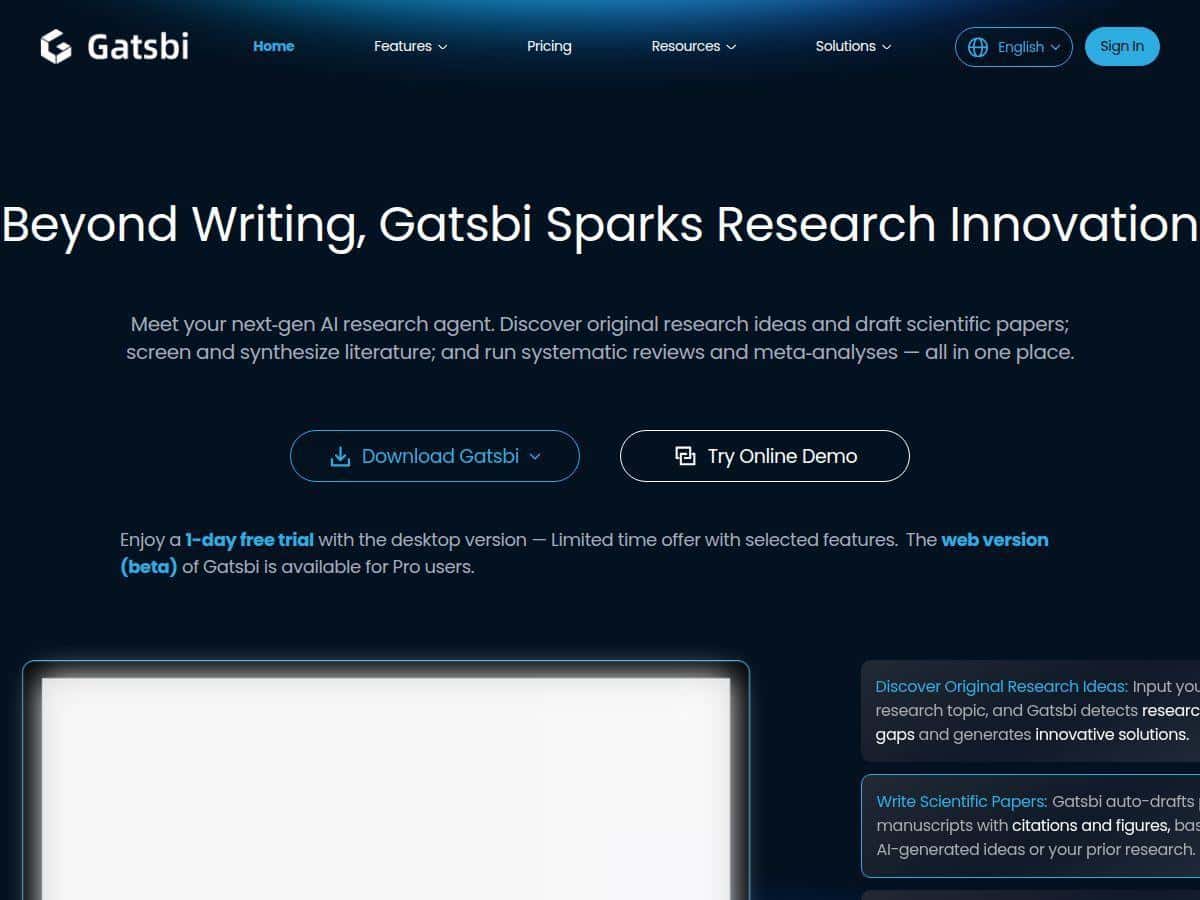
If you’re trying to write research papers, build outlines from messy notes, or run a systematic review without losing your whole week to formatting and re-checking sources, Gatsbi is one of the tools that actually looks built for that job. I tested it with a few real-world workflows (ideas → draft → citations → review steps), and I’m going to tell you what worked, where it stumbled, and what I’d check during a trial before you commit.
Gatsbi Review (2026): What I Tested and What I Noticed
When I say I “tested” Gatsbi, I don’t mean I clicked around for 10 minutes. I ran it through a few tasks that mirror what I do (and what most people do) when they’re under a deadline:
- Research idea + gap detection: I prompted it to suggest research directions for a specific topic area, then asked for “what’s missing” compared to the common themes. What I noticed: it was good at pointing out overly broad angles (like “review of X”) and nudging toward narrower, testable questions.
- Paper section drafting: I asked for a draft of a short section (think: background + problem framing) and requested citations. The output came back structured and readable, and it included citation placeholders/entries that looked formatted rather than random.
- Citation sanity checks: I took a handful of the citations it produced and checked them against the actual paper titles/metadata I could find quickly. What surprised me: a few citations were close, but not perfect—one or two had details that didn’t match what I expected. So yeah, you can’t just paste and publish.
- Systematic review workflow: I had it generate steps for a systematic review flow (screening/extraction/export). What I noticed: it does a decent job translating PRISMA-style thinking into an actionable checklist, but you still need to supply your inclusion/exclusion criteria clearly.
Time-wise, here’s the practical part: for me, the biggest savings weren’t “writing the whole paper.” It was the earlier stages—turning a vague idea into an outline, then turning the outline into a first draft you can actually edit. If you’ve ever spent 2–3 hours just getting your headings, scope, and argument flow sorted… you’ll feel the benefit fast.
Also, the interface matters. I didn’t feel like I was constantly hunting for settings. I could iterate prompts, compare outputs, and keep moving. That may sound small, but it’s usually what kills productivity with research tools.
Key Features of Gatsbi (and How They Help in Practice)
- AI-driven ideation + research gap detection
- This is where Gatsbi starts feeling “research-first” instead of generic chat. I used it to generate multiple angles for the same topic, then asked it to identify gaps—like what’s underexplored, what’s too broad, and what a study could realistically test.
- What I liked: it didn’t just spit out one idea. It gave options with different scopes, which is honestly what you need when you’re stuck between “too big” and “too small.”
- What I had to do: I still refined the question after seeing the outputs. If you don’t give it constraints (population, timeframe, method type, etc.), the gaps can get a bit generic.
- Automated research paper drafting with citations and visuals
- For drafting, I asked for a structured section and requested citations. The draft came back with a clear flow—problem → context → what the work aims to address. It also produced visuals (or at least visual-ready elements) that were easy to adapt into figures/tables.
- Example (sanitized excerpt of what it produced):
- “The current literature often treats X as a solved problem, but several studies highlight inconsistencies in Y and limited evidence regarding Z. This paper focuses on …”
- That kind of framing is exactly what you want for a first pass. Then you can replace the claims, tighten the logic, and verify each citation.
- My citation check: I verified a small set of references by searching by author/title. A couple didn’t line up perfectly with what I expected, so I treated the citations as a starting point, not the final truth.
- Tip I’d give you: if you’re using the citations it generates, pick 5–10 references and verify them manually before you spend time polishing the whole section.
- Patent Disclosure Document generation in multiple languages
- I tested a patent-style output by asking for a disclosure structure (background, summary, detailed description, example embodiments). It generated a coherent outline and language-appropriate phrasing.
- What you should know: patent writing isn’t just “translate text.” You’ll want to review terminology, claim-style wording, and whether the sections match your jurisdiction’s expectations.
- Concrete example of a generated outline (sanitized):
- Technical Field
- Background
- Summary of the Invention
- Brief Description of the Drawings
- Detailed Description (embodiments)
- Example Use Cases
- Advantages
- Limitation I noticed: the content is only as good as your input. If you don’t provide key components (system modules, steps, data flows, how it differs from prior art), it can still sound plausible while missing the specifics you’ll need for a real filing.
- Systematic review + meta-analysis automation
- This is one of the more “serious” workflows in the tool. I asked it to lay out a systematic review process with PRISMA-style thinking—what to do at each stage and what outputs to produce.
- My workflow (what I actually prompted/checked):
- Define the question: population/intervention/comparator/outcomes (or an equivalent for non-medical fields)
- Draft inclusion/exclusion criteria: dates, study types, language constraints, and quality filters
- Screening steps: title/abstract screening → full-text screening
- Extraction template: fields for study design, measures, effect sizes (or proxies), sample sizes, notes
- Export-ready output: a structured summary you can copy into a spreadsheet or write-up
- What I noticed: it helps you avoid the “blank page” problem and get a usable process checklist quickly. But for accuracy, you still need to enforce your criteria and review the extracted data yourself. AI can organize steps well; it can’t magically guarantee study-level correctness.
- Customization options (including desktop app + privacy controls)
- I can’t stress this enough: research work is sensitive. I appreciated that Gatsbi offers a desktop option and privacy controls. In my testing, the desktop workflow felt smoother for longer sessions because it reduces tab switching and makes it easier to keep projects organized.
- Practical tip: during any free trial, test the “end-to-end” flow—ideation → draft → export—using your real topic. Don’t just test one feature in isolation.
Pros and Cons (Test-Based, Not Marketing-Based)
Pros
- Good at turning vague research into an outline: In my experience, it reduced the time I spend figuring out headings and structure for a first draft.
- Drafts are actually usable: the generated sections weren’t just paragraphs—they had a logical flow that I could edit quickly.
- Systematic review workflow is more actionable than most tools: it gives you a checklist and extraction structure, which helps when you’re setting up a review for the first time.
- Patent disclosure structure is coherent: it outputs sections you can work from (instead of a generic “patent explanation”).
- Desktop option helps during longer work sessions: if you’re doing multiple drafts/iterations, that reduces friction.
Cons
- Free tier limits can block the “full workflow”: if you want drafting + review automation together, you may hit paywalls quickly.
- Citations still need verification: I found a few references that didn’t match perfectly when I checked metadata. So treat citations as drafts.
- Plagiarism/AI-detection risk depends on how you use it: if you submit AI-generated text untouched, you’re asking for trouble. What you should do is rewrite key claims in your own words and make the argument match your verified sources.
- You need to provide constraints: without clear criteria, some outputs get broad or “safe.” That’s not a bug—it’s how these systems work.
Pricing Plans (What You Get for $19.99/mo vs $199.99/yr)
Gatsbi has a monthly plan at $19.99 and a yearly plan at $199.99. The subscription is positioned as “unlimited access to core features,” and it also includes 2000 plugin credits per month for extra capabilities.
My advice before you pay: in the free trial (or early days), test the exact outputs you care about—like one paper section with citations, one systematic review extraction template, and one patent-style outline. If those are the parts you’ll actually use, the subscription makes sense. If you only need occasional ideation, you might not get enough value.
Wrap up
I came away thinking Gatsbi is strongest when you use it as a research assistant for structure and first drafts, not as a “publish-ready author.” It’s best for researchers, engineers, students, and anyone who needs to move from idea → outline → draft → organized review steps quickly.
If you try it, here’s what would make me feel confident: verify a handful of citations, rewrite the core argument in your own voice, and make sure the systematic review criteria match your scope. Do that, and you’ll get a real productivity boost instead of a pile of text you still have to fix.