LIFETIME DEAL — LIMITED TIME
Get Lifetime AccessLimited-time — price increases soon ⏳
AI Tools

Glass Review – Your AI Coding Companion

Updated: April 20, 2026
4 min read
#Ai tool

Table of Contents

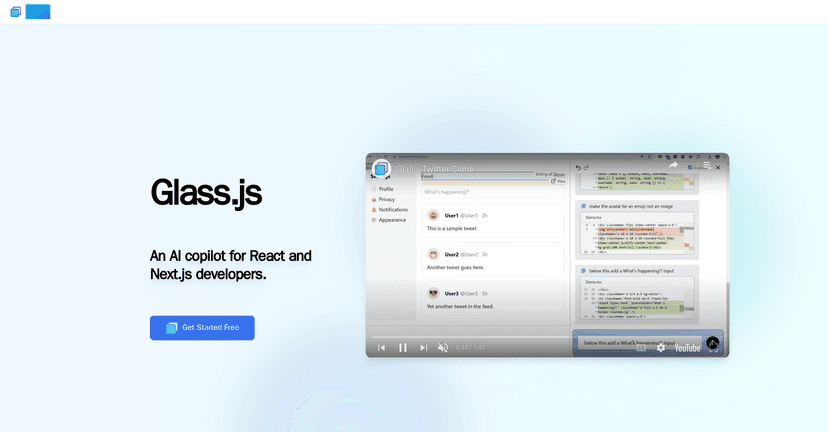
If you build with React or Next.js, you already know how much time you can lose to the “repeat the same thing again” parts of development. Boilerplate components. Wiring props. Translating a design into TailwindCSS classes. Naming files. Clicking around to find the right place in the codebase. That’s why I was pretty interested in Glass—an AI copilot built around the way React apps actually work.

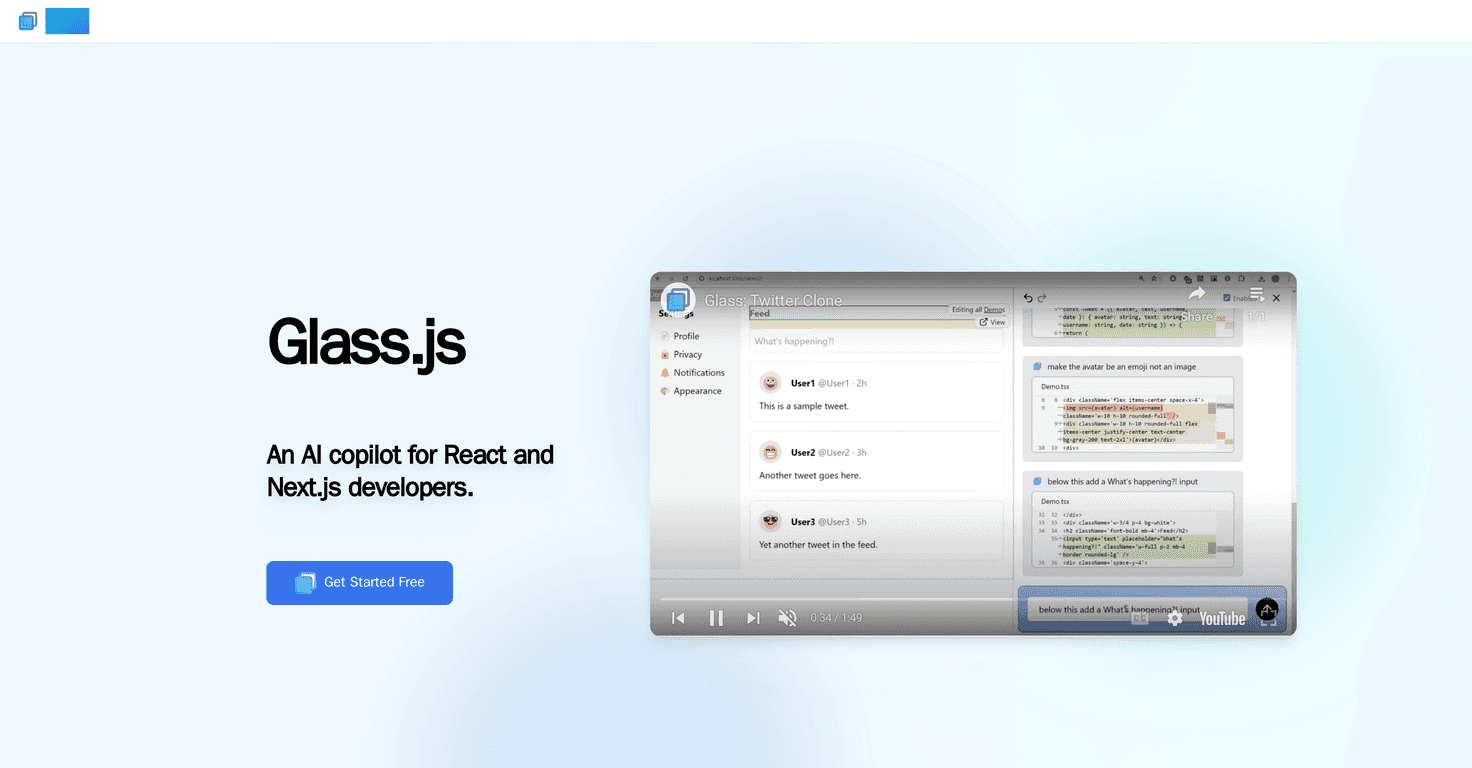
Glass is browser-based, and in my experience that matters more than people think. No setup marathon. No “where do I install this?” debates. You open it, connect your dev workflow, and start getting help right where you’re looking at your code and UI.

Glass

Table of Contents

Glass Review

Here’s what stood out to me most about Glass: it’s built for the kinds of tasks that slow React/Next.js developers down day after day. Not vague “AI coding” in the abstract—more like practical help with things you actually touch.

For example, Glass focuses on AI-assisted coding tasks like generating components and helping with TailwindCSS code. If you’ve ever written the same layout wrapper 10 times, you’ll get why that’s useful. You can ask for a component shape, then tweak the details without starting from a blank file every time.

Another big deal is the browser-based editing. I like tools that don’t force me into a separate editor or extra tooling chain. With Glass, you can make code changes and keep moving, rather than juggling contexts. And yes, the UI side matters too—Glass lets you visualize your app’s component structure, so you’re not stuck hunting through the tree like it’s a treasure map.

My favorite “small but powerful” feature is the jump to source code option. When you’re looking at the UI and you want the exact component responsible for what you’re seeing, that click-to-source workflow saves real time. It’s the kind of feature you don’t appreciate until you use it for a couple hours and realize you’re not constantly searching.

Key Features

  1. AI-Assisted Coding — Helps with common React/Next.js coding tasks and component creation
  2. Browser-Based Editing — Make changes in the browser without setting up extra tools
  3. Component Structure Visualization — See how your components relate, which makes debugging less painful
  4. Jump to Source Code — Click from the UI to the relevant code location
  5. Designed for Development Environments Only — Built with dev workflows in mind

Pros and Cons

Pros

  • Less repetitive work: It’s especially helpful for the “scaffold and tweak” parts of React development.
  • Clear navigation: The interface is built around understanding what you’re looking at, not just typing prompts into a chat box.
  • Open beta means it’s improving: When you’re using a tool early, you can actually see the pace of updates (and you get to influence what matters).

Cons

  • Still in open beta: That also means occasional rough edges—things can be slightly inconsistent while the product matures.
  • Not meant for production workflows: It’s focused on development environments, so don’t expect it to replace your full production toolchain.
  • Limited to editing existing files: In practice, it can’t install packages remotely or make broad environment changes. If you need to add a dependency and refactor deeply, you’ll still be doing that yourself.

Pricing Plans

Right now, Glass is free during its open beta phase. That’s honestly the best time to try it, because you can evaluate whether the workflow fit is real for your team without committing to a subscription.

Wrap up

Glass is a solid pick if you’re a React or Next.js developer and you want AI help that actually matches how you work. The combination of AI-assisted coding, browser-based editing, component visualization, and jump to source code is the kind of “time saved” stack that adds up fast.

Just keep your expectations grounded: since it’s still beta and aimed at dev environments, it won’t magically handle everything—especially when you need deeper repo-wide changes or new dependencies. But if your biggest pain is repetitive component work and losing time navigating the codebase, Glass is worth a real test.

Stefan

Stefan

Stefan is the founder of Automateed. A content creator at heart, swimming through SAAS waters, and trying to make new AI apps available to fellow entrepreneurs.

Related Posts

Coderview Review – Your Go-To Coding Companion

Coderview Review – Your Go-To Coding Companion

Coderview excellent coding platform for programmers

Stefan
FixThisBug.de Review – Your Coding Companion for Bug Fixes

FixThisBug.de Review – Your Coding Companion for Bug Fixes

powerful tool for anyone looking to enhance

Stefan
ExamWhisper Review – Your New Study Companion

ExamWhisper Review – Your New Study Companion

smarter way to prepare for exams

Stefan

Create Your AI Book in 10 Minutes