Table of Contents
If you’ve been thinking about selling ebooks, doing it on your own website is honestly one of the best moves you can make. You control the pricing, the customer experience, and—this part matters—you keep more of the money. No storefront rules. No “terms may change” surprises.
In my experience, readers trust websites that feel intentional. When your book page looks clean, loads fast, and makes buying effortless, people don’t hesitate. They just buy.
Below is how to sell ebooks on your own website, step-by-step—from picking the right platform to pricing, marketing, and keeping customers happy after checkout. I’ll also point out the stuff that usually trips authors up, because it happens.
How to Sell Ebooks on Your Own Website (Practical Steps for Authors)
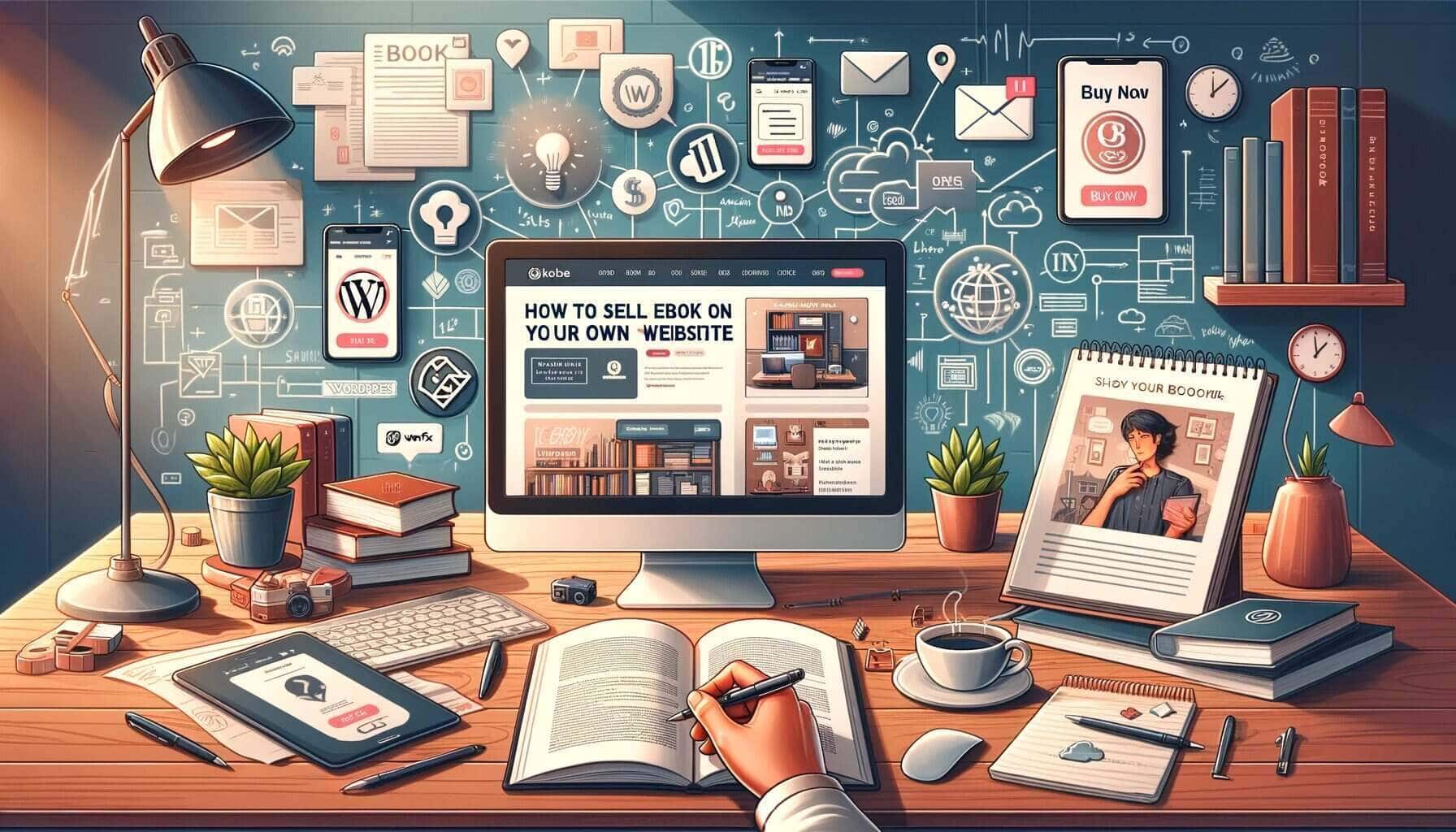
Here are 8 steps I’d follow if I were starting from scratch: set up your website, create the ebook properly, set up the store, price it smartly, market it consistently, and then keep improving based on what you learn from sales.
1. Set Up Your Website (Make Buying Feel Easy)
Before you pick a platform, ask yourself one question: do you want “set it and forget it,” or do you want more control even if it takes a bit more tinkering?
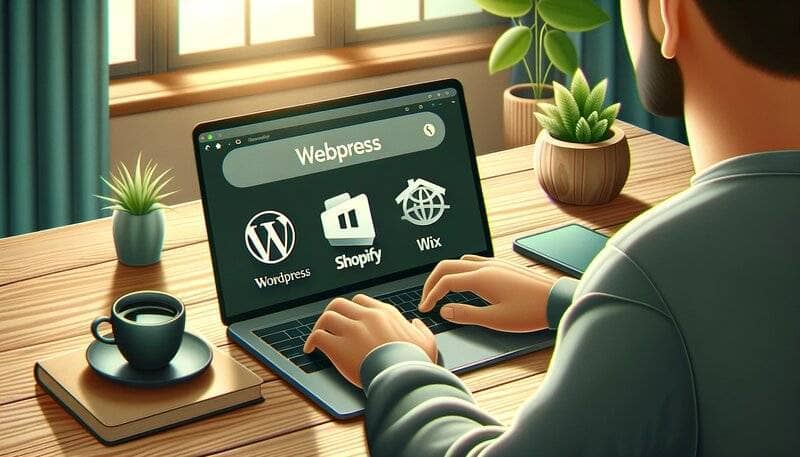
For most authors, a few popular options are WordPress, Shopify, and Wix. They’re all relatively easy to manage, and they offer customization options that won’t require you to be a developer.
In my experience, the “best” choice is the one you’ll actually maintain. If you hate updating your site, you’ll fall behind—and readers can tell.
Once you choose a platform, design matters more than people think. You don’t need to go fancy. You need clarity.
What I’d focus on:
- Clean layout: visitors should find your ebook page and buy button in seconds.
- Good cover images: use high-quality cover art (not a blurry screenshot).
- Short, punchy descriptions: tell people what they’ll get and who it’s for.
- Consistent “theme”: pick a color palette and fonts that match your genre and stick with them. I don’t mean “never change anything,” but consistency looks more professional.
- Mobile-friendly design: a lot of purchases happen on phones. If your store looks broken on mobile, you’ll lose sales fast.
Also, don’t bury the important stuff. Put the ebook details near the buy button: format (PDF/EPUB), file delivery method, and a quick “what’s inside” list if you can.
Think of your website like a storefront. If it’s welcoming and easy to navigate, people will browse. If it’s confusing? They’ll bounce.
2. Create Your Ebook (Format + Quality = More Sales)
Writing comes first, sure—but selling starts when the ebook looks and reads like it belongs in a real bookstore.
Start with a plan. I always begin with an outline so I don’t end up with a “cool ideas, messy structure” book. For nonfiction, your outline helps you keep the flow logical. For fiction, it helps you keep plot and pacing consistent.
Then format it like you care. A well-formatted ebook reads smoothly and feels credible. Pay attention to font size, spacing, and paragraph breaks. If you’re including chapters, make them stand out. And if your ebook is informational, a table of contents is a huge win for reader experience.
Here’s something I learned the hard way: you should check your ebook on multiple devices. What looks fine on your computer might look cramped on a tablet or weird on an e-reader.
And yes—editing matters. If you’re tempted to do everything yourself, I get it. But professional editing can catch grammar issues, tighten awkward sections, and improve overall flow. That “outside perspective” is usually the difference between “I guess it’s okay” and “I loved this.”
Now, let’s talk cover design. Your cover is the first thing people see, and it affects clicks. A reader can forgive typos inside the book sometimes. They usually won’t forgive a cover that looks unfinished.
If you want help, I suggest hiring someone experienced on Fiverr. If you’re going DIY, Canva is a solid option—just don’t rush the final version. Spend time on typography and make sure it looks good at thumbnail size.
When your ebook is polished, it sells easier. People feel that instantly.
3. Use AI Automateed (When You Want to Move Faster)
AI Automateed can help a lot if you don’t want to write everything from scratch or you’re trying to publish more consistently. I’m not pretending AI replaces your voice—but it can absolutely speed up the heavy lifting.
What I like is how structured it is. You start by inputting your title, defining your target audience, and choosing the style or tone you want.
Then it generates an outline that breaks your book into 15 chapters, with three subchapters in each one. That outline isn’t just random headings—it's meant to be a real blueprint you can follow.
Once you approve (or tweak) the outline, the tool generates the ebook content for you. The output is described as a full-length ebook of about 90 pages, including a table of contents, all chapters, and even relevant images.
It also creates a unique cover and includes fact-checking/proofreading and “100% original” content (as described by the tool).
And if you’re stuck on ideas, it can suggest niche ideas and titles. It can even help with marketing content—like social media campaign ideas—so you’re not starting from zero every time you publish.
That’s the real value for me: less blank-page stress, more time for editing, refining, and making sure it matches your audience.
4. Set Up an Online Store (Checkout Must Be Smooth)
Integrating ecommerce doesn’t have to be painful. Most website builders and ecommerce platforms come with tools or plugins that let you list products, set prices, and manage digital downloads.
After you add your ebook product, you’ll need to configure delivery. This is one of those “invisible” details that matters a ton. When customers buy, they should immediately get access to the file (or at least receive a download link right away).
Next up: payment methods. You want to give people options like credit cards and PayPal (most ecommerce systems support multiple providers). If your checkout only supports one method, you’ll lose buyers who don’t want to use it.
Here’s what I’d test before you launch: pretend you’re a customer. Buy your ebook using a test purchase, then check:
- Do you get the ebook download link instantly?
- Does the download work on mobile?
- Do you receive the correct file format (PDF/EPUB) if you sell multiple versions?
- Does your confirmation email look professional and clear?
The smoother the buying process, the more likely people are to finish the purchase. Make your store feel like one continuous journey—from “I want this” to “I have it.”
5. Price Your Ebook (Don’t Guess Forever)
Pricing is where a lot of authors overthink. I get it—you want it to feel fair to you and attractive to readers. But you also need to sell.
A good starting point is to compare your ebook to similar titles in your niche. If your ebook is priced way higher than everything else in the same category, you’ll need a clear reason (bonus content, strong branding, better depth, etc.). If it’s priced too low, you might attract buyers who don’t value the work—or you might just leave money on the table.
Also factor in length and quality. A longer ebook usually supports a higher price, especially if it’s genuinely more useful (not just longer because it’s padded).
Here are some pricing ranges you can use as a rough guide (especially helpful when you’re new and trying to find your footing):
- 7500 words – $0-$0.99
- 7500-17.000 words – $0.99-$2.00
- 17.500-40.000 words – $2.00-$6.00
- Full novel – $6.00+
Of course, it depends on the type of book. Low content and medium content books don’t sell like novels. Fiction behaves differently from nonfiction. New authors and established authors often price differently too.
In my experience, it’s smart to experiment. Start with a price that feels reasonable, then adjust based on results. For example:
- If you get clicks but no sales, your price might be too high or your page might not answer key questions.
- If you get sales but not many clicks, you might need better targeting or stronger marketing hooks.
- If you’re early-stage, a temporary introductory price can help you gather reviews and feedback.
And don’t ignore global audiences. Currency differences can make a “reasonable” price feel expensive in some regions. If your platform supports it, consider how pricing will look outside your home country.
Finally, remember pricing isn’t permanent. Adjust it as you learn what readers respond to.
6. Market Your Ebook (Consistent Beats Occasional)
Marketing doesn’t have to be complicated, but it does have to be consistent. Social media is a great place to start because you can share your work without waiting for anyone to “discover” you.
Platforms like Facebook, Instagram, Twitter, and even LinkedIn can work depending on your audience. Post about your ebook, share quotes, and use short snippets or graphics. If you can turn a chapter concept into a quick tip, even better.
One thing I’ve noticed: people don’t buy because you posted “my ebook is available.” They buy when you give them a reason to care. So show the problem your book solves, or the transformation it delivers.
Another strategy that keeps paying off is building an email list. It might sound old-school, but it’s still one of the best ways to reach readers directly. When someone opts in, they’re already interested.
You can email them updates, exclusive content, or launch announcements. Over time, your list becomes a group of people who trust you. That trust makes buying much easier.
Just keep in mind: marketing isn’t a one-time push. It’s an ongoing relationship. The more you engage, the more your ebook stays on people’s radar.
7. Manage Sales and Customer Relationships (This Is Where You Get Loyalty)
Once someone buys your ebook, your job isn’t over. The goal is simple: make the delivery smooth and handle questions fast.
First, keep an eye on the purchase flow. If customers hit an error during checkout or never receive their download, you’ll lose them—and you’ll get support requests that eat your time.
So regularly check that your payment system is working and that your download delivery is set up correctly. Also make it easy for customers to contact you. A simple “Contact” link and a clear email address can save you a lot of frustration.
Next is customer service. When someone has a problem, respond quickly and clearly. Even a short message like “I see what happened—here’s your download link” can turn a frustrated buyer into a repeat customer.
Then use analytics. Most ecommerce platforms show you useful data like:
- how many people bought
- when they bought
- where traffic came from
- what pages they visited before purchasing
This information is genuinely valuable. For example, if you notice sales spike after a specific post, you’ll know what type of content to create more of.
8. Update and Expand (Keep the Momentum Going)
Updating isn’t just about fixing mistakes. It’s also how you keep your ebook relevant and your audience engaged.
If your ebook covers topics that change over time, update it with new information, updated examples, or feedback from readers. Even small improvements can make the book feel “alive.”
I like thinking of an ebook as a living document. When you update it regularly, you can also give yourself a reason to reach out to your audience—“Hey, I improved this” is a great engagement hook.
Your website should reflect that too. Add blog posts, announce new editions, and share progress if you’re working on something new. Fresh content helps with search engine visibility, which means new readers can find you more easily.
And when you’re ready, expand your offerings. Once you’ve published one ebook, ask what your next step is:
- Is there a sequel idea?
- Can you create a related book that targets the same audience?
- Could you turn a popular section into a standalone guide?
Just don’t rush to publish low-quality work. Expansion works best when it’s built on what your readers actually liked.
Keep improving your ebooks and your site, and you’ll build a catalog people want to come back to.
Conclusion
Selling ebooks on your own website is a real opportunity for authors who want more control and better margins. It’s part creative work (writing and packaging the ebook) and part practical work (store setup, pricing, marketing, and customer support).
Follow the steps above—especially getting your store and ebook page right—and you’ll be in a strong position to start earning. Tools like AI Automateed can also help you publish faster when you’re ready to scale.
FAQ
Can I sell my ebook on my own website?
Yes, you can sell your ebook on your own website. You’ll need to set up a website, connect an ecommerce solution for transactions, and handle marketing and customer service.
Can I sell my Amazon book on my own website?
Yes, you can sell a book available on Amazon on your own website. Just make sure it doesn’t break any exclusive agreements you’ve got with Amazon (for example, Kindle Direct Publishing Select).
How do I self publish an ebook to sell online?
To self-publish an ebook to sell online, create your ebook, set up a website with an online store, price it, market it, and handle sales plus customer support.
Is it legal to sell ebooks online?
Yes, it’s legal to sell ebooks online as long as you have the rights to the content. Make sure you’re either the author or you have permission from the copyright holder to sell the ebook.
How to sell ebook without a website
If you don’t want to set up a website, you can sell through platforms like Amazon Kindle Direct Publishing, Apple Books, or Google Play Books. These services handle transactions and distribution for you.
Best website builder for selling ebooks
The best website builders for selling ebooks typically include WordPress with WooCommerce, Shopify, and Wix. They’re popular because they’re relatively easy to use, offer customization, and include ecommerce tools.