Table of Contents
Long meetings are kind of inevitable… but the part where you have to rewatch the whole thing later? That’s the killer. I’ve sat through 45–90 minute calls, then spent way too long trying to find the exact moment someone agreed on the next steps. If you’ve been there, you already know how frustrating it is.
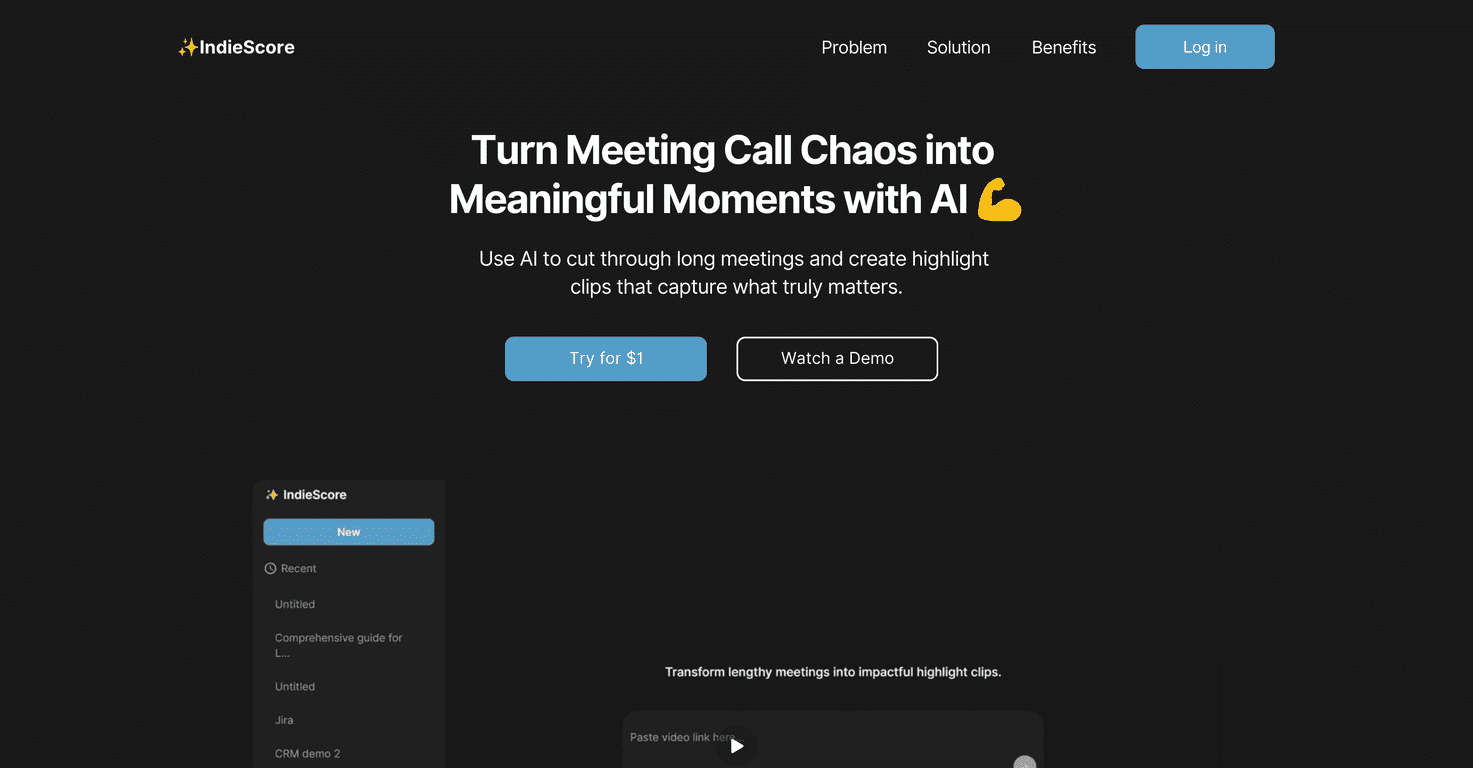
That’s why I tried IndieScore. It’s a meeting highlight tool that uses AI to pull out the moments that actually matter. Instead of digging through hours of recording, you upload the audio/video and it generates short highlight clips you can share with your team or stakeholders.
In my experience, the biggest win is speed. You don’t just get a summary—you get clip-style highlights, which makes it much easier to confirm “wait, was it said at 12:34?” without rereading notes or guessing.
IndieScore Review
IndieScore is built for one main job: turning meeting recordings into something you can actually use. Instead of handing your team a raw recording link and hoping everyone watches it, IndieScore flags the important parts and turns them into short highlight clips.
What I noticed right away is that it feels geared toward real-world workflows—sales calls, team syncs, strategy meetings, updates. You upload, and you get highlights you can send out quickly. That matters, because the “right” info is usually time-sensitive. If you’re sharing a recap a day later, it’s often too late.
One more thing I liked: the clips make it easier to spot decisions. If someone says “we’re doing X next week,” you don’t have to hunt for that line in a transcript—you can jump straight to the moment.
Key Features
- AI-Powered Highlights that identify key moments from recordings (so you’re not stuck watching everything).
- Easy Upload for different meeting types—useful if your calendar is a mix of sales, product, and internal updates.
- Instant Highlight Creation that generates short, shareable clips instead of forcing you to build your own recap.
- Effortless Sharing so stakeholders can review the key parts without needing to sit through the full recording.
Quick practical tip from my side: if your recording has clear audio (good mic distance, not too much background noise), the highlights tend to feel more accurate. If the audio quality is rough, AI tools can only do so much—garbled speech makes it harder to detect the “important” parts.
Pros and Cons
Pros
- It saves real time. For longer meetings, highlights are faster than scrubbing a timeline or rereading notes.
- Better communication. Instead of vague “we covered a lot,” you get focused clips tied to actual moments in the conversation.
- More engagement. People are more likely to watch a 30–90 second highlight than a 60-minute recording.
Cons
- AI can miss nuance. Sometimes the most “important” part to me isn’t the most “obvious” part to the model—especially if the decision is subtle or phrased indirectly.
- Recording quality matters. If voices overlap, there’s background noise, or someone speaks too quietly, the highlights won’t be as reliable.
So yeah—IndieScore is great for getting the gist fast, but I wouldn’t treat it like a perfect replacement for human review. If the meeting involves high-stakes decisions, I still skim the full context after the highlights.
Pricing Plans
IndieScore offers a trial for $1 for the first 7 days. After that, you’ll need a subscription to keep using the service. If you’re testing it for your own meetings, I’d use the trial on your most common call type first—sales calls or team syncs—so you can judge whether the highlights match what you’d normally want to share.
Wrap up
If you’re tired of sending raw meeting recordings and hoping people actually watch them, IndieScore is a pretty solid option. The highlight-clip approach is the main appeal in my opinion: it’s quicker for viewers and easier for you to double-check key moments.
It’s not magic, though. You’ll still want decent audio, and you may occasionally need to correct or supplement what the AI pulls out. Still, for teams that meet often and share updates constantly, it can cut the “recap time” down a lot.
Promote IndieScore