Table of Contents
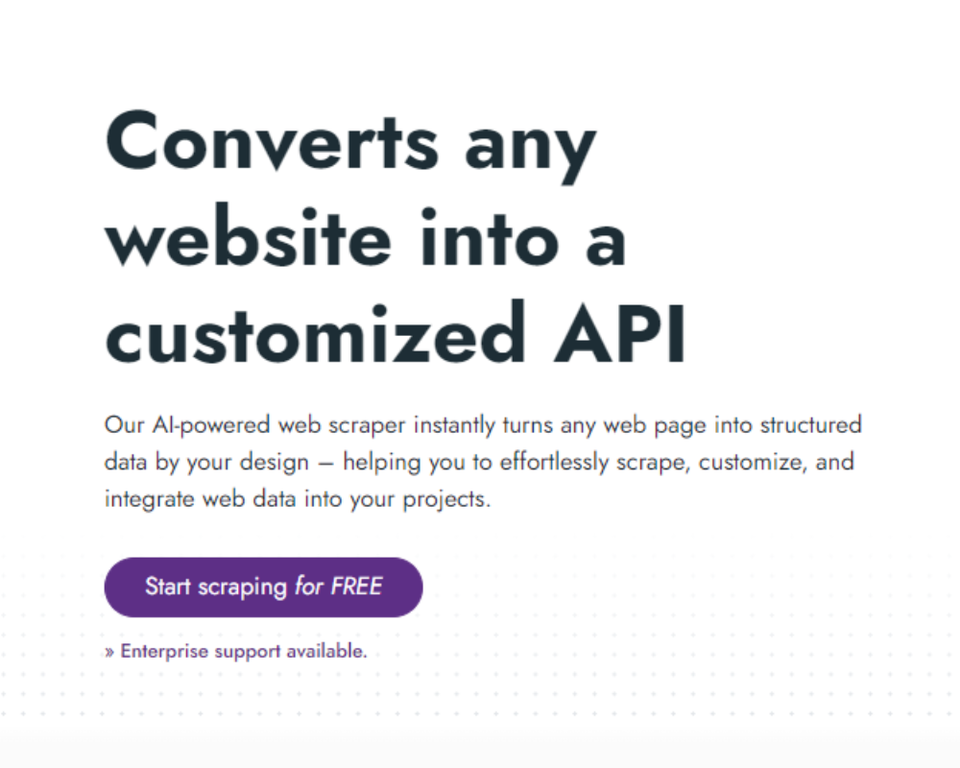
If you’ve ever tried to pull the same data from a bunch of different websites, you already know how annoying it gets. You copy/paste. You scrape manually. Then the site layout changes and everything breaks. That’s why I was interested in InstantAPI.ai—it’s positioned as a web scraper that turns a website into a usable API, so you can plug the data into your own apps without living in spreadsheets.

In my experience, the “API-first” approach matters. It’s one thing to extract data once. It’s another to keep it updated and integrate it into workflows like lead tracking, pricing monitoring, or competitor research. InstantAPI.ai is built around that idea, and in this review I’ll break down what it does well, what I think is still a work-in-progress, and who it’s actually for.
InstantAPI.ai Review: Does This Web Scraper Actually Feel Easy?
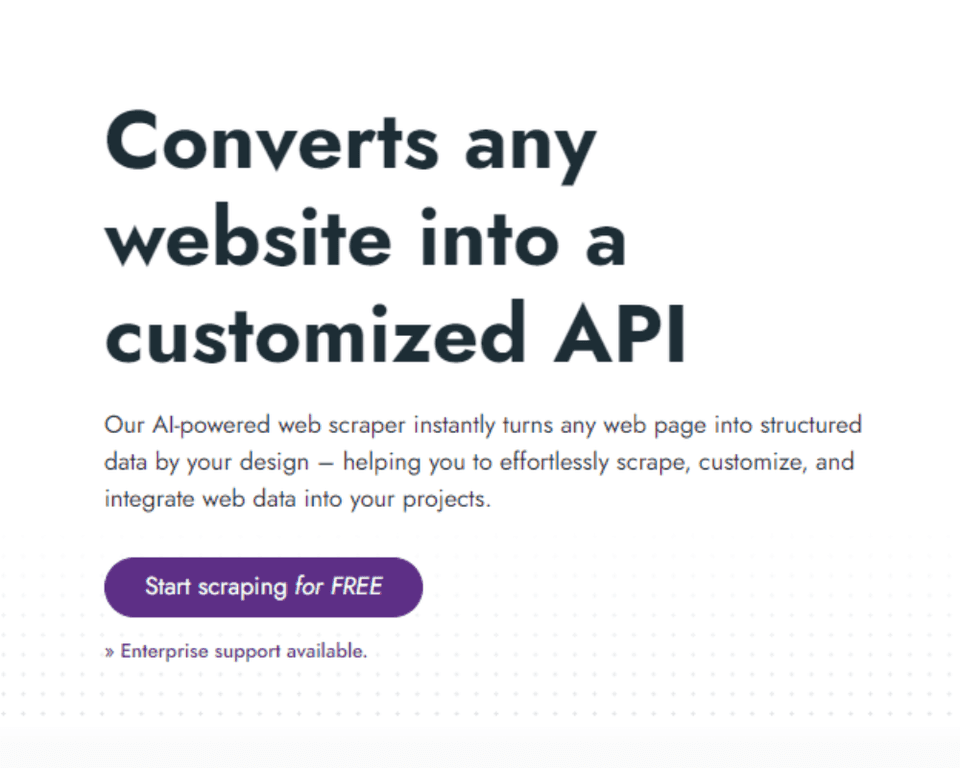
InstantAPI.ai is marketed as an AI-driven web scraper that can extract data from basically any website and serve it through an API. That’s the headline. But what I care about is the day-to-day stuff: how quickly you can get a working extraction, how flexible the output is, and whether you’ll be stuck fighting the tool when the site changes.
Here’s what stood out to me: the workflow is designed to be less “write scraping code from scratch” and more “define what you want, then reuse it.” If you’ve ever built a scraper manually, you know that most of the pain is in mapping fields and handling page structure. InstantAPI.ai tries to reduce that by letting you customize the extraction and transformation rules.
It’s especially useful if your goal isn’t just one-off scraping. Think ongoing competitor monitoring, pulling product listings on a schedule, or feeding fresh content into a dashboard. Turning the scraped results into an API makes those use cases much easier to automate.
Key Features That Matter (Not Just Buzzwords)
- Comprehensive data extraction across any website
- Instant competitor analysis (useful when you want to compare listings, pricing, or content changes without doing it by hand)
- Real-time data integration so you’re not working with stale exports
- Customizable data transformation—this is the part that usually takes the longest in DIY scraping
- Advanced AI-driven insights for turning extracted data into something more actionable
- Effortless content automation for repeatable workflows (again, the “repeat” is the big deal)
- Flexible API outputs so you can integrate with tools you already use
- AI-powered scraping innovation focused on reducing the manual setup
Quick example of how this helps in real life: if you’re tracking competitor product pages, you typically need fields like title, price, availability, and URL. The value isn’t just grabbing text—it’s transforming it into a consistent structure you can query later. That’s where a transformation layer makes things feel smoother.
Pros and Cons From a Real-World Perspective
Pros
- It’s easier to get started than building everything manually. Even if you don’t love coding, you can still move toward an API-based workflow.
- Strong fit for ongoing monitoring. Competitor tracking and “keep it updated” use cases are where I’d expect this to shine.
- Good customization options. In practice, being able to adjust what you extract (and how you shape it) is what prevents scrapers from becoming useless after a few weeks.
- AI features can save time. If you’re trying to turn scraped data into something more usable, the automation angle is genuinely helpful.
Cons
- You may still need API know-how. If you’ve never worked with APIs, “how do I connect this to my system?” can be the next hurdle.
- Website structure still matters. No scraping tool can fully ignore the fact that sites change their HTML, load content dynamically, or block requests. If the site layout shifts, you might need to tweak the extraction rules.
Pricing Plans (What’s Public vs What Isn’t)
InstantAPI.ai mentions a free trial, which is a big plus because you can test whether the scraper handles your target sites the way you expect. After that, they talk about enterprise options, but the landing page doesn’t show clear, detailed pricing.
What I’d recommend: before you commit, test with 1–2 real pages you care about (not just a demo). Confirm you can extract the exact fields you need and that the output format is usable for your app. If you’re going to scrape something frequently, also pay attention to how often it updates and what “real-time” actually means for your use case.
Wrap up: Who InstantAPI.ai Is Best For
Overall, I think InstantAPI.ai is a solid option if you want web scraping without the usual “hours of duct-tape code.” The API output angle is the main reason to look at it, especially for competitor analysis and ongoing data collection. If you’re building something that needs fresh data on a schedule, it’s the kind of tool that can save you a lot of manual work.
That said, don’t treat it like magic. If the sites you’re scraping are heavily dynamic or change often, you’ll likely still need to adjust extraction rules. But if you want to move faster than traditional scraping approaches, it’s worth trying.