Table of Contents
Let’s be honest—invoice management gets messy fast. One month you’re hunting for a receipt, the next month you’re trying to remember which email thread had the right invoice. That’s why I ended up testing Invoice Detector. The pitch is simple: connect your inbox and subscription emails, and the app pulls invoices and receipts into a single dashboard so you can actually make sense of your spending.
In my experience, the biggest win isn’t “AI” in a vague way—it’s the reduction in manual work. Once it started collecting documents from my connected email accounts, I stopped doing the usual copy/paste and search routine. The dashboard makes it easier to scan what came in, categorize it, and then generate reports without spending an hour digging for the same supplier again.
Setup was also pretty straightforward. I linked my email accounts, and after that, Invoice Detector began pulling in relevant invoices automatically. I liked that the interface doesn’t feel cluttered, and it’s easy to jump between the overview and the details. One feature I kept checking was the notifications—specifically the alerts about spending optimization, like spotting new suppliers and potential overcharges. It’s not magic, but it does catch things I would’ve missed until it was too late.
Invoice Detector Review
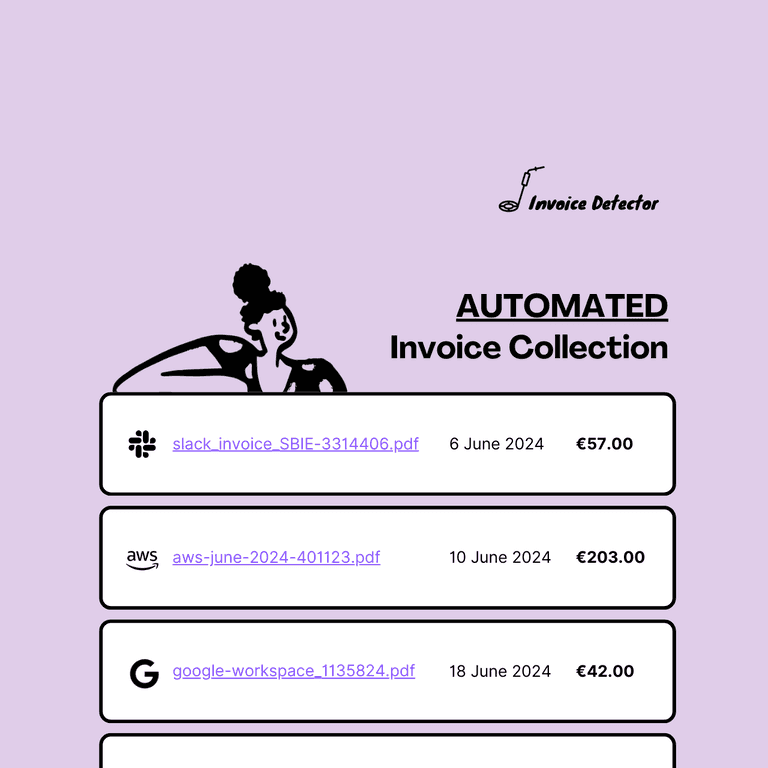
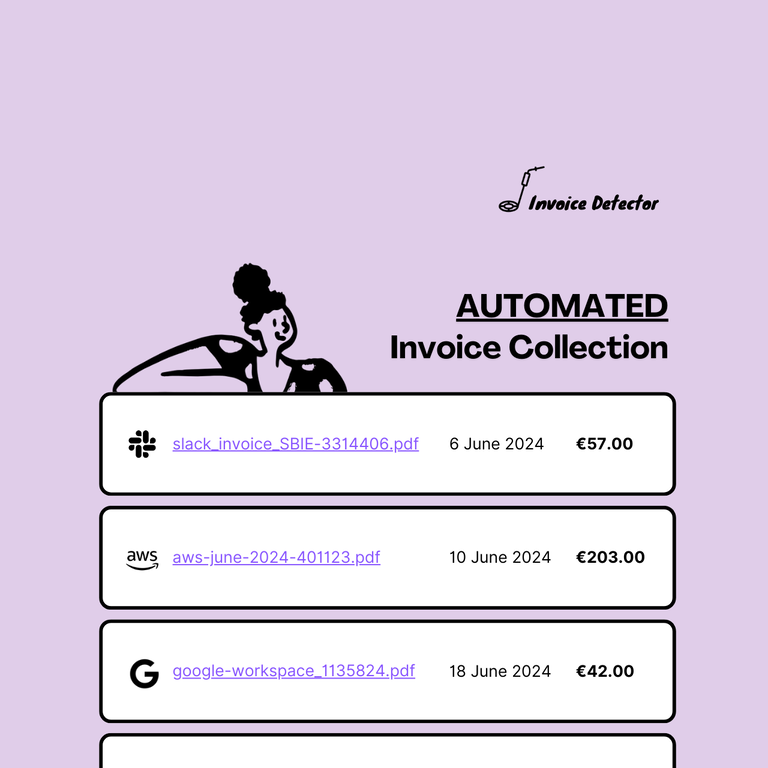
Invoice Detector is built to take the headache out of tracking invoices and receipts. The core idea is that it automatically fetches invoices from your email and subscription services, then organizes them into a dashboard you can actually use. For anyone who’s juggling multiple tools (and multiple inboxes), that alone can be a big deal.
What I noticed right away is that the app makes it easier to answer basic questions like: “What did I spend this month?” and “Which supplier is charging me repeatedly?” Instead of searching through Gmail or digging through a stack of PDFs, I could pull up a report and get a clearer picture of where the money was going.
Another thing I appreciated: the reporting feels practical. It’s not just a pretty chart—it's designed so you can spot patterns. If you’re trying to tighten budgets or keep a closer eye on recurring expenses, those insights matter.
And yes, the notifications can be useful. I got alerts that helped me catch new suppliers and double-check charges. If you’ve ever had a subscription “sneak” in and you only notice when your bank statement shows it, you’ll understand why I like this part.
Key Features
- Auto Invoice/Receipt Extraction – Connect multiple email accounts and let Invoice Detector fetch invoices automatically. This is the feature I leaned on the most, because it removes the repetitive “find, download, label” work.
- Spend Optimization Notifications – Alerts that can help identify savings opportunities. In my case, it was mainly about spotting new suppliers and checking potential overcharges before they became recurring “oops” moments.
- Expense Reports – Clear summaries with charts and graphs so you can understand spending habits without manual spreadsheet work. If you like quick visibility over complicated setups, you’ll probably appreciate this.
Pros and Cons
Pros
- Less manual invoice hunting: it pulls documents from connected accounts, so I wasn’t constantly searching old emails.
- Better categorization and reporting: the AI helps organize expenses into something you can review quickly.
- Privacy/security approach: the service claims encrypted handling of data, which is important when invoices include sensitive payment and account info.
Cons
- Integration effort upfront: if you have lots of email accounts or services, the initial linking can take time. It’s not “one click and done” for everyone.
- Subscription cost: if you’re using it for a single inbox, the monthly fee might feel a bit steep. The Pro plan especially adds up if you don’t actually need unlimited accounts.
- Not every invoice is perfect: like most automation tools, formatting differences can occasionally cause extraction/categorization to be less accurate than you’d expect. It’s usually fixable, but it’s still worth keeping an eye on.
Pricing Plans
Invoice Detector has two main plans. The Essential Plan is €19.00/month for up to 10 email accounts. The Pro Plan is €59.00/month for unlimited accounts plus integration with over 5,000 services.
There’s also a 14-day free trial with no credit card required. I’d recommend using that trial time to connect all the inboxes you actually plan to use—because once everything is linked, you’ll see pretty quickly whether the extraction and reporting match your expectations.
Wrap up
Overall, I think Invoice Detector is a solid option if you’re tired of invoice clutter and you want a clearer view of recurring expenses. The automation is the real value: connecting email accounts and letting the tool extract and organize invoices saves real time. Just be aware that setup can take a bit (especially if you’re connecting multiple services), and the subscription cost may not feel worth it if you only need it for one or two inboxes.
If you want a smarter way to keep invoices and receipts from turning into a monthly scavenger hunt, it’s definitely worth trying.
Promote Invoice Detector