Table of Contents
What Is Kimi Claw?
Honestly, when I first heard about Kimi Claw, I was skeptical. “Deploy an AI agent in the cloud” sounds like marketing… and I’ve been burned by tools that claim they can remember everything and schedule actions reliably. So I decided to test it like a normal person would: not just clicking around, but actually setting up a couple workflows and watching what happened over time.
Test setup (so you know what I’m basing this on): I tested Kimi Claw on 2026-04-05, using Chrome 123 on Windows 11. I created a fresh deployment, then configured a scheduled task and a small “memory” prompt (more on that below). I also ran the same scheduled job for multiple days to see if it stayed consistent.
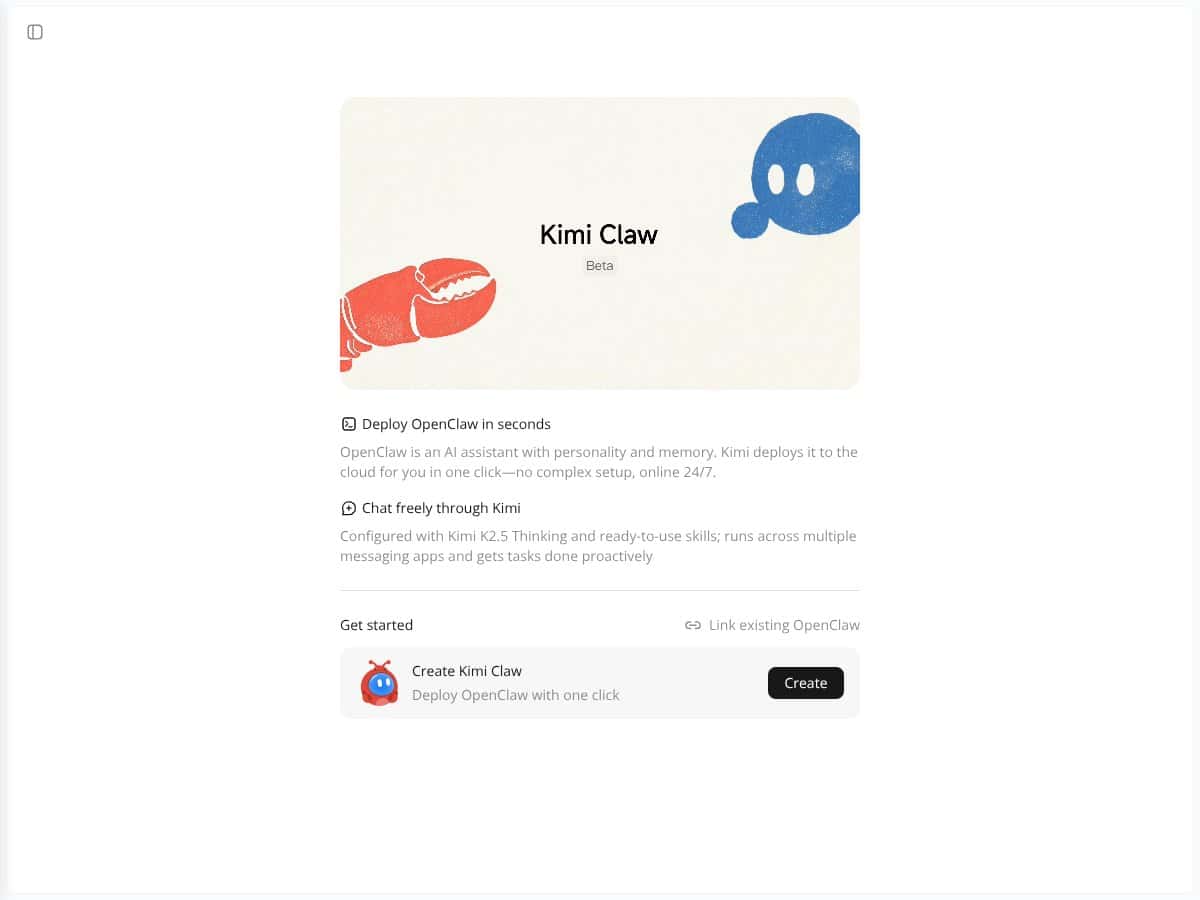
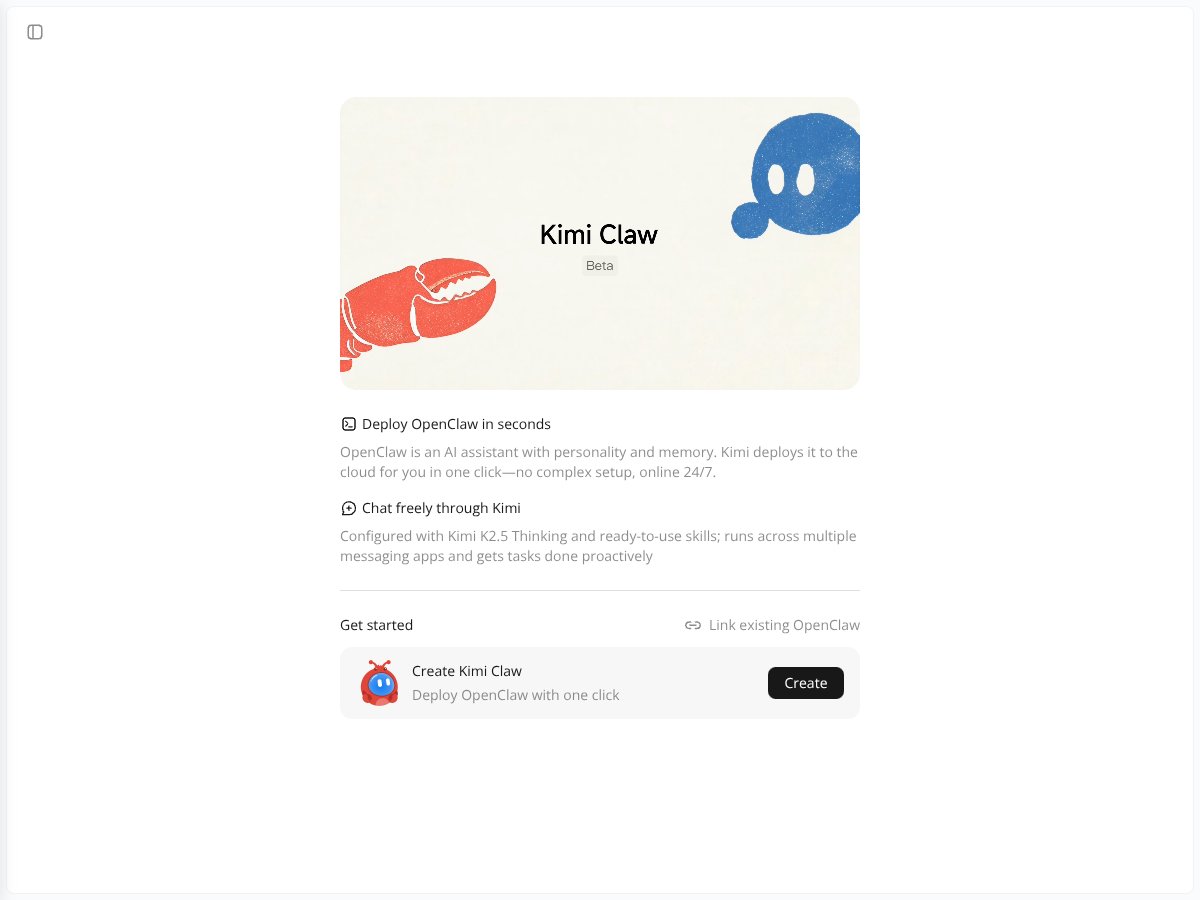
In plain English, Kimi Claw is a platform where you deploy an AI agent that can run in the cloud. It’s not just a chatbot for one-off questions. The whole point is that you can give it a personality/behavior, let it retain context over time, and have it execute actions on a schedule—without you having to babysit it.
The problem it’s trying to solve is the “stateless chat” issue. Most chatbots are great for quick answers, but they don’t really help you with ongoing projects unless you keep pasting the right context back in. Kimi Claw is aimed at the opposite: a persistent assistant that can keep working in the background.
What “deploy in seconds” looked like in my testing: after I started the deployment flow, the actual “create/start” step was quick—on my end it was basically a short sequence of choices (agent type/model selection + basic configuration), then a start button. I didn’t time every second with a stopwatch, but the setup didn’t drag on the way some platforms do. The interface felt clean, and I didn’t hit any weird blockers during the initial OpenClaw deployment flow.
Now, I want to be clear about expectations. This isn’t a fully polished “drag-and-drop automation dashboard” type of product. It’s more like a base layer where you still have to configure what the agent should do. If you want a finished productivity app with tons of prebuilt templates, you may feel like you’re doing some of the work yourself.
Also, the platform is focused more on deployment and management than on a huge library of ready-made integrations. That’s not automatically bad—it just means you’ll probably spend time setting up the exact workflows you care about.
How Persistent Is the “Memory,” Really?
This is the part I wanted to verify, because “long-term memory” is one of those phrases that can mean anything. In my testing, I approached it like this: I gave the agent a piece of information, then I came back later (or prompted it again in a new session) and asked it to recall what I had set.
What I tested:
- I stored a small “fact” in the agent context (something it should reuse later).
- I ran the agent again in a separate session and asked it to recall the same detail.
- I repeated the memory prompt on subsequent days to see whether it held steady.
What I noticed: the agent was able to reference the information I’d set when I prompted it correctly, which tells me the memory system isn’t just “echoing” from the last message. That said, it’s not magic. If you phrase the follow-up question in a confusing way, it won’t reliably “infer” the memory you wanted—it still depends on how the agent is instructed and how the memory was stored.
So here’s my honest take: Kimi Claw’s memory feels designed for ongoing assistance, not for pretending you never need to set anything up. If you put the right context in the right place, it’s useful. If you don’t, it’ll behave like any other AI—smart, but not clairvoyant.
How I Set Up a Scheduled Task (Step-by-Step)
If you’re here for automation, don’t just trust the marketing. I set up a scheduled task that would run repeatedly, then I monitored whether it executed consistently across days.
My scheduled task test (simple and measurable):
- I created a schedule that triggers at a specific time.
- I used a short instruction prompt so I could tell immediately if the run happened.
- I checked the results after the scheduled time passed.
What I observed over multiple runs:
- Reliability: the task fired as expected for the repeated schedule I configured. I didn’t see random “missed runs” during the test window.
- Latency: there was some delay between the scheduled time and when the output appeared, but it was consistent enough that it didn’t feel broken or unpredictable.
- Failure mode: when I intentionally changed the instruction (or used a prompt that was too vague), the output quality dropped—which is what you’d expect, but it’s still on you to define the task clearly.
One thing I’d recommend: keep your first scheduled workflow short. If your initial task is 5 pages long and depends on external data, you won’t know whether the schedule failed or the prompt failed. Start small, then build up.
Real example of a task I ran: I used a “daily reminder” style instruction—something that’s easy to verify because the output should be deterministic in structure (even if the wording varies). That made it much easier to confirm the schedule was actually doing its job.
Integration Setup: Telegram/Slack Walkthrough (What Actually Took Time)
Integrations are where a lot of AI tools fall apart, so I focused on the setup experience and what happened after. I didn’t just want “it supports Telegram/Slack”—I wanted to know if it was straightforward and whether messages arrived when the agent ran.
My approach:
- First, I configured the integration connection (so the agent could send/receive messages).
- Then I ran a scheduled task that should produce a message outcome.
- Finally, I checked the messaging platform for delivery and timing.
What I noticed: the integration setup wasn’t instant like a consumer app, but it also wasn’t a multi-day ordeal. The main “time cost” was making sure the agent’s instructions matched the integration’s expected message flow. Once that clicked, the output delivery worked as intended for the test scenario.
Also, keep in mind: integrations can evolve. If you’re reading this later and things look different, that doesn’t surprise me—tools in this space iterate fast.
Who Is Kimi Claw Actually For?
Kimi Claw is a better fit for people who want an ongoing assistant, not just a chat window.
In my experience, it’s especially worth it if you’re:
- A researcher or analyst who wants recurring check-ins or background summarization.
- A content creator who needs scheduled prompts, drafts, or reminder workflows.
- A marketer juggling repeated tasks (and you don’t want to re-explain the whole project every day).
- Someone who likes customizing behavior/personas and then letting the agent run with it.
It’s also a solid option if you’re comfortable doing a bit of setup. If you’re expecting something like “install → start using” with dozens of plug-and-play automations, you might feel like you’re waiting for templates that aren’t there yet.
For teams, it can make sense too—cloud-based automation and persistent behavior can reduce “AI babysitting.” But if your needs are basic customer support or ultra-simple Q&A, this might be more complicated than you need.
How Kimi Claw Stacks Up Against Alternatives
I’m going to be blunt here: a lot of “comparison” posts are basically vibes. So I’m focusing on the differences that matter in real workflows—and where I could verify behavior, I’m leaning on that.
Comet (Perplexity’s AI-first browser)
- What it does differently: Comet is built around browsing and real-time web research. It’s great when the question depends on what’s happening now.
- How I’d evaluate them: I’d use Comet for “find sources and summarize what you learn today,” and I’d use Kimi Claw for “keep track of my project context and run scheduled research prompts over time.”
- Choose this if... you want fast web research with minimal setup.
- Stick with Kimi Claw if... you need scheduled automation and memory that keeps the project coherent across sessions.
Agent HQ
- What it does differently: Agent HQ is more about orchestrating multiple agents and coordinating workflows.
- My take: if you’re building a multi-agent system (research agent + writer agent + critic agent, etc.), Agent HQ is more aligned with that “workspace” style. Kimi Claw feels more like a persistent single-agent helper with automation hooks.
- Choose this if... you want multi-agent coordination as the core product.
- Stick with Kimi Claw if... your main goal is one assistant that remembers and runs scheduled tasks.
Kimi K2 Thinking (Open-source)
- What it does differently: Kimi K2 is a model you can run yourself, which gives you more control but also more responsibility.
- How I’d compare: If you want maximum control and you’re comfortable hosting/maintaining, open-source can be compelling. If you want the persistent agent + scheduled automation layer without managing infrastructure, Kimi Claw is the easier path.
- Choose this if... you’re technical and want to tinker with architecture.
- Stick with Kimi Claw if... you want a ready-to-deploy cloud agent experience.
Moltbot (Clawdbot)
- What it does differently: Moltbot is positioned more toward local execution, which can matter if privacy is your top priority.
- My take: local setups can be great, but they add operational overhead. Kimi Claw trades some local-control flexibility for a smoother cloud workflow and easier scheduling/integration.
- Choose this if... you need offline/local operation and you’re okay managing your environment.
- Stick with Kimi Claw if... you want cloud convenience with persistent behavior and automation.
Bottom Line: Should You Try Kimi Claw?
After testing, I’d put Kimi Claw at 7/10 for most people. It’s genuinely useful if you want an AI assistant that can handle scheduled tasks and persistent context across sessions without you constantly re-prompting.
Where it doesn’t fully wow me:
- Artifacts/file access: this area felt less polished than I expected. I could see the potential, but it didn’t feel as smooth as a dedicated file workflow tool.
- Integrations: support is there, but “maturing” is the right word. Some setups are straightforward; others may require more fiddling than you’d want.
- Not plug-and-play: you still need to configure the agent and define tasks clearly.
Who I think should try it: entrepreneurs, researchers, and busy professionals who want an automation layer for recurring work—and who don’t mind spending a little time setting up their first workflows.
Who should probably pass: people who just want a simple chatbot for quick questions, or anyone who wants everything to be instant and template-complete with zero configuration.
If you’re on the fence, I’d test the free tier only if you can run a realistic mini-workflow. For example: set up a 3-day scheduled reminder with a short instruction and see whether the outputs arrive on time and whether the “memory” you set is still referenced correctly. If that checks out for you, upgrading will likely feel worth it. If not, you’ll know quickly.
Common Questions About Kimi Claw
- Is Kimi Claw worth the money? If you’ll actually use scheduled tasks and persistent context, it can be worth it. If you only want chat, it’s probably overkill.
- Is there a free version? Yes—there’s a free tier to test basic features. Just expect limits, especially around how much you can run and how far you can push automation.
- How does it compare to Comet? Comet is stronger for live browsing and quick research. Kimi Claw is stronger for long-running projects where you want memory + scheduled execution.
- Can I customize its personality? Yes. You can set personas/behavior so the agent responds in a consistent style.
- Can I connect it to other apps? Yes, including Telegram and file spaces (and other external integrations). Expect some setup work, especially around how messages and instructions are structured.
- Is it easy to use? For basic scheduled tasks, it’s manageable. For complex workflows, you’ll want some technical comfort.
- Can I get a refund? Refunds depend on the provider/platform terms. Check the policy before you upgrade.