Table of Contents
If you’ve ever tried to design a database schema from scratch, you already know how quickly it can turn into a headache. Tables, relationships, naming conventions, data types… it all adds up. And if you’re not super comfortable with SQL or schema design, it’s even worse.
That’s where Lean caught my attention. I tested it with a couple of simple ideas (and one more “real-world-ish” one), and what I liked most is that it doesn’t make you jump through hoops. You describe what you need, and it generates a database schema you can actually use.
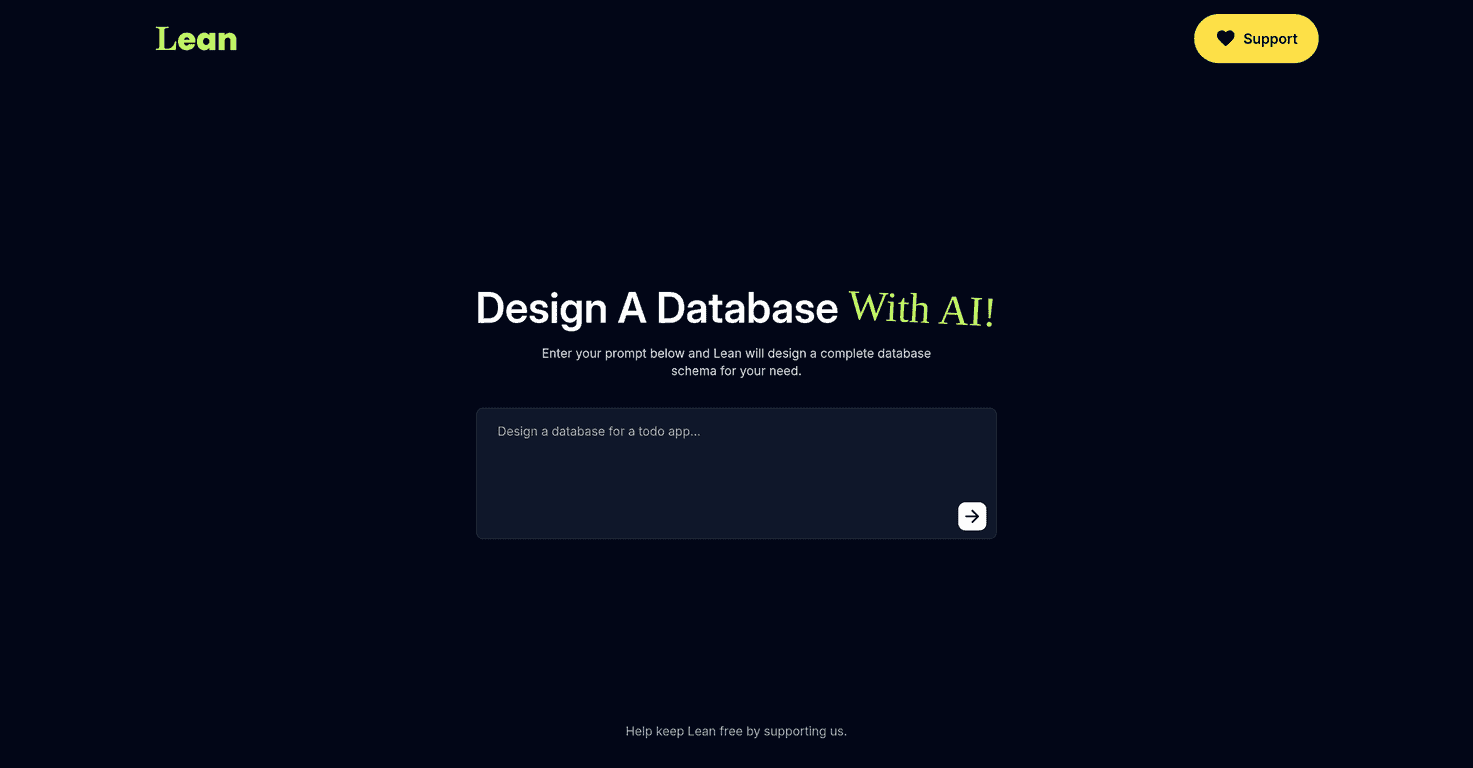
In practice, the flow is pretty straightforward: you fill out a form with your requirements, and Lean produces the schema output. The turnaround is fast—quick enough that you can iterate without losing your momentum. Want to tweak a field name? Or change a relationship? You can adjust your prompt and regenerate instead of starting over.
One thing I noticed right away: the output quality depends a lot on how specific you are. If your prompt is vague (“make a user table”), you might get something that works but feels generic. If you tell it what you need (like “users have email, password hash, role, and created_at” and how relationships should behave), the schema looks much more intentional.
Also, if you’re an advanced developer expecting deep, low-level control (every constraint, every index, every edge case), you may feel a bit boxed in. Lean seems to lean more toward “good defaults + helpful automation” than “full manual control.”
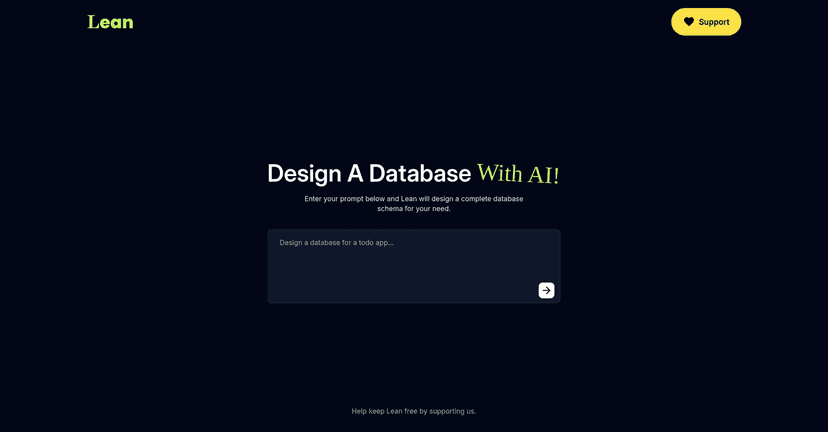
Lean Review: AI Schema Generation Without the Pain
Let me put it plainly: Lean is built for people who want database schemas without spending hours wrestling with design decisions. It’s not trying to replace your database expertise—it’s more like a shortcut to a solid starting point.
When I ran a basic “todo app” style prompt, the schema came back quickly with the usual pieces you’d expect: a users table (or user-like entity), a tasks/todos table, and a relationship that ties them together. That’s the kind of output that’s immediately useful. You don’t have to translate your idea into 20 different SQL steps first.
For a slightly more complex setup, I tried adding role-based behavior (e.g., admin vs regular user) and a few extra fields like status and timestamps. What I noticed is that Lean responds best when you include the “shape” of your data in plain language. Instead of just saying “tasks have status,” I got better results when I specified things like “status has values: pending, in_progress, done” and “created_at and updated_at should be included.”
There’s also a practical side to this. If you’re prototyping an app, you usually need something working today, not a perfect schema next month. Lean gets you to that “working draft” faster. And then you can refine it in your preferred database tool.
Still, I don’t want to oversell it. If your prompts are sloppy, the schema can feel sloppy too. And if you need very specific constraints, indexes, or naming rules, you might end up editing the output manually anyway. That’s not a deal-breaker, but it’s something to expect.
Key Features I Actually Used
- AI-driven database schema generation — You describe your entities and relationships, and Lean turns that into a usable schema draft.
- Simple, user-friendly input — The interface is easy to navigate, even if you’re not fluent in database design terms.
- Customizable prompts — You can guide the output by specifying fields, relationships, and requirements. The more concrete you are, the better it behaves.
- Responsive design — It works well on different screen sizes, which matters if you’re testing on a laptop one day and a tablet the next.
If you’re wondering what “good prompts” look like, here are a few examples I found helpful:
- Fields: “Users table needs email (unique), password_hash, role, created_at.”
- Relationships: “Each task belongs to one user; a user can have many tasks.”
- Constraints: “Task.status should be one of: pending, in_progress, done.”
- Optional behavior: “Include updated_at that changes when the task is edited.”
Pros and Cons (Real Talk)
Pros
- It saves real time — Instead of building a schema manually, you get a starting point in minutes (sometimes faster), which is great for prototypes.
- Beginner-friendly — Non-technical users can still make progress because the input is straightforward and the output is structured.
- Works across different app types — From simple “todo” apps to more structured apps with roles and relationships, it’s flexible enough to be useful.
Cons
- Prompt clarity matters — Vague requirements can lead to generic schemas. I had better results when I listed fields and relationship rules explicitly.
- Advanced customization may feel limited — If you want very precise control (custom index strategy, extremely strict constraints, naming conventions down to the letter), you may need to edit the output afterward.
- Expect some cleanup — Even with a good prompt, you’ll probably want to review the generated schema for consistency before shipping.
Pricing Plans: Is It Free?
On the main site, I didn’t see a clear, traditional pricing table. What I did notice is that it looks community-supported—something like a “buy me a coffee” style setup. If that’s accurate, it could mean Lean is free (or at least low-cost) for most people.
That said, I’d still recommend checking the page directly before you commit. Pricing can change, and you don’t want to build a workflow around something that suddenly turns into a subscription.
Quick Tips Before You Generate Your Schema
- List your entities first (e.g., User, Task, Project). Then add fields.
- Be explicit about relationships (one-to-many vs many-to-many). If you don’t say it, you may get a default you didn’t want.
- Include timestamps if you need them. “created_at” and “updated_at” are easy wins for most apps.
- Decide your enums up front (like task status values). It helps Lean generate cleaner, more predictable schemas.
Wrap up
Overall, I think Lean is a solid option if your goal is to generate database schemas quickly without getting stuck in the weeds. It’s especially good for prototypes, side projects, and early-stage app planning where you want something working fast. Just don’t assume it’ll magically handle every edge case—if you give it clear requirements, you’ll get a much better result, and you’ll still want to review what it outputs before you rely on it.
Promote Lean