Table of Contents
If you’ve ever looked at your stack of SaaS tools and thought, “Why are we paying for half of this?”, you’re not alone. I tested Leania.ai to see whether it can actually find wasted spend and workflow bottlenecks—or if it’s just another dashboard with a fancy AI label.
Here’s what I noticed: it does a pretty quick job of mapping tools and highlighting inefficiencies, and the reports are the kind you can forward to your finance or ops person without needing to translate everything. But it’s not magic. If your data setup is messy or your team uses tools in inconsistent ways, you’ll still need to do some cleanup and follow-through.
Leania.ai Review: What It Found (and What It Didn’t)
I started by signing up and connecting my business tools. In my case, I focused on a realistic slice of what an operations team actually uses: the apps tied to day-to-day workflows (intake, tracking, collaboration, and handoffs). The setup didn’t take hours, but it also wasn’t “set it and forget it.” I spent a bit of time making sure the right accounts were connected and that the tools I wanted included were actually active.
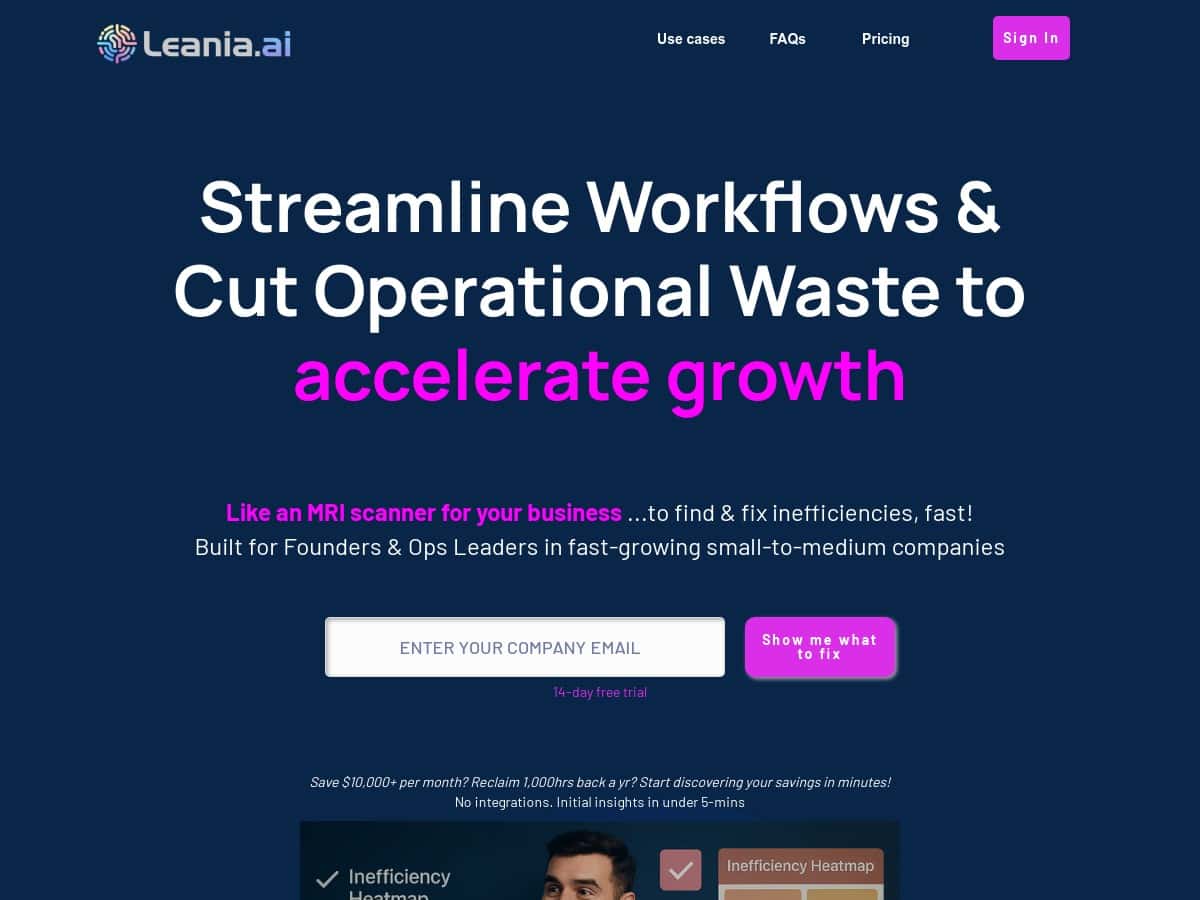
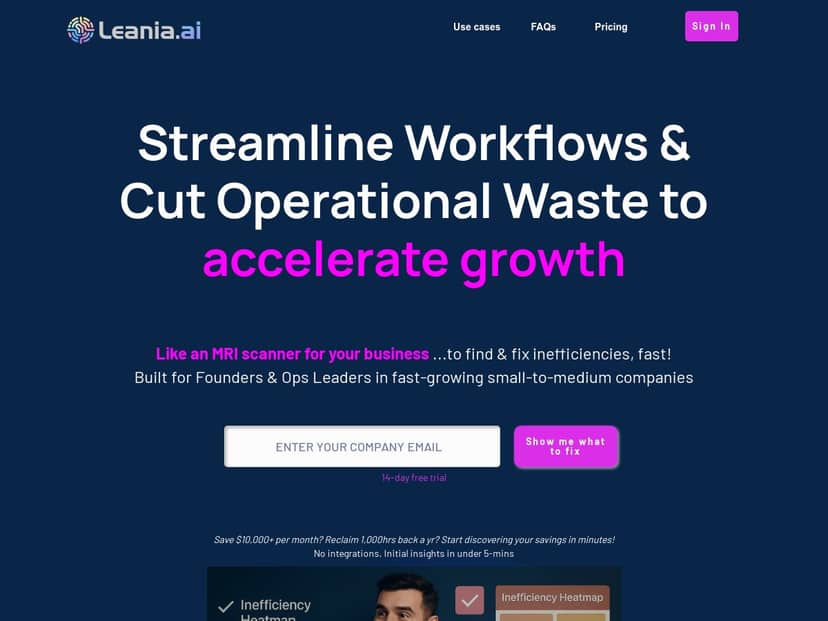
Once Leania.ai began analyzing, the first thing I paid attention to was whether it could show me where things were slowing down—not just that “inefficiencies exist.” What I saw was a set of workflow visuals that made bottlenecks obvious. The heatmap-style views were especially useful because I could scan them quickly and spot the “high friction” areas.
On the SaaS cost side, the platform didn’t just say “you have redundant tools.” It pointed out specific categories of unused or underused software and made it easier to justify cleanup to the people who sign off on budgets. That’s a big deal. If you’ve ever tried to explain to leadership why you want to cancel a tool, you know you need receipts, not vibes.
Onboarding + integrations (what the first session felt like)
My first session was mostly about connecting apps and getting the analysis to run on the right scope. What I liked: the process felt guided, and I wasn’t stuck guessing what to do next. What I didn’t love: if you’ve got multiple workspaces, shared accounts, or inconsistent naming across tools, you’ll want to tidy that up first so the results map cleanly to your reality.
- Time to first insights: I saw initial analysis results within the first day of testing, and then the deeper recommendations got clearer after the system finished pulling data.
- Tools scanned: I connected a set of core workflow apps (the ones my team touches regularly) and used those as my baseline for comparison.
- What I checked: I looked for “actionable” outputs—things I could actually change in the next week, not just theoretical improvements.
A real inefficiency example (and the recommendation I got)
One inefficiency I noticed immediately in my workflow was the “handoff loop”—work would move from one tool to another, but the status updates weren’t happening consistently. That created extra follow-ups and manual checking.
Leania.ai’s output helped me pinpoint where the delays were coming from. Instead of telling me to “optimize processes,” it suggested a more streamlined setup: reduce the number of manual steps and connect the relevant tools so updates happen automatically when the workflow moves forward.
Was it perfect? Not entirely. The recommendation was directionally right, but I still had to validate the exact trigger and confirm it matched how my team actually works. That’s normal, and honestly, it’s better than blindly auto-changing everything.
- What it flagged: repeated friction during transitions between workflow stages.
- What it recommended: automating status/hand-off steps and tightening the tool connections so fewer updates rely on manual effort.
- Was it actionable? Yes—at least in the “here’s what to automate next” sense. I could turn it into a concrete checklist for my ops workflow.
Before/after: what changed in practice
I didn’t try to “rip out” tools overnight. Instead, I treated Leania.ai like a prioritized audit. The biggest win for me was having a ranked list of what to investigate first—especially on the SaaS side.
Here’s how I estimated value: I looked at (1) time spent doing manual status checks, and (2) recurring SaaS spend that looked underused. Even a small reduction adds up. If you save even 30–60 minutes per person per week on admin-like tasks, that’s meaningful across a small team.
In my case, I ended up with a short list of candidates to review (tools to reduce seats for, workflows to automate, and places where handoffs needed tightening). That alone made the trial feel worthwhile.
Key Features
- AI-powered process and workflow analysis to detect bottlenecks and friction points (not just generic “inefficiencies”).
- Real-time visualization that makes bottlenecks easier to understand at a glance—think heatmap-style views for where things slow down.
- SaaS tool identification to help you spot tools that are unused or underused, so you can cut costs with less debate.
- Automation recommendations that focus on repetitive manual tasks (the stuff you do every week without thinking).
- Custom tool suggestions based on how your business actually runs, rather than one-size-fits-all advice.
- Integrations that connect existing tools so the recommended automations aren’t stuck in “theory.”
What I found especially useful
- Reports you can share: The visuals and summaries are easy enough to explain internally.
- Prioritization: It’s not just a list of problems—it helps you figure out what to tackle first.
- Cost conversations: Instead of “we should cut spending,” I had a clearer story about what to review and why.
Pros and Cons
Pros
- Better SaaS spend clarity: It highlights tools that look unused/underused, which makes budget cleanup easier to justify.
- Workflow bottlenecks are visible: The dashboards/heatmap-style views helped me spot friction faster than digging through logs manually.
- Recommendations feel grounded: The automation suggestions are tied to actual workflow patterns, not random “AI guesses.”
- Team-friendly outputs: I could share findings without rewriting everything into plain English.
- Practical next steps: Even when I didn’t implement everything immediately, I had a clear checklist of what to investigate.
Cons
- Setup still matters: If your app connections and account structure are messy, results won’t map cleanly to your real workflows.
- Complex orgs may need extra tuning: More departments and tool sprawl can mean more time spent aligning scope.
- It won’t replace ops judgment: You’ll still need to validate recommendations before flipping switches.
- Learning curve: It’s not hard, but it does take a little time to understand how to interpret the dashboards and recommendations.
- Cost may be high for small teams: If you’re solo or very light on SaaS spend, the ROI might take longer to prove.
Pricing Plans
Leania.ai is subscription-based, and during my check it looked like pricing started at around £119 per month for standard plans. Annual options were shown with a discount—roughly £1,432 for a year based on the figures I saw at the time of review.
Because pricing can change (and plan names sometimes shift), I recommend verifying the latest details directly on their site. If you want the most accurate breakdown, check their pricing page on the official website (and confirm what’s included for your team size).
Tip: When you compare plans, look for what you’re getting beyond “AI reports”—for example, whether the higher tiers include deeper business audits, broader scope for tool scanning, and more hands-on recommendations.
Wrap up
After testing Leania.ai, my take is pretty straightforward: it’s one of the more useful AI tools I’ve tried for finding wasted SaaS spend and workflow friction. The visuals make bottlenecks easier to spot, and the recommendations are specific enough that you can turn them into real next steps.
That said, it’s not a magic button. You still have to connect the right tools, validate the recommendations, and make changes thoughtfully. If you’re willing to do that, you’ll likely get value fast—especially if you’ve got lots of subscriptions and a workflow that involves multiple handoffs.
If you want to streamline your business with smarter visibility (and not just another dashboard), Leania.ai is worth a serious look.