Table of Contents

What Is Miniloop?
Honestly, when I first heard about Miniloop, I was a bit skeptical. The promise of turning plain English descriptions into automated workflows that connect multiple apps sounds great in theory, but I’ve seen enough tools that overpromise and underdeliver. So, I was curious to see if Miniloop could really live up to its claims or if it was just another AI-powered automation hype train.
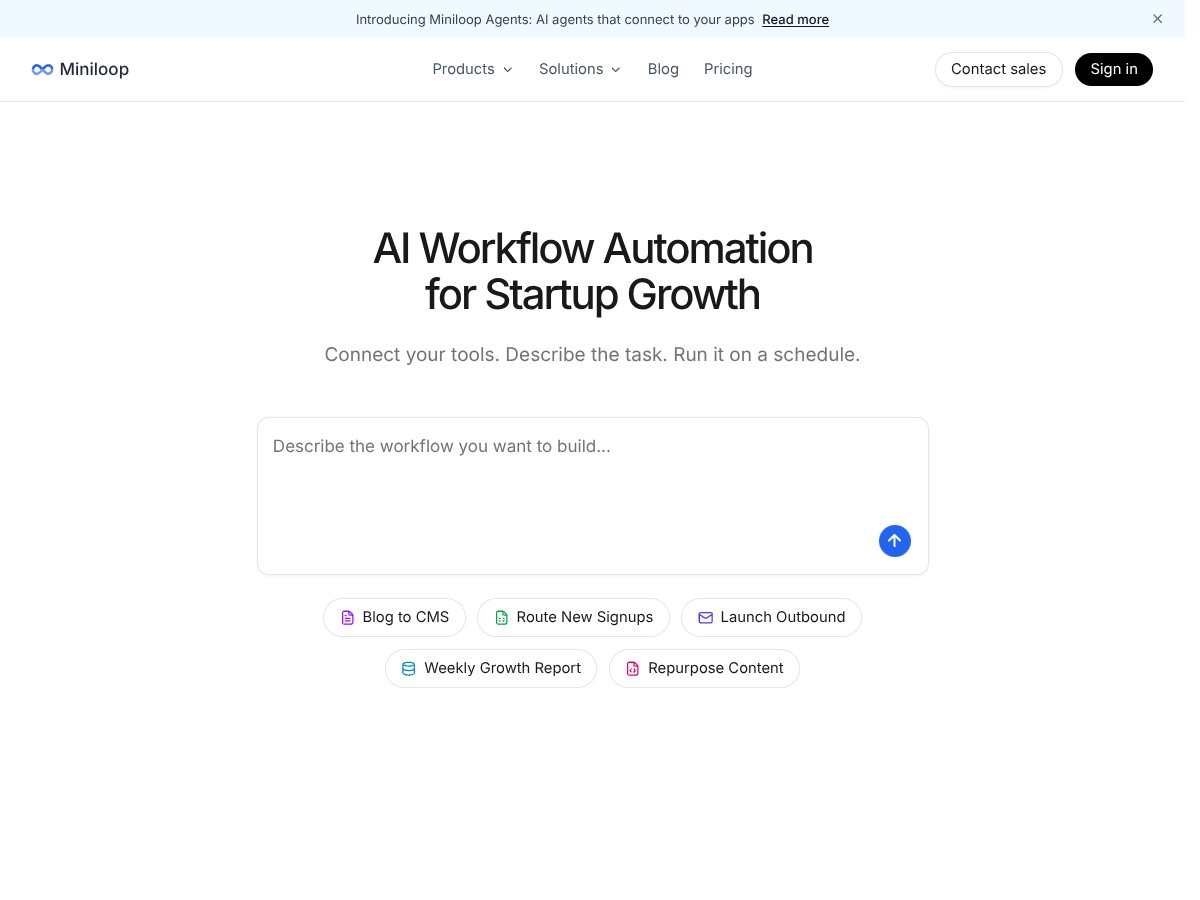
What Miniloop does, in simple terms, is act as a bridge between your various tools—like your CRM, email, spreadsheets, CMS, and more—and lets you tell it what to do in plain language. Instead of writing code or clicking through complicated interfaces, you describe the task you want automated, and Miniloop generates Python scripts that run those tasks behind the scenes. It then executes these scripts in a secure sandbox environment, making sure everything runs smoothly without risking your actual data or systems.
The main problem it tries to solve is the repetitive, manual work that often bogs down marketing, sales, and operations teams—things like lead enrichment, outreach, content publishing, SEO research, and reporting. Instead of hiring a developer or spending hours configuring Zapier workflows, Miniloop aims to let non-technical users automate complex multi-step tasks easily.
As for who’s behind it, Miniloop is a product of Y Combinator’s Summer 2021 batch. That’s usually a good sign in terms of startup credibility, and their website mentions a team based in New York. I couldn't find a ton of info about the founders or development team, which is a bit unusual but not a dealbreaker at this stage.
My initial impression was that it’s as advertised—at least on the surface. The interface is straightforward enough, and the idea of describing workflows in plain English seems promising. But keep in mind: it’s early days. I didn’t find detailed tutorials or extensive documentation, and the product feels like it’s still maturing. It’s not a fully polished, plug-and-play solution for every use case—yet. It’s more like a promising platform that could become very useful if it continues to develop.
One thing I want to be clear about upfront: Miniloop isn’t a no-code drag-and-drop builder like Zapier or Integromat. It’s more about generating custom Python code based on your descriptions, which then runs in isolated sandbox environments. If you’re not comfortable with even basic scripting or debugging, there might be a learning curve. Also, features like pre-built templates or a gallery of workflows are limited or not fully fleshed out yet. So, don’t expect a fully turnkey experience right now.
The Good and The Bad

What I Liked
- Natural language task description: Miniloop’s ability to turn plain English instructions into executable workflows is genuinely impressive. It reduces the barrier for non-developers who want to automate complex tasks without writing code. For example, describing a lead enrichment process and having it run automatically saves hours each week.
- Secure sandbox environment: The fact that workflows run in isolated, deterministic sandboxes adds a layer of safety. I’ve used automation tools where debugging or rerunning workflows felt risky—Miniloop’s approach gives peace of mind that errors won’t cause data leaks or crashes.
- Pre-built templates and integrations: The library of templates for common GTM tasks like email outreach or SEO research is a real time-saver. Plus, connecting to tools like HubSpot, Notion, or Airtable is straightforward, which speeds up onboarding.
- Flexible data handling: Support for batch processing and standard Python libraries (pandas, requests, etc.) allows for more advanced workflows. I particularly appreciated how I could process multiple CSV files or perform custom data transformations without needing a full dev setup.
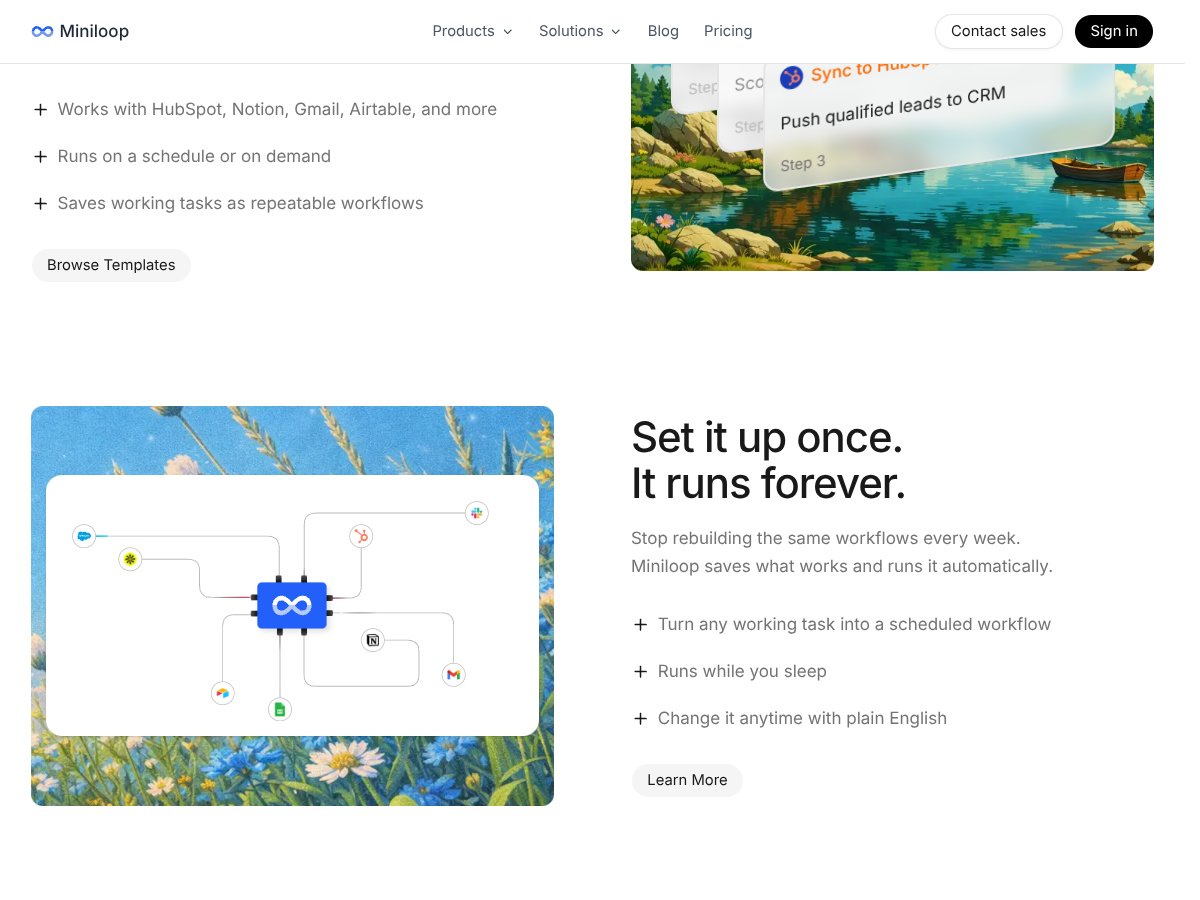
- Scheduling and reliable execution: The ability to run workflows on a schedule or on demand, with controls for retries and error handling, makes it suitable for mission-critical processes. This is a significant upgrade over simple trigger-based automation.
- AI code generation from natural language: The core feature—converting English descriptions into Python—is surprisingly effective for straightforward tasks. It means you don’t need to be a Python expert to get started, which broadens accessibility.
What Could Be Better
- Pricing transparency: The lack of clear pricing details makes it hard to evaluate if Miniloop is affordable for small teams or solo operators. The freemium model is promising, but without specific tiers or limits, it’s guesswork.
- Learning curve for advanced customization: While basic workflows are easy, more complex or error-prone workflows may require some Python knowledge. This could be a barrier for non-technical users who still want deep customization.
- Limited user feedback and community support: As an early-stage product, there’s not a lot of reviews or community resources yet. This might affect troubleshooting or sharing best practices.
- Potential AI code accuracy issues: AI-generated code is good for simple tasks, but complex workflows might need manual tweaking. Dependence on AI for code correctness could lead to unexpected bugs if not carefully tested.
- Early product maturity: Features may still be under development, and some integrations or templates might not be fully polished. For users expecting a 'plug-and-play' experience, this might be frustrating.
Who Is Miniloop Actually For?
Miniloop is best suited for small to medium-sized startups, growth teams, or technically inclined marketers who want to automate repetitive GTM tasks without heavy engineering. If you’re someone managing multiple tools—like HubSpot, Airtable, and Gmail—and find yourself doing manual data entry, outreach, or reporting, Miniloop can help you scale those efforts.
For example, a startup sales team that regularly enriches leads from Apollo, scores them, and pushes high-value contacts into their CRM would benefit from Miniloop’s ability to automate these steps seamlessly. Similarly, content teams looking to auto-publish blog posts and repurpose them across social channels could find this tool a real time-saver.
However, if you’re a solo operator with only a handful of workflows or a non-technical user who struggles with scripting even simple Python, Miniloop might be overkill or too complex at this stage.
Who Should Look Elsewhere

If your needs are simple—like connecting two apps with a basic trigger or you prefer a fully no-code, drag-and-drop environment—tools like Zapier or Make (Integromat) might serve you better. Miniloop’s strength lies in custom, AI-driven workflows that require some scripting or data processing, so if that’s not your approach, it could feel cumbersome.
Additionally, if you need a mature, well-supported platform with extensive community resources, established players like Zapier or Workato might be more reliable. Miniloop’s early-stage status means fewer tutorials, integrations, and troubleshooting options available.
Finally, if your workflows are very simple, or you’re only automating a handful of tasks per month, the complexity and potential cost of Miniloop might not be justified. In such cases, lightweight tools or manual processes could be more efficient.
How Miniloop Stacks Up Against Alternatives
Zapier
- What it does differently: Zapier is the veteran no-code automation platform that connects thousands of apps via simple triggers and actions. It’s more user-friendly for non-technical users but less flexible for complex logic.
- Pricing comparison: Starts with a free plan offering 100 tasks/month; paid plans range from $19.99/month for basic features to higher tiers for advanced needs.
- Choose this if... you want a mature, easy-to-use tool with extensive app integrations and minimal setup.
- Stick with Miniloop if... you need AI-driven Python automation, complex workflows, or more control over logic, especially if you have some coding skills.
StackAI
- What it does differently: Focuses on enterprise AI agents that automate end-to-end processes, often involving custom AI models and integrations for large teams.
- Pricing comparison: Enterprise-oriented, pricing is custom and typically higher, suited for big organizations.
- Choose this if... your business requires highly customized, AI-powered autonomous agents at scale.
- Stick with Miniloop if... you’re a small to medium team looking for flexible, code-based automations without heavy AI customization.
Amoxt
- What it does differently: AI-powered multi-step workflow automation emphasizing business process orchestration with a focus on AI assistance in design and execution. Pricing comparison: Still early-stage; pricing details are limited, but likely more expensive than Miniloop due to enterprise focus.
- Choose this if... your company needs AI-assisted workflow design with a focus on business process optimization.
- Stick with Miniloop if... you prefer a more straightforward, developer-friendly approach with direct control over code and integrations.
Automate.io
- What it does differently: Similar to Zapier, geared towards SMBs with a focus on marketing and sales automation. It’s user-friendly and offers some AI features.
- Pricing comparison: Free tier with limited runs; paid plans start at around $49/month for more features and higher limits.
- Choose this if... you want a simple, no-code solution for marketing and sales automation with some AI capabilities.
- Stick with Miniloop if... you need complex, code-based automation, especially involving Python or AI-generated workflows.
Bottom Line: Should You Try Miniloop?
Overall, I’d give Miniloop a solid 7/10. It’s promising, especially if you’re comfortable with a bit of Python and want AI-driven automation that scales without heavy engineering. The security sandbox and natural language interface are real strengths, but it’s still early-stage, so some workflows might need tweaking or debugging.
The person who should definitely try this: Small to mid-sized teams or tech-savvy marketers who want to automate complex workflows without writing tons of code but are comfortable with some Python troubleshooting.
The one who should skip it: Non-technical users expecting a fully no-code drag-and-drop experience or those needing a mature, proven platform immediately.
The free tier is worth exploring if you want to test its natural language automation capabilities, but the paid plans are where the real automation power unlocks. If you’re trying to streamline repetitive tasks and like the idea of AI-generated code, it’s worth the investment.
Personally, I’d recommend it if your workflows are complex enough to benefit from scripting but you lack the engineering resources. If your needs are simple and you prefer a plug-and-play no-code tool, Zapier or Automate.io might be better.
If your main goal is enterprise AI agents or full-scale process automation, then StackAI or Amoxt might suit you better. But for a flexible, developer-friendly, AI-powered automation layer, Miniloop is a compelling option—just keep expectations realistic about early-stage maturity.
If you’re in a startup or a growing team that’s ready to experiment with AI-driven automation, give Miniloop a shot. If you’re looking for a proven, no-code solution with zero coding required, you might want to stick with something like Zapier for now.
Common Questions About Miniloop
- Is Miniloop worth the money?
- It’s promising, especially for teams that can leverage Python scripting and want AI-driven automation. However, since it’s early-stage, you should test the free tier first to see if it fits your needs before committing financially.
- Is there a free version?
- Yes, Miniloop offers a free trial and a freemium tier with limited runs and features. The free plan is good for testing but not for heavy automation.
- How does it compare to Zapier?
- Zapier is more mature, easier for non-technical users, and has more integrations. Miniloop offers more flexibility with code and AI-driven automation but requires some technical know-how.
- Can I use custom Python libraries?
- Yes, Miniloop supports popular Python libraries like pandas, requests, and BeautifulSoup, giving you powerful options for data processing and automation.
- Is it secure for production workflows?
- Yes, it runs in isolated sandboxes with deterministic logic, making it safe for production use, though you should still test thoroughly.
- Can I get a refund if it doesn’t work out?
- Refund policies depend on the payment method and plan; check with Miniloop’s support or sales team once the product is fully launched.