Table of Contents
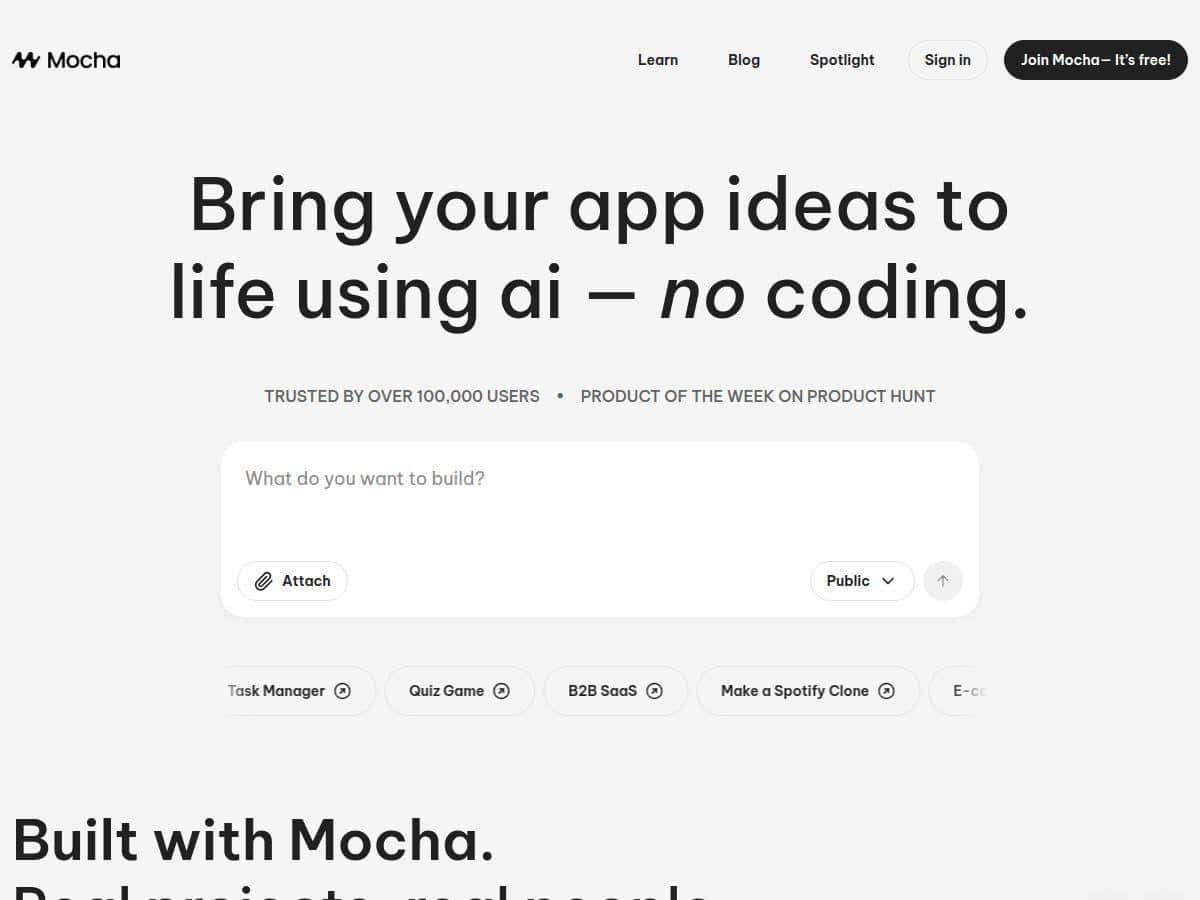
If you’ve ever thought, “I want a real app—not just a landing page—but I don’t want to build it from scratch,” Mocha is aimed right at that. I decided to test it myself, not with some vague prompt, but by trying to generate a small, working app I could actually use. What I noticed: it can get you to a live prototype fast, but you’ll still want to sanity-check what the AI generated—especially around data flows and any “business logic” that depends on multiple steps.
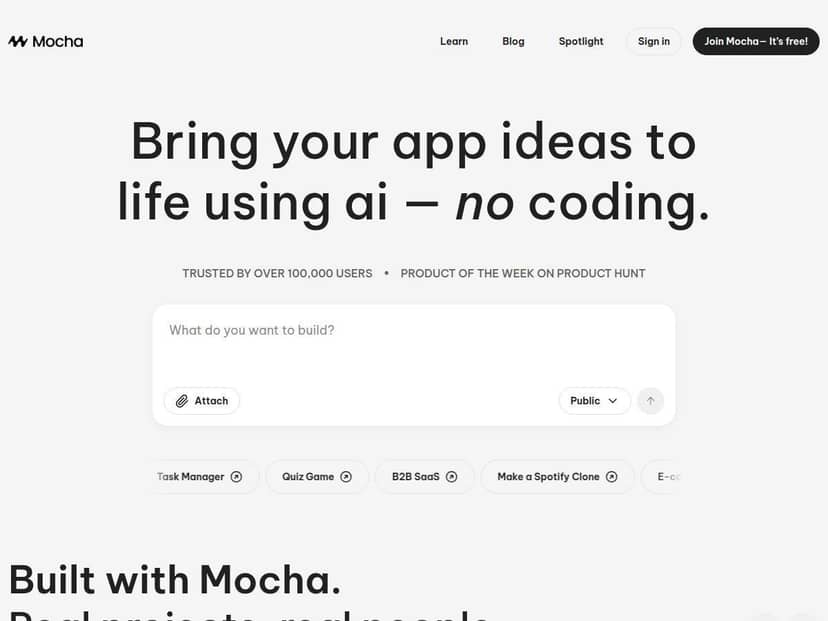
Mocha Review: How Fast Can You Get a Real App Live?
Let me be upfront: Mocha isn’t “set it and forget it.” But it is one of the faster ways I’ve tried to go from idea to a usable, deployed app without writing the whole stack myself.
What I built: a simple “Task Tracker” app with:
- sign-in (so tasks are tied to a user)
- a task list with create + delete
- a “status” field (Not started / In progress / Done)
- a basic dashboard page showing counts by status
My prompt (roughly what I used):
I typed: “Create a task tracker web app. Users must sign in. Each user can create tasks with title and status (Not started, In progress, Done). Show a dashboard with counts for each status. Include pages for ‘My Tasks’ and ‘Dashboard’. Use a clean modern UI, and make the task form simple.”
Time-to-first-deploy: from starting the project to getting a live preview, it was quick—about a few minutes in my test. The exact number will vary (and sometimes it depends on how detailed your prompt is), but I didn’t have to wait around for hours compiling anything.
What “all-in-one” looked like in practice: Mocha didn’t just generate front-end pages. It also created the backend pieces needed for the app to work end-to-end. When I tested it, I could:
- log in
- create tasks under my account
- see those tasks on the “My Tasks” page
- delete tasks and watch the UI update after refresh
As for hosting/database/auth specifics: Mocha abstracts the stack for you. In my experience, I didn’t have to manually wire up a database or authentication provider. Instead, it handled the setup behind the scenes and exposed the result through the app’s working pages. That’s great for speed, but it also means you don’t get the same level of “I know exactly what service is running” control you’d have if you built it yourself.
Design generation: I liked that it didn’t just throw a generic template at me. The UI it produced looked consistent across pages (fonts, spacing, button styles). Still, if you’re picky about branding, you’ll probably want to iterate—Mocha can get you close quickly, but matching a very specific design system may take extra prompt passes.
Where I hit limitations:
- Complex logic needs more prompting. When I asked for “only show tasks created in the last 7 days,” the first attempt didn’t apply the filter correctly. I had to re-prompt more explicitly about date filtering and where the logic should run (dashboard vs. task list).
- Edge cases aren’t always perfect. For example, if I tried to create a task with an empty title field, the validation wasn’t as strict as I expected. After a couple of edits, it improved, but it wasn’t bulletproof immediately.
- Integrations aren’t instant. If you want to connect to external APIs (email, Stripe, custom webhooks), you’ll likely need to do extra work or accept that some integrations take more back-and-forth than “just generate it.”
So, is Mocha “no-code”? Sort of. It’s no-code for building the app quickly, but you’ll still spend time refining prompts and correcting what the AI guessed. Honestly, that’s not a dealbreaker—it’s just the reality of AI-generated apps.
Key Features That Matter (Not Just Buzzwords)
- AI-powered development from descriptions
I tested prompts that described pages, fields, and user behavior. Mocha translated that into working screens and database-backed functionality. - Prompt-based app setup
You don’t need to write code to get started, but you do need to be specific. “Build an app” won’t get you the same result as “Create a page with X fields and Y validation.” - Backend + database + authentication included
The big win is that it handled sign-in and data storage without me wiring up separate services. The tradeoff is less transparency into the underlying stack. - Fast deployment
In my run, I could get to a live prototype quickly after generating the app. It felt designed for iteration rather than weeks-long setup. - Custom design generation
Instead of relying only on templates, it generated a cohesive UI across pages. I still had to tweak it for my preferences, but I wasn’t starting from a blank, ugly layout. - Real-time editing and refinement
I could adjust the app and see changes without doing a full rebuild every time. That speed is what makes the tool feel “usable.” - Exportable code for flexibility
This is a key feature if you want control later. In practice, export means you can take what Mocha generated and continue development outside the platform. The exact workflow depends on the export format, but the idea is: you’re not locked into only the web UI editor forever.
Pros and Cons From My Test
Pros
- Beginner-friendly setup
If you can describe what you want, you can build something real. I didn’t run into “you must understand React/SQL first” walls. - Speed to a working prototype
I was able to generate pages, wire up user-specific data, and deploy quickly enough to test the concept immediately. - Built-in app foundation
Authentication, data handling, and hosting weren’t something I had to bolt on manually. - Export gives you an escape hatch
Even if you keep most work inside Mocha, being able to export helps if you later want to customize more deeply. - Good for small-to-medium app ideas
For prototypes, MVPs, and internal tools, it’s a strong fit.
Cons
- Free tier limits can be tight
In my testing, the free plan felt designed for experimenting rather than building a full app you’ll scale. If you need multiple iterations, you’ll want to plan your prompts carefully to avoid burning through credits. - Complex logic can require multiple attempts
AI is great until you ask for multi-step rules. I had to re-prompt to get date filtering and validation exactly the way I wanted. - Customization isn’t always “pixel perfect” out of the gate
You can steer the UI, but if you’re expecting exact control over every component, you may end up doing more tweaking than you’d want. - Less transparency than hand-built stacks
Because Mocha abstracts the backend services, you don’t always get the same level of “I know exactly what’s running” confidence. - Smaller community than older no-code tools
That matters if you rely on tutorials and shared patterns. You may find fewer ready-made examples to copy.
Pricing Plans (What I’d Check Before Paying)
Mocha’s pricing is positioned for experimentation on the free tier and then scaling up when you want more apps and more usage. Based on the plan overview:
- Free tier: one app and limited credits (good for testing workflows and prompt quality).
- Bronze: $20/month, up to 5 apps, more credits, and custom domains.
- Silver: $50/month, higher app/credit limits.
- Gold: $200/month, for extensive development and early access to features.
- Annual billing: usually saves money if you already know you’ll keep using it.
Quick tip before you commit: think about your iteration style. If you’re the kind of builder who will re-prompt a lot (like me when I’m refining validation and filters), credits and limits become the real “hidden cost.”
Wrap it up
Mocha is one of those tools that genuinely feels fast—because it gets you to a working, deployed app without the usual setup grind. In my test, the biggest wins were how quickly I could generate a user-based app, how smooth the iteration felt, and how helpful the “exportable code” option is as an exit ramp. The main thing to watch is that deeper logic and edge cases may take a few rounds of prompting and tweaking. If you want an MVP-style start without months of setup, it’s absolutely worth trying.