Table of Contents
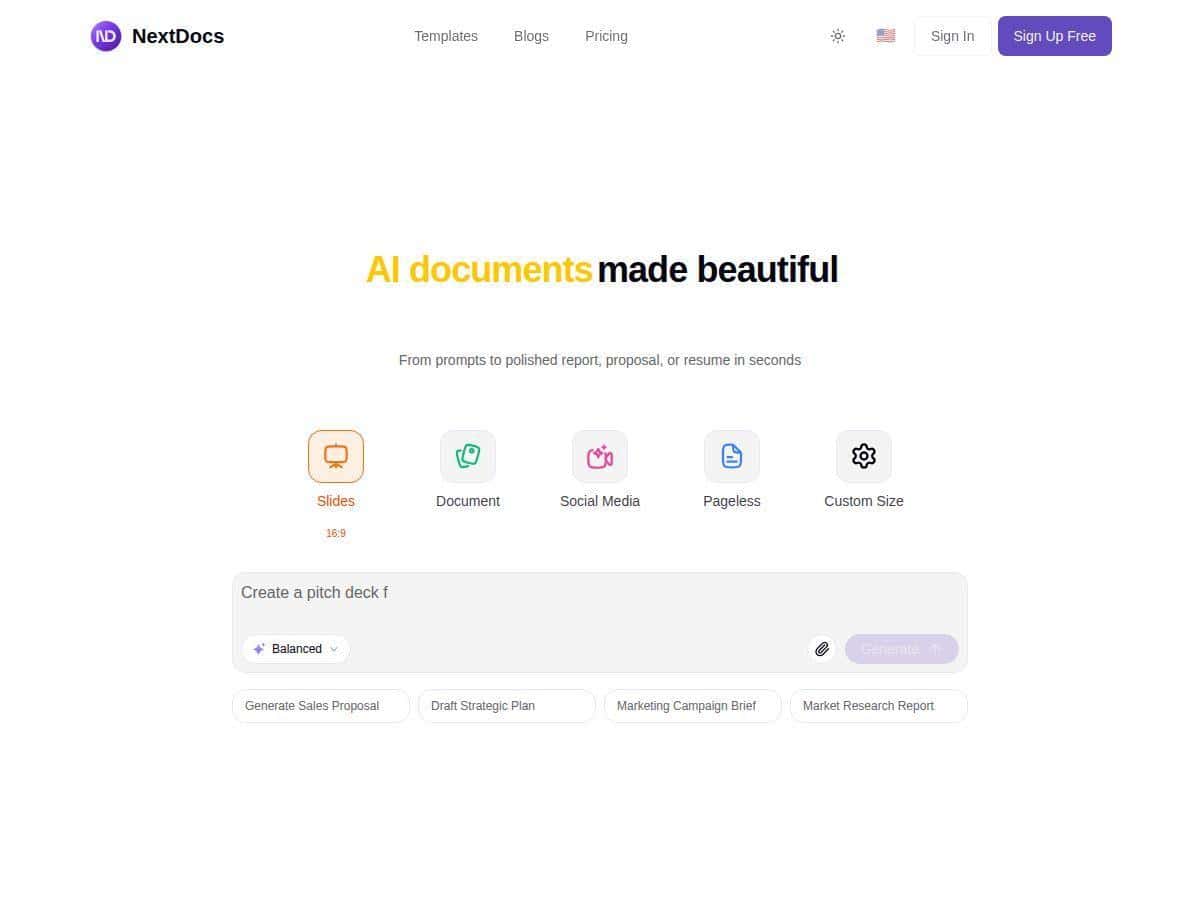
If you’ve ever had documents scattered across email threads, random folders on your desktop, and a “final_FINAL_v7” mess… yeah, I get it. NextDocs is built to help you centralize everything and actually find it later.
In my experience, the biggest question wasn’t “does it upload files?” (it does). The real question was: can it handle the way people work day-to-day? So I tested NextDocs with a mix of document types, tried sharing with collaborators, and paid attention to the little things—search behavior, version history, and what happens when files get large.
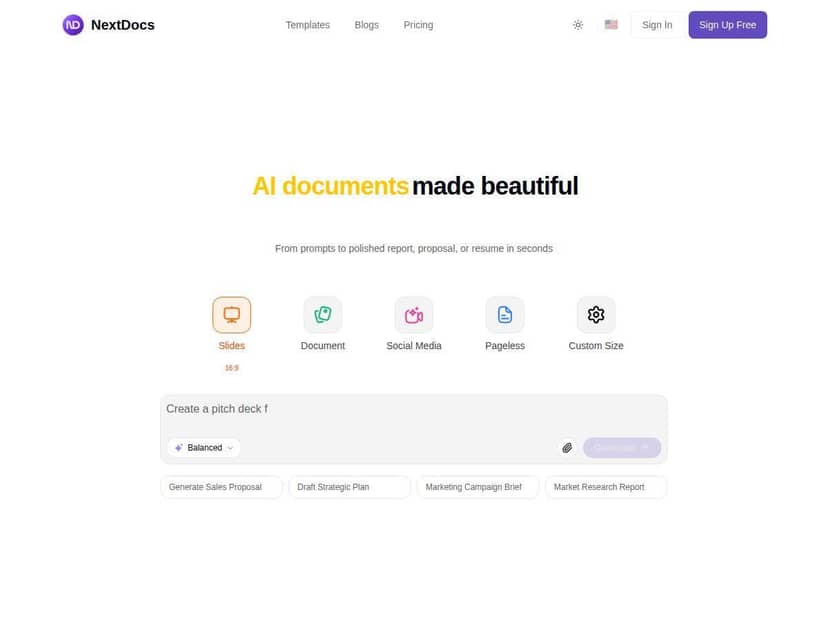
NextDocs Review: What It Felt Like to Use (Real-World Test)
To test NextDocs, I created a small “Project Folder” structure and uploaded a handful of files I’d actually deal with at work: a few DOCX files, some PDFs, and spreadsheets. I also tried a couple of heavier uploads to see where things started to drag.
Upload & organization: Drag-and-drop is fast and pretty forgiving. I tossed in a batch of files (roughly 15 documents total) and then organized them into folders and tags. What I liked here is that it doesn’t feel like you’re forced into a rigid system—you can start simple and refine later. If you’re the kind of person who always forgets to name things consistently, tags help a lot.
Editing & sharing: Sharing is where NextDocs started to feel “built for teams.” I shared a folder with a collaborator and then tested what happens when they access the same document from their own account. In my case, collaboration felt responsive—changes showed up without needing me to refresh constantly.
Search: This is one of those features you only notice when it’s bad. I searched for a filename keyword and also tried a term that was inside a document name (not just the folder name). It returned results quickly enough that I didn’t feel like I was waiting around. Could it be instant every single time? No system is. But for my test set, results came back in a matter of seconds.
Large file behavior: Here’s the part that surprised me. When I uploaded very large files (think 200MB+ range), things weren’t “broken,” but they did slow down. The upload took longer, and after upload, navigation/search felt a bit more sluggish than with smaller files (like 5–50MB). It wasn’t a dealbreaker, but if your workflow regularly involves huge assets, you’ll want to plan for delays or test your own file sizes first.
Overall? NextDocs is a strong fit for small to mid-sized teams that want easier document access and collaboration without turning the whole process into a workflow puzzle.
Key Features That Actually Matter (and How I Used Them)
- Drag-and-drop document uploading
- I started by dragging multiple files into a folder. It handled a mixed set (DOCX, PDF, and spreadsheets) without acting weird. One practical tip: if you’re uploading a lot at once, make sure your folder structure is ready first—otherwise you’ll end up doing quick cleanup moves right after the batch finishes.
- Advanced search
- NextDocs’ search is more helpful than basic “find by filename only.” I tried searching for terms that matched document names and got results quickly. If your team uses tags consistently, search becomes even more useful because you can narrow down fast instead of scrolling through folders.
- Edge case I noticed: when I used very generic keywords, the results list was bigger than I expected. That’s not unique to NextDocs, but it does mean you’ll get better outcomes with tags or more specific terms.
- Real-time collaboration tools
- Sharing a document and then having a collaborator open it from their account felt smooth. I didn’t see the “wait… refresh… now it updates” problem as often as I’ve seen in other tools. What I liked most is that collaboration doesn’t require everyone to be in the same exact workflow at the same time.
- Secure cloud storage with encryption
- NextDocs positions its storage as secure, and I focused on what that means in practice: encryption for stored data and encryption in transit, plus access controls. I also verified that sharing permissions weren’t just cosmetic—when access was restricted, the document didn’t show up for the wrong role.
- What I didn’t fully confirm from the UI alone: whether there are advanced options like SSO or detailed audit logging for every action. Those are the kind of things you should ask about before relying on NextDocs for compliance-heavy environments.
- Version control
- Version control is where I typically notice whether a document tool is serious. I replaced an existing file with an updated version and then checked the history. The main thing I cared about: could I track changes and roll back if needed? In my testing, the version history was straightforward enough to understand without digging.
- Role-based access permissions
- This is a big deal for teams. I tested different permission levels by sharing a folder and then checking what a collaborator could do. The permissions behaved as expected—users didn’t just “view everything.” If you work with client documents or internal approvals, role-based access is the difference between “organized” and “actually safe.”
- Mobile app for on-the-go management
- On mobile, NextDocs is convenient for browsing and basic access. I could open and manage documents without it feeling like a totally separate product.
- Limitation I ran into: the mobile experience felt less capable than the web app. Things like deeper editing workflows and some advanced management options weren’t as smooth or complete as I expected. If your team lives on mobile, this is worth checking before you commit.
Pros and Cons: My Honest Take
Pros
- Clean, beginner-friendly interface — I didn’t need a tutorial to upload and organize documents.
- Collaboration feels responsive — sharing a folder and working with another user didn’t feel clunky in my tests.
- Security and access controls are practical — permissions actually affect what people can see.
- Organization tools are flexible — folders + tags made it easier to find things later.
- Good value for small teams — especially if you mainly need storage, search, and collaboration.
Cons
- Large file handling isn’t its strongest area — uploads and navigation slow down noticeably with very large files (I saw friction around the 200MB+ range).
- Some features may be plan-dependent — a few capabilities felt like they might require an upgrade depending on what you need.
- Mobile is more “access” than “power editing” — great for checking and sharing, but not as feature-rich for heavy workflows.
- No offline mode — if you travel or work in low-connectivity areas, this could be a dealbreaker.
Pricing Plans: What You’re Paying For
NextDocs has a free plan for individuals, which is useful if you just want to test the basics: uploading, organizing, and basic access.
Paid plans start at $9.99/month. In my view, this tier makes sense if you need more storage and stronger collaboration options. There’s also a business plan at $29.99/month for larger teams that want broader functionality and more room to scale.
For companies with specific requirements, there are enterprise plans available via request.
Quick tip before you upgrade: check the plan details for the exact items you care about—especially mobile limitations, large-file performance expectations, and any security/compliance features like audit logs or SSO (if those matter for you).
Wrap-up: Should You Use NextDocs?
After testing NextDocs, I’d recommend it if your main goal is organized document storage with easy sharing and solid collaboration. It’s the kind of tool that works well for small to medium teams who want fewer “where is that file?” moments.
But if your workflow depends heavily on very large files, offline access, or advanced mobile editing, you’ll want to pressure-test those needs first. For many teams, though, NextDocs hits a nice balance between usability and features—without feeling overly complicated.