Table of Contents
Have you ever gone hunting for the “perfect” AI prompt… and ended up with 30 tabs open, zero clarity, and a growing pile of copy/paste attempts? Yeah, me too. That’s basically why I wanted to test OnlyPrompts.
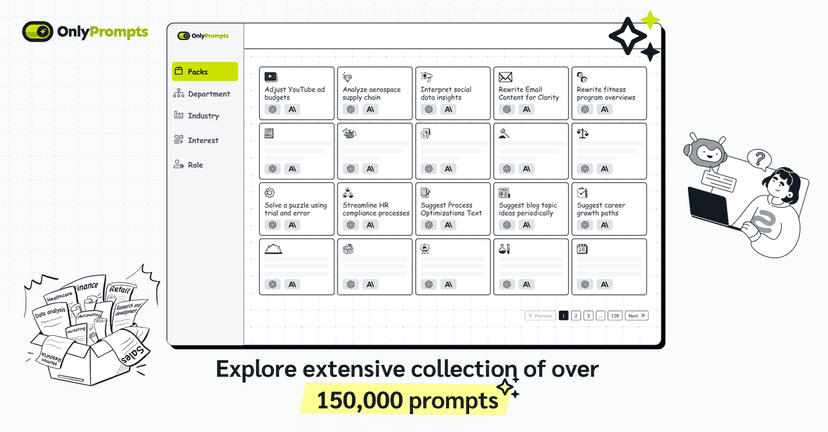
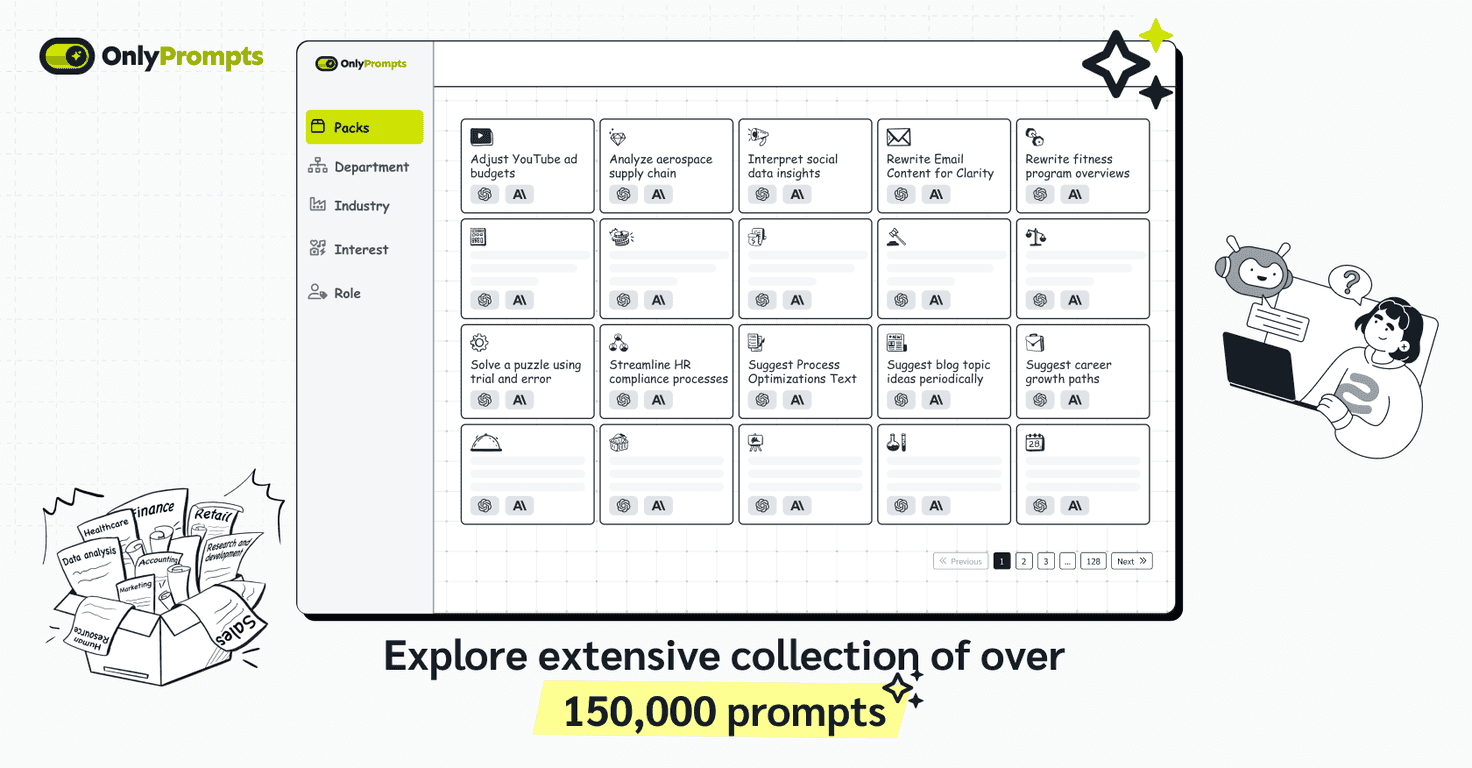
OnlyPrompts is a big prompt library—over 150,000 prompts—meant to cover a ton of use cases like writing, marketing, coding, research, and more. The part I liked right away is that it’s not just “here are prompts.” It’s more like: pick a goal, grab a prompt that matches, then tweak and reuse it without starting from scratch every time.

OnlyPrompts Review: What It’s Like to Use a 150K+ Prompt Library
When I first opened OnlyPrompts, the main question in my head was simple: Will I actually find something useful fast, or am I just browsing forever? The interface helps. You’re not stuck digging through chaos—you can narrow down prompts by task type and then grab something that’s already structured.
What I noticed during testing is that the best prompts aren’t just “write a blog post.” They’re usually closer to “write a blog post with X audience, Y tone, Z structure.” That kind of specificity makes a huge difference in the output quality.
Another thing I appreciated: OnlyPrompts supports multiple AI models, including GPT-4 and Claude. If you switch models depending on the job (or you just prefer one for certain tasks), that flexibility matters. I don’t want a prompt library that only works well for one setup.
And yes, there’s also mention of dynamic A/B testing. I like the idea because even small prompt tweaks can swing the results a lot. If you’re trying to improve conversion copy, rewrite subject lines, or tighten up messaging, testing two variants is way more efficient than guessing.
Key Features That Actually Matter (Not Just Buzzwords)
- Extensive Prompt Library (150,000+ prompts)
This is the headline, but it’s also the reason the platform is useful. You can usually find something close to what you need—then adjust it instead of starting from zero. - Multi-Model Support (GPT-4, Claude, etc.)
In my experience, prompts can behave differently across models. Having the option to use more than one model makes the library feel more “future-proof.” - Dynamic A/B Testing
If you’re optimizing output (ads, landing pages, email sequences), testing prompt variations can save time. Instead of “try it and hope,” you get a more structured way to compare results. - User-Centric Navigation
The browsing experience is straightforward enough that you don’t need a tutorial just to get started. That’s important when you’re trying to work fast. - Regular Updates
AI prompt styles evolve. It’s nice when a library doesn’t feel frozen in time. - Flexible Pricing Options
There’s more than one way to pay, which matters if you’re using it casually versus doing prompt work every day.
Pros and Cons From My Perspective
Pros
- Huge variety across categories—I didn’t feel like I was repeating the same few templates over and over.
- Quick access—the interface makes it easier to find a prompt and get moving, which is what I care about when I’m on a deadline.
- Prompt refinement helps—the library structure makes it easier to tweak wording, constraints, and formatting instead of rewriting everything from scratch.
- Works with multiple AI models—especially useful if you already have a preferred model for certain tasks.
- Content feels actively maintained—at least compared to smaller libraries that can go stale.
Cons
- It can be overwhelming at first. With 150,000+ prompts, you’ll want to start broad and then narrow down. If you jump in randomly, you’ll lose time.
- It’s not “free forever.” You get a free trial, but after that you’ll need a subscription or credits.
- Not every prompt fits perfectly. Some prompts are close but still need adjustments for your exact industry, audience, or brand voice. That’s normal, but it’s worth knowing.
- Quality still depends on your inputs. Even with a great prompt, garbage inputs will still produce average results. I had to provide decent context (audience, goal, constraints) to get consistently good outputs.
Pricing Plans: Free Trial, Subscriptions, and Prompt Packs
OnlyPrompts offers a free trial so you can test the library and see if the prompts match your workflow. After that, you’ve got a couple options:
- Subscription plan for ongoing monthly access
- One-time credits if you only need prompts for a specific project
- Prompt packs available at discounted rates when using the code ‘HELLO40’
If you’re using AI heavily (marketing campaigns, content production, customer support drafts), subscription tends to make sense. If you’re more of a “grab a few prompts and go” type, credits can be the better deal.
Wrap up
Overall, I think OnlyPrompts is a solid choice if you want a big, organized prompt library and you don’t want to waste time reinventing prompts. The biggest win for me is speed: once you find a prompt that matches your goal, you can iterate quickly instead of starting from a blank page.
That said, it’s not magic. You still need to provide context, and you’ll probably tweak prompts to fit your niche. But if you’re willing to do that small bit of customization, OnlyPrompts can genuinely make your AI work feel more consistent—and honestly, less frustrating.