Table of Contents
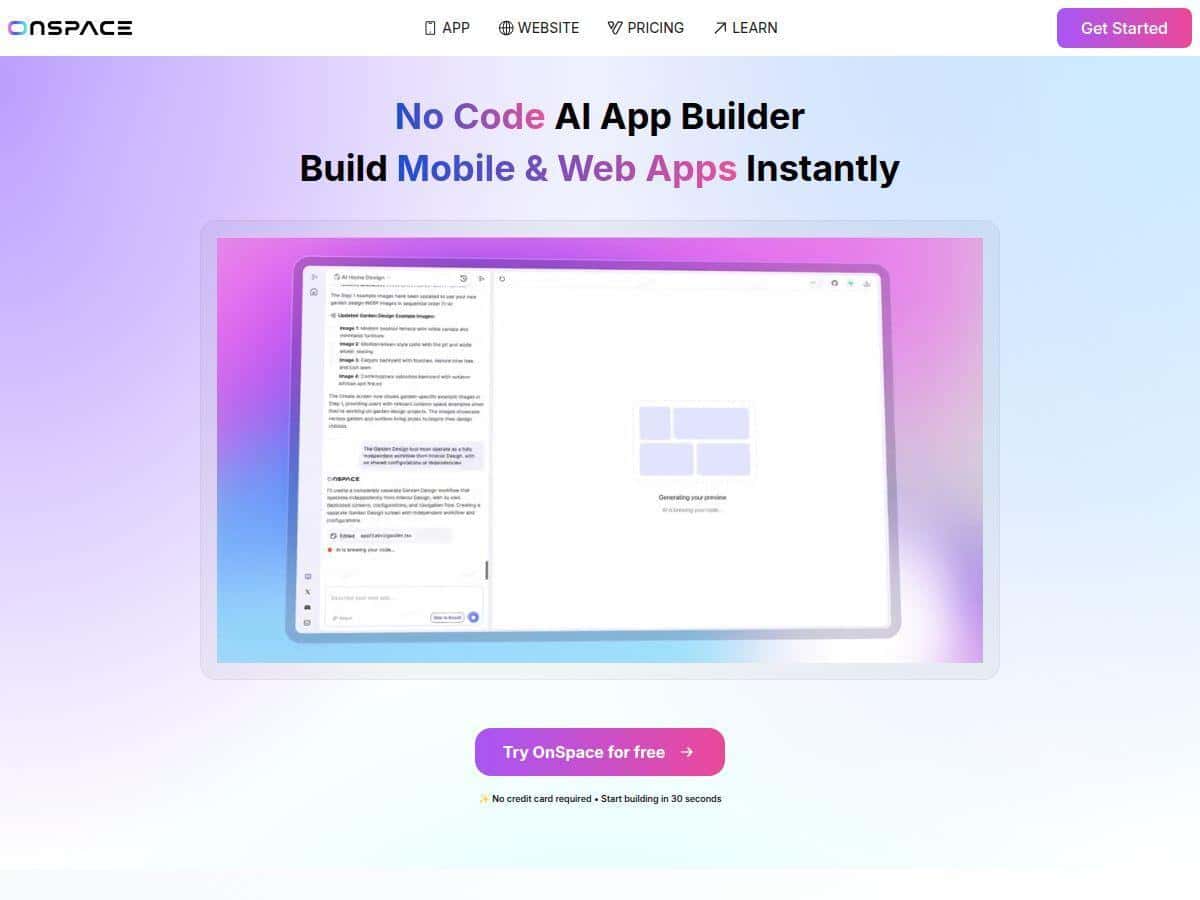
If you’ve ever thought, “I want an app… but I don’t want to learn how to code,” you’re exactly who OnSpace.AI is trying to help. The pitch is simple: use AI + prompts to generate a real app (not just a mockup), then iterate fast with a visual editor.
What I wanted to know before trusting that promise? Would it actually get me from idea to something usable—login, pages, data, and basic flows—without me spending days fighting setup?
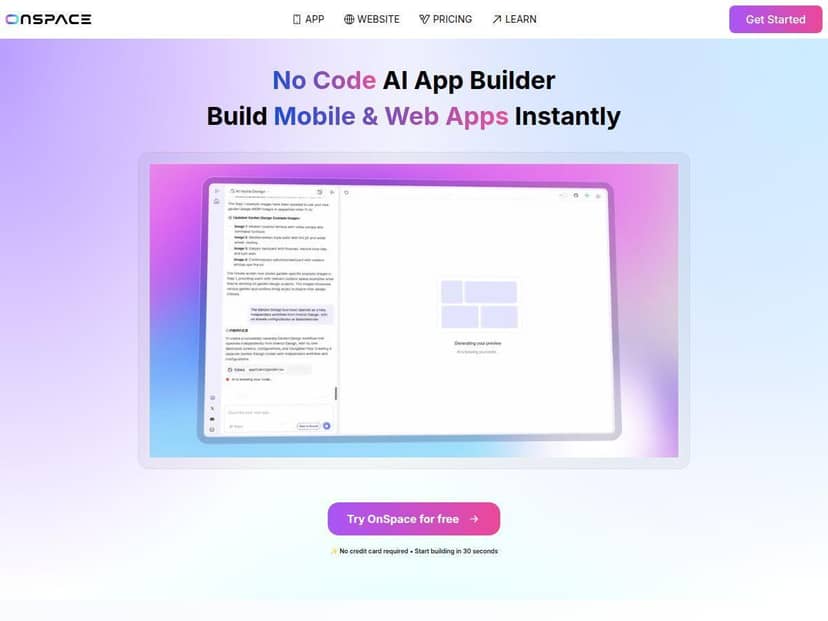
OnSpace AI Review
I tested OnSpace.AI with a pretty typical “starter app” idea: a simple web + mobile experience for collecting requests and letting users submit, view, and update their own entries. Nothing fancy—just the kind of MVP flow most people want first.
My setup (what I actually did)
- Created a new project and described the app in plain language (no coding involved).
- Asked for a basic structure: onboarding, authentication, a dashboard, a list view, and a form to create new items.
- Used the visual editor to tweak the layout after the first generation pass (so I wasn’t stuck with whatever the AI guessed).
- Verified whether the app could handle real data flows (create + list at minimum) instead of only being static screens.
What I prompted (so you can judge how realistic it is)
I didn’t just say “make me an app.” I gave specific requirements like:
- “Build an app where users can sign in, create a new request, view their requests in a list, and edit a request.”
- “Use a clean dashboard layout with a top nav, show status (e.g., pending/approved), and include a simple form with validation.”
- “Generate the UI for both web and mobile. Keep it simple and fast to use.”
What I noticed during the build
- Speed: I got a working first version quickly enough that it didn’t feel like I was waiting around all day. The difference between “prototype” and “usable MVP” was pretty clear after the initial preview.
- Real-time preview: The preview updates as you iterate, which makes it easier to correct mistakes immediately instead of regenerating everything from scratch.
- Backend expectations: The platform uses an integrated backend approach (including authentication and data handling). In my case, the app felt like it had the “plumbing” ready instead of me needing to wire up accounts and storage manually.
Where it worked well
The parts that impressed me most were the “boring but necessary” features: login/auth flows, basic data forms, and getting screens connected without me hand-authoring the whole thing. If your goal is to ship something that looks and behaves like an app, not just a landing page, this is where OnSpace.AI shines.
Where I hit limits (real talk)
- Advanced customization: If you want highly custom UI logic, very specific edge-case workflows, or deeply tailored interactions, you may feel constrained compared to a fully coded app.
- Complex app behavior: For anything with lots of branching logic, custom roles/permissions, or unusual data relationships, you’ll likely spend time refining prompts and editor settings.
- Debugging: When something doesn’t work, it’s not like reading and fixing code line-by-line. You’re more likely to adjust prompts, re-run generation steps, or reconfigure components until it behaves.
Beginner-friendliness (does it actually help non-technical users?)
In my experience, the onboarding is approachable because the workflow is prompt-first and visual-second. You don’t need to know what an API endpoint is to ask for “create and edit items” and then see the corresponding UI. If you’re brand new, I’d recommend starting with a narrow MVP (one user action flow, one data type) before trying to generate a full-feature product.
If you want a quick walkthrough idea: start with one core feature (like “users can create requests”), get it working end-to-end, then add the list view, then edit/update. That order matters more than you’d think.
Key Features
- No-code app building using natural language prompts
- Cross-platform output aimed at iOS, Android, and web
- Real-time visual preview and iterative edits
- Integrated backend for database and authentication (reduces manual wiring)
- Design import from Figma or screenshots (useful if you already have a UI direction)
- GitHub integration for version control (handy if you’re collaborating)
- Stripe support for payments (for apps that need monetization)
- Third-party API and library integration for extending functionality
- AI-driven multi-agent approach for more complex builds
- Fast generation cycle—often measured in hours for a working MVP
Pros and Cons
Pros
- Fast time-to-first working app: In my test, I reached a functional prototype quickly enough to start iterating the same day.
- Works across platforms: I liked that I wasn’t creating separate projects for web vs. mobile.
- Beginner-friendly workflow: Prompts + visual editing is an easier ramp than traditional app development.
- Backend included: Authentication/data handling feels integrated rather than “figure it out yourself.”
- Iterative preview: Changing screens and seeing updates quickly reduced the frustration factor.
Cons
- Customization ceiling: Advanced developers may find it limiting when you need niche UI behavior or very specific business logic.
- Best for MVPs: It’s strongest when your app is “clear and bounded” (forms, lists, basic flows).
- Cost can creep up: If you’re generating a lot, testing often, or running higher usage tiers, expenses can add up.
- Less control than full code: You’re trading flexibility for speed.
Pricing Plans
I don’t want to guess here, because pricing changes and I didn’t pull a live pricing table inside this review. What I can say from the information presented in the original draft is that OnSpace.AI includes a free tier and paid plans that start around $20/month for a Pro-style option.
What I recommend you do before committing:
- Check the current plan names, credit limits, and any “overage” or usage-based charges on the official OnSpace.AI pricing page.
- Look for what counts as a “credit” (generation runs? builds? exports?) so you can estimate real monthly spend.
- If you’re planning multiple iterations (like I did), calculate based on the number of test cycles, not just your first build.
If you want, paste the pricing screenshot or plan text you see on their site and I’ll help you interpret what it means for your likely usage.
Wrap up
OnSpace.AI is one of those tools that feels genuinely useful when your goal is to build something real—fast—without getting dragged into setup and coding. For MVPs, prototypes, and “I need an app that does X” projects, it’s a strong option. But if you’re aiming for highly custom behavior, complex workflows, or very specific edge cases, you’ll probably hit the ceiling sooner than you would with a traditional codebase.
For me, the deciding factor wasn’t the marketing. It was the workflow: prompt → preview → iterate. That loop is what makes it feel worth your time.