Table of Contents
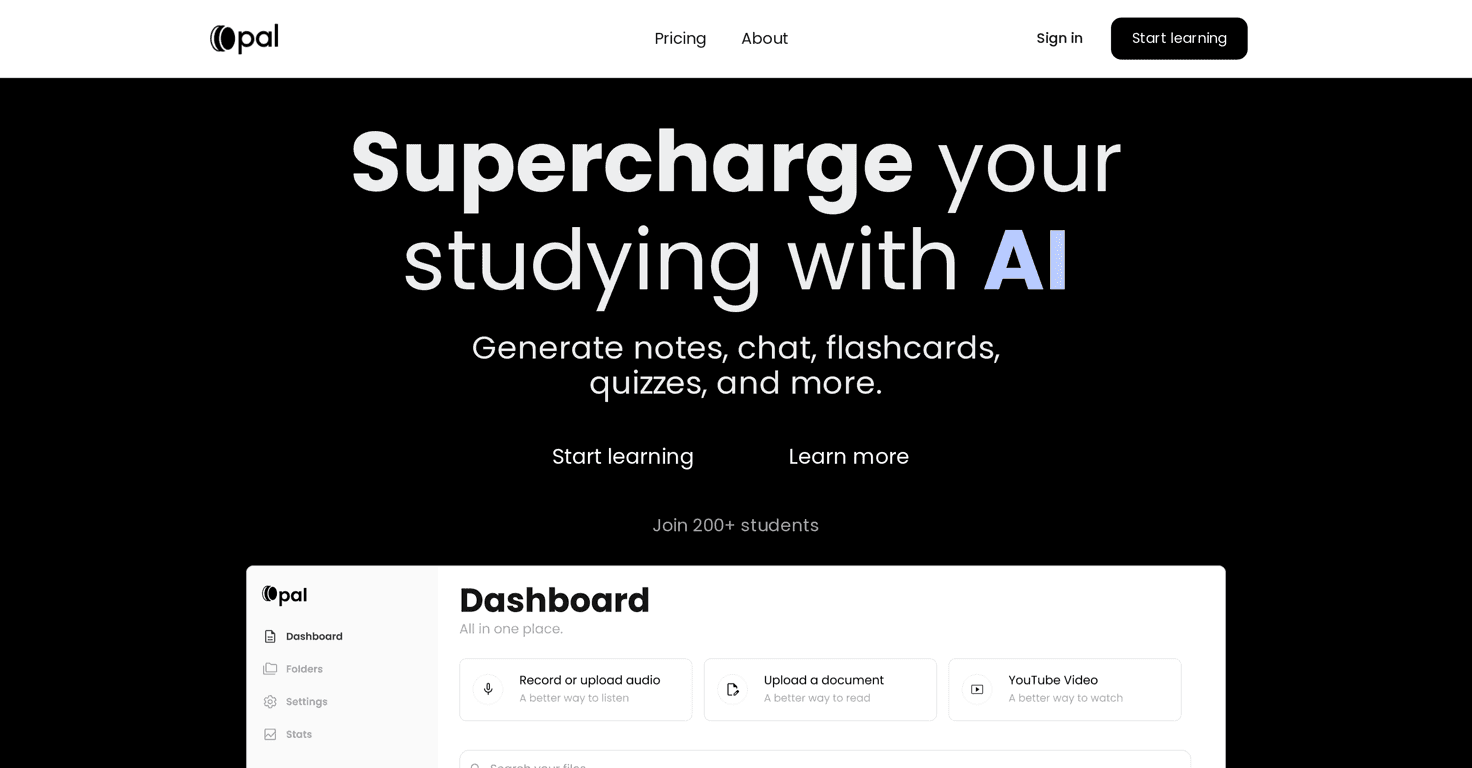
If you’re a student seeking a smarter way to study, Opal might just be what you need. This innovative AI-powered tool promises to enhance your learning experience like a personal tutor. In this Opal review, we’ll explore how it works and what features make it stand out. Get ready to discover a new way of studying that could elevate your academic performance!

Opal Review
Opal is designed to streamline the studying process, providing unique features that cater to the needs of modern learners. Whether you’re going through dense textbooks or compiling research notes, Opal can help summarize and clarify information, ensuring you understand core concepts. With its powerful AI capabilities, students can also generate flashcards for quick revision and quiz themselves on key topics, turning study hours into efficient learning sessions.
One of the standout features is the AI Knowledge Companion, Albert, ready to answer your queries by sourcing knowledge from millions of documents. This not only makes study sessions interactive but also personal. As learners progress, Opal tracks performance and adjusts questions, ensuring a tailored study experience. The multi-document support and organization tools mean you can easily handle a variety of academic materials, whilst the semantic search feature speeds up navigation within the documents. The multilingual support is a bonus, allowing users to study in languages they’re comfortable with, making this tool accessible for many students worldwide.
Key Features
- AI-Powered Notes for summarizing key details
- AI Knowledge Companion, Albert, for answering questions
- AI-Generated Flashcards for efficient material review
- AI-Powered Active Recall for self-quizzing
- Advanced Performance Tracking with analytics
- Hyperpersonalization for tailored study questions
- Supports various document uploads like .pdf, .doc
- Organizational tools for categorizing documents
- Semantic Search for easy navigation
- Multilingual support for diverse learning
- Bank-Level Security for safe document handling
Pros and Cons
Pros
- Comprehensive features designed for student needs
- Enhances learning and retention through AI technology
- User-friendly organization and search functionalities
- Supports multiple languages for greater accessibility
- High security standards for data safety
Cons
- Requires stable internet for optimal AI performance
- User familiarity with technology affects feature quality
- Not all users may benefit equally from AI enhancements
Pricing Plans
For detailed pricing information, please visit the official Opal website to explore subscription costs and plans.
Wrap up
In conclusion, Opal is a powerful AI study tool designed to support students in maximizing their learning potential. With its wide range of features, from intelligent note-taking to performance tracking, it stands out as a promising resource for students aiming to study smarter, not harder. If you’re looking for an innovative way to enhance your study sessions, Opal could be the partner you need on your educational journey.