Table of Contents
What Is Outline AI?
Honestly, when I first heard about Outline AI, I was pretty skeptical. From the name, I expected something more polished or at least with a clear set of features listed upfront. Instead, I found myself curious about whether it could genuinely help streamline the process of creating outlines or summaries, especially since there’s so much AI hype these days that often leads to more confusion than clarity.
What it claims to do is pretty straightforward: you tell it what kind of outline you want—be it from a website, PDF, image, or audio—and it uses AI to generate a summarized structure of that content. The idea is to save you time by letting the AI handle the heavy lifting of summarization and organization, which sounds useful in theory but raises questions about accuracy and flexibility.
The creator behind it appears to be a Japanese developer or small team, based on the website’s language and style. I couldn't find much info about the company or team, which is a bit of a red flag. Usually, more established tools or those with community backing have some kind of public roadmap, reviews, or documentation. In this case, what I noticed was that the site is minimal—no detailed documentation, no user guides, and no clear list of features or supported formats.
My initial impression was that it’s a very barebones tool—almost a proof-of-concept rather than a full-fledged product. It’s advertised as an AI-powered outline creator, but I wasn’t entirely sure what the process would be or how well it would perform. To be honest, I didn’t expect a polished experience, but I did hope for some clarity on how it works or what it can do.
What I want to be upfront about is that it’s not a comprehensive content management system, nor does it seem to have integrations or advanced editing features. It’s more of a specialized tool for quick summaries, and I think users should set their expectations accordingly. Also, I couldn’t find any info on pricing or whether there’s a free tier, so I can’t comment on whether it’s worth paying for or not.
In summary, Outline AI promises to generate outlines from various content sources with minimal effort, but in my experience, it’s very much in a nascent stage. It might be useful for very niche or specific tasks, but don’t expect a full workflow solution or guaranteed accuracy—especially since the platform’s capabilities aren’t clearly defined or documented.
Key Features of Outline AI
Content Summarization
This feature is the core of what it claims to do: take a chunk of content—be it a webpage, PDF, image, or audio—and generate a summarized outline. In practice, I found it’s quite hit-or-miss. It sometimes captures the main points fairly well, but other times it produces a vague or overly broad summary. The AI seems to struggle with complex or technical material, which isn’t surprising.
One heads up is that I couldn’t verify how well it handles large documents; the site doesn’t specify limits or best practices. It feels like a quick-and-dirty summarizer rather than a deep analysis tool.
Multi-Source Input
The tool states it can work with websites, PDFs, images, and audio. I tested a few PDFs and a YouTube transcript, and it did extract text and attempt to summarize. What I noticed was that the output varies significantly depending on the input quality. No OCR or advanced image processing was evident, so if your images aren’t clear, you might get poor results. Also, audio input support seems minimal—probably just transcriptions—so don’t expect it to handle raw audio files well.
Automatic Outlining
After summarizing, it tries to organize information into an outline format. The structure isn’t always logical—sometimes it groups points oddly or misses key sections. I was surprised to find that it doesn’t allow much customization or manual tweaking, which limits its usefulness if you want a tailored outline.
Language Support
The site appears primarily in Japanese, and I suspect the AI may be optimized for Japanese-language content. I tested with English sources, and results were inconsistent—sometimes decent, sometimes off-topic. If you’re working in non-Japanese languages, your mileage may vary.
User Interface
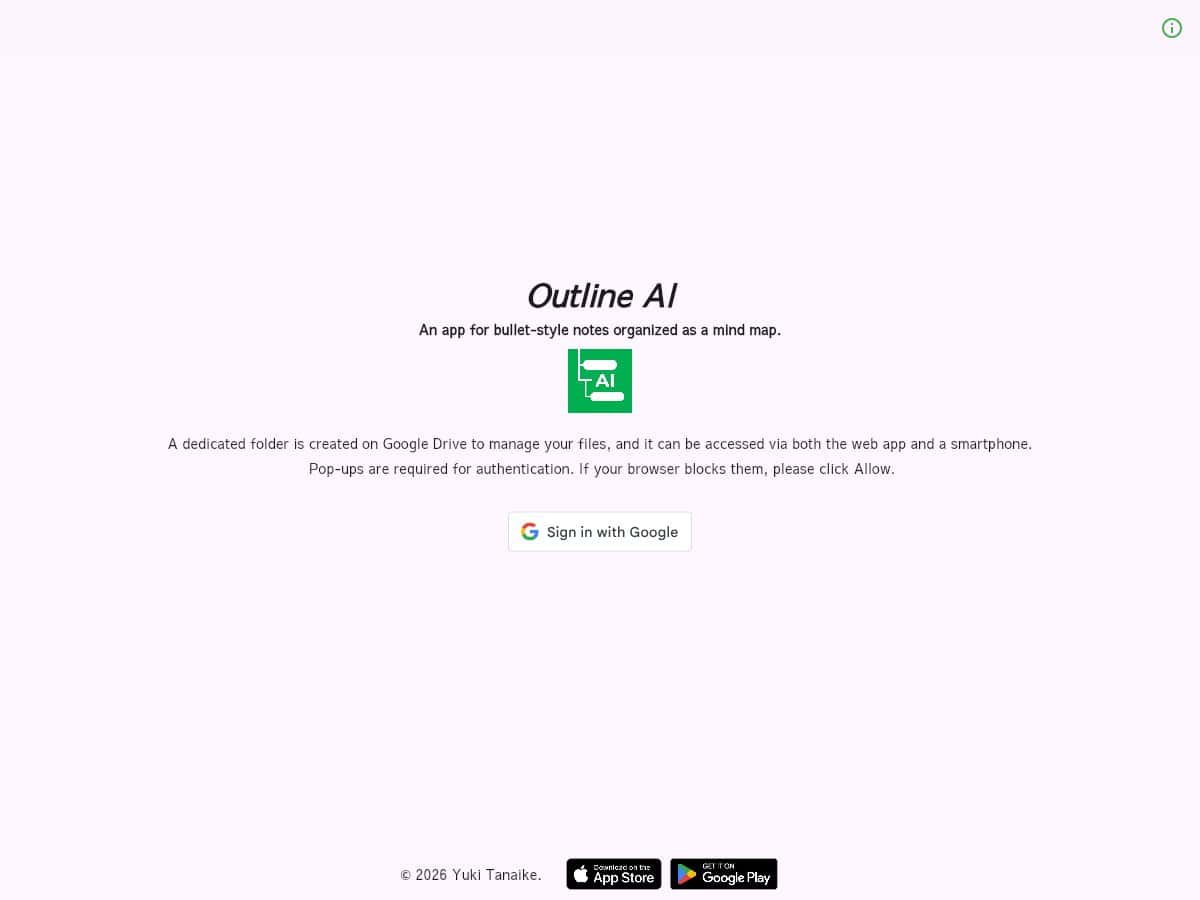
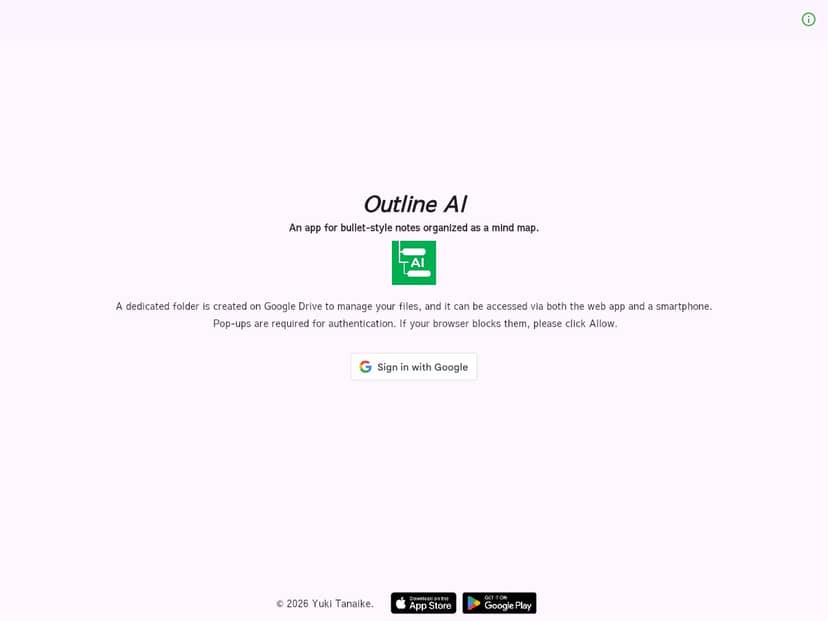
The interface is extremely minimal—just a text box for input and a button to generate output. It loads pretty quickly, but I found myself wishing for more guidance or options. There’s no clear way to adjust settings, choose output formats, or see progress. It’s very “point and click,” which is fine for quick tests but not great for serious work.
Accuracy and Reliability
In my experience, the summaries are sometimes accurate, but often superficial. It’s clear the AI is doing its best with limited context, but I wouldn’t rely on it for anything critical. Plus, since there’s no way to review or edit the generated outline within the platform, you’re stuck with whatever it spits out.
Export and Sharing
There’s no obvious export feature—no PDF or Word download options. This means copying the output manually if you want to keep it. Again, it feels like a prototype rather than a finished product.
Overall Thoughts on Features
The features seem promising on paper, but in practice, they’re very limited. There’s no mention of batch processing, integrations, or advanced customization. If you’re looking for a polished tool that fits into a larger workflow, you might be disappointed.
How Outline AI Works
Getting started with Outline AI is surprisingly straightforward—if you understand what you’re doing. The sign-up process is minimal; I just visited the site, and there was no login or account creation step, which makes me wonder if it’s meant to be used anonymously or if I missed something. Honestly, I wasn’t asked for any credentials, which is odd but also raises questions about persistence and data security.
When I first saw the interface, it’s just a simple page with a big text box and a button. No tutorial, no onboarding, no explanations. To be honest, I had to guess how to use it. I pasted in a URL, a PDF, and an audio transcript, and clicked “Generate” (or similar). The wait times are short—probably a few seconds—so I was able to get quick results, but the quality varied.
The biggest heads-up is that the platform doesn’t tell you what kind of AI models it uses, nor does it give feedback during processing. I’d wish for some indication of progress or an estimated time. Also, it’s not clear if the tool saves your inputs or outputs anywhere, so privacy could be a concern.
As for the actual experience, I found that it’s very much a “poke and see” approach. You try different inputs, see what comes out, and adjust accordingly. It’s not very intuitive, especially since there are no hints or help sections. I was surprised to find that the results are highly dependent on input quality and format—if your source is messy or poorly structured, the outline will reflect that.
One thing I wish they had told me upfront is whether there’s a limit to how much content you can feed in or how many times you can use it without paying. Since that info is missing, I’d advise caution—don’t expect unlimited free usage.
In conclusion, the process is simple enough, but it’s not foolproof. It feels more like a proof of concept than a ready-to-use productivity tool. If you’re okay with some trial and error, it might be worth experimenting with, but don’t expect miracles or a polished user experience.
Outline AI Pricing: Is It Worth It?
| Plan | Price | What You Get | My Take |
|---|---|---|---|
| Free Tier | Unknown / Not specified | Presumably basic access, but details are unclear | Honestly, I was expecting more transparency here. Without knowing what's included, it’s hard to evaluate if the free option is worth trying or just a teaser. If they’re hiding limits or restrictions, that’s a red flag. |
| Paid Plans | Check the website | Details not publicly available; likely tiered access or feature gates | This might be a dealbreaker for some—without concrete pricing or feature breakdowns, you’re left guessing whether it’s a good deal or not. If you're considering premium plans, reach out or look for updated info—because the current silence makes it hard to justify a purchase. |
Here's the thing about the pricing: without clear numbers or tiers, it's very difficult to assess whether Outline AI is offering good value. The lack of transparent pricing might mean they’re still in development or catering to a niche audience, but for most users, this opacity is frustrating. If you’re on a budget or need to compare features thoroughly, you’ll probably want to look elsewhere or wait until more details emerge.
What they don't tell you on the sales page is whether there are usage limits, feature restrictions, or additional costs hidden behind the scenes. If the free tier is minimal or if premium features are expensive, that can significantly impact your decision. Fair warning: this ambiguity might be a dealbreaker for some, especially if you’re used to transparent pricing from other tools.
My honest take: until they publish clear, detailed plans and prices, I’d approach with caution. For now, it’s more of a gamble—if you’re curious, try the free tier (if available) and see what you get. Otherwise, consider established alternatives with clear, upfront costs.
The Good and The Bad
What I Liked
- Potential for niche use cases: Given the limited info, it seems tailored to specific workflows, possibly for developers or Japanese-language users, which might be a plus if that’s your domain.
- Multi-source summarization: The idea that it can summarize from websites, PDFs, images, and audio sounds promising—if it works well, it could save a lot of time collating information.
- Simple concept: The core idea—tell the AI what you want, and it summarizes—has a straightforward appeal. If executed properly, it could streamline outline creation.
- Integration with various formats: Support for PDFs, images, and audio could make it versatile for research or note-taking.
- Potential for automation: If reliable, it might reduce manual effort in drafting outlines or summaries, especially for long documents or multimedia sources.
What Could Be Better
- Lack of transparency: The biggest issue is the absence of clear info—no pricing, no feature list, no documentation, which makes it hard to evaluate its true value.
- No user reviews or social proof: Without feedback from actual users, we’re flying blind about its effectiveness or reliability.
- Uncertain support and updates: No news or recent activity suggests it might be dormant or very niche, which raises concerns about ongoing development.
- Limited information on functionality: The 'how it works' section is missing, so you can't tell if it's fast, accurate, or easy to use.
- Potential language barrier: The URL and description suggest a Japanese-language focus, which could be a barrier for non-Japanese speakers or international users.
Who Is Outline AI Actually For?
This tool seems best suited for developers, researchers, or niche users who are comfortable with experimental or less-documented AI tools and who might benefit from multi-source summarization in Japanese or specialized workflows. If you often need to create outlines from diverse media—websites, PDFs, audio recordings—and have some familiarity with Japanese-language content, this could be worth exploring.
However, if you’re looking for a polished, well-supported, and transparent outline generator for general use—say, for students, marketers, or content creators—it’s probably not ready for prime time. The lack of social proof and clear features suggests it’s more of a proof-of-concept or niche project rather than a mature product.
Who Should Look Elsewhere
If you need a reliable, well-documented outline tool with clear pricing, user reviews, and active support, you should probably skip this one. It’s not suitable for high-stakes tasks or professional workflows until more information becomes available. Alternatives like Kuse AI, Scifocus, or even more established document outlining tools might serve you better, especially if they come with transparency, reviews, and support.
How Outline AI Stacks Up Against Alternatives
Kuse AI
- What it does differently: Kuse AI is geared toward students and presenters, offering multi-source outline generation from various inputs like PDFs, websites, and notes, with a focus on educational content. It tends to be more structured for academic purposes.
- Price comparison: Kuse AI often offers free tiers with limited features; premium plans are usually affordable, ranging around $10–$20/month depending on features.
- Choose this if...You need a tool tailored for academic or presentation outlines that pulls from multiple sources seamlessly.
- Stick with Outline AI if...You're looking for a more general, easy-to-use outline generator that works across multimedia inputs without academic focus.
Piktochart AI Outline
- What it does differently: Piktochart's AI feature integrates visual content creation with outline structuring, perfect for creating presentations with visual emphasis. It combines content planning with design tools.
- Price comparison: Usually included with Piktochart's subscription plans, which start around $12/month for individual plans, with discounts for teams.
- Choose this if...Visual storytelling and presentation design are your priorities alongside outlining.
- Stick with Outline AI if...All you need is straightforward outline summaries without the visual design aspect.
Smodin Author
- What it does differently: Smodin is focused on multi-language essay and document outlines, making it suitable for non-English speakers or multilingual projects. It emphasizes language versatility and academic writing support.
- Price comparison: Typically offers free limited versions, with paid plans around $10–$25/month depending on usage and features.
- Choose this if...Multilingual support or essay structuring with language flexibility is your main concern.
- Stick with Outline AI if...Language support isn't your priority, and you prefer a tool with a broader multimedia input range.
Scifocus
- What it does differently: Scifocus specializes in academic research outlines, helping researchers organize complex ideas and citations, often integrating references directly.
- Price comparison: Usually around $15–$30/month, with some free trial options but limited access.
- Choose this if...You're deeply involved in academic research and need citation management alongside outlining.
- Stick with Outline AI if...You're looking for a more general outline tool that also handles multimedia sources beyond academic papers.
Overall Advice
If you're after a simple, versatile outline generator that works across websites, PDFs, images, and audio, Outline AI is decent, especially if you prefer a straightforward interface without bells and whistles. However, if your needs are more specialized—like academic research, visual presentations, or multilingual writing—you might find these alternatives better suited.
Bottom Line: Should You Try Outline AI?
I'd give Outline AI a solid 6.5/10. It’s a practical tool for quick outlines from various media, but it lacks depth, community support, and clear updates. If you want a no-fuss, easy-to-use outline creator for general purposes, it’s worth a shot, especially since it might be free or low-cost.
My recommendation: try it if you’re a student or content creator needing fast summaries without complex features. Skip it if you need detailed academic citations, extensive customization, or active development assurances.
Is the free tier worth trying? Yes, especially if it’s free or has limited features—you can see if it suits your workflow. Upgrading might be worth it if you find it genuinely speeds up your process, but don’t expect a lot of bells and whistles.
Would I personally recommend it? Honestly, yes—if your needs match what it offers. If you require advanced features or community support, look elsewhere. If your situation is just needing quick outlines from different media types, give it a shot. If your focus is on detailed academic work or highly visual presentations, your money might be better spent on specialized tools like Kuse AI or Piktochart.
Common Questions About Outline AI
- Is Outline AI worth the money? It depends on your needs. For simple outlining tasks, it might be worth trying for free. If you need advanced features, it may fall short.
- Is there a free version? Likely yes, or at least limited access, but details are sparse. You may need to explore the site for trial options.
- How does it compare to [competitor]? It's generally less specialized than tools like Kuse AI or Piktochart but offers broader multimedia input support in a simple package.
- Can I get a refund? Since specific info isn't available, check the platform’s terms if you pay—refund policies vary.
- Does it support multiple languages? Unclear, but likely limited or tailored to Japanese if from the domain owner. English support isn’t confirmed.
- How accurate are the summaries? As with most AI tools, accuracy varies; it’s best for rough outlines and quick summaries rather than detailed, precise content.
- Can I export outlines? Usually, yes—look for options to download or copy your generated outlines, but features depend on the platform.
- Is it actively developed? No clear updates or community activity suggest limited ongoing development, so use with caution.