Table of Contents
Ever sit down to write and suddenly realize you’ve got nothing? Yeah, that’s me sometimes. A blank page is brutal. That’s why I tried the Paragraph Generator—not to replace my writing, but to get unstuck fast.
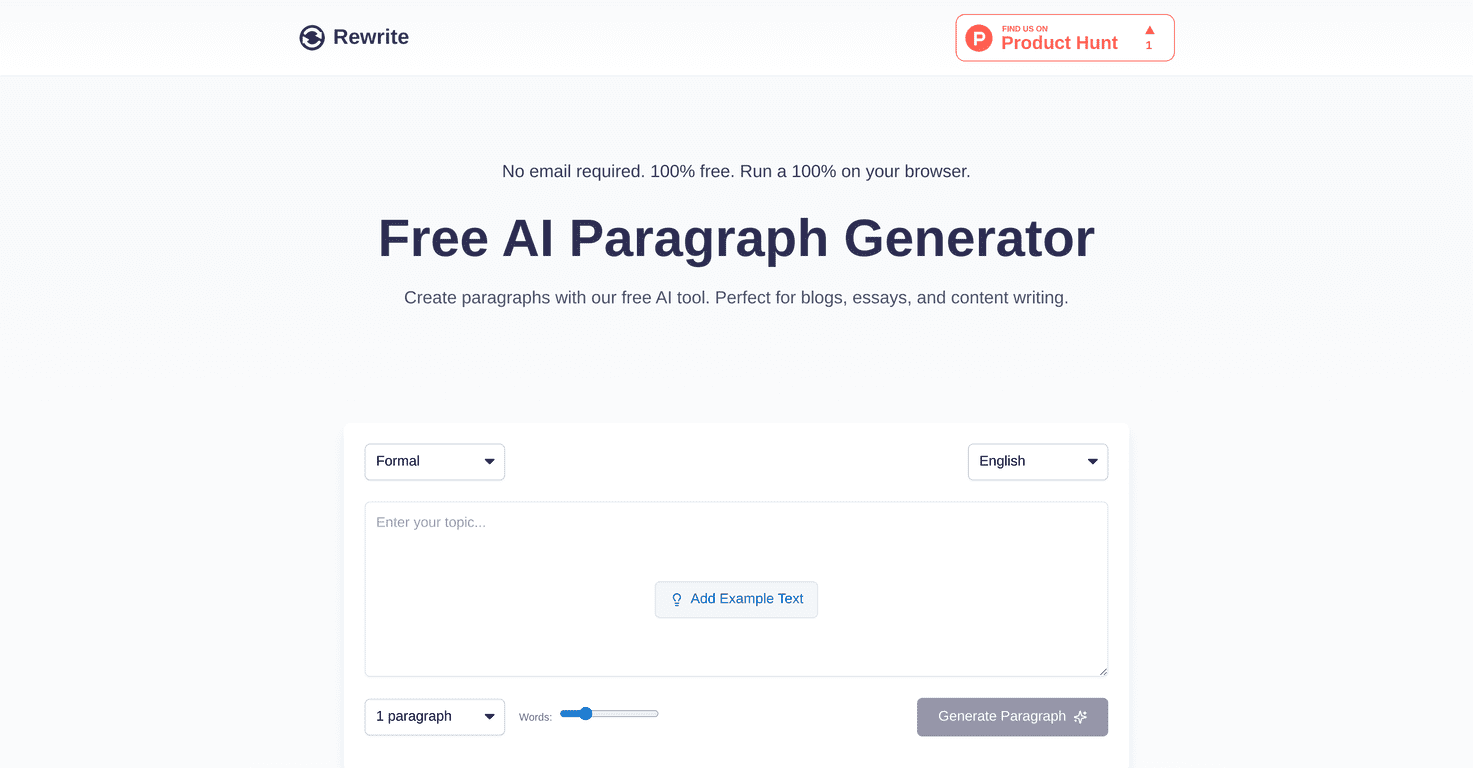
What I liked right away is how low-friction it is. No sign-up popups. No “enter your email” step. Just type in your topic, tweak the settings (if you want to), hit generate, and you’ve got a paragraph you can actually work with. For brainstorming, outlines, or speeding up first drafts, it’s surprisingly handy.
Paragraph Generator Review
Let me be honest: I don’t trust tools like this to “write perfectly” on the first try. But I do trust them to get me moving. This Paragraph Generator does exactly that.
When I tested it, I used a few different prompts—everything from “advantages of remote work” to “how to stay motivated during a fitness routine.” The output wasn’t just random filler. Most of the paragraphs came out with a clear structure: a quick setup sentence, a few supporting points, and a closing thought that ties it together. That’s the difference between something you can actually reuse versus something you have to rewrite from scratch.
Also, I really appreciate the fact that there’s no email requirement. It sounds like a small detail, but it removes friction. If I’m trying to draft something quickly, I don’t want to stop and create an account first. I just want to generate, edit, and move on.
One more thing I noticed: it’s best when you give it a specific topic. “Marketing” is too broad. “The role of social media in small business marketing” gives better results. So if you’re using it for school, try adding the angle you need (cause/effect, compare/contrast, problem/solution). You’ll get paragraphs that are easier to polish.
Key Features
- No Email Requirement
- 100% Free
- User-Friendly Interface
- Unique Content Generation
- Privacy Assurance
- Browser Compatibility
Pros and Cons
Pros
- It’s completely free. No surprise upgrades. No “limited free credits” message that makes you nervous while you’re writing.
- Fast. I didn’t have to wait around to get a usable paragraph. When you’re stuck, speed matters.
- No obvious limit on paragraph generation. I could keep generating variations without hitting a hard wall.
- Works for different use cases. I used it for drafts and quick study notes, but I can see it helping with blog brainstorming or first-pass content outlines too.
- Privacy-focused. The tool’s “no data storage” angle is a nice plus if you’re generating drafts you don’t want floating around.
Cons
- Browser performance isn’t equal everywhere. In my experience, it performs best in Chromium-based browsers. If you’re on a less compatible browser, expect slower loading or occasional formatting weirdness.
- You need an internet connection. Obviously, it’s a web tool—but if your connection is spotty, the generator won’t be helpful.
- You still need to edit. This is a generator, not a final draft. The paragraphs are good starting points, but you’ll want to adjust wording, add your own examples, and make sure the tone matches your assignment or audience.
Pricing Plans
The best part? The Paragraph Generator is available for free. No hidden fees, no paywall, and no requirement to register with personal information. If you’re looking for a quick paragraph tool without committing to anything, it’s one of the more straightforward options I’ve used.
If you want to get the most out of the free version, here’s what I recommend: generate 2–3 variations, pick the one with the best structure, then rewrite 1–2 sentences in your own voice. That tiny step makes the paragraph feel way more “you.”
Wrap up
Overall, the Paragraph Generator is a solid tool when you need momentum. It’s easy to use, free, and genuinely useful for turning a rough idea into a readable paragraph. Just don’t expect it to do all the thinking for you—use it like a drafting partner. You’ll still want to review it, tighten the wording, and add specifics—but getting past writer’s block is the whole point, right?
Promote Paragraph Generator