Table of Contents
If you’ve ever tried to edit a PDF and ended up wrestling with a “professional” editor that feels anything but, I get it. PDFCandy is one of those tools that aims to make the basics painless—upload a file, make your changes, and download the result. No complicated setup, no learning curve that drags on forever.
In my testing, it’s especially handy for quick edits like fixing a typo, adding a signature, or dropping in a couple of images. And yes, the AI extras (translate, rewrite, summarize) are there too—useful when you’re working with content you don’t want to manually rephrase.
PDFCandy PDF Editor Review
PDFCandy is an online PDF editor that focuses on speed and simplicity. You can edit PDFs directly in your browser, and it doesn’t try to overwhelm you with a wall of options. For most everyday tasks—fixing text, adding a signature, or marking up a document—it works surprisingly well.
One thing I appreciated right away: it’s not just “you can edit PDFs.” It’s more like, “here are the common things people actually need.” And if you’re dealing with text-heavy documents, the AI tools can save time when you need quick translation or a cleaner rewrite. Still, it’s not magic—if your PDF is basically an image scan, editing text won’t be as smooth.
Key Features
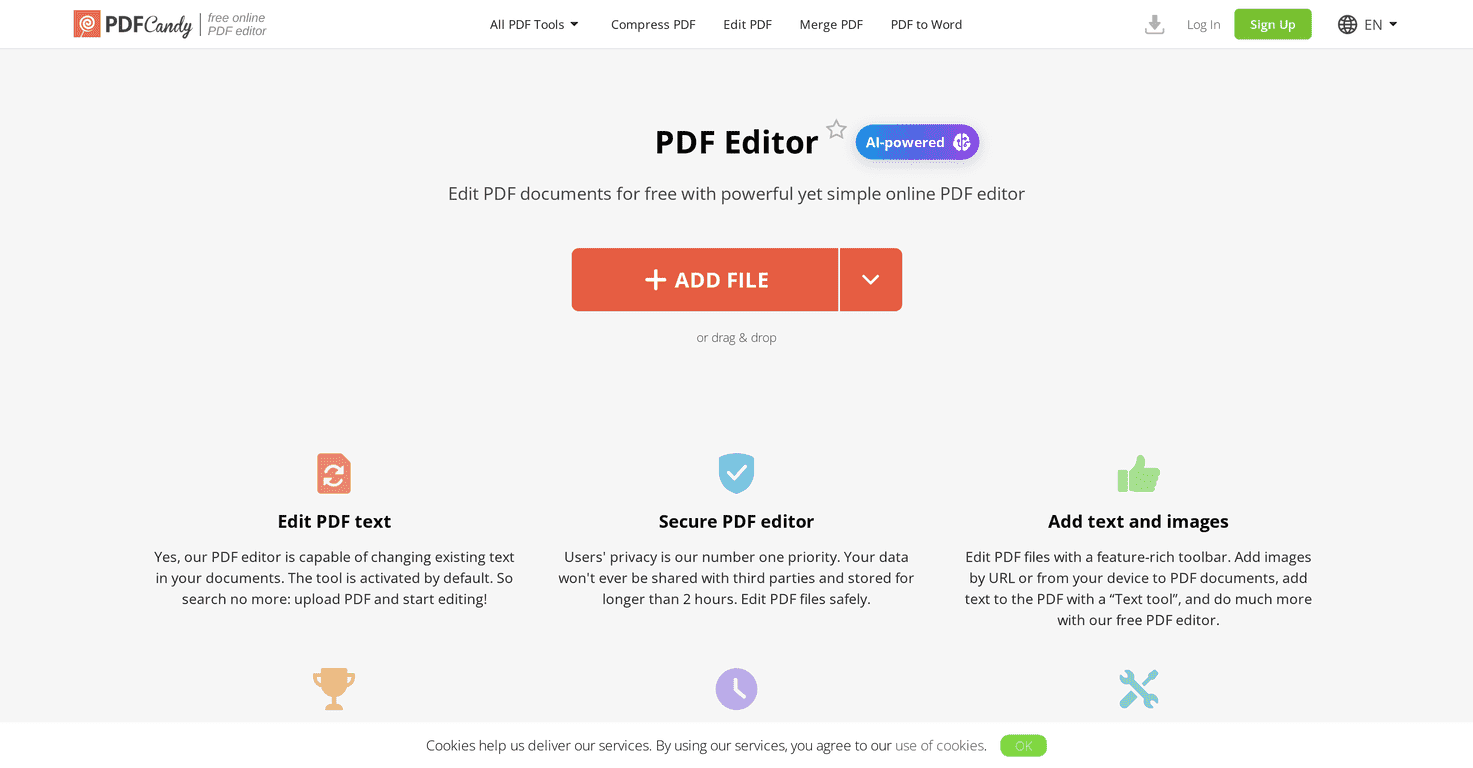
- Edit PDF text: change existing text without starting from scratch. In practice, this is great for minor corrections—names, dates, short phrases—where you don’t want to rebuild the whole document.
- Secure PDF editor: PDFCandy claims it automatically deletes files after 2 hours. I like seeing that kind of cleanup policy, especially for sensitive documents.
- Add text and images: you can insert content from your device or even use a URL. I tested this with a couple of simple images and it was straightforward—no weird formatting surprises.
- Sign PDFs: upload an image of your signature or draw it directly. If you sign documents often, this is the feature you’ll end up using the most.
- AI-powered tools: translate, rewrite, and summarize. When you’re working with long sections, summarizing can be a lifesaver—just double-check the result, because AI can occasionally miss nuance.
- Markup tools: highlighting, drawing, and whiteout are all included. These are perfect for review cycles (think: “please change this section” feedback).
Pros and Cons
Pros
- Free to use: you can edit without watermarks on the changes. That matters more than people think—especially if you’re sharing files with clients or coworkers.
- Easy interface: the layout is simple, and the tools are where you’d expect them. I didn’t feel like I was hunting for basic functions.
- Security controls: automatic file deletion after 2 hours is a solid baseline for an online editor.
- No page limit for editing: you can work with longer documents without hitting an “oops, you’re done” wall.
Cons
- Some features may require an account: I ran into situations where certain advanced options nudged me toward signing in. It’s not a dealbreaker, but it can slow you down.
- Temporary storage considerations: because it’s an online tool, your file lives on their side temporarily. If you’re extremely strict about data handling, you’ll want to read their policy carefully.
Pricing Plans
PDFCandy’s pricing is pretty straightforward:
- Yearly subscription: €4/month for both Desktop and Web access (billed yearly).
- Monthly plan: €6 for the Web version only.
- Lifetime option: €99 for unlimited access.
Personally, if you’re only editing occasionally, the free option is worth trying first. If you’re signing documents regularly or using AI features often, that lifetime plan starts to look pretty tempting.
Wrap up
PDFCandy PDF Editor is a good choice when you want quick, practical PDF edits without installing anything. The combination of text editing, image insertion, signatures, and markup tools covers most of the “real world” tasks I run into. Add the security cleanup after 2 hours and the pricing options, and it’s easy to see why people use it.
Just keep expectations realistic: if your PDF is a scanned image or heavily complex, you may not get the same clean results as you would with a dedicated desktop workflow. But for everyday edits? It’s genuinely useful.
Promote PDFCandy PDF Editor