Table of Contents
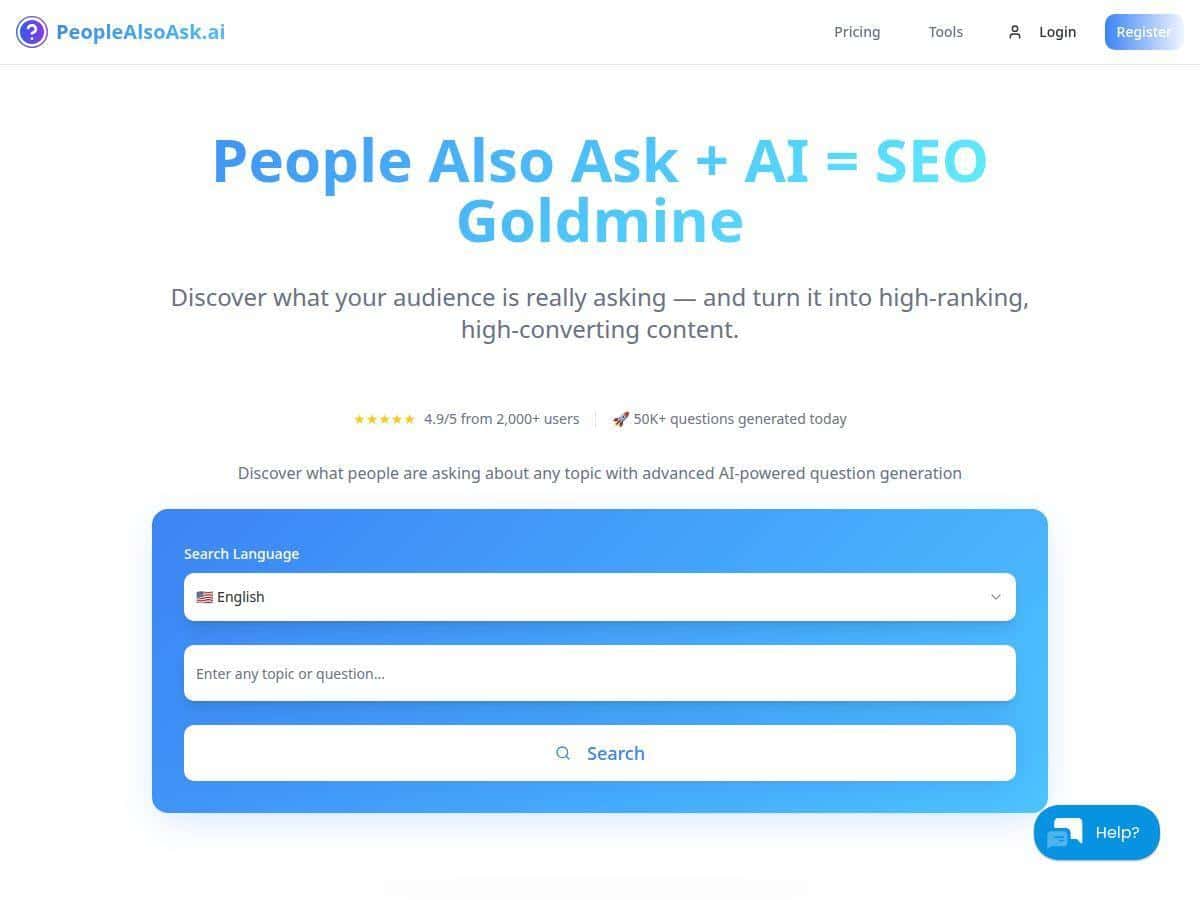
If you’ve ever stared at a keyword list and thought, “Okay… but what are people actually trying to figure out?” then you’ll get why I like PeopleAlsoAsk.ai. It’s built around Google’s People Also Ask (PAA) questions, so instead of guessing search intent, you can pull the exact question phrasing Google shows and turn that into content ideas fast. I tested it by typing a few real topics I was working on, and the tool immediately generated related PAA questions plus a visual mindmap that shows how the questions connect.
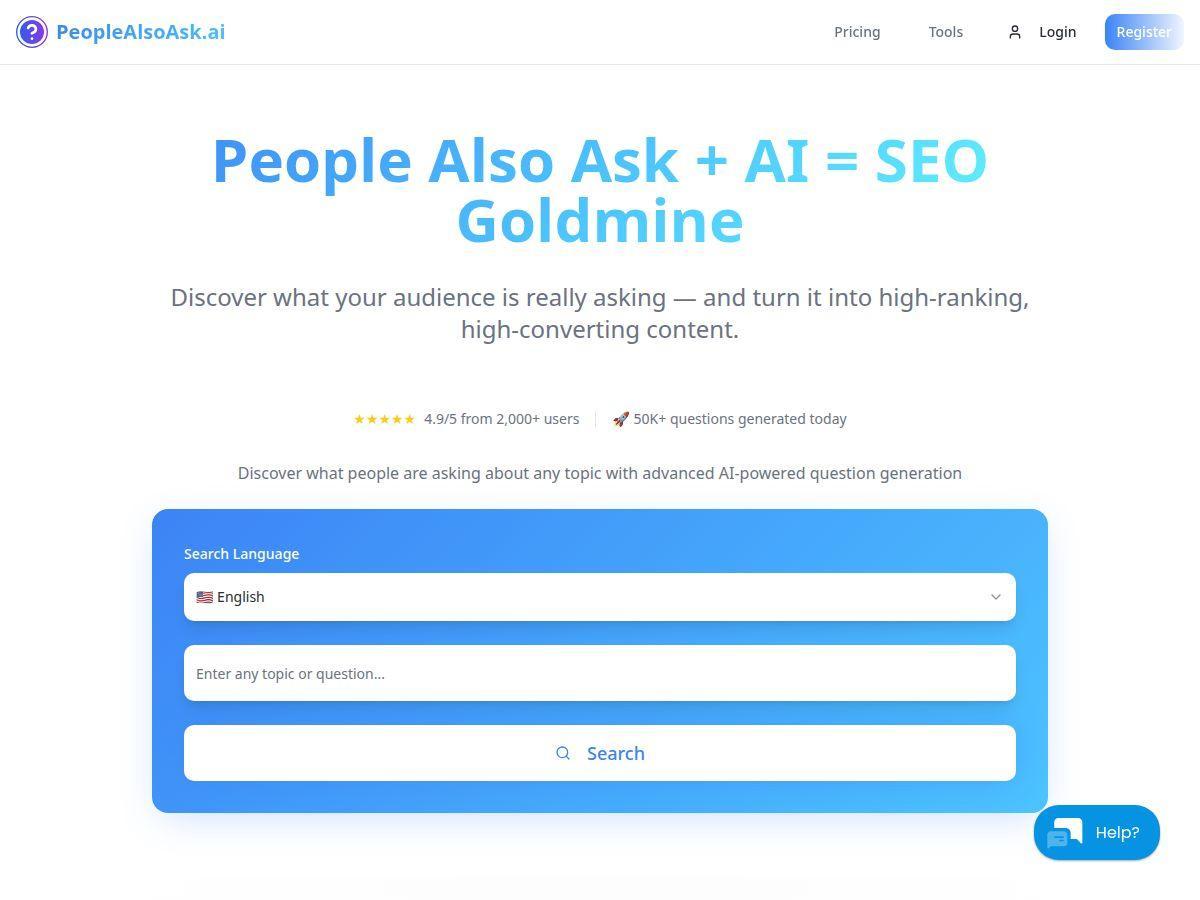
PeopleAlsoAsk.ai Review
I’m going to be straight with you: PeopleAlsoAsk.ai isn’t trying to replace a full SEO suite. It’s more like a fast “intent question generator” that pulls directly from Google’s PAA boxes and organizes the results so you can write with less guesswork.
Here’s what I did in my own testing. I started with a couple of topics I’d actually consider writing about:
- Topic 1: “email marketing best practices”
- Topic 2: “how to speed up a WordPress site”
After entering each topic, the tool returned multiple PAA-style questions (the exact phrasing matters more than you’d think). Then it built an interactive mindmap where related questions sit closer together. What I noticed right away is that the mindmap makes it easier to spot “clusters” like:
- Definition/intro questions (great for your opening section)
- How-to questions (perfect for step-by-step sections)
- Tool/implementation questions (good for recommendations and checklists)
That visualization is the difference between “I have a list of questions” and “I can outline a page in 20 minutes.”
Mini case study #1 (email marketing)
- Keyword/topic entered: email marketing best practices
- What the tool returned: a set of PAA questions that grouped around sending frequency, subject lines, deliverability, and segmentation.
- Content gap I found: several questions were specifically about why certain practices work (not just what to do). That’s a common missing piece in generic blog posts.
- How I used it: I drafted an outline that started with a short “why it works” section, then moved into actionable steps (segmentation, testing subject lines, and deliverability basics).
- Hypothesis (CTR angle): answering the “why” questions early should improve relevance for users clicking from search, because it matches the intent behind the PAA phrasing.
Mini case study #2 (WordPress speed)
- Keyword/topic entered: how to speed up a WordPress site
- What the tool returned: questions that leaned toward caching, image optimization, plugin bloat, and performance tools.
- Content gap I found: the PAA set included “what should I use” style questions, which pushed me to add a “recommended tools + when to use them” section instead of only listing technical steps.
- How I used it: I converted the question clusters into H2/H3 headings (and wrote each section to directly answer one question in the first 1–2 paragraphs).
One more thing: the “real-time” label can sound like it updates every second, but in practice it means you’re not stuck with a stale spreadsheet from last year. Still, I recommend treating it like “current enough for content planning,” not like a live dashboard for intraday changes.
Key Features
- AI-Powered Question Discovery
- Instead of making you hunt through SERPs manually, you type a topic and get PAA-style questions back. In my experience, the wording is close enough to what you’d see in Google that it’s easy to turn into headings without rewriting everything.
- Real-Time Data Extraction
- When I ran the same topic more than once, the output didn’t feel “frozen.” The exact question set can vary (Google changes things), but the tool generally refreshed quickly enough that it felt usable for planning new content rather than recycling old research.
- Interactive Mindmaps for Visualization
- The mindmap is the standout. You can scan it and immediately see which questions are related. If you’re the type who outlines visually (I am), this saves time.
- Multi-Language & Multi-Engine Support
- If you work with audiences outside the US or you localize content, this matters. You’re not just stuck with one language’s question phrasing.
- Data Export in Multiple Formats
- Exports are useful when you’re collaborating (or when you want to drop questions into a doc, spreadsheet, or content brief). In my workflow, I usually export and then map each question to a section of the outline.
- Supports Local SEO and Trending Topics
- For local content, the ability to target regions helps. It’s not “magic ranking juice,” but it does help you write content that matches how people actually phrase questions in that area.
- Optional AI Assistant for Analysis
- If you turn on the assistant, it can help with summarizing angles and drafting rough briefs. Just don’t assume it will replace your own judgment—use it to speed up the early draft, then tighten the final copy yourself.
Pros and Cons
Pros
- Fast question discovery: you get PAA questions without manually expanding Google results.
- Mindmap clarity: it’s easier to spot clusters and build an outline than with a plain list.
- Good for content briefs: the question phrasing makes it simple to turn into H2/H3 headings.
- Multi-language/region options: helpful if you localize SEO work.
- Exports help collaboration: you can share the research with writers or clients.
Cons
- It’s limited to Google PAA data: if your niche has question patterns that aren’t showing up in PAA, you’ll miss them. That’s not a flaw of the tool—it’s just what it’s built on.
- Search limits on lower tiers: if you run lots of topics per week, you’ll feel the cap.
- No “full SEO metrics”: you won’t get backlink data, domain authority, or deep competitor analysis like you would in a dedicated SEO suite.
- Google changes: because the source is Google’s PAA, the exact set of questions can shift over time.
Pricing Plans
Pricing can change, so I’d still check the live page before you buy. That said, the tool offers a free plan and multiple paid tiers.
What I can say from the current overview: the Basic plan is listed at $9–$12/month (depending on billing cadence/promotions). It includes a set number of monthly searches (I saw it described as 100 searches monthly in the overview) plus export options.
Higher tiers typically increase:
- Monthly search volume (so you can research more topics)
- Access to AI assistant features (if included in that tier)
- Usage flexibility (less friction if you’re doing client work)
There are also annual discounts and enterprise/custom options for teams. If you’re using it for content at scale, I’d compare tiers based on your weekly topic count, not just the sticker price.
Quick buyer tip: if you only need PAA questions for a few articles a month, the free/basic tier is probably enough. If you’re doing dozens of topics, the search limits will start to feel tight pretty quickly.
Wrap up
PeopleAlsoAsk.ai is best when you want question-driven content planning—not when you want a complete SEO platform. The mindmap + PAA phrasing combo is genuinely useful for outlining pages that match search intent. I’d recommend it for content creators, bloggers, and SEO folks who want to move faster from “topic” to “section-by-section draft.”
Just go in knowing its scope: it’s focused on Google’s People Also Ask questions. If you need keyword difficulty, backlink profiles, or deeper competitor metrics, you’ll still want other SEO tools alongside it.