Table of Contents
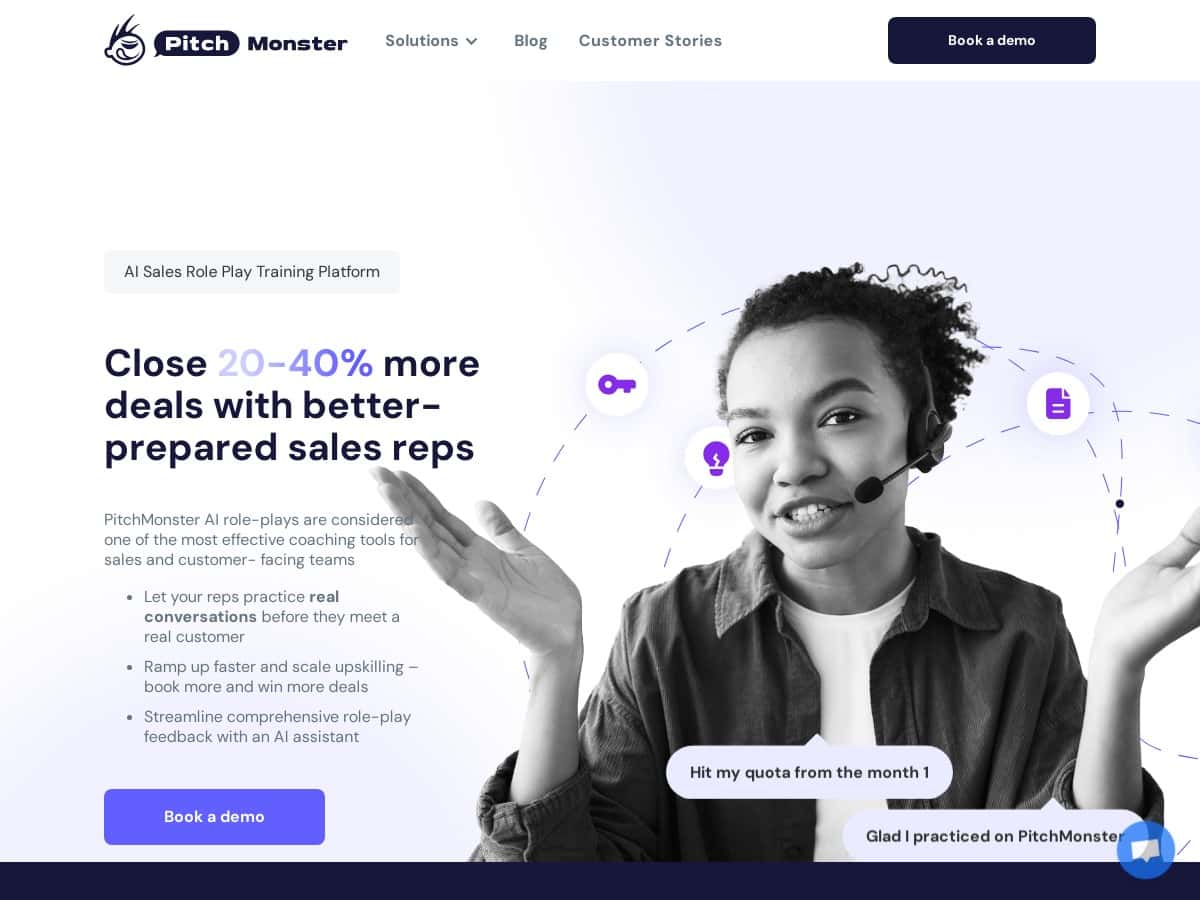
If you’re trying to get your reps better at real conversations (not just “follow the script” role-play), PitchMonster.io is one of the more interesting options I’ve come across. The big promise is AI-powered role-play simulations that feel like actual cold calls, discovery, demos, and objection handling.
I tested PitchMonster firsthand for a few practice sessions and used it the way a sales manager or enablement lead would: jump into a scenario quickly, run through the conversation, then review the AI feedback to see what I could actually improve. Did it help? Yes—especially for language, pacing, and structure. But it’s not magic, and there are a couple spots where you’ll want to set expectations.
PitchMonster.io Review (What I noticed after testing it)
PitchMonster is built for practice—like, real practice. The platform doesn’t just throw you into a generic chatbot. It uses role-play simulations for common sales motions: cold calls, discovery meetings, demos, and objection scenarios.
Here’s what I actually paid attention to during my test:
- How fast I could start a scenario (and whether I felt stuck before I even spoke)
- Whether the AI feedback was specific enough to change my next attempt
- How “coaching-like” the guidance felt vs. vague comments
- Whether I could spot filler words / pacing issues without a human coach in the room
After a few attempts, the biggest win for me was the feedback quality. The AI doesn’t just say “good job” or “try again.” It points out things like how my responses flowed, where my pacing drifted, and how I handled objections.
For example, in one practice run, I got called out for answering too quickly without fully acknowledging the concern. The next iteration, I slowed down and used a clearer framing before moving to the next point. The feedback reflected that change immediately—so it felt like I wasn’t just generating lines, I was improving a skill.
One more thing: the UI is straightforward. I didn’t need a 30-minute onboarding session to understand where to click. I could start practicing, then come back later to review notes and suggestions. That self-paced angle matters if you’re training a team with mixed schedules.
Still, I’d be lying if I said it was effortless. There’s a bit of a learning curve in terms of getting comfortable with the scenario flow and knowing what “good” looks like according to the scoring/feedback. And like any AI role-play, it won’t perfectly match every real customer personality you’ll face. But for consistent reps training, it’s strong.
Key Features
- AI-driven role-play simulations across common sales scenarios (cold calls, discovery, demos, objections)
- Personalized, detailed feedback on conversation flow and performance (not just generic “be better” advice)
- AI speech coaching focused on language, pacing, and reducing filler words
- Customizable scorecards tied to specific sales metrics your team cares about
- A library of ready-to-use scenarios (48 scenarios mentioned for quick deployment)
- Self-coaching mode so reps can practice independently between live coaching sessions
- AI avatars and decision-tree simulations that help guide onboarding and scenario progression
- Performance analytics to track improvement over time
Pros and Cons (Real talk)
Pros
- Simulations feel closer to real conversations than typical “script practice” tools—especially for discovery and objection handling.
- AI feedback reduces coaching bottlenecks. If you’ve ever had one coach trying to cover 10 reps, you know why this matters.
- Flexibility. You can tailor scorecards to match your sales process instead of forcing reps into one rigid style.
- Self-paced training works well for busy teams. Reps can practice, review, and come back without waiting for a live slot.
Cons
- You’ll need decent internet and a little patience at first. The first session is where you learn the flow, and if your connection is spotty, it can feel slower.
- It can feel like a lot at the beginning. There are multiple settings, scenario options, and feedback angles—so new users may need guidance to avoid “where do I start?” moments.
Pricing Plans (What I found)
PitchMonster doesn’t publish straightforward pricing tiers on the website I reviewed. What I did see is that they encourage users to request a demo and quote, which usually means pricing depends on things like:
- Team size / number of reps
- How many scenarios and training hours you want to run
- Whether you need custom scorecards, onboarding support, or deeper analytics
So what should you expect budget-wise? Without a public price list, I’d plan for a custom quote and treat it like an enablement tool rather than a one-off training app. If you’re comparing vendors, ask for:
- Cost per seat (or per rep per month)
- What’s included in the demo vs. what’s billable after
- Any limits on number of simulations, feedback runs, or analytics exports
If you want, you can also ask them to recommend a rollout plan for your specific motion (inbound vs outbound). That question alone usually reveals whether they understand your use case.
Wrap up
PitchMonster.io is a solid option if you want scalable sales training that reps can actually use daily. After testing it, I liked that the simulations are structured around real sales moments and that the AI feedback is specific enough to change how you perform next time.
Will it replace every human coaching session? Probably not. But it can cut down the “coach has to listen to everything” problem and give reps consistent practice between meetings—which, in my experience, is where most training programs fall short.
If you’re deciding whether it fits your team, I’d book a demo and ask for a walkthrough of the exact scenarios you run most (cold call vs discovery vs demo). Get clarity on pricing and what the scoring/analytics actually measure for your sales motion. Then you’ll know fast whether it’s worth rolling out.