Table of Contents
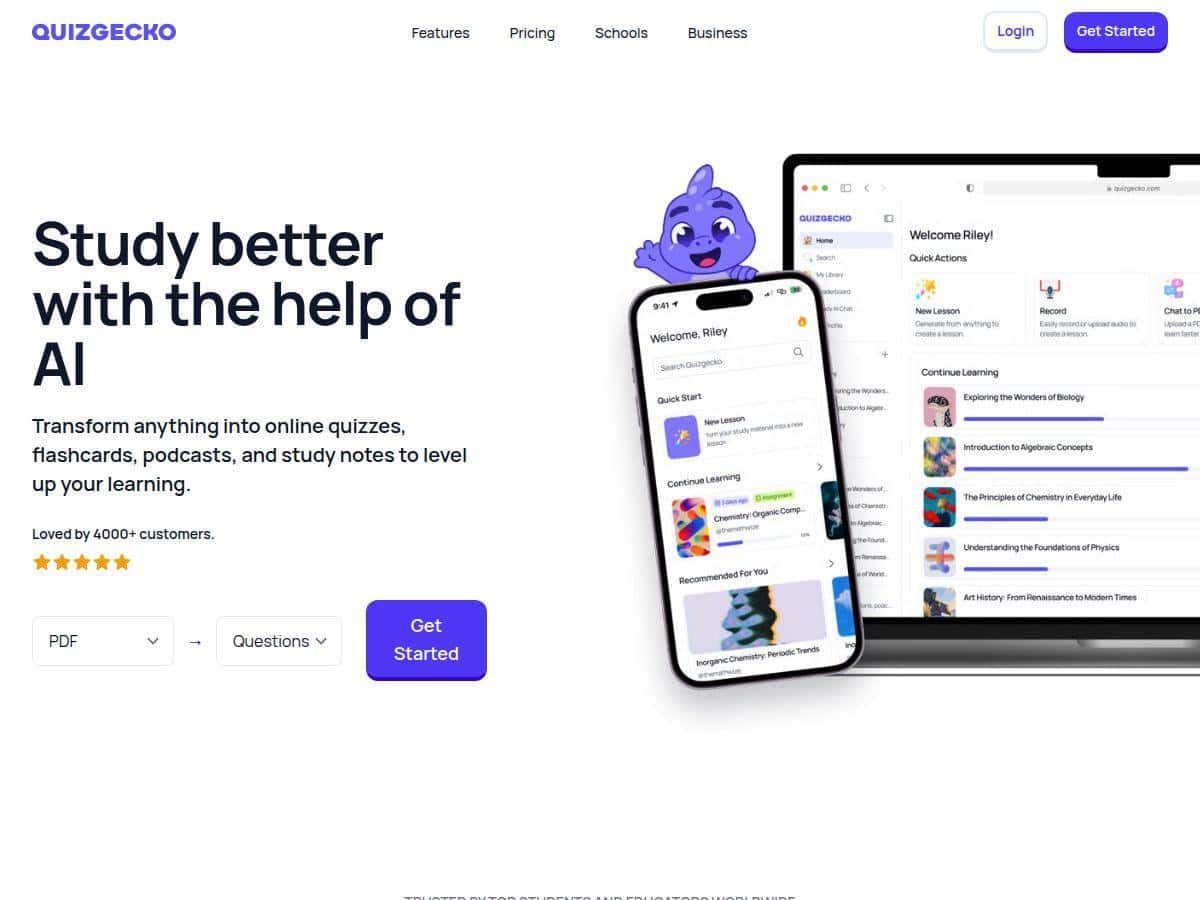
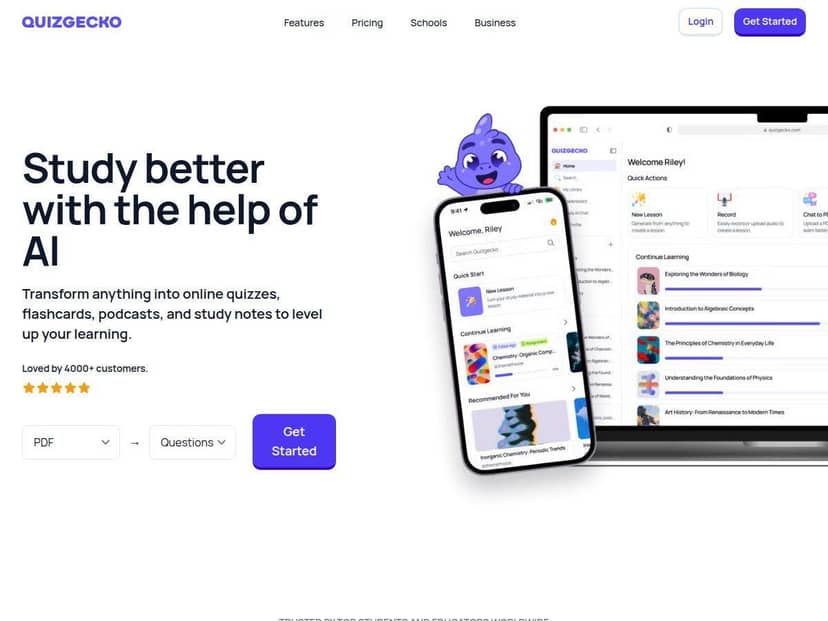
If you’ve ever stared at a pile of notes thinking, “I really need to turn this into something I’ll actually review,” you’re going to get why I tried Quizgecko. The basic promise is simple: take your content (PDFs, webpages, and more) and turn it into quizzes and flashcards—fast. I tested it with a mix of sources and what I noticed right away was the workflow speed. Upload, generate, review. No complicated setup.
That said, it’s not magic. Some outputs needed quick edits, and a few useful options are tied to paid plans. Still, if your goal is making study material more interactive without spending hours building everything manually, this tool is genuinely worth a look.
Quizgecko Review: My Real-World Test (and What Worked)
I spent a few sessions testing Quizgecko the way most people actually would: I fed it content I’d normally review manually, then checked how usable the generated questions were. The big win is how quickly it gets from “content” to “something you can quiz yourself on.” In my experience, I was able to generate a first set of quiz questions and flashcards in a matter of minutes after uploading/linking the source.
Here’s what I did and what I noticed:
- PDF-to-quiz: I uploaded a document and generated a quiz. The questions were mostly on-topic, but a few items were a little too broad—basically the AI paraphrased rather than drilled into the exact phrasing from my notes. That’s fixable with editing, though.
- Webpage source: I linked a webpage and generated flashcards. This was smoother than I expected. The cards felt more “study-ready” because the content was already structured with headings.
- Revision flow: The real test wasn’t just generation—it was whether I could actually use it for review. I found myself going back to it because the format made repetition easier. Instead of rereading whole sections, I could target weak spots.
- Mobile + desktop: I tried it on both. It’s not just a desktop-only tool. The interface held up well enough that I didn’t feel like I was fighting the layout on a smaller screen.
So is it perfect? No. If your source content is messy (long PDFs with weird formatting, scanned text, or unclear sections), you’ll probably need to spend a few minutes cleaning up the output. But if you’re using it as a “first draft” question builder, it does a solid job.
Key Features (What I Saw in Practice)
- AI-powered quiz and flashcard generation from PDFs, websites, and videos
- I generated quizzes from text-based sources and noticed the questions generally stayed aligned to the material. With video-based inputs, the quality depended a lot on how clear the transcript/content was. When the source was well-structured, the results were noticeably better.
- Multiple formats (including images, academic papers, and YouTube videos)
- I didn’t just stick to one input type. The tool handled different sources, but I found that “clean” inputs (clear headings, readable text) produce better questions. If the source is dense, expect to refine.
- Customizable difficulty and learning focus
- Instead of getting stuck with one style of quiz, I could adjust how the questions were framed. I liked being able to steer it toward what I actually needed to study (quick recall vs. deeper understanding).
- Automatic grading with feedback and study tips
- When I answered, the feedback wasn’t just “right/wrong.” It also nudged me toward what to review next. That’s the part that makes it feel more like studying and less like random question dumps.
- Content editing, sharing, and export options
- I edited a few questions because I wanted tighter wording. The editing tools were straightforward enough that it didn’t feel like a chore. Sharing/exporting worked the way you’d expect, so you’re not locked in.
- Progress tracking and detailed analytics
- This is one of those features that sounds good on paper until you actually check it. In my case, the analytics helped me see which topics/question types I was repeatedly missing, which is exactly what I want during exam prep.
- Multi-device accessibility (mobile and web)
- I used it on a phone between tasks. It wasn’t just “mobile-friendly”—it was actually usable. That matters if you study in short bursts.
- Chrome extension for instant quiz creation from web pages
- I tested the extension idea by trying it on a web page. The convenience is real: you don’t have to copy/paste everything manually. If you’re constantly sourcing articles online, this saves time.
- Auto-translation and AI visuals
- I did notice the visuals feature can make the learning experience feel less dry. Translation is helpful if you’re working with content in another language, but like any AI translation, it’s best treated as a starting point for accuracy-heavy study.
Pros and Cons (No Sugar-Coating)
Pros
- Fast content-to-quiz creation: I didn’t waste time building questions manually.
- More engaging than rereading: The interactive format made review feel less tedious.
- Works across content types: PDFs, webpages, and other sources are supported.
- Good for both students and educators: Teachers can generate quick assessments; students can reinforce learning.
- Progress tracking is actually useful: It helped me identify weak areas instead of guessing.
Cons
- Internet required for most features: If you’re hoping for an offline study setup, this isn’t the tool for that.
- Some features are paywalled: Advanced options (and depending on the plan, things like deeper analytics/export limits) may require upgrading.
- Pricing can feel steep depending on your needs: If you only need it occasionally, you might not want a monthly plan.
- There’s a learning curve: Not because it’s complicated—more because there are enough settings/options that you’ll want a minute to find what you like.
Pricing Plans (What You’ll Likely Pay)
Quizgecko has a free trial with limited functionality, which is honestly the right way to test it before you commit. From there, paid plans start at about $16/month for individual users. Educator and premium options go higher, and enterprise pricing is custom (you’ll typically see figures that can reach around $120/month depending on the package and usage).
One thing I’d recommend: don’t just compare the sticker price—compare what you actually need. For example:
- If you mainly want PDF/webpage-to-quiz for personal study, a lower tier might be enough.
- If you need heavy analytics, lots of exports, or team/organization features, you may end up paying more.
- If you want Chrome extension workflows and frequent generation, check whether usage limits apply to your plan.
Plans can change, so it’s smart to confirm the current details directly on the Quizgecko site before you upgrade.
Wrap up
After using Quizgecko, my take is pretty straightforward: it’s a strong tool for turning study content into quizzes and flashcards quickly, and it makes revision easier because you’re practicing instead of rereading. The main tradeoff is that you may need to edit outputs sometimes, especially with messy source material, and the best features depend on which plan you choose.
If you want PDF/webpage-to-quiz in minutes and you’re okay with a little cleanup when needed, it’s a solid pick. But if you need offline mode or extremely advanced analytics without paying for higher tiers, you’ll want to think twice.