Table of Contents
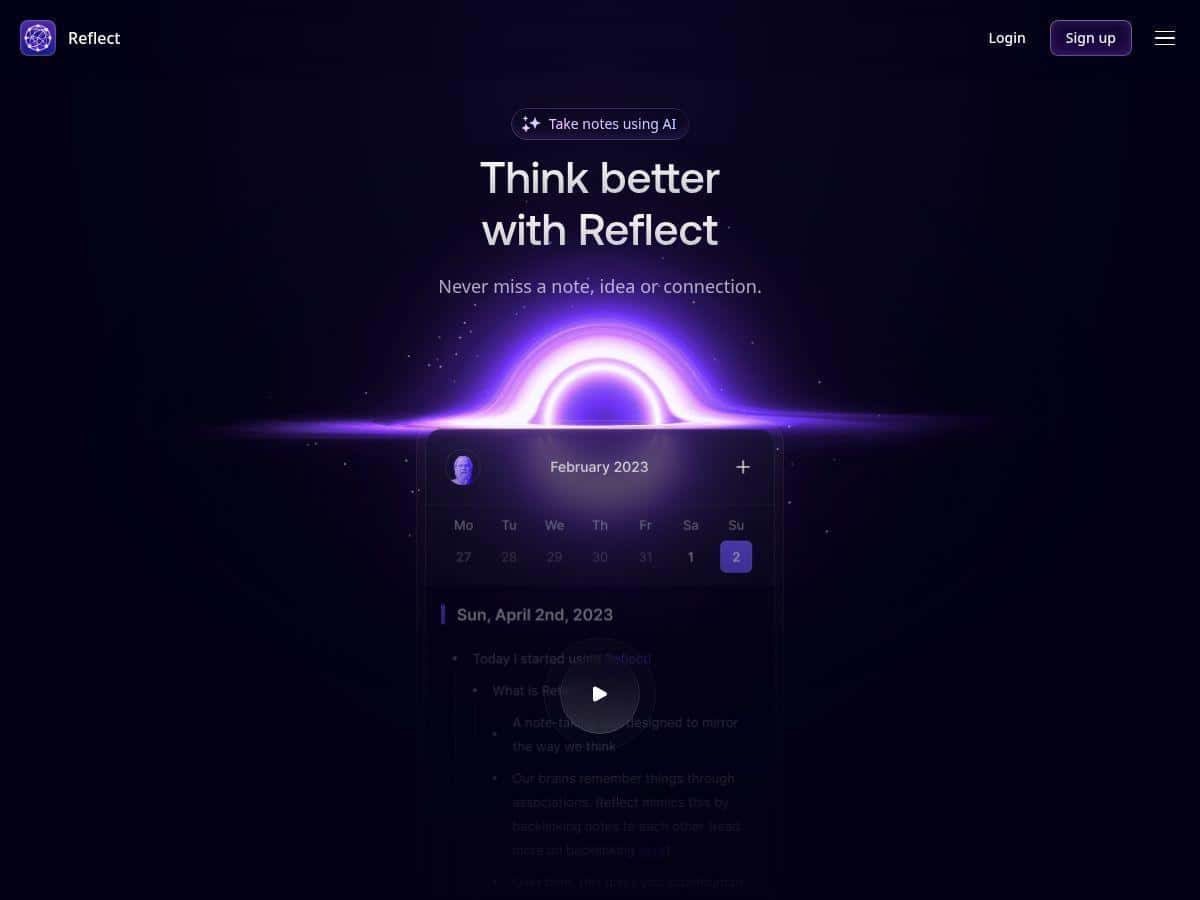
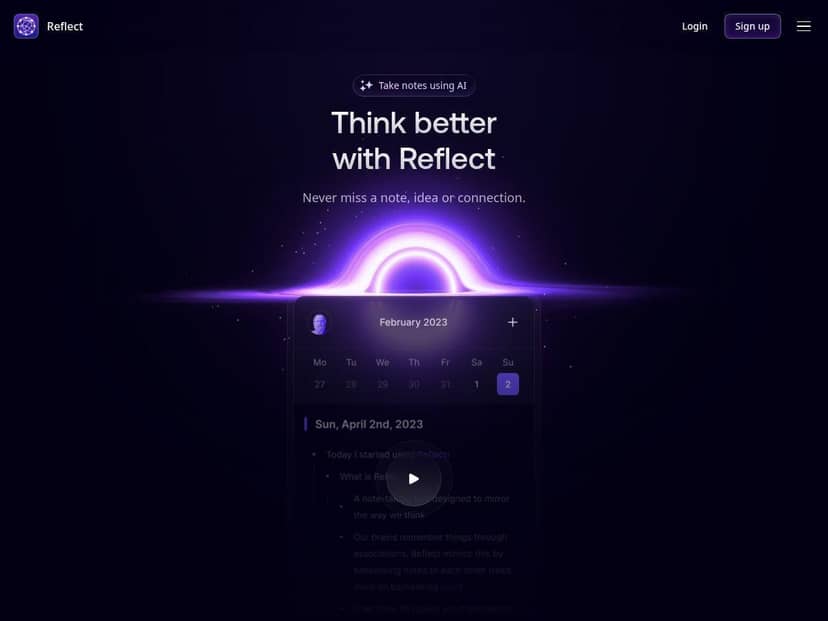
I’ve been using Reflect Notes for a few weeks, and I’ll be honest: I didn’t expect it to replace how I take notes. My old setup was fine… until it wasn’t. I’d jot things down on my phone, clean them up on my laptop, and then lose track of the “wait, where did I put that?” moments. Reflect changed that.
What I noticed right away is that it doesn’t feel cluttered. The UI is calm, and that matters when you’re capturing ideas fast. I also like that it pushes you toward connected thinking—backlinks and networked notes turn my random thoughts into something I can actually navigate later.
On the AI side, I tested the transcription + rewrite workflow with real stuff I’d normally leave as messy voice memos or half-finished outlines. And while the app is marketed like it’s doing a lot, the best results come when you give it clear inputs (more on that below).
Reflect Notes Review (What I Actually Did With It)
Here’s the setup I used so you can gauge whether it matches your workflow. I’m on an iPhone for capture, an iPad for quick review, and a Mac for writing. Over the last few weeks, I created roughly a few dozen notes (mostly daily notes + research snippets), and I intentionally tried to stress-test the system: voice memos, browser clippings, and “I’ll clean this up later” moments.
Reflect’s biggest win for me is how fast it turns capture into something you can revisit. When syncing is instant, you stop hoarding. I’m not waiting until I’m at my desk to organize. I can capture on my phone, then connect it later on my Mac.
Backlinks / networked notes: this is the feature that made the biggest difference. I used to have a folder-per-topic system, and it always broke down when ideas overlapped. With Reflect, I can connect related notes and then follow those links like a map. What I noticed is that my “random thoughts” stopped feeling random. I’d write a line in one note, then later link it to a related idea and suddenly it becomes part of a bigger thread.
AI support (and what I tested): I ran a couple of real examples instead of just trying buttons. For transcription, I recorded a voice memo on my commute and let Reflect convert it into text. For rewriting/summarization, I fed it messy notes from a reading session and asked it to turn them into a cleaner outline.
One thing I want to be clear about: marketing often makes AI sound “effortless,” but results depend on your input. If your voice memo is long and you mumble, it won’t magically become perfect. Still, it shaved real time off my cleanup process.
Example prompt #1 (outline from messy notes): I copied a chunk of my notes (about 300–500 words) into Reflect and used a prompt along the lines of: “Turn this into a structured outline with 5–7 bullet sections. Keep key claims and add a short ‘next action’ for each section.” The output came back with a readable structure that I could expand into a draft. It wasn’t “publish-ready” on its own, but it was a huge jump from raw notes.
Example prompt #2 (summarize + connect): I asked it to summarize a note and then suggest which other notes it should link to based on overlapping keywords. In practice, I still reviewed the suggested connections, but it helped me avoid the blank-stare problem—where you know there’s a connection, you just don’t see it yet.
Quick note on the “GPT-4” wording: I saw references to GPT-4 in the app messaging, but I didn’t find a simple “model: GPT-4” label in every screen during my test. So I can’t honestly tell you “yes, every AI action uses GPT-4” without you checking your own app’s AI settings. What I can say is that the AI features I used (transcription, summarization, rewrite/outline) behaved like an LLM-powered assistant, and the outputs matched those use cases.
Key Features (Plus How They Hold Up in Real Life)
- Instant synchronization across devices: This is one of the reasons Reflect works for me. I can capture on my iPhone and see it on my Mac without friction. If syncing is slow, the whole “connected notes” idea falls apart.
- Networked notes with backlinking: Instead of forcing you into rigid folders, you build a web. In my workflow, backlinks helped me “stitch together” research and writing notes. The learning curve is mostly learning how to name notes so links make sense later.
- iOS and macOS apps with offline access: Offline mode is useful when you’re on the go. What I noticed: you can capture and edit, but you’ll want to sync when you’re back online if you rely on AI features or cross-device updates.
- End-to-end encryption for privacy: I like that Reflect pushes privacy seriously. The practical takeaway: it’s designed for people who don’t want their notes sitting in plain text somewhere. Just remember that encryption doesn’t replace good judgment—don’t store sensitive information you wouldn’t want to expose if something goes wrong with any system.
- Calendar integration for meetings and deadlines: I used this to keep “note + context” together. If your notes are tied to events, it’s easier to find them later when you’re preparing.
- One-click sharing and publishing: This is handy when you want to send notes to collaborators or publish something quickly. I didn’t use it for heavy collaboration, but it’s definitely there if you need it.
- Instant capture from browsers, Kindle highlights, and more: This is where Reflect saves time. I clipped a few highlights and turned them into notes without copying and pasting everything manually.
- AI support for transcription, summarization, and organization: The best use I found is “cleanup + structure.” AI is great at turning messy inputs into something you can work with. It’s less reliable when you expect it to fully invent your reasoning from scratch.
- Voice notes with real-time transcription: For me, this is the feature I’d recommend first if you create notes on the move. It turns voice memos into searchable text, and that’s the difference between “I recorded it” and “I can find it later.”
- Running notes for real-time capture: This helps when you’re brainstorming live. I used it while planning a draft—capture first, connect later.
- Custom AI prompts and summaries for web content: If you read a lot, this can cut down the “summarize it myself” time. Still, I recommend using it as a starting point, not the final answer.
- PDF preview on Mac: Nice touch for research workflows. Being able to preview PDFs without leaving your note environment helps keep momentum.
Pros and Cons (Who It’s For, and Who Might Hate It)
Pros
- Clean, distraction-free writing: I actually enjoy opening it. That sounds small, but it matters when you’re using it daily.
- Fast syncing: Capture-to-review feels smooth across iPhone/iPad/Mac.
- Backlinks make ideas easier to navigate: If you think in relationships (not folders), Reflect clicks.
- AI is practical for cleanup: Transcription + outline/summarization saved me time on editing.
- Knowledge graph-style connections: The “connected web” view helped me spot themes I would’ve missed in a linear note list.
- Offline access: Good for commutes and spotty connections.
Cons
- It’s not a simple “type notes and forget it” app: The backlink/network approach is powerful, but it takes a bit of setup thinking. If you want zero structure, you might find yourself fighting the system.
- Premium pricing can sting: If you only need basic notes, Reflect won’t feel worth it. If you’ll actually use backlinks + AI + voice capture, the value starts to make sense.
- Collaboration is limited: I didn’t see the kind of deep team workflows you’d expect from tools built for group editing and commenting.
- AI needs good inputs: Garbage in, garbage out—especially with long voice memos or vague prompts.
Pricing Plans + Quick Comparisons (Is It Worth $10/month?)
Reflect Notes costs $10 per month, billed annually, and it includes all features. There’s also a free tier if you want to test basic functionality before committing.
If you’re trying to decide whether Reflect is “better enough,” here’s how I’d think about it. I’m not going to pretend every note app is the same—your use case matters.
Scenario check: which app style matches you?
- If you’re a writer: You’ll probably like Reflect if you want to connect research notes to draft notes via backlinks. The AI outline/summarize workflow can speed up revision, especially after collecting highlights.
- If you’re a student: Voice transcription + highlight capture are the big wins. Reflect helps you turn “study materials” into searchable notes you can revisit before exams.
- If you’re a professional building a knowledge base: This is where the knowledge graph/networked notes approach pays off. You’ll get more value when you’re linking ideas across projects.
My practical “before/after” outcome
Before Reflect, I’d capture on mobile and do a cleanup pass later—usually taking longer than it should. After Reflect, my workflow shifted to: capture → quick connect → refine on desktop. The biggest time savings came from transcription and turning messy notes into outlines I could actually work from.
Is it perfect? No. I still review AI outputs and I still do some manual cleanup. But I stopped losing notes, and that alone is worth something.
Quick decision guide
- Choose Reflect if you want connected notes (backlinks/networked thinking), voice capture, and AI-assisted cleanup.
- Skip it (or keep it as a secondary app) if you just need a basic text notebook, heavy team collaboration, or you hate any “structure” in your note system.
Wrap up
Reflect Notes is genuinely one of the more thoughtful note-taking apps I’ve tested lately. The combination of instant syncing, networked notes with backlinks, and useful AI support (especially transcription + outlining) makes it feel less like a storage bin and more like a thinking tool.
Just go into it knowing you’ll spend a little time setting up your workflow—names, connections, and how you capture. If you do that, Reflect becomes much more than “another place to write.” It turns your notes into a system you can actually navigate later.