Table of Contents
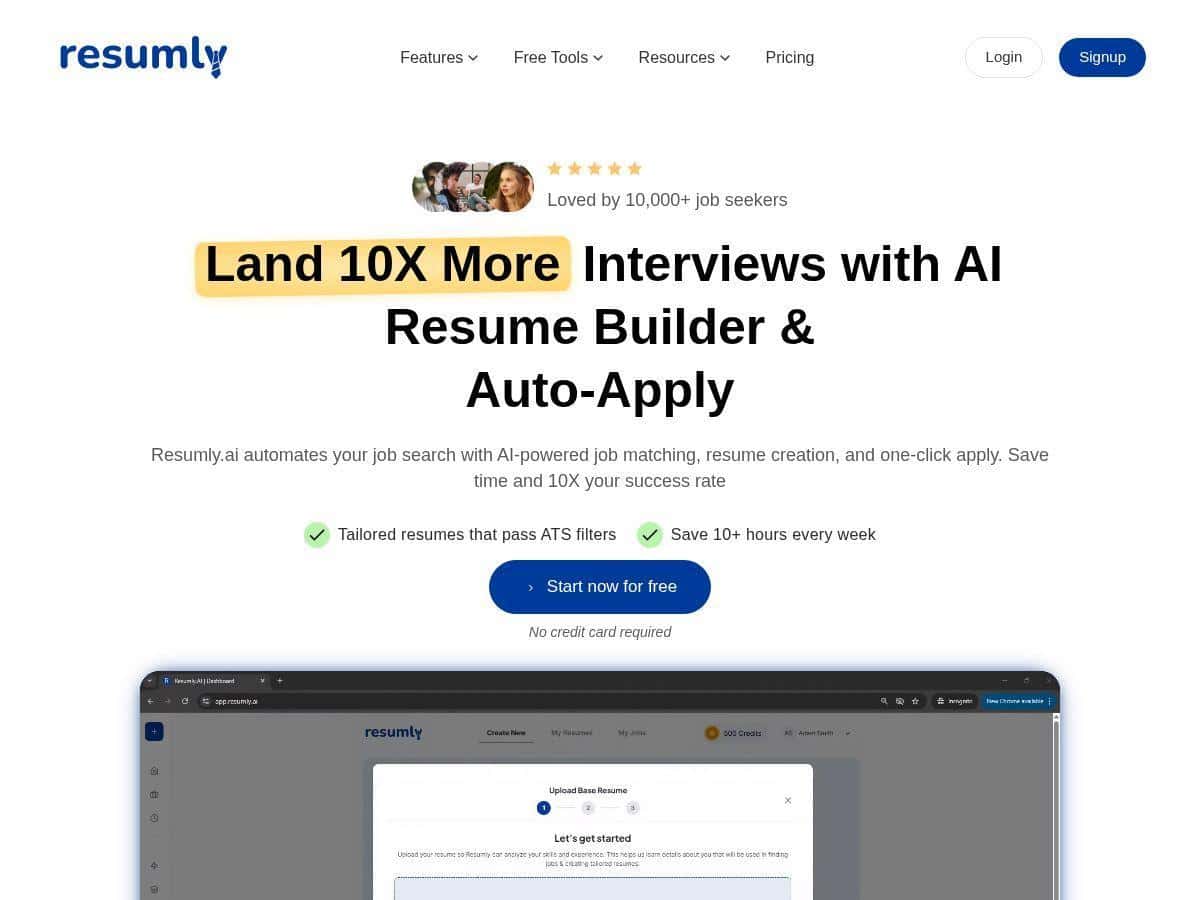
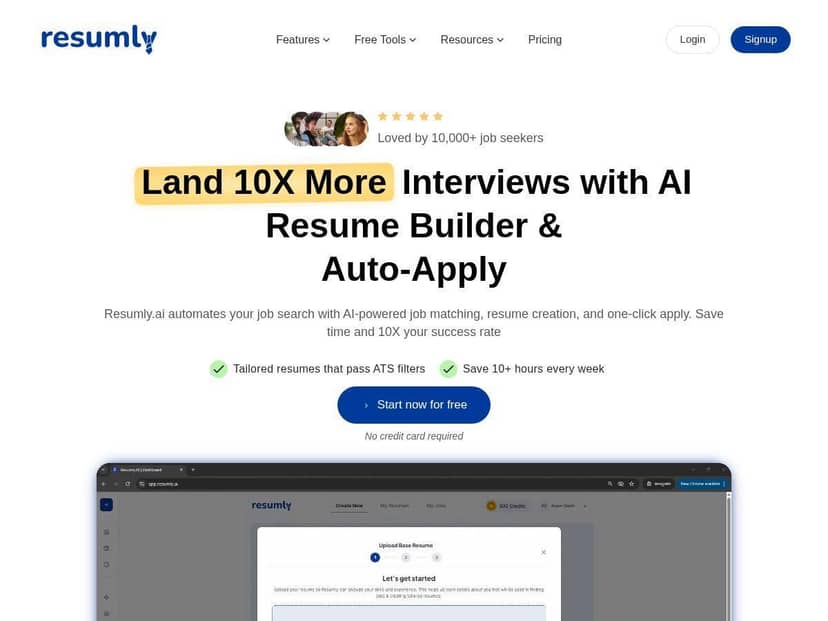
I’ve been using Resumly for a few weeks, and I’ll be honest: it’s not magic, but it does make the job search feel a lot less chaotic. The big promise here is automation—resume tailoring, cover letters, and Auto-Apply—so I focused my testing on the stuff that usually eats up my time.
For context, I was applying to roles in a mix of tech-adjacent positions (product/project support, customer success, and analyst-style roles) and a couple of general business roles. I ran the same “baseline” workflow a bunch of times: generate a resume for a job description, write a cover letter, then submit. What changed when I used Resumly? I stopped rewriting the same bullet points from scratch for every posting. Instead, I used their tailored outputs, then did quick human edits—mostly tightening wording and making sure the achievements sounded like me.
Resumly Review: what I actually liked (and what needed fixing)
I started on the Free setup and then kept testing the workflow. The first thing I noticed wasn’t the “AI” part—it was how fast I could get from a job posting to a tailored resume and cover letter draft.
AI Resume Builder: When I fed it a job description, it produced an ATS-friendly resume with role-relevant keywords and a structure that looked like something recruiters expect. The output was usually close, but not perfect. What I had to do manually was sanity-check the bullet points—especially anything that sounded too “generic corporate.” I’d keep the structure, then tweak 2–4 lines so it matched my actual experience.
Cover letter generator: This was smoother than I expected. For most roles, the cover letters referenced the posting enough to feel targeted, but I still had to edit for specificity. In a couple letters, it leaned a little too heavily on broad phrases (the classic “synergy/cross-functional” vibe). Easy fix, but it’s still work if you care about sounding human.
Auto-Apply + Application Tracker: This is where Resumly felt most “real.” Auto-Apply removed the repetitive clicking and form-filling time. I used it for a batch of similar job descriptions and watched the tracker so I didn’t lose track of what I’d already submitted. I didn’t just let it run blindly—big difference. I reviewed the target roles before hitting Auto-Apply, and I kept notes on which posting types were a good fit.
One practical limitation I ran into: not every listing is equally “automation-friendly.” Some forms are annoying, some require fields the tool can’t reliably map, and sometimes you still end up doing manual adjustments. So yes, it saves time—but it doesn’t remove the need to review.
Interview practice tool: I used it to rehearse answers for common questions (tell me about yourself, a time you handled ambiguity, why this role). The feedback was helpful for tightening my structure—more “clarity” than “truth.” In other words, it doesn’t replace real practice, but it did help me sound less scattered.
So, does Resumly live up to the hype? For speed and consistency, yes. For “set it and forget it,” no. If you’re willing to do a quick human pass on the outputs, the time savings are noticeable.
Key Features (with real examples from my workflow)
- AI Resume Builder: I used it by pasting a specific job description and generating a resume tailored to that role. What I noticed: it quickly rearranged the “story” of my experience to match the posting’s focus areas. What I fixed: a few bullets that sounded slightly over-optimized for keywords.
- AI Cover Letter: Drafts came back fast and generally matched the role. Where it missed: when a job wanted a very specific tool/skill, the letter sometimes stayed generic instead of naming the exact experience. I ended up swapping in 1–2 concrete details from my background.
- Interview Practice: Mock Q&A with instant feedback. I found it best for organizing answers (intro → example → result). It wasn’t perfect at “tone,” so I adjusted my phrasing afterward.
- Auto-Apply: This is the time-saver. I used it for a batch of roles with similar requirements. The best results came when I only applied to postings that truly matched my target. If the job description was wildly off, the “tailoring” couldn’t fully compensate.
- AI Job Search: The listing matching is meant to scan large volumes (the product claims it scans over 1 million listings). In my experience, the matches were decent, but I still filtered heavily. The scoring helped, but it didn’t replace reading the posting.
- Application Tracker: Keeping my submissions organized mattered more than I expected. I could see what I’d applied for and avoid double-applying to the same role.
- Job Match Scoring: Fit scores were useful as a “directional” signal. I treated it like a shortlist tool, not a final verdict.
- Chrome Extension: One-click tailoring/application from the browser sounds great—and it is convenient. In practice, I still reviewed the generated content before submitting, especially for cover letters.
Pros and Cons (what I’d tell a friend)
Pros
- Time savings are real—not “instant,” but noticeable. For me, the biggest win was not rewriting the same resume bullets every time.
- More consistent applications. Even when I edited afterward, the structure and keyword alignment were already there.
- Beginner-friendly. The interface isn’t confusing, and the workflow makes sense if you’ve never used an AI resume tool before.
- Extra checks. I liked having readability/ATS-style checks available because it helped me spot when a resume section was getting too wordy.
- One place for the whole process. Resume + cover letter + tracking is convenient. I don’t have to bounce between five tabs.
Cons
- Sometimes it sounds a bit “AI”. The most common issue for me was repeated phrasing or broad claims that needed a concrete example. I fixed this by editing 2–4 lines per document.
- Auto-Apply still needs supervision. Some listings/forms don’t map cleanly, and you can’t fully trust it to handle everything perfectly.
- Paid features add up. If you only want to generate one resume occasionally, the subscription might feel like overkill. For serious applicants, it makes more sense.
Pricing Plans (and who each one fits)
Resumly has three main options:
– Free Plan: $0/month, includes 10 resumes, 100 credits, AI Auto-Apply, and limited premium features.
– Pro Plan: $15/month (discounts for yearly billing), unlimited auto-applications, resumes, cover letters, and interview practice.
– Done-For-You Plan: one-time fee of $500, includes 100 targeted job applications, tailored materials, dashboard access, and 6 months of Pro features.
My take: if you’re testing the workflow and want to see whether it matches your job search style, the Free plan is enough to judge usability. If you’re doing an ongoing push (like 20–50 applications over a few weeks), Pro is where the automation starts to feel worth it.
Wrap up
Resumly is a strong option if you want to move faster and stay organized—especially with resume tailoring, cover letters, and the Auto-Apply + tracker combo. Just don’t treat the generated text as “final.” In my experience, you’ll get better results by doing a quick human pass: swap in real details, remove anything that feels too generic, and make sure the resume bullets match what you can actually talk about in interviews.
If you’re serious about applying consistently in 2026, it’s worth trying the Free plan first. You’ll quickly see whether the workflow saves you time—or if you’d rather stick to manual tailoring.