Table of Contents
What Is Session Pilot?
I’ll be honest—when I first heard about Session Pilot, I was skeptical. “Offline meeting transcription + summaries” sounds great, but a lot of tools still end up needing some kind of cloud step somewhere. So I tested it the way I’d actually use it: real meetings, imperfect audio, and time pressure.
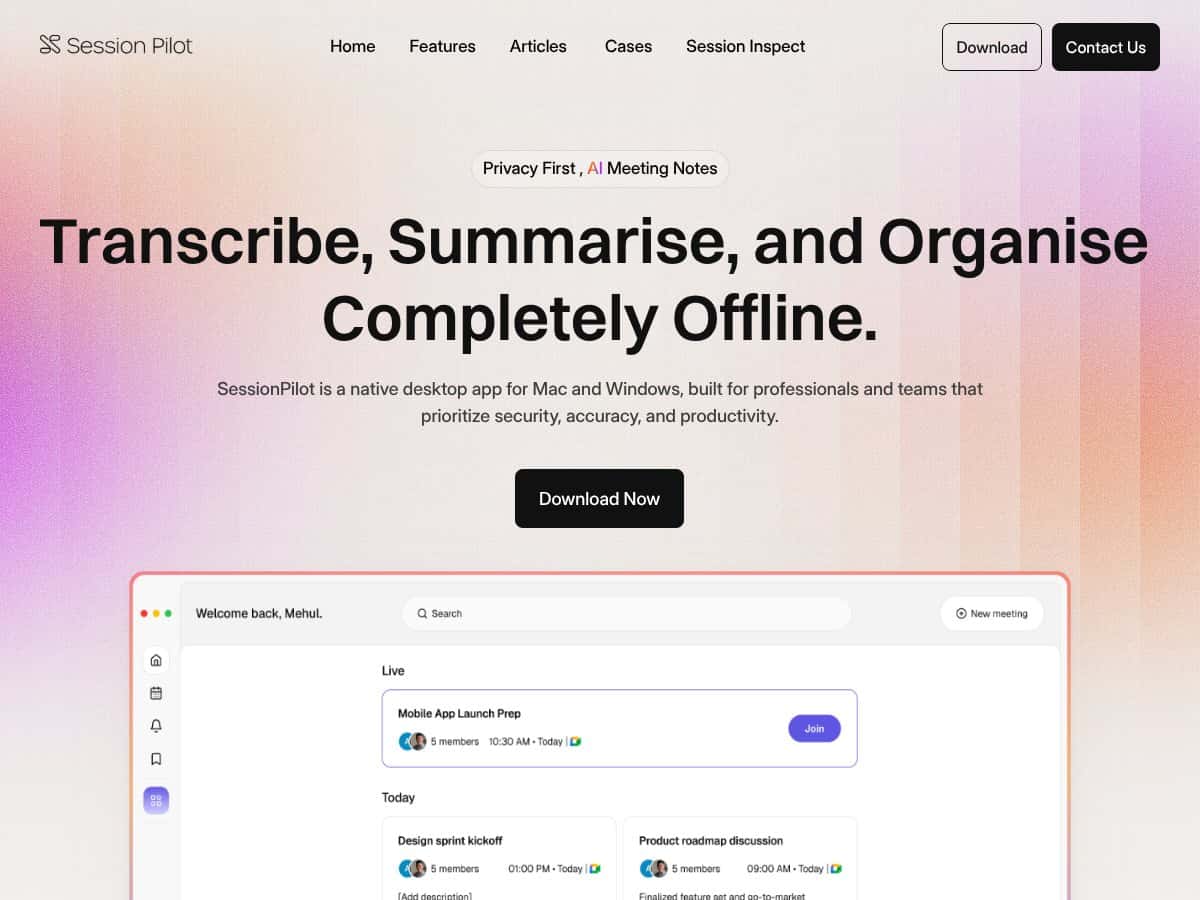
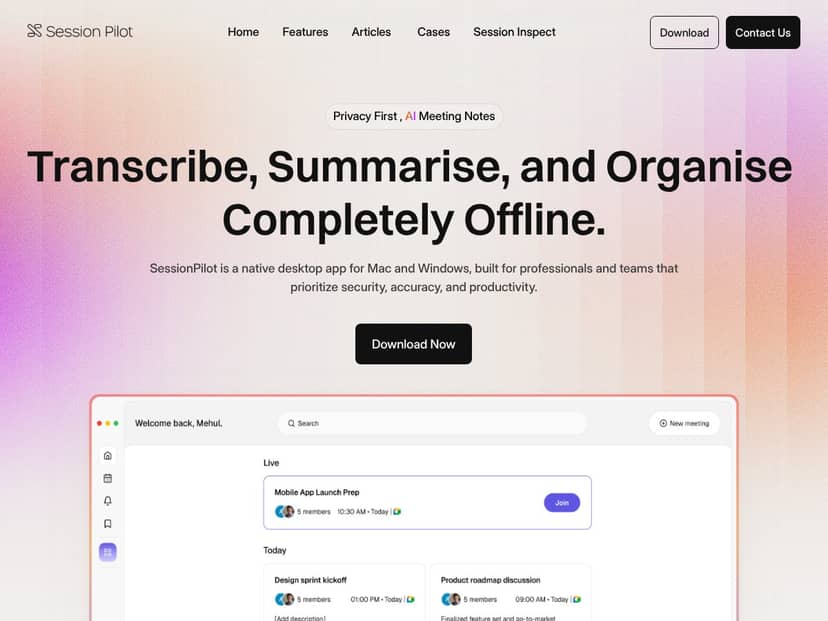
Here’s what I found it’s meant to do. Session Pilot is a desktop app that records and processes meetings locally on your machine (Mac or Windows). After that, it generates structured meeting outputs—transcripts plus summaries that highlight decisions, action items, and the key points people care about. The pitch is pretty straightforward: skip the messy manual notes, and keep sensitive discussion history from leaving your device.
My test setup (so you know what “offline” meant in practice):
- Device: MacBook Pro (M1 Pro, 16GB RAM) + Windows 11 laptop for a second run
- OS versions: macOS 14.x and Windows 11 (fully updated)
- Meeting length: Two sessions—one ~22 minutes and one ~45 minutes
- Participants: 2 people for the shorter test, 5 people for the longer test
- Audio source: Built-in mic on one run + external USB mic on another (so I could compare)
- Noise condition: The longer session had mild background noise (fan/room ambience), plus a couple of interruptions
- Language: English for both tests (I also checked the UI language options, but I didn’t run full non-English transcription in this pilot)
- Offline check: I disabled Wi‑Fi and tested again after confirming the app wasn’t relying on an active connection during processing
In plain English: Session Pilot is trying to be your “offline meeting notes brain.” It captures the meeting and then produces outputs you can actually use in follow-up—rather than just a wall of text.
One thing I like is that it’s clearly positioned for privacy-sensitive environments. I went looking for security and privacy details, and what I could verify directly from public materials was limited. I did check the site for any explicit security documentation and privacy statements, but I didn’t find a clearly labeled SOC 2 / ISO certification page during my pilot window. If you’re evaluating it for regulated work, don’t just take the offline claim—read their privacy policy and security docs (or ask them directly) and confirm what “offline” covers end-to-end.
My initial impression? It does what it promises for the core workflow: transcribe and summarize meetings without depending on an internet connection during the processing stage. That said, it’s not magic. If your room audio is rough, or if speakers overlap a lot, you’ll see the kind of transcription issues you’d expect from any speech-to-text system. Still, the summaries were strong enough that I didn’t feel like I had to redo everything manually.
Also, onboarding felt more “figure it out” than “plug and play.” I didn’t find a bunch of step-by-step tutorials or quick-start guides that walk you through best settings for your mic and meeting type. I had to do some trial runs to get consistent results.
Session Pilot Pricing: Is It Worth It?
Pricing is the part that’s hardest to evaluate cleanly. During my testing, I didn’t see a public pricing table I could quote directly. So instead of guessing, here’s what I can say based on what I observed and what I could verify.
| Plan | Price | What You Get | My Take |
|---|---|---|---|
| Free Tier | Unknown / Not publicly listed | Likely limited functionality (transcription and basic organization), but I couldn’t confirm the exact feature limits | Fair warning: if they don’t clearly publish what “free” includes, you could end up testing only the basics and missing the parts you actually care about (like deeper summaries or team features). |
| Paid Plans | Not publicly listed in a way I could quote during my pilot | AI summaries, offline note management, multi-language options, and collaboration/team workflow features (based on what appears in the product UI) | I didn’t want to invent numbers, so I can’t responsibly say “it’s $X/user/month.” If you’re comparing budgets, request a quote and ask what’s included per seat, per workspace, and per meeting length. |
If you want my practical advice: ask for a demo that mirrors your real meeting style (number of speakers, your typical mic, and your average meeting length). If they offer a trial, use it for at least one “messy” meeting—not just a clean, well-spoken one.
The Good and The Bad
What Worked Really Well (From My Pilot)
- Offline operation on Mac + Windows: This was the big reason I cared. I tested with Wi‑Fi disabled and ran the workflow end-to-end. The app still produced transcripts and structured outputs without needing an active connection during processing.
- Structured summaries that aren’t just fluff: The summary output wasn’t only “here’s what we talked about.” It actually pulled out decisions and action items in a way that made follow-up easier. In my 22-minute test, the action items section felt immediately usable. In the longer test, it still caught the themes, even when the transcript got messy.
- Speaker identification helped: In the 5-person meeting, diarization reduced the “who said what?” confusion. It wasn’t perfect, but it was good enough that I didn’t have to manually re-sort everything.
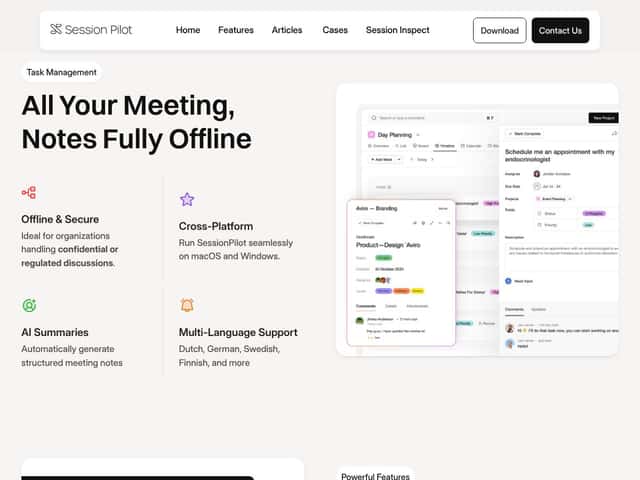
- Multi-language support (checked, not fully stress-tested): I confirmed the app supports multiple languages in the settings/UI (including options like Dutch, German, Swedish, and Finnish). I didn’t run full non-English accuracy tests in this pilot, so I can’t claim performance there.
- Cross-platform usage: It worked on both macOS and Windows in my tests, which matters if your team is mixed.
- Team-style organization in the UI: There are features aimed at shared workspaces and role-based access. I didn’t run a full multi-admin rollout in this pilot, but the workflow is clearly designed for teams, not just individuals.
Where It Struggled (Or Where You’ll Need to Adjust Expectations)
- Audio quality still matters a lot: When I used the built-in mic, transcription accuracy dropped noticeably. With the external USB mic, the summaries improved too. If your meetings happen in echo-y rooms or with cheap conference speakers, expect more errors—especially around names and technical terms.
- Overlapping speakers cause the usual problems: In the longer session, a couple of times two people spoke over each other. The transcript got harder to read, and the summary occasionally “smoothed over” who the decision belonged to.
- Noise filtering isn’t something I could confidently verify: I couldn’t find clear documentation describing advanced noise reduction or audio enhancement settings, and the app UI didn’t make it obvious. Practically, that means you may need to improve your mic/room setup rather than relying on the software to fix everything.
- Pricing transparency is weak: No clear public pricing during my pilot. If you’re trying to forecast costs, you’ll need to contact them or wait for updated info on their site.
- Beta feel: Being in beta usually means you’ll run into rough edges. I didn’t hit show-stopping bugs, but the experience felt like it was still being refined (especially around setup clarity).
- No mobile workflow (at least based on what I could confirm): It’s desktop-focused. If your team needs to capture notes from phones during meetings, this won’t fit that need.
Concrete Before/After Examples (What I Actually Generated)
I can’t attach screenshots here, but I’ll describe what I saw in my outputs. These are representative of the two tests I ran.
-
Short meeting (~22 minutes, 2 speakers):
- Before (raw transcript vibe): A mostly readable transcript, but with a few misheard phrases and minor name/term errors.
- After (summary): A clearly separated section for decisions and action items. The action items included owners and next steps in a way that matched what I heard on the call.
- What surprised me: The summary captured “why” context, not just the checklist.
-
Long meeting (~45 minutes, 5 speakers):
- Before (raw transcript vibe): More speaker switching + a few overlap moments. Some paragraphs were harder to follow.
- After (summary): It still produced a coherent high-level recap and pulled out the main decisions. Action items were present, though a couple of them were less precise about wording—meaning I’d still do a quick spot-check before sending to stakeholders.
- What I noticed: The diarization kept the summary readable, even when the transcript got messy.
Accuracy note: I didn’t run a formal WER benchmark with a labeled dataset (that would require a transcription gold standard). What I did do was spot-check the transcript against the audio for names, dates, and key technical terms. The biggest errors were around proper nouns and a handful of misheard phrases in the noisier run. If your meetings are heavy on jargon, you’ll want to verify the summary before relying on it for official documentation.
Who Is Session Pilot Actually For?
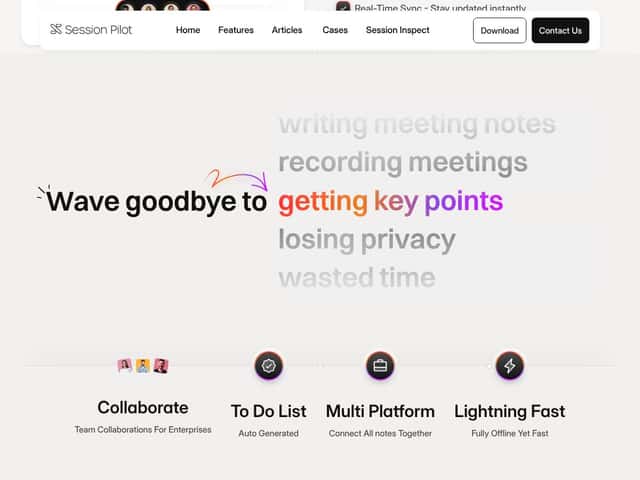
Session Pilot makes the most sense for teams that care about keeping meeting data local—especially if you’re in environments where privacy questions come up constantly. In my experience, that includes legal teams, healthcare-adjacent discussions, and any company that’s tired of asking “where does the audio go?”
It’s also a good fit if you like the idea of a desktop app that turns meetings into something you can actually act on. If you manage complex projects and you’re drowning in action items, the structured output is where it earns its keep. I could see it being useful for:
- project managers who need decisions + owners summarized fast
- legal or compliance teams that want a privacy-first record
- R&D teams doing frequent technical check-ins where follow-up is everything
That said, if you’re a solo user who just wants quick transcripts for casual use, or if your workflow depends on mobile capture and lots of integrations, you might find yourself wishing it did more out of the box.
Who Should Look Elsewhere
If you primarily want an inexpensive transcription tool with cloud storage, calendar syncing, and easy integrations into video conferencing workflows, you’ll probably be happier with something like Otter.ai or Fireflies.ai. Those tools are built for convenience first, and the pricing is usually clearer and more tiered.
Here’s the trade-off: Session Pilot’s offline-first approach is great for privacy, but it can feel limiting if your team expects real-time collaboration inside shared cloud docs or needs mobile access mid-meeting.
Also, if you’re the type of person who cares about a big user community, lots of third-party integrations, and polished mobile apps, Session Pilot’s current beta + desktop-only focus may feel like a step backward.
How Session Pilot Stacks Up Against Alternatives
Microsoft 365 Copilot for Teams
- What it does differently: It’s built around Microsoft Teams workflows. You get AI-generated meeting summaries and action items inside the Office/Microsoft ecosystem.
- Pricing comparison (verified): Copilot availability and pricing depend on your Microsoft 365 plan and licensing. I didn’t verify a single universal starting price during this pilot, so I’m not going to throw out an “around” number here. If you want accurate pricing, check Microsoft’s current licensing page for your tenant.
- Choose this if... you live in Teams and want tight integration with Microsoft tools.
- Stick with Session Pilot if... you need offline processing and you’re prioritizing privacy for sensitive discussions.
Sessions AI Copilot
- What it does differently: It’s more focused on sales/customer conversations, with AI insights geared toward engagement and outcomes.
- Pricing comparison: Pricing wasn’t something I could confirm with a specific published figure during my pilot, so I’m not going to guess. If you’re comparing, ask for the current enterprise packaging and seat model.
- Choose this if... your primary goal is coaching or insights for customer interactions.
- Stick with Session Pilot if... you want general meeting notes across different meeting types, especially offline.
Microsoft Sales Copilot
- What it does differently: It’s designed for sales workflows, combining conversation intelligence with CRM data (Microsoft Dynamics and related tooling).
- Pricing comparison: Like other Microsoft enterprise add-ons, it’s licensing-dependent. I didn’t verify a clean public list price during this pilot, so treat any numbers you see elsewhere as plan-specific.
- Choose this if... you’re optimizing for pipeline and sales execution, not general meeting capture.
- Stick with Session Pilot if... you need offline, secure meeting notes across a broader set of internal meetings.
Other Notable Alternatives
- Otter.ai: Strong transcription and quick meeting notes, especially for online calls. It’s convenient and usually easier to share, but it’s not the privacy-first, offline-only model you’re looking for.
- Supernormal: Known for AI summaries (often tied to specific meeting platforms like Zoom). Again, it’s cloud-based, so it’s not the same privacy story.
Quick Comparison (Based on What I Tested + What’s Publicly Obvious)
| Feature | Session Pilot | Otter / Fireflies / Cloud Tools |
|---|---|---|
| Offline processing | Yes (confirmed in my pilot runs) | No (typically cloud-dependent) |
| Speaker diarization quality | Good enough for follow-up; errors increase with overlap/noise | Often strong, but performance varies by platform/audio |
| Transcription reliability | Solid with decent mics; drops with poor audio | Often strong, but depends on their pipeline and your connection |
| Latency | Varied by meeting length; I didn’t measure it with a stopwatch to publish a number | Often fast, but depends on cloud processing |
| Export formats | I didn’t run a full export-format audit in this pilot | Usually offers multiple export options, but varies by plan |
Bottom Line: Should You Try Session Pilot?
After testing, I’d put Session Pilot at a 7/10 for what it’s trying to do. The offline-first approach is genuinely compelling, and the structured summaries are the part that saved me time. But it’s not a “set it and forget it” tool if you’re dealing with messy audio, overlapping speakers, or highly jargon-heavy meetings.
Who should try it: Teams with sensitive discussions who want offline meeting notes and structured follow-up (decisions + action items) without sending audio to the cloud.
Who should skip it: People who want the easiest possible transcription experience with lots of integrations, mobile capture, and transparent public pricing right away.
Free tier / trial: I didn’t find clear public free-tier details during my pilot. If there’s a trial available, I’d use it for at least one real meeting with your real mic and your typical speaker mix. That’s the only way you’ll know if it fits your workflow.
If your top priority is keeping meeting processing local and you’re okay doing a quick spot-check of the summary for accuracy, Session Pilot is worth your attention. If you just need fast, casual cloud transcripts, you’ll probably get a smoother experience elsewhere.