Table of Contents
If you manage a website (even a small one), you already know the tough part isn’t “getting traffic.” It’s keeping your pages fast, fixing SEO issues before they snowball, and spotting performance problems early. That’s why I took a close look at SiteChecker.
In my experience, tools like this are only useful if the reports are clear and the recommendations are actually actionable. So in this SiteChecker review, I’m going to share what I liked, where it felt limited, and what you should check before you commit—especially if you’re deciding between the free plan and a paid tier.
SiteChecker Review: What I Liked (and What to Watch)
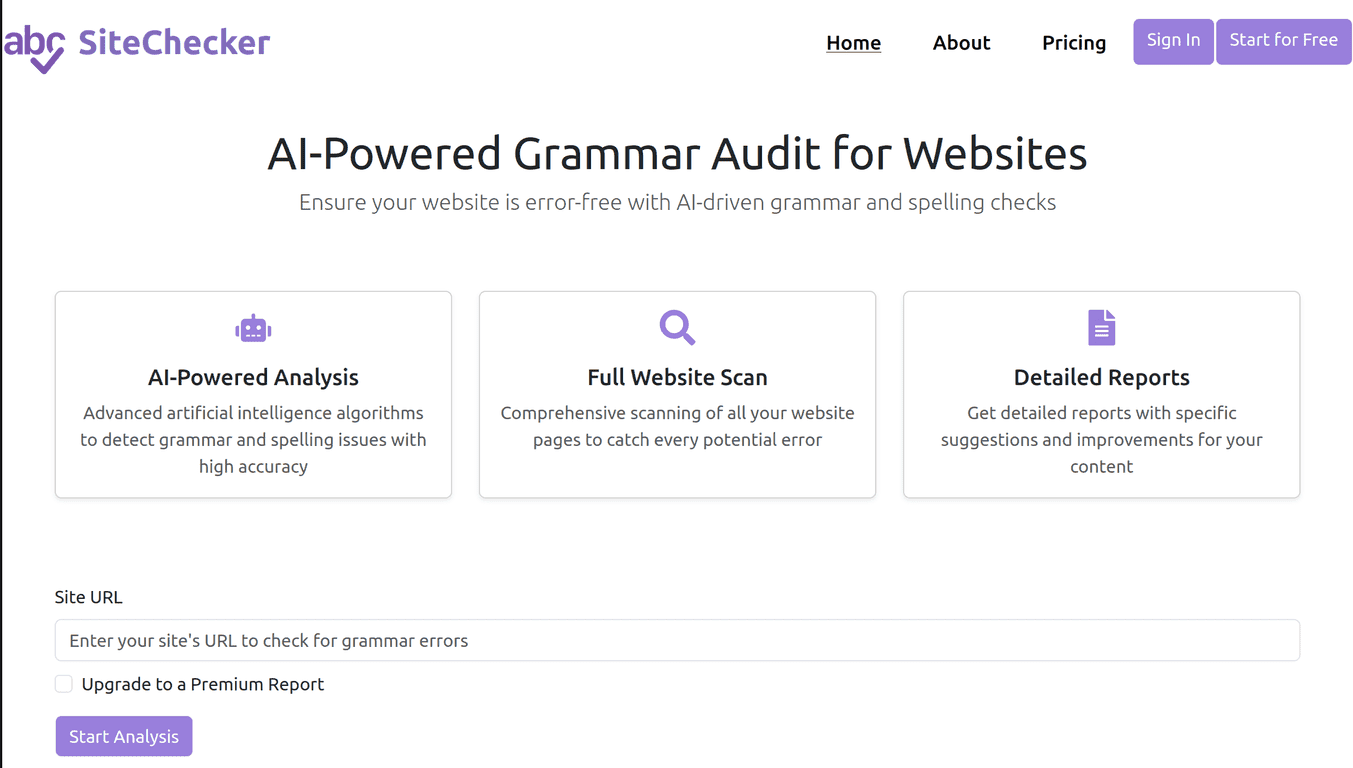
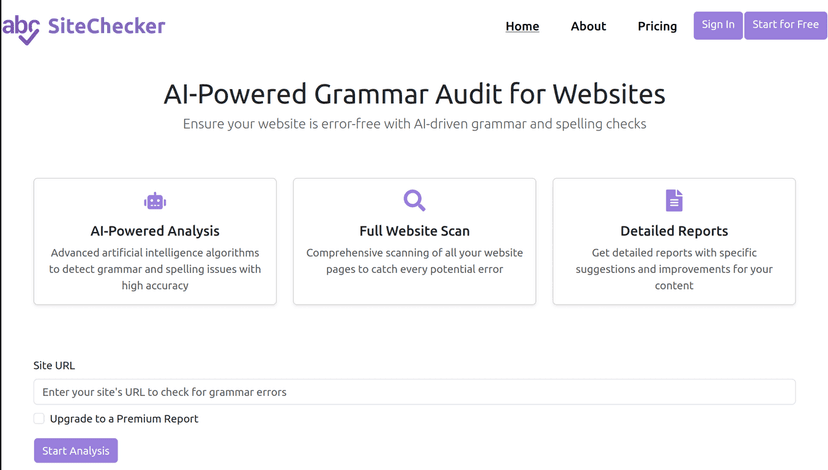
SiteChecker is positioned as an all-in-one website analysis and optimization tool. The big promise is simple: help you understand how your site is performing (speed, SEO health, backlinks, and more) and then point you toward the fixes.
When I tested it, the first thing I noticed was how quickly I could get from “what’s going on?” to “here’s what to do next.” The interface doesn’t feel cluttered, and the dashboards are the kind you can actually use without spending an hour deciphering charts.
Of course, no single tool catches everything. But if you’re trying to improve your website visibility and user experience without juggling five different platforms, SiteChecker is worth a serious look.
Key Features I Actually Used
- Website Performance Monitoring: I focused on speed and response time signals because those are usually the first things that impact both user experience and SEO. Seeing issues in a structured way is helpful—especially when you’re trying to confirm whether a change (theme update, plugin, image compression) actually improved load times.
- SEO Audits: This is where SiteChecker starts to feel practical. It surfaces on-page problems and gives recommendations. In my experience, the value isn’t just “you have errors,” it’s getting a clear list you can prioritize (titles, headings, missing elements, and other common on-page misses).
- Site Health Checks: Instead of only looking at one metric, it looks at overall website health through multiple signals. That’s important because a site can “rank” but still have underlying issues that lead to drops later.
- Keyword Research: I used this to sanity-check targeting. The tool helps you find keywords to focus on, but what matters is how quickly you can turn that into content decisions. If you’re already doing keyword research elsewhere, SiteChecker’s role here is more like “support” than “replace everything.”
- Competitor Analysis: This is great when you’re trying to figure out why a competitor is outranking you. Watching what they’re doing (at least at the SEO level) can give you direction—whether it’s topics to cover, backlink opportunities, or gaps you haven’t addressed.
- Backlink Monitoring: Backlinks can be a moving target. I liked that this feature helps you keep an eye on your backlink profile instead of checking manually every few months and hoping nothing changed.
Pros and Cons (Real Talk)
Pros
- Readable dashboards: The data is presented in a way that makes sense. I didn’t feel like I needed to “translate” the tool to understand what to fix first.
- Broad coverage: You get multiple angles—performance, SEO, health, backlinks, and competitor context. That’s useful if you’re managing more than one side of SEO.
- Actionable insights: Instead of just listing problems, it pushes recommendations. That matters when you’re short on time and want to know what to tackle next.
- Ongoing monitoring mindset: It’s not just a one-time report. The way the tool is set up encourages you to track changes over time.
- Competitor tools are actually usable: I found it easier to compare than with some tools that feel buried under too many tabs.
Cons
- Some features depend on the plan: If you’re on a basic tier, you might hit limits pretty quickly—especially for deeper checks or more frequent monitoring.
- Free version is limited: The free plan is enough to get a feel for the interface, but it won’t replace a full suite if you’re doing serious SEO work.
- Not as deep as the most advanced specialists: If you’re used to enterprise-level SEO platforms, you may find SiteChecker doesn’t go as far in certain areas. It’s strong for practical audits, but it won’t necessarily satisfy power users who want maximum granularity.
Pricing Plans: What to Check Before You Pay
SiteChecker has a free plan plus paid options for more advanced features. The exact pricing can change, so I recommend checking the current numbers on the SiteChecker website directly.
Here’s what I’d personally look at when deciding which plan fits:
- How many sites/projects you can track: If you manage multiple clients or brands, this becomes a big deal fast.
- Limits on audits and monitoring frequency: If you want weekly checks, make sure the plan supports that level of ongoing monitoring.
- Access to SEO and backlink depth: Some plans unlock more detailed reporting. If backlink analysis is a major part of your workflow, don’t assume the free tier will be enough.
- Competitor analysis scope: You want to confirm what’s included—how many competitors, what data is accessible, and whether it’s detailed enough for your goals.
If you’re just starting out, the free plan is a good way to see whether the reports match your expectations. If you’re already running SEO audits regularly, you’ll likely feel the constraints sooner than you think.
Wrap-up
Overall, I’d call SiteChecker a solid, practical tool for website analysis and optimization. It’s especially helpful if you want one place to review performance signals, run SEO audits, monitor site health, and keep an eye on backlinks and competitors—without getting lost in a sea of complicated settings.
That said, the limitations on free/basic tiers are real. If you need maximum depth or you’re working at a very advanced SEO level, you might still want to pair it with more specialized tools.
If improving your website visibility and user experience is your priority and you like clear, prioritized recommendations, SiteChecker is definitely worth considering.
Promote SiteChecker