Table of Contents
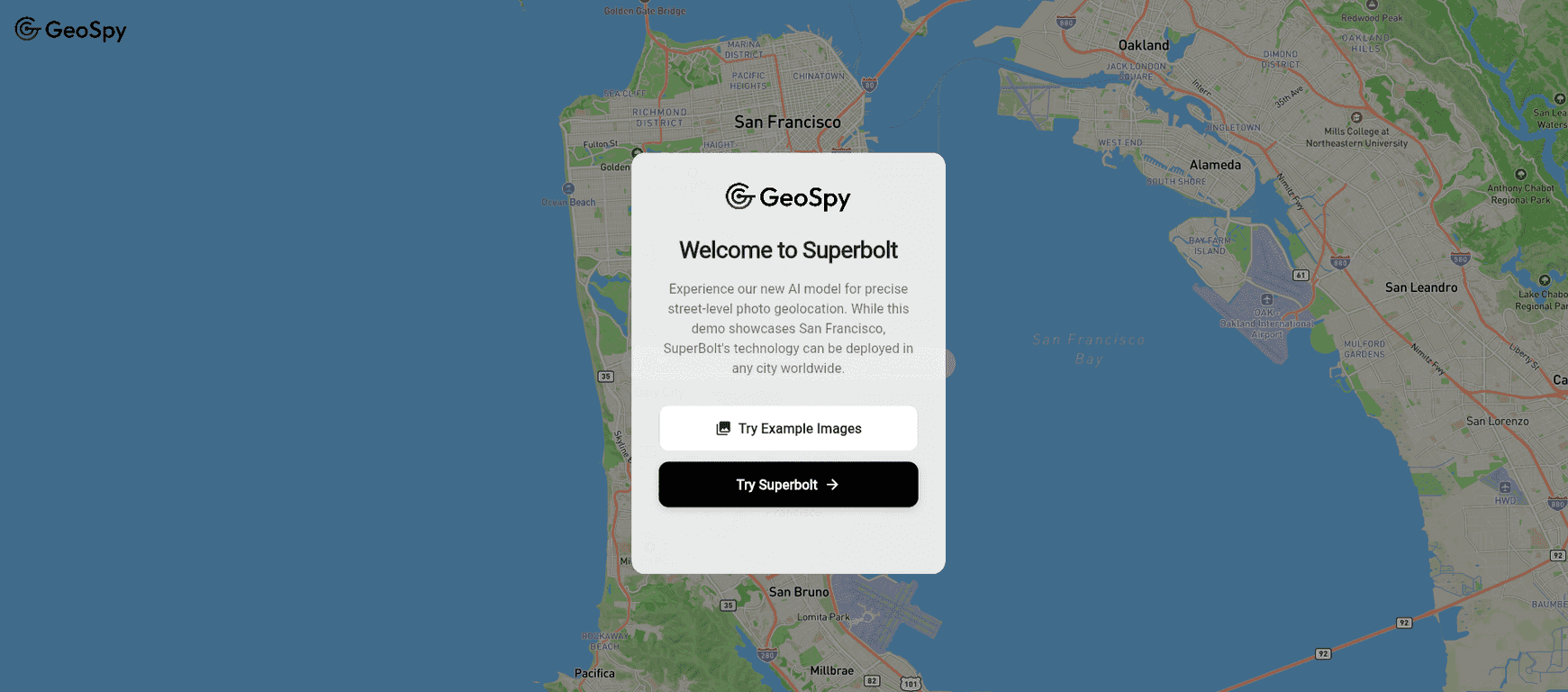
If you’ve ever looked at a photo and thought, “Okay… but where was this actually taken?”, you already get why tools like SuperBolt (GeoSpy AI) are interesting. I tested the idea behind it—uploading images and seeing how the system handles photo geolocation—and what stood out to me is the focus on investigations and threat intelligence rather than just basic “map it and call it a day” results.
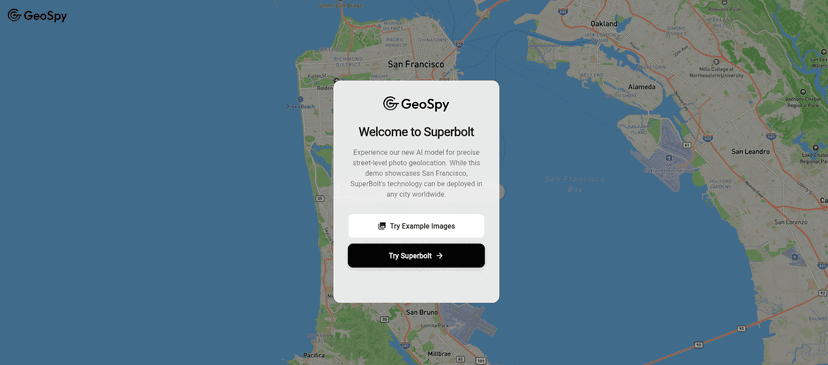
SuperBolt is positioned as an AI-powered photo geolocation tool from Graylark Technologies. The pitch is meter-level precision and deeper geospatial analysis, which is exactly the kind of thing that matters when you’re trying to verify claims, trace locations, or connect visual evidence to real-world coordinates.
SuperBolt Review
Here’s the simplest way I’d describe SuperBolt: it’s built for people who need to extract location intelligence from images fast—and then act on it. That includes investigators, analysts, and folks doing threat intelligence work where “close enough” isn’t really good enough.
What I noticed most is that the tool isn’t just guessing a city. The goal is photo geolocation with meter-level precision, which usually means the system is doing more than a basic reverse-image approach. It’s analyzing visual clues (landmarks, terrain patterns, structural details) and tying them back to real-world geospatial data.
And honestly, that’s where the AI part matters. When the model is working well, you get a clearer picture of what’s being inferred and why. It’s not just about getting coordinates—it’s about building a case you can defend.
That said, I also want to be realistic: any geolocation workflow depends heavily on the photo itself. Lighting, angle, image resolution, and how much of the environment is visible will all affect the output. If you’re working with blurry, heavily cropped, or low-detail images, you should expect reduced confidence—no tool can magic away missing visual evidence.
Key Features
- Advanced Photo Geolocation with meter-level accuracy
SuperBolt aims to identify where an image was taken with very fine precision. In practice, this is the difference between “somewhere near” and “this specific area is the best match.” - AI tools for in-depth analysis
Instead of only producing coordinates, the AI is geared toward analysis that supports investigation-style workflows—helpful when you’re trying to validate or cross-check a claim. - Enhanced geospatial analysis capabilities
This is where the tool tries to connect visual evidence to geospatial context so you’re not just staring at a pin on a map. - Built for investigations and threat intelligence
The positioning is clear: this isn’t mainly a casual consumer app. It’s meant for power users who need actionable intelligence.
Pros and Cons
Pros
- Strong geolocation focus — the emphasis on meter-level accuracy is exactly what investigation teams care about.
- More than a simple location guess — the AI angle is geared toward deeper analysis, not just mapping.
- Useful for investigative workflows — it’s designed with investigations in mind, which usually means outputs are structured for decision-making.
- Better intelligence context — geospatial analysis helps connect the dots instead of leaving you with raw results.
Cons
- Pricing transparency is limited — I couldn’t find clear, public pricing details in the way you’d expect from a typical SaaS product.
- User experience may vary — depending on your workflow and technical comfort level, you might find the interface smoother or more demanding than you want.
Pricing Plans
Right now, specific pricing details for GeoSpy AI / SuperBolt aren’t clearly listed on the page I reviewed. That’s a bit annoying, especially if you’re trying to budget before you test it.
My suggestion: check the official site first, and if you don’t see pricing, reach out directly. Often with tools aimed at investigations and threat intelligence, pricing can depend on things like usage volume (number of images), team seats, or access to certain analysis features.
If you’re evaluating it for a project, I’d also recommend asking about:
- What counts as a “unit” (one image, one batch, one analysis run?)
- Whether there are limits on file size/resolution
- How results are delivered (web output only vs. export options)
- Any trial or pilot period you can use to validate accuracy on your type of images
Wrap up
SuperBolt feels like it’s built for people who actually need photo geolocation to hold up under scrutiny. The meter-level positioning and geospatial analysis focus are the key reasons it’s worth paying attention to. Just keep your expectations grounded: the quality of your input images will still matter a lot.
If you’re doing investigations, threat intelligence, or any work where you need reliable location intelligence from visuals, it’s a tool I’d put on your shortlist. And if you want to move fast, start by testing a few representative photos—then decide whether the output quality matches what your use case demands.
Promote SuperBolt