Table of Contents
If you run a business website, you already know the annoying part: people don’t always want to email. Sometimes they just want a quick answer right now—while they’re still on your page. That’s exactly why I tested tawk.to.
In my case, I installed it on a WordPress site (fairly typical small business setup) and used the standard “copy/paste the script” approach. I didn’t have to build a plugin or mess with complicated integrations. I dropped their JavaScript snippet into the site header, refreshed the page, and within a few minutes the chat widget showed up and could receive messages. No credit card. No trial countdown.
What I noticed right away: the chat experience feels lightweight for visitors, but the admin side gives you enough control to actually manage conversations. I tested it from a desktop browser and then again on mobile to make sure the widget didn’t look weird or get in the way. It didn’t.
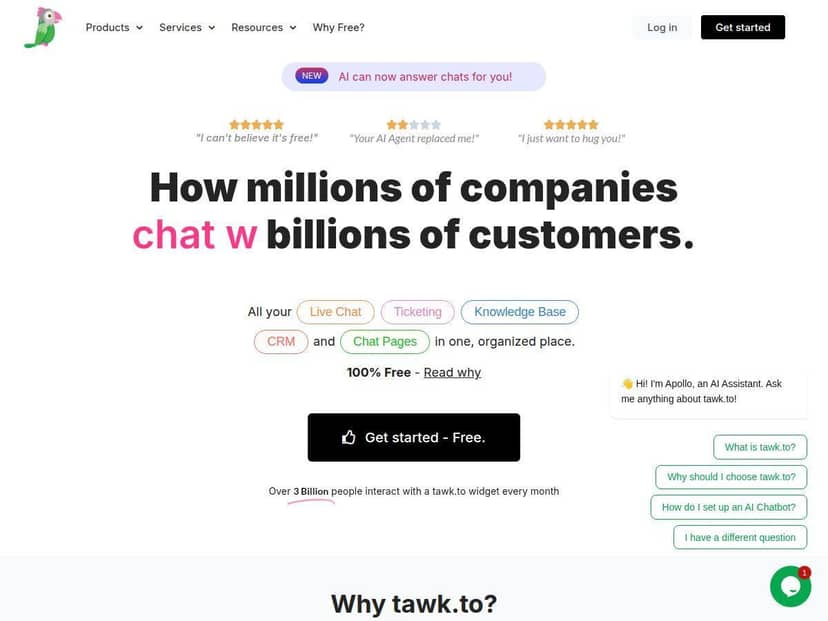
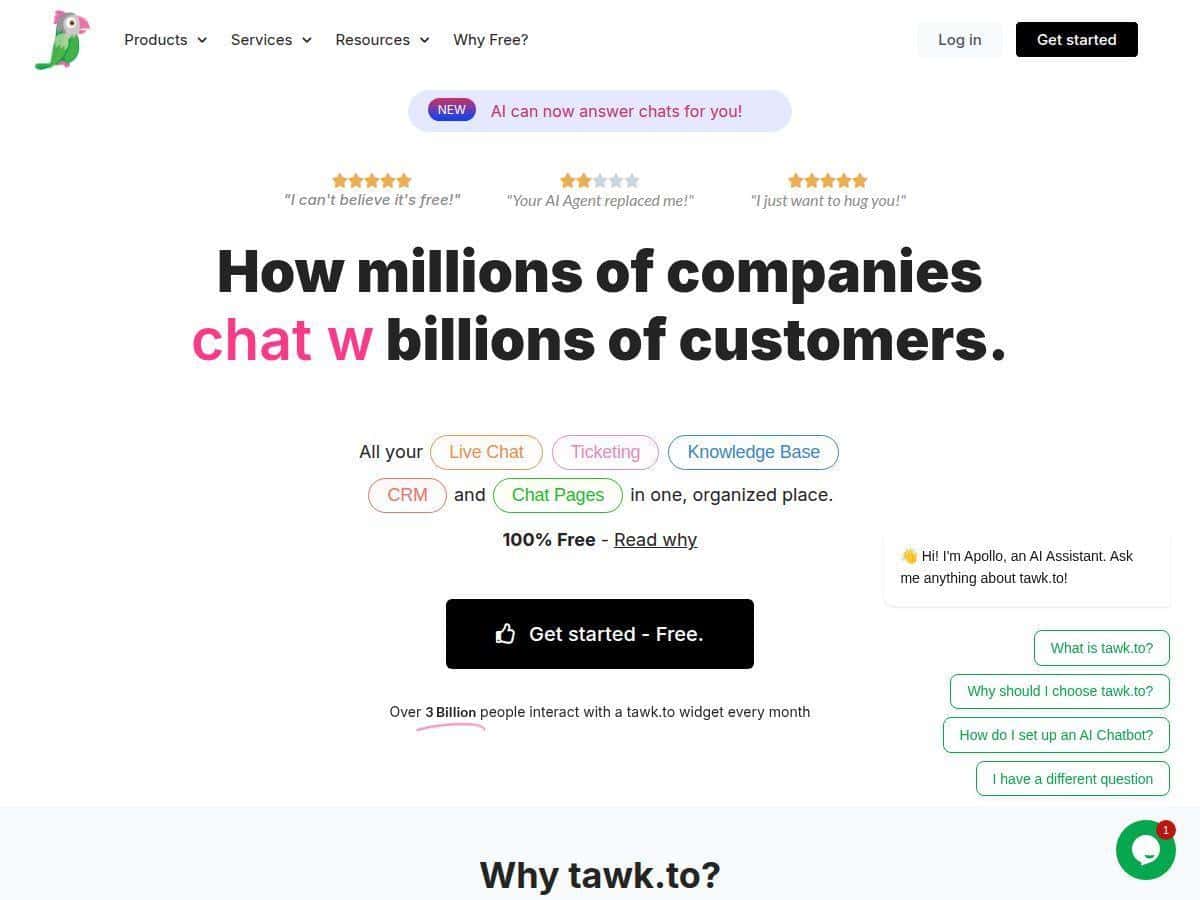
tawk.to Review: free live chat that actually works
After installing tawk.to, the first thing I checked was whether the widget appeared correctly and stayed responsive. The setup really is as simple as people claim: you copy their JavaScript, paste it into your site (header area is usually the easiest), and you’re live after a refresh. I also tested the widget on a phone and it still looked clean and readable—no cramped buttons or odd scaling.
On the admin side, I found the dashboard easy to navigate. You can see active visitors, switch between conversations quickly, and respond without hunting through menus. I like that the real-time view makes it obvious what’s happening now, not just what happened earlier. When I sent a couple of test messages as a “visitor,” the chat logs updated instantly, and the agent view was straightforward enough that you don’t need training videos to get started.
Another thing I paid attention to: how “unlimited” feels in real life. The free plan includes unlimited chats, unlimited agents, and unlimited sites—so you’re not stuck doing math on how many conversations you can handle. For small teams, that’s huge. For growing teams, it means you can add another site or another person without suddenly hitting a wall.
One more feature worth mentioning, because it affects how you manage support: ticketing and knowledge base tools. In my testing, the workflow felt designed for turning messy chat questions into organized follow-ups. You can create tickets from conversations instead of letting everything live only in the chat history.
And yes, tawk.to has AI Assist. I didn’t lean on it heavily during my first pass, but I did try it enough to see how it behaves. It’s positioned as an assist tool for automated responses and multilingual support, which could be useful if you get repetitive questions (pricing, shipping, availability, appointment booking, and so on). If you’re not ready to automate yet, you can still use it later as your team builds confidence.
Bottom line from my experience: if you want live chat without paying upfront, tawk.to is one of the more practical options. It’s not trying to be a super complicated enterprise suite. It’s trying to be fast, usable, and genuinely free for core chat.
Key Features I Tested (and how they show up day-to-day)
- Unlimited live chat conversations with visitors — I was able to run multiple test chats without any “limits” messaging or throttling.
- Ticketing system — When a chat isn’t a quick answer, you can organize it as a ticket so it doesn’t get lost.
- Knowledge base creation — Useful for FAQs and support docs, especially if you want to reduce repetitive questions.
- CRM-like interaction tracking — The admin view keeps conversation context so you’re not starting over every time.
- Customizable chat widgets and pages — You can adjust how the widget looks and where it appears, so it doesn’t feel totally disconnected from your site.
- AI Assist — Positioned for automated responses and multilingual support. I tested it lightly, but it’s there if you want to speed up common replies.
- Geo IP tracking — It helps you see visitor locations, which is handy if you tailor messaging by region.
- No limits on agents or websites — This matters if you manage multiple properties or add staff later.
- Real-time analytics and detailed reports — You can view activity and performance instead of guessing how your chat is doing.
- Mobile apps — If you’re away from your desk, being able to handle chats from your phone is a real convenience.
- Secure messaging and message filtering — There are moderation/filtering tools and security-focused options so you can keep conversations under control.
- Optional paid features — Video calls and screen sharing are available as add-ons if you need richer support than text chat.
To make this more concrete, here are a few real scenarios I think tawk.to fits well:
- Sales questions → quick chat → follow-up ticket: A visitor asks about pricing or package differences. If it turns into a longer back-and-forth, you can capture it as a ticket so it’s trackable.
- Support questions → knowledge base → faster resolution: If someone asks a “how do I…” question, you can point them to a relevant article and keep the conversation focused.
- Multilingual or repetitive FAQs: If you get the same questions often, AI Assist can help draft replies in different languages—then your team can review and send.
Pros and Cons (the stuff you’ll actually care about)
Pros
- Free core chat with no limits — unlimited chats, agents, and sites on the free plan.
- Easy setup — copy/paste script installation is quick, especially if you’re comfortable with basic site edits.
- Dashboard is usable — I didn’t feel lost switching between conversations and checking visitor activity.
- Real-time visitor tracking — it’s clear who’s online and what’s happening right now.
- Strong support and documentation — the materials are there when you need them.
- Works across many languages — it supports 27+ languages, which is helpful if you serve an international audience.
Cons
- Advanced add-ons cost extra — AI Assist (beyond basic usage), video, and screen sharing aren’t included in the free core experience.
- Branding removal isn’t free — if you want a fully clean widget experience, that’s typically a paid add-on.
- Customization is “good,” not “enterprise” — you can change widget/page styling, but if you’re expecting deep enterprise controls like advanced governance (SSO, SLA guarantees, complex role permissions), you may find it lacking.
- UI can feel a bit basic — compared to premium support platforms, the interface isn’t as polished.
- Like any online tool, performance depends on connectivity — if your internet is shaky, chat reliability will suffer.
Pricing Plans (what you’ll likely pay for)
Here’s the part I always check: what’s free, and what’s an extra bill. The core tawk.to live chat software is completely free, including unlimited chats, users, and sites.
If you want to enhance the experience, tawk.to offers optional add-ons. Based on the pricing details listed here:
- Hiring professional chat agents: $1 per hour
- Branding removal: $29 per month per domain
- AI Assist: starts at $29 per month
- Video calls and screen sharing: available as paid features at $29 monthly
So the model is pretty straightforward: get started for free, then pay for the extras you actually need. That’s why it’s a good fit if you’re a small startup or a growing business that wants to scale chat without immediately budgeting for a full enterprise platform.
Wrap up
After using tawk.to, my take is pretty simple: it’s one of the better “free live chat” options because it doesn’t feel stripped down. The widget is quick to deploy, the dashboard is easy to use, and the core feature set (unlimited chats, ticketing, knowledge base, and real-time visibility) covers what most small to mid-sized teams need.
Yes, the more advanced stuff costs extra—especially branding removal and richer communication features. But if you just want reliable customer engagement without paying upfront, tawk.to is absolutely worth trying.