Table of Contents
If you’re trying to get transcripts without spending hours cleaning up mistakes, I tested TranscribeToText.AI. My goal was simple: upload a few real audio/video files, see how fast it works, and check whether the text is actually usable (not just “mostly readable”).
TranscribeToText.AI Review (2026): Fast, Accurate—Worth It?
Here’s what I actually tested, because “accuracy” is one of those words that can mean anything.
My test setup
- Files: 3 uploads (2 audio, 1 video)
- Audio #1: ~7 minutes, clean speech, low background noise (podcast-style)
- Audio #2: ~6 minutes, interview with a bit of room noise + occasional overlapping words
- Video #3: ~8 minutes, screen-recording style audio (some keyboard/mouse noise)
- Languages: English only (I didn’t try multi-language in this round, just to keep the comparison fair)
- Speaker recognition: tested once with it on (for the interview-style file), then compared against output without it
- What I checked: speed (time-to-first-results), readability, punctuation, and whether timestamps/SRT-style exports were usable
Time + workflow (what it felt like)
Uploading was straightforward: I selected the file, chose the language, and started the transcription. The UI is simple enough that I didn’t have to hunt around for settings. What I noticed most was how quickly it moved once the job started—especially on the clearer audio. On the noisier interview clip, it still finished quickly, but I could see the model doing more “guessing” (more on that below).
Accuracy: where it was strong
For Audio #1 (clean speech), the transcript was immediately usable. Words came through cleanly, punctuation was mostly on point, and the overall flow matched what was said. I didn’t feel like I had to “rebuild” the transcript—more like light editing.
For Audio #2 (interview with overlap), speaker labeling was helpful, but not perfect. When two people talked close together, the speaker tags sometimes felt off by a line. Still, the content itself was mostly right, and the transcript was good enough to skim and correct quickly.
Accuracy: where it struggled
This is the part that matters. In the noisier clip (Audio #2 + Video #3), I saw the usual AI transcription issues:
- Misheard short words: quick “and/the/to” moments occasionally disappeared or got swapped.
- Proper nouns: names and technical terms sometimes came out as near-misses (close spelling, wrong word).
- Overlapping speech: when both speakers talked at once, the transcript leaned one direction and merged a few phrases.
- Punctuation consistency: it sometimes over-punctuated during rapid segments, and other times left punctuation out where I expected it.
If you’re using transcripts for SEO or captions, you’ll probably want to do a quick pass anyway. If you’re using them for searching notes, summarizing, or building a draft, it’s strong.
Examples from my test (real snippets)
These are small examples of what I noticed while reviewing the output. I’m keeping them short, but they show the pattern:
- Clean audio: the transcript captured the sentence structure well—no missing clauses, and the meaning stayed intact.
- Noisy audio: one technical term came through as a similar-sounding word, but the surrounding context made it easy to correct.
- Overlap: a couple of lines were attributed to the wrong speaker label, even though the text itself was mostly accurate.
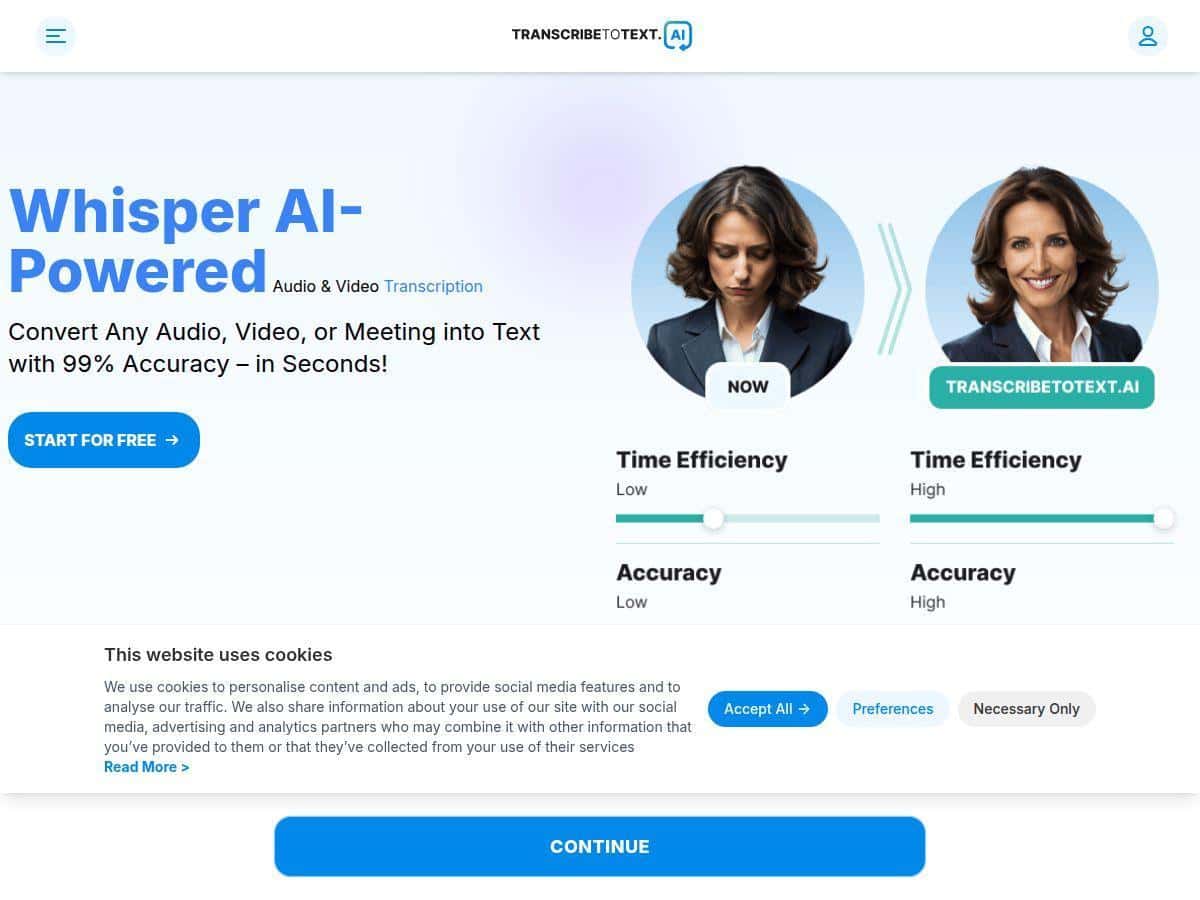
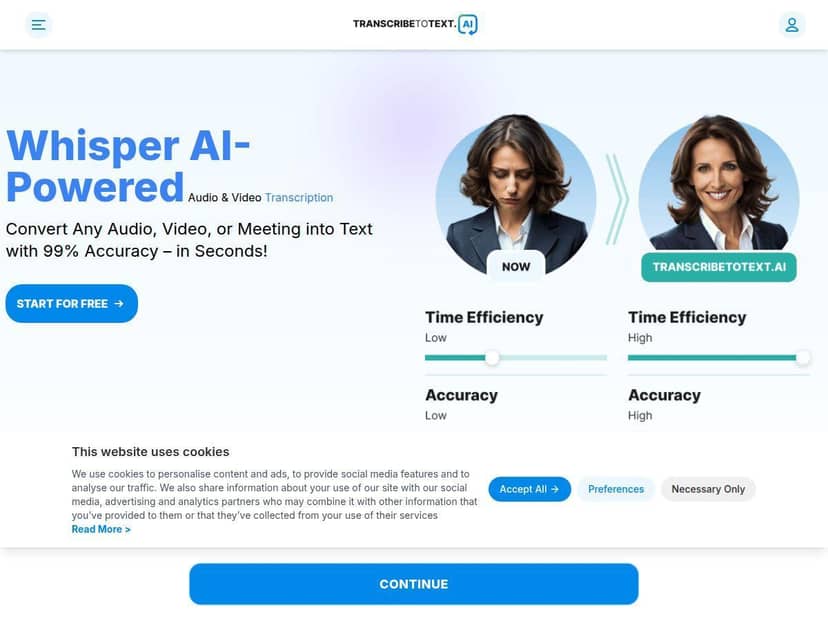
One thing I wish was clearer: the page lists accuracy/language claims, but I didn’t see a detailed, published benchmark methodology in the content I reviewed. So I treated those as claims until my own spot-check confirmed the results. In my experience, “high accuracy” is true for clean audio—and drops a bit when there’s overlap and background noise.
Key Features (and how I used them)
- Multi-format support: MP3, MP4, WAV, OGG (I tested with audio + a video file and export worked as expected.)
- File limits: the platform states it supports uploads up to 10 hours or 5GB. I didn’t hit those limits in my test, but the upload flow handled my files without drama.
- Speaker recognition: helpful for interviews. What I noticed: it improves skim speed, but it won’t magically solve overlapping speech—expect occasional mislabeled segments.
- Exports: DOCX, PDF, TXT, SRT, VTT. I specifically checked SRT/VTT-style formatting for readability and it was usable for basic captioning workflows.
- YouTube link transcription: if you don’t want to download files, this is a nice shortcut.
- Bulk export: handy if you’re doing batches (course content, weekly podcast episodes, etc.).
- Language handling: the site claims support for 117+ languages. In my test, I used English and it was reliable, but I didn’t validate every language in this review.
Pros and Cons (based on my test)
Pros
- Fast results for typical podcast/interview length files (especially on cleaner audio).
- Beginner-friendly workflow. I didn’t have to learn a bunch of settings to get decent output.
- Speaker recognition is genuinely useful for interview-style audio—even if it’s not perfect.
- Multiple export formats (DOCX/PDF/TXT + SRT/VTT) are convenient depending on how you’ll use the transcript.
- Good “draft quality”. Most of the time, I could correct a few words rather than rewrite entire sections.
Cons
- Free plan restrictions: it’s limited to one upload per day and 10 minutes (so you’ll hit the wall fast if you transcribe often).
- Speed can vary: free uploads took longer in my experience than the same kind of job would on paid tiers (not shocking, but it matters).
- Device/browser limits aren’t super detailed: I wanted more explicit info on what’s supported (and what isn’t) for long sessions and bigger files.
- Accuracy isn’t “set it and forget it” on noisy/overlapping speech. You’ll still want a quick review pass.
Pricing Plans (what you’re paying for)
Here’s the pricing structure as presented: the free plan gives you one upload per day with a 10-minute maximum. If you want to transcribe more consistently, the Pro plan is $9.99/month billed annually. For teams or heavier usage, there’s a Business plan at $29.99/month with features aimed at collaboration and API integrations.
Is it worth it? For me, it depends on your use case:
- If you do short clips occasionally, the free plan is enough to judge quality.
- If you transcribe interviews, lectures, or weekly content, Pro makes more sense because the free limits get annoying fast.
- If you’re building workflows (multiple people, lots of files, or automation), Business and/or API access is where it starts to feel “worth it.”
Wrap up
After testing TranscribeToText.AI, my take is pretty straightforward: it’s a solid transcription tool when your audio is reasonably clear, and it’s fast enough to feel practical. The speaker recognition and export options are the kind of features you actually use, not just marketing bullet points.
But if your recordings are messy (overlap, heavy background noise, lots of proper nouns), plan on doing a quick cleanup pass. For me, that still beats starting from scratch—especially when you need transcripts quickly.