Table of Contents
If your tweets feel like they disappear the second you hit “Post,” I get it. I’ve written plenty of perfectly fine tweets that got… crickets. And when you’re trying to stay consistent, the 280-character limit can start to feel more like a cage than a challenge.
That’s why I decided to test TweetFast. The pitch is simple: use AI to turn your ordinary drafts into posts that are more likely to earn attention. The site says it pulls patterns from top-performing tweets and helps you generate ideas around trending topics—so you’re not staring at a blank screen wondering what to say next.
In this review, I’ll tell you what it does well, where it can fall short, and whether it’s actually worth paying for (or if you’ll be better off using a free workflow).
TweetFast Review: Does It Actually Improve Your Tweets?
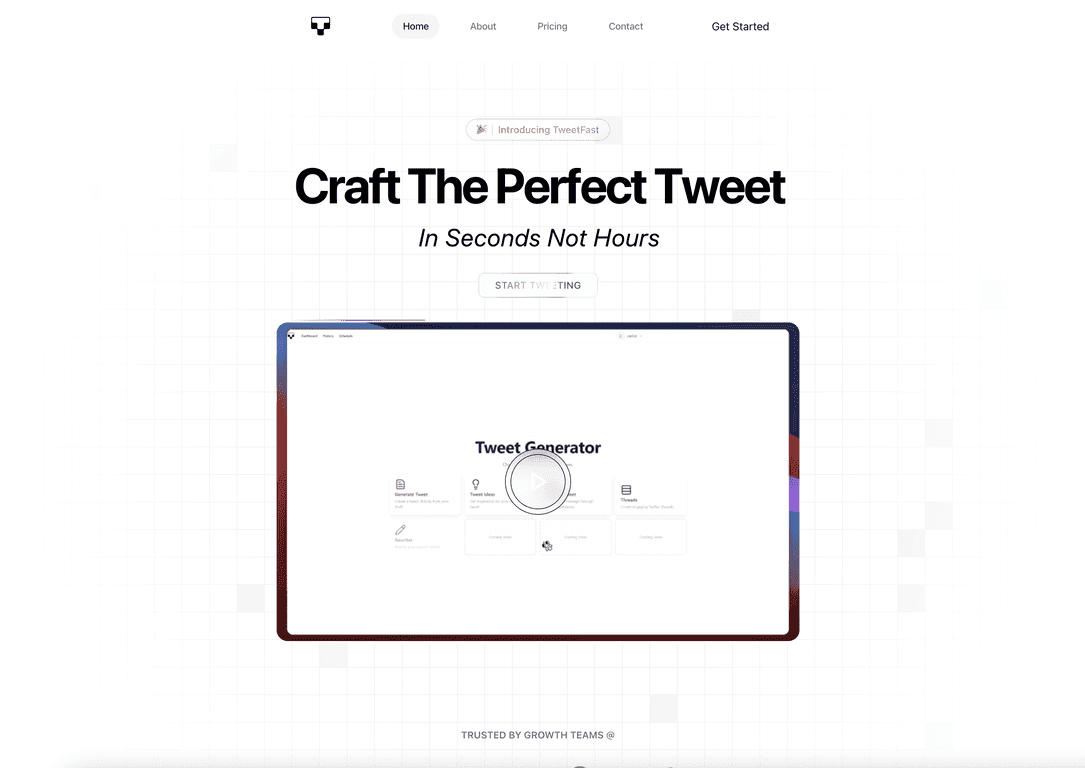
TweetFast is an AI-driven platform built to help you turn “meh” tweet drafts into something punchier. The core idea is that it uses data from tweets that already performed well, then helps you generate variations that fit what’s trending and what tends to get engagement.
When I used it, the biggest difference wasn’t magic—it was speed and structure. Instead of going back and forth with my own wording for 20 minutes, I could generate a few options quickly, then pick the one that sounded most like me.
Here’s what I noticed right away:
- It’s built around drafting, not just blank-page brainstorming. That matters if you already know what you want to say but the wording isn’t landing.
- The outputs tend to be more “tweet-shaped”—short hooks, clearer points, and more scannable phrasing.
- It nudges you toward trending topics, which is helpful if you’re not constantly checking what’s hot.
That said, I also want to be honest: if you rely on AI to write every single word with zero editing, your timeline can start to sound generic. The tool is best when you treat it like a writing assistant, not an autopilot.
Key Features I Looked At (and How They Helped)
- AI-Powered Tweet Creation
- This is the main feature. You give it a topic (or a rough draft) and it generates tweet options. In my testing, the best results came when I provided at least a tiny bit of context—like what the tweet is about, who it’s for, and the main takeaway.
- Draft Transformation
- Instead of starting from scratch, you can feed in something you wrote and ask it to improve it. I liked this because I could keep my original point while letting the AI tighten the language.
- Example of what I mean: if your draft is “We launched a new update and it’s great,” the tool usually rewrites it into something with a clearer hook, a benefit, and a more specific angle. The exact wording varies, but the structure improves.
- User-Friendly Interface
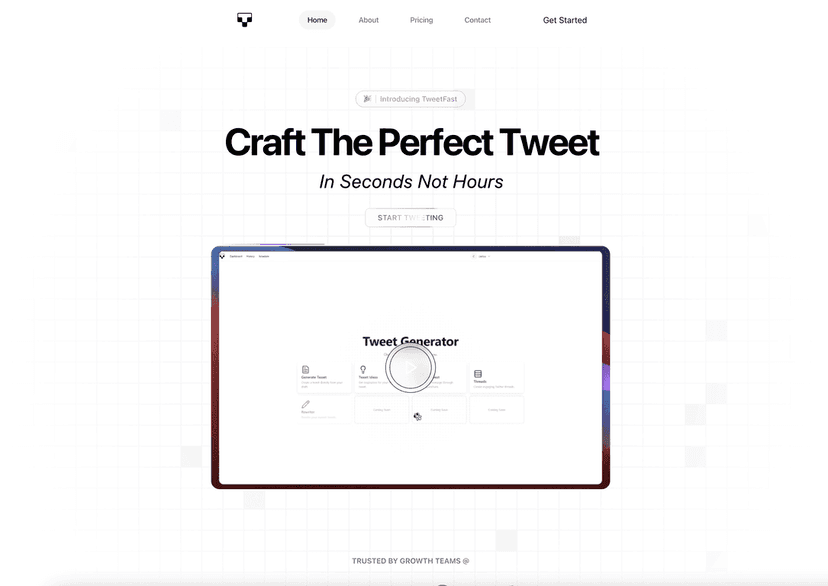
- TweetFast is straightforward. I didn’t feel like I needed a tutorial to figure out where to type, what to click, and how to generate new versions. If you’re using this between tasks, that simplicity matters.
- Real-Time Insights
- This one can be a bit of a “read the label” feature. AI can’t literally tell you what will go viral in real time, but it can help guide what to write next based on patterns. In practice, I used this to decide which angle to lean into—more opinion, more question, or a clearer call-to-action.
- If you’re expecting guaranteed results, you’ll be disappointed. If you want better starting points, it helps.
- Multiple Plans
- Different tiers are there for a reason: people using it casually don’t need the same limits as agencies managing multiple accounts or clients.
Pros and Cons From My Experience
Pros
- Fast tweet creation: If you’re posting consistently, saving time is everything. I could generate multiple drafts quickly and then refine the best one.
- Better engagement structure: The tweets tend to be easier to scan. I noticed more clear hooks and less “rambling” than what I usually write when I’m tired.
- Works for individuals and agencies: Agencies can benefit from generating variations for different clients or campaigns without starting over every time.
Cons
- It can feel repetitive if you don’t edit: If you accept the first output every time, your feed might start sounding like everyone else’s AI tweets.
- Subscription cost adds up: If you only post a couple times a week, paying monthly may not feel worth it.
- Creativity still depends on you: AI can help with wording and structure, but it won’t automatically invent a unique angle if your input is vague.
Pricing Plans: What You Get for the Money
TweetFast has a few pricing tiers depending on how much you plan to write. Here’s what the current plan structure looks like:
- Starter Plan: $1.99/month — 20 tweets daily
- Agency Plan: $4.99/month — 52 tweets and more projects
- Lifetime Plan: $99.99 — lifetime access with extensive features
One thing I like about the setup is that it’s not trying to lock everyone into the highest tier. But still—before you buy, think about your real posting schedule. If you’re not going to use the tweet limits, you might be paying for features you won’t touch.
Also, keep an eye out for discounts. If you’re already planning to subscribe, a sale can make the decision a lot easier.
Wrap up
So, is TweetFast worth it? In my opinion, it’s a solid tool if you want faster tweet writing and cleaner structure—especially if you already have ideas but struggle with wording. It won’t magically make every post viral, and if you don’t personalize the output, it can start to sound generic. But used the right way—draft in, AI improves, you edit to match your voice—it can absolutely make your tweeting easier.
If you’re consistent and you care about improving engagement, I’d give it a shot. If you only post occasionally, you might want to compare the cost against other free writing workflows first.
Promote TweetFast