Table of Contents
If you’re part of a customer support team, you’re likely aware of the constant demand for quick and accurate responses. In this fast-paced environment, Twig AI could be the game changer you’ve been searching for. With its unique approach focused on B2B interactions, it promises to enhance customer experiences while streamlining support operations. Let’s dive into this Twig AI review and discover if it truly delivers on its promises.
Twig AI Review
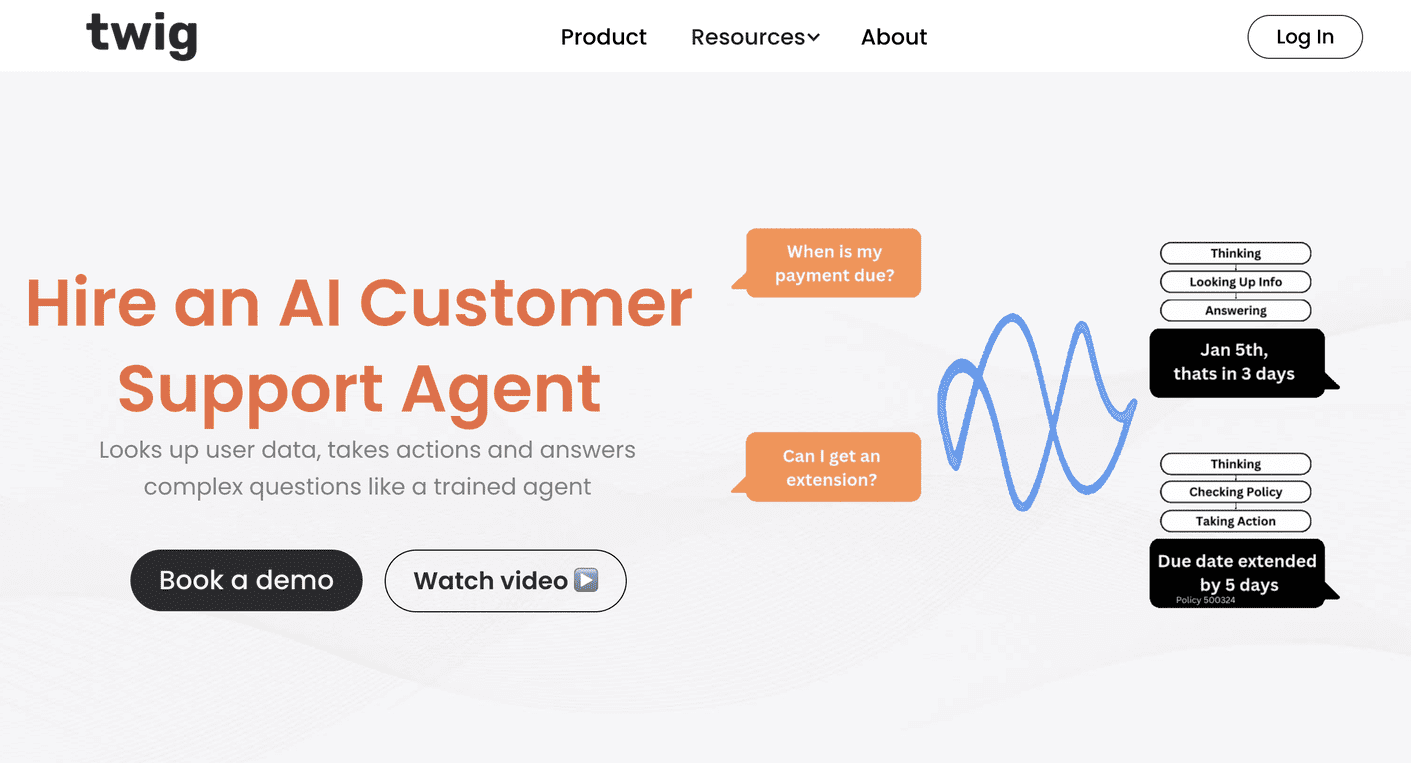
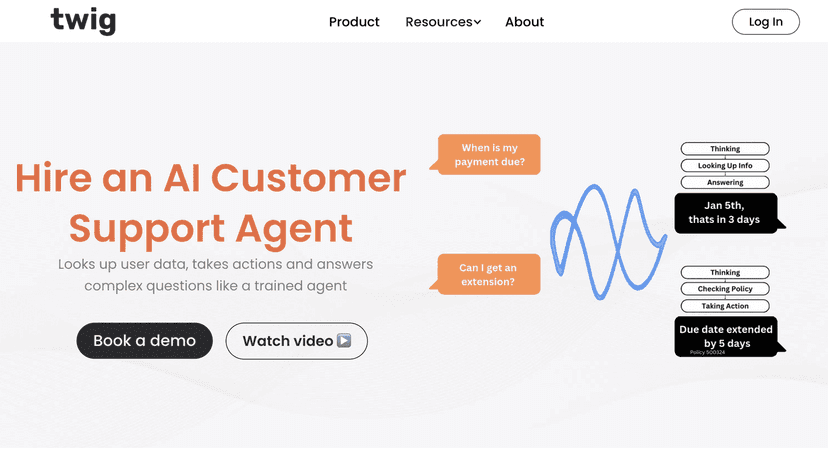
Twig AI shines as an innovative AI assistant crafted specifically for B2B customer support teams. It places special emphasis on automating responses and assisting agents, making it a valuable asset for businesses looking to improve their customer communication. The system not only responds to inquiries swiftly but also understands the context of each interaction, thanks to its built-in knowledge base and dynamic capabilities.
What sets Twig AI apart is its ability to integrate seamlessly into existing workflows. Whether through in-app bots, web apps, or email plugins, it provides a user-friendly experience without heavy IT demands. The instant responses it offers can significantly reduce customer waiting times, which is a crucial factor in today’s customer-centric world. However, like any tool, it comes with its learning curve and considerations for maintaining a personal touch in customer service.
Key Features
- AI Customer Support Agent for 24/7 assistance
- Instant responses to user queries
- Factual answers with trusted citations
- API integration for user-specific information
- Customization options for answering style and tone
- Built-in knowledge base for contextual replies
- Detailed analytics to enhance productivity
- Multiple application interfaces for accessibility
Pros and Cons
Pros
- Cuts down response times by 40-50%
- Handles complex customer queries effectively
- Seamless integration with existing tools
- User-friendly setup requiring minimal IT support
Cons
- Initial customization may require learning
- Risk of losing personal touch in interactions
Pricing Plans
Twig AI offers three pricing plans: The Startup Plan at $500/month for essential features, the Growth Plan at $1500/month for scaling interactions, and a Custom pricing option for larger enterprises requiring tailored solutions.
Wrap up
In conclusion, Twig AI stands out as a robust solution for B2B customer support teams aiming to enhance their efficiency and responsiveness. Its blend of automation, customization, and seamless integration makes it an excellent choice for businesses ready to embrace AI. However, it’s essential to balance AI usage with personal customer interactions to maintain meaningful relationships. If you’re considering an AI tool to elevate your customer support, Twig AI could very well be what you need.
Promote Twig AI