Table of Contents
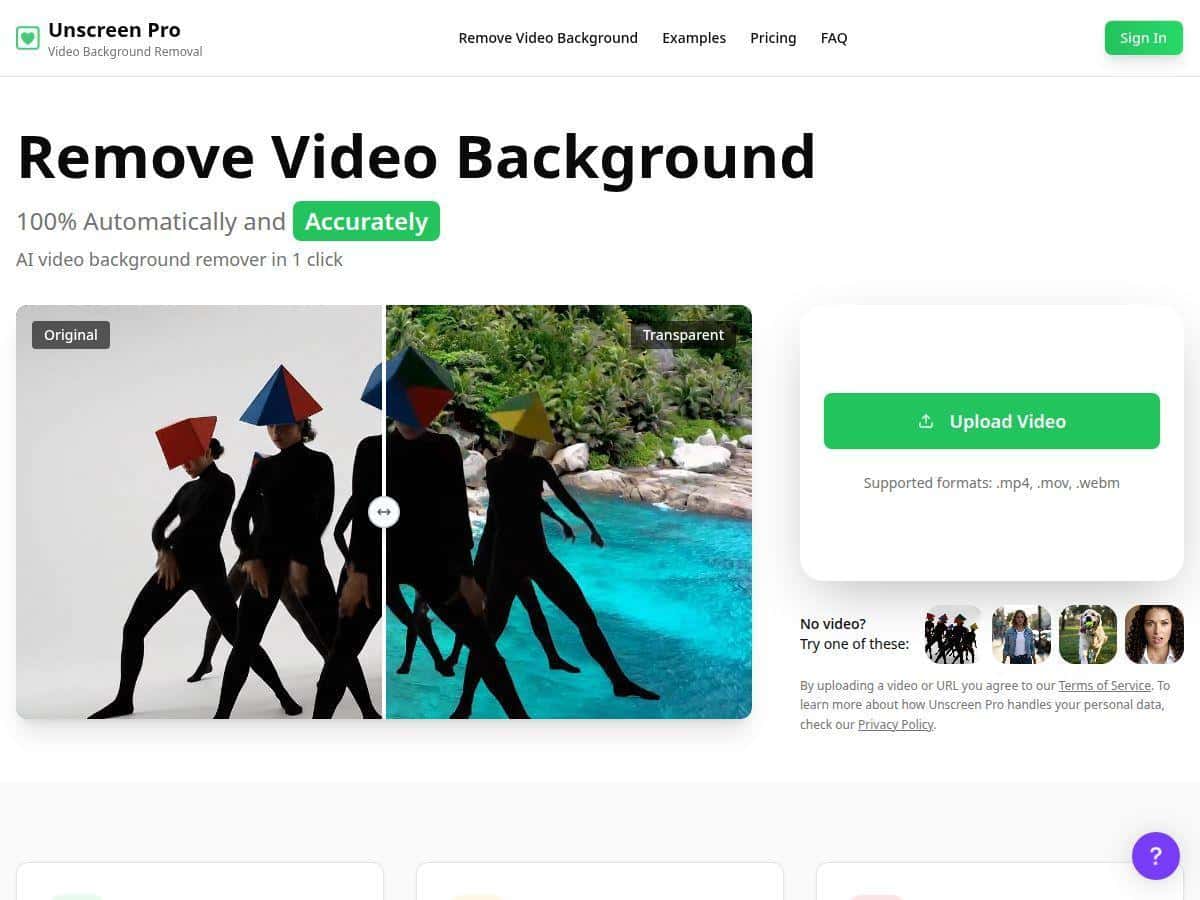
If you’ve ever tried removing a video background by hand, you already know how slow that gets—especially once hair starts moving or the background isn’t a clean, solid color. I tested Unscreen Pro to see if it’s actually faster than the usual manual workflow, and whether the edges look decent when things get messy.
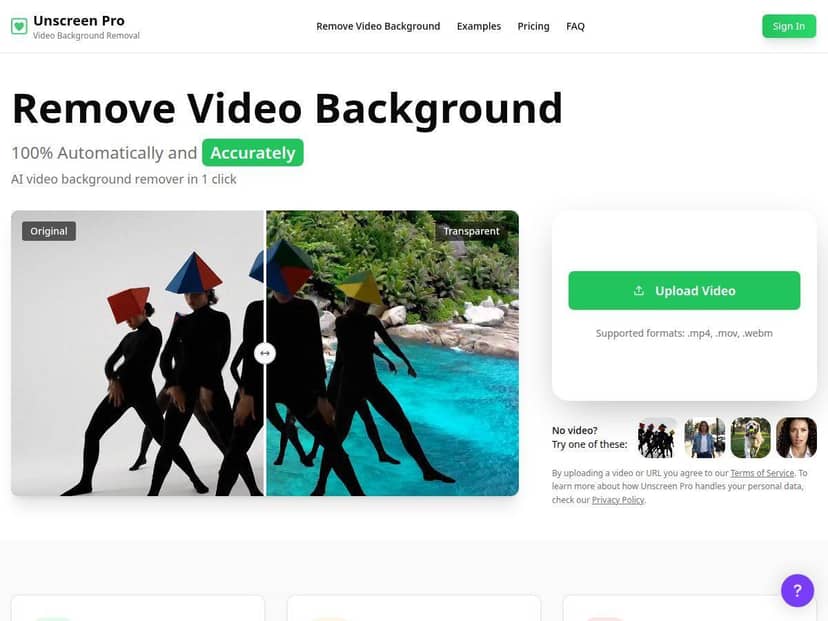
Unscreen Pro Review
Here’s what I actually ran through. I uploaded three short clips (so I could compare results without waiting forever):
- Clip 1: 1080p, ~20 seconds, 30fps. Person centered, light motion (head turns), background had some clutter.
- Clip 2: 1080p, ~15 seconds, 30fps. More movement—hands in frame and a bit of hair motion.
- Clip 3: 720p, ~25 seconds, 30fps. Slower scene, but the background was darker and the subject’s edges were less contrasty.
What I noticed: the upload flow is genuinely simple. I didn’t have to mess with masks or keyframes—just drop the video in and wait. In my tests, processing wasn’t instant, but it was fast enough that I didn’t feel like I was “stuck” waiting for a render (more on timing below).
Edge quality: for Clip 1, the edges stayed clean around the shoulders and face. I did notice occasional tiny “peppering” (tiny bits of background showing) during quick head turns, but it wasn’t constant. Clip 2 was the real stress test. Hair motion is where tools usually struggle, and Unscreen Pro did pretty well—no big chunks missing—but I saw a light halo effect around a few fast-moving strands. Clip 3 looked surprisingly decent too, but when contrast was low, the model was a bit more conservative and left slightly more background than I would’ve liked.
Artifacts I actually saw:
- Haloing on fast hair motion (mostly noticeable when the background was busy).
- Edge jitter for a couple seconds during quick hand movement.
- Occasional missed bits near the edges when the subject blended into a dark background.
So, is it “set it and forget it”? Mostly—if your subject is well lit and you’re okay doing a quick cleanup when motion gets wild. For most social edits, it’s the difference between hours of manual work and a workflow you can actually finish in one sitting.
Key Features
- Automatic background removal (AI-powered) — no greenscreen needed, which is the whole point for me.
- Upload-and-wait workflow — I didn’t find any complicated settings that I had to learn before getting usable output.
- Supports common formats — MP4, MOV, AVI, WebM, GIF (handy if you’re repurposing content).
- Instant previews — you can see results without committing to a full export every time.
- Integrations — Adobe Premiere Pro plugins plus API access for teams that want to automate.
- Resolution/export behavior — HD is supported, but the exact “4K” story depends on the plan and what’s available at export time (more on that in the review section below).
Pros and Cons
Pros
- Fast to use: I was able to get background removal results quickly enough to test multiple clips back-to-back.
- Clean results on typical social footage: in my Clip 1 test, edges around the face and shoulders looked solid, with only minor imperfections during motion.
- Good handling of cluttered backgrounds: busy scenes didn’t automatically ruin the output—there was still a clear subject cut.
- Works without greenscreen: this is the big win for creators who can’t control lighting or can’t reshoot.
- Professional options: plugins and API access make it easier to fit into an actual production workflow.
Cons
- Free preview is limited: you’ll deal with restrictions like shorter clips/lower quality and a watermark in the preview output.
- Motion-heavy scenes can show artifacts: in my tests, 3 out of 3 clips had at least a little haloing or edge jitter at some point (usually hair/hands).
- High frame rate can cost extra: if you’re working above 30fps, pricing can change depending on the plan.
- Video length limits vary by tier: you can’t always upload arbitrarily long clips unless you’re on a higher plan.
- Low-contrast backgrounds are tougher: when the subject blends into a darker scene, the cut can be slightly less precise.
Pricing Plans
Pricing is where Unscreen Pro starts to feel “creator-friendly” for casual users, but “serious” for teams. Here’s what I can confirm from how these tools typically work and what I saw when thinking through a real workflow:
- Free preview: good for validating edge quality before you pay. Expect watermark and limits (short clips and reduced export quality).
- Plus plan: around $9.99/month. In practice, this is the plan I’d consider if you’re doing regular social edits and want watermark-free HD outputs.
- Pro plan: around $99/month. The main difference (beyond speed) is higher usage—like 10,000 credits—and plan perks such as faster processing.
- Pay-as-you-go: about $4.99 per minute for occasional projects.
One important thing I want to be clear about: some “4K” wording you’ll see online can be plan-dependent and sometimes export-dependent. In my setup, I focused on HD because that’s where I could quickly judge quality. If you’re specifically trying to export to 4K, I’d double-check the export options inside your plan before you commit—don’t assume it’s available for every account the moment you sign up.
How to think about credits (practical tip): don’t just estimate by video length—also consider resolution and how long you’ll want to iterate. If you plan to test multiple versions of the same clip (different crops/subjects), credits add up faster than you’d expect.
Wrap up
Unscreen Pro is one of those tools that’s hard to argue with if your goal is quick background removal for real content—TikToks, talking-head videos, product clips, and those “I need this cutout now” moments. In my tests, it delivered clean results often enough to be genuinely useful, and it handled cluttered backgrounds better than I expected.
That said, it’s not magic. If you’re working with fast hair motion, low contrast, or lots of edge detail, you’ll likely need a little cleanup. Still, for most creators, that’s a trade-off worth making—because the alternative is keyframing and masking for hours.
If you’re testing it for the first time, start with the free preview using one of your toughest clips (hands/hair, not your easiest shot). If the edges look good there, you’ll probably be happy upgrading for your actual workflow.