Table of Contents
Planning a trip can often feel overwhelming, but with the right tools, it doesn’t have to be. In this WhatDo review, we’ll explore how this innovative AI-driven platform can transform your travel experience. Say goodbye to the stress of organizing your itinerary and hello to personalized adventures.
WhatDo promises to take the hassle out of planning by offering curated day itineraries that cater to your interests. Imagine discovering hidden gems, unique dining spots, and exciting attractions in cities worldwide, all customized just for you.
Ready to learn more about how WhatDo can enhance your travels? Let’s dive into the features, benefits, and everything you need to know about this travel planning platform.
WhatDo review
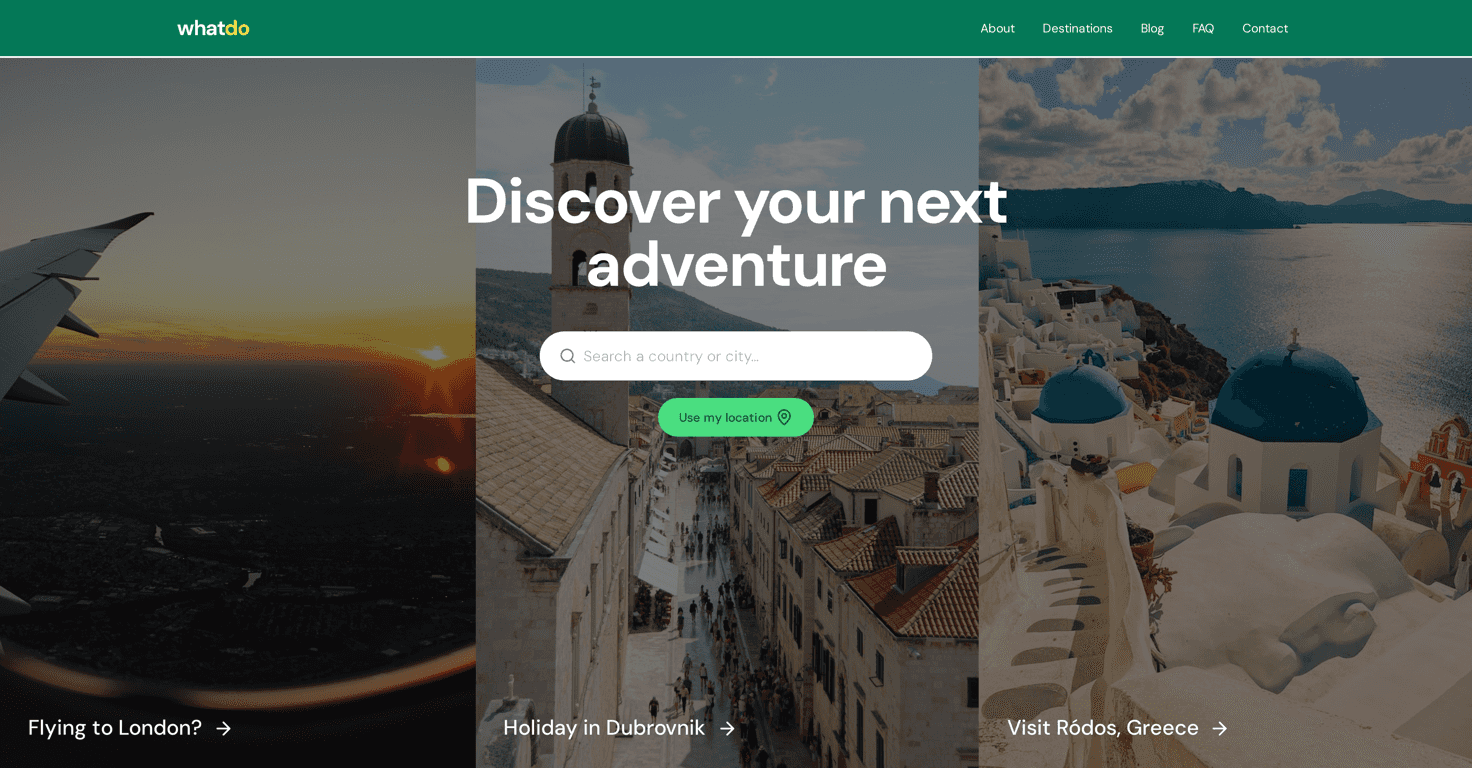
WhatDo is a game-changer for travelers looking to make the most out of their trips. This AI-driven platform doesn’t just provide generic information; it offers curated day itineraries tailored to your preferences. Whether you’re an adventure seeker, a foodie, or a culture enthusiast, WhatDo has something for everyone.
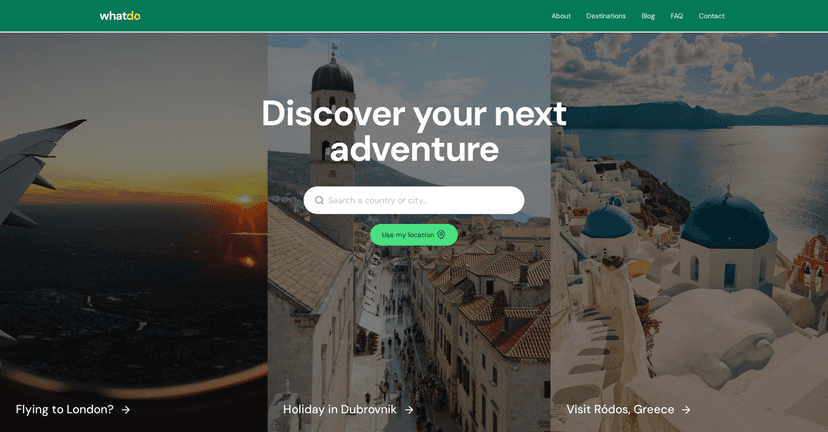
The user-friendly interface allows for easy navigation, making trip planning seamless and stress-free. Simply select your destination, and you’ll receive personalized recommendations for attractions, local adventures, and dining options that align with your interests.
Key features
- Curated Day Itineraries: Well-crafted plans for various destinations.
- Attraction Recommendations: Suggestions for must-see attractions based on the user’s preferences.
- User-Friendly Interface: Easy navigation and interactive features for planning trips effectively.
- Local Adventures: Focuses on unique experiences in each city, highlighting local culture and attractions.
- Search Function: Allows users to search for specific destinations and activities.
Pros and Cons
Pros:
- Comprehensive coverage of destinations worldwide.
- Personalized recommendations catering to different interests.
- Saves time by consolidating planning and booking in one platform.
- Engaging visuals and intuitive design.
Cons:
- Limited information on pricing and booking options may frustrate some users.
- Potential dependency on technology for planning, which some may find less personal.
Pricing Plans
The website does not provide specific pricing information, indicating that the service may be free or rely on commission-based transactions for bookings. For more details, it’s best to contact them directly through their provided contact options.
Wrap up
In conclusion, WhatDo presents an exciting and innovative way to plan your travels with ease. With its curated itineraries and user-friendly design, it’s a valuable tool for anyone looking to enhance their travel experience. While there are some drawbacks, the pros certainly outweigh the cons. So, if you’re ready to uncover unique adventures and tailor your travels to your preferences, give WhatDo a try. Happy travels!