Table of Contents
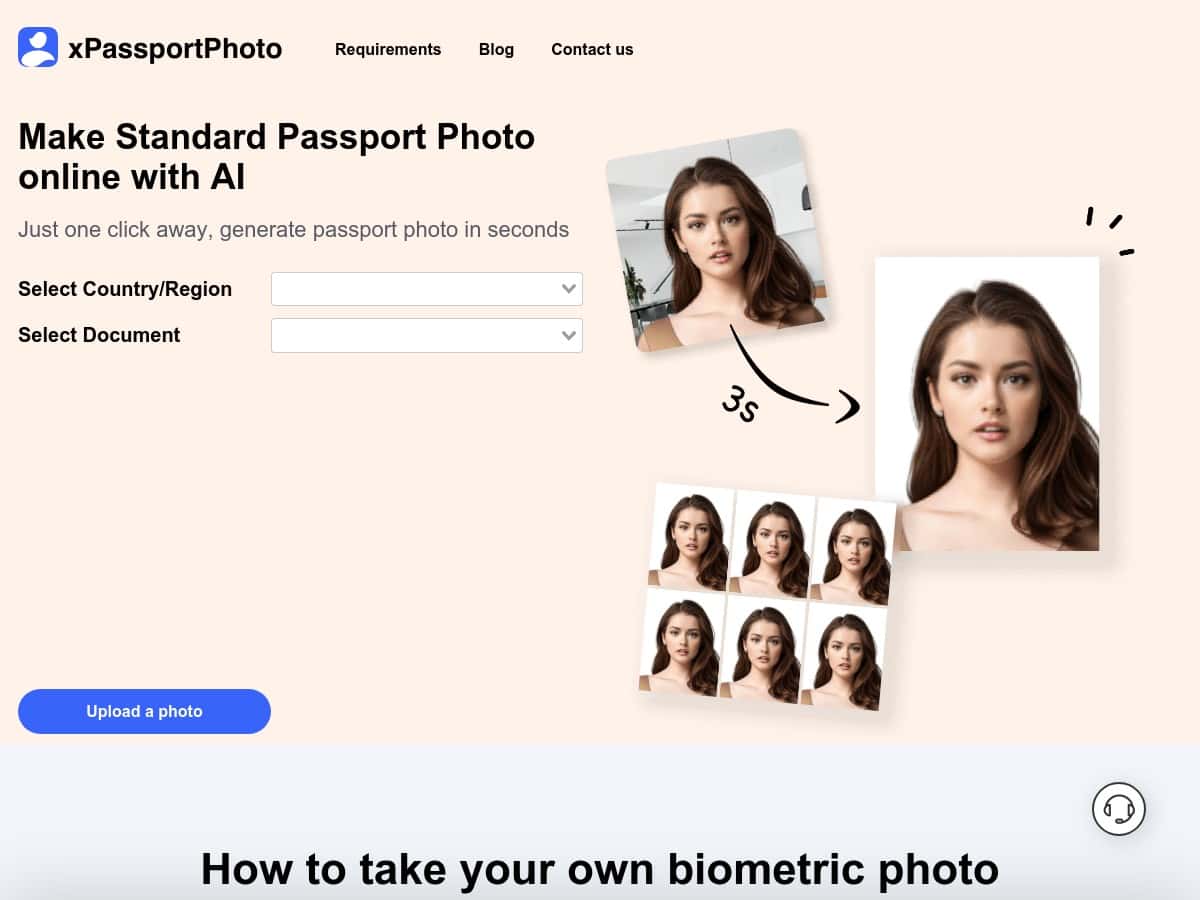
If you’ve ever tried to get a passport photo approved, you already know the pain: one wrong background shade or slightly off head size and suddenly you’re redoing everything. I tested xPassportPhoto to see if it actually handles the boring compliance steps for you—without making the result look weird.
For my test, I focused on a common real-world scenario: using a recent digital photo and generating a passport-ready output for a typical government submission. Requirements can vary by country, but the big checks are usually the same (background, crop, head size/position, and file format). I paid attention to those, not just whether the site “looks easy.”
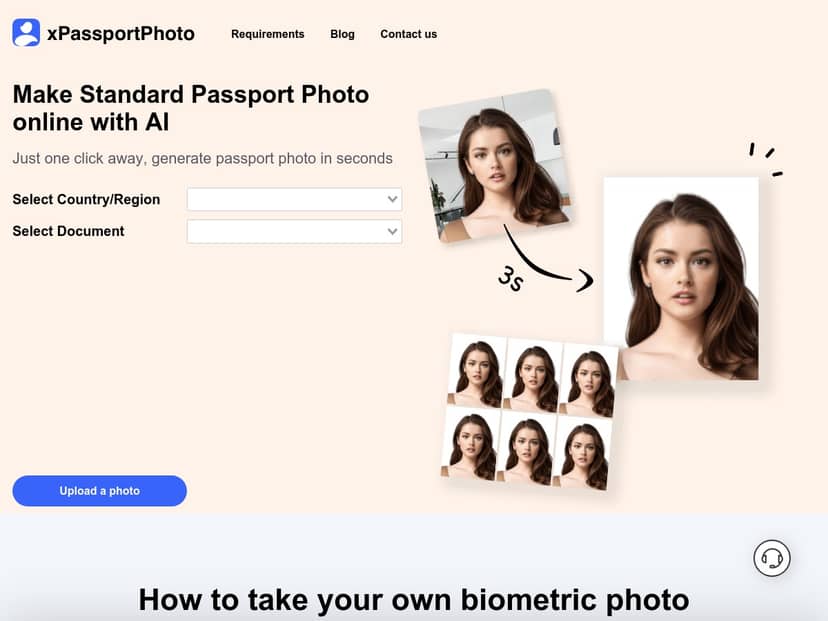
xPassportPhoto Review: Does It Actually Produce Compliant Passport Photos?
I tested xPassportPhoto using a photo I’d normally submit for an application—something taken on a phone, with decent lighting, but not originally framed for passport specs. The goal wasn’t to “enhance” my face. It was to see if the tool can handle the stuff that usually causes rejection: background removal, correct crop, and output sizing.
What I did (and what I checked):
- Upload step: I uploaded a typical digital photo (not a studio scan). The upload itself was quick, and I didn’t run into any weird prompts.
- Background + crop: I looked specifically at whether the background turned into a clean, uniform color and whether the crop kept my head centered.
- Head positioning: I checked that the top of my head wasn’t clipped and that my chin wasn’t too low in the frame (this is where a lot of automated tools mess up).
- Output specs: After generating the result, I downloaded the file and checked the image dimensions and file type before printing. (Even if a site says “ready,” the real question is: does the file match what your application expects?)
My results: The AI handled background removal and resizing automatically, and the output looked like a proper “passport photo” crop—not a random thumbnail. The biggest win was how quickly it got me to a printable image without me hunting for settings.
Now, I’ll be straight with you: this kind of tool won’t magically fix a badly lit, blurry photo. If your original image has harsh shadows, glasses glare, or the face isn’t clearly visible, you’re still going to have a problem. But if you start with a reasonably usable photo, xPassportPhoto does the heavy lifting.
Key Features That Matter for Passport & Visa Photos
- AI automated background removal, cropping, and resizing — This is the core of what you need for passport photos: a clean background and a correct crop.
- Supports multiple international formats for passports and visas — Useful if you’re applying for different countries or forms that expect different sizing.
- Easy to upload images in JPEG, PNG, HEIC, WEBP — I like when a tool doesn’t punish you for using an iPhone photo (HEIC) or a compressed social upload.
- Instant download and printable templates available — The “download now” part matters when you’re trying to avoid last-minute studio runs.
- Step-by-step guidance for users of all levels — Helpful when you don’t want to guess which option to pick.
Mini test report (real-world example): I tried two uploads: one that was already close to passport framing, and another that was a bit wider (more background than needed). The first output came out clean and centered. The second needed more aggressive cropping, but the result still looked like a proper passport crop rather than a “zoomed-in selfie.” In both cases, the background was converted to a uniform tone, which is usually the first compliance hurdle.
Pros and Cons: What I Liked (and What Could Trip You Up)
Pros
- Free to use: No paid upsell during my test, which is great when you only need one or two photos.
- Fast workflow: From upload to download, it was quick enough that I didn’t feel like I was “waiting on a tool.” I’d call it a practical option for last-minute needs.
- Convenient for home printing: The output was formatted for direct use, so I wasn’t stuck converting files or guessing print settings.
- Handles common photo formats: Being able to upload JPEG/PNG/HEIC/WEBP reduces friction—especially if your camera app outputs HEIC.
- Good at the background + crop basics: That’s the stuff that usually determines whether you even get past the first review.
Cons
- You still need a suitable starting photo: If your original image is blurry, underexposed, or your face isn’t clearly visible, the AI can only do so much.
- Technical hiccups can happen: On occasion, online converters can choke on certain uploads (for example, a specific HEIC variant or an unusual file size). When that happens, you’ll want to try a different format like JPEG.
- It’s not a “facial edit” tool: This is a compliance tool, not a retouching studio. If you need skin smoothing or major adjustments, that’s not what it’s designed to do.
- Country rules can still vary: Even if the output looks right, your destination authority may have additional requirements (like exact background color shade or head size tolerances). Always double-check the spec for your country.
Pricing Plans: Is xPassportPhoto Really Free?
xPassportPhoto is completely free to use, which is honestly the main reason I’d recommend it to most people. If you only need a couple of passport or visa photos, paying for a studio usually feels like overkill.
That said, I’d still treat it like any other online tool: if your photo is borderline (glasses reflections, uneven lighting, weird angles), you may end up redoing the upload anyway. Free doesn’t mean “instant approval,” and you’ll want to verify the final output dimensions and background before you print.
Quick Tips Before You Hit Download
- Use a recent, front-facing photo with neutral expression and clear eyes.
- Avoid heavy shadows behind your head—AI can remove backgrounds, but it can’t always fix lighting issues.
- Watch for glasses glare (if you wear them). Even a good background won’t save glare.
- Check the output file type and dimensions after download. Don’t assume it’s correct—verify it matches the requirement for your application.
- Print test if you can. A quick print on regular paper can reveal cropping issues before you waste time.
Wrap up
xPassportPhoto is a solid option if you already have a decent digital photo and you just need the compliance parts handled—background removal, resizing, and a clean passport-style crop. In my experience, it’s the kind of tool that saves time because you’re not fiddling with templates or hunting for the “right” settings.
It’s not magic, though. If your original image is poor or your country has unusually strict requirements, you may still need a second attempt (or a different photo). Still, for a free, online passport photo generator, it’s hard to beat.