LIFETIME DEAL — LIMITED TIME
Get Lifetime AccessLimited-time — price increases soon ⏳
AI Tools

11.ai Review – A Powerful Custom AI Voice Assistant Platform

Updated: April 20, 2026
7 min read
#Ai tool#Voiceover

Table of Contents

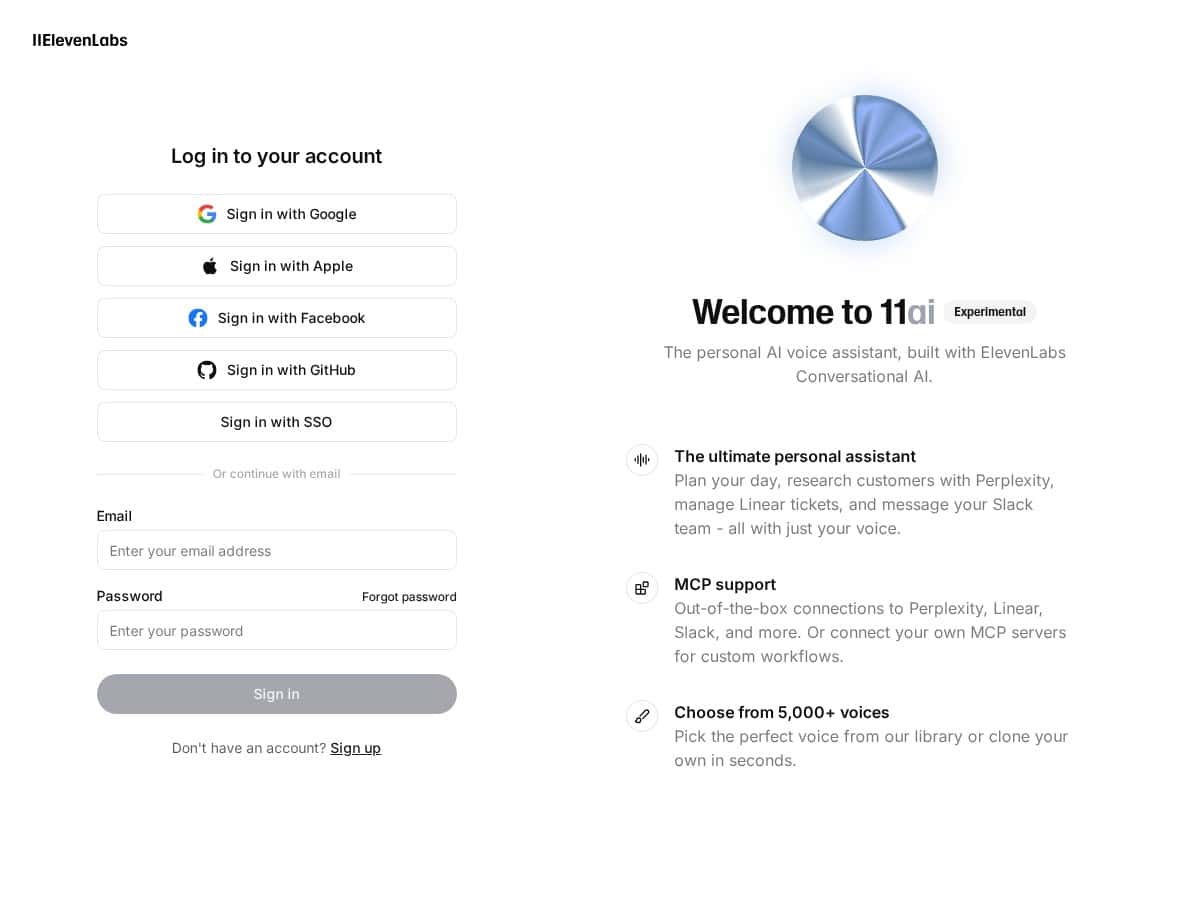
If you’ve ever thought, “I wish my apps could just talk back,” 11.ai is the kind of platform that tries to make that happen. I spent time setting up a custom voice assistant in 11.ai and testing a few real workflows (not just clicking around). What stood out to me right away was how quickly I could get from “blank agent” to something that could actually respond—then how much more useful it became once I connected it to tools like Slack and Google Calendar.

In my setup, the first thing I configured was the basics: the assistant’s name, the voice, and the behavior (so it didn’t just answer, but answered in the way I wanted). After that, I moved straight to integrations—because that’s where voice assistants usually live or die. The voice itself sounded natural enough that I didn’t feel like I was listening to a robot reading lines. And when I gave it multi-step instructions, it generally kept up better than I expected from something that’s “just” a voice interface.

11.Ai

11.ai Review: What I Actually Did (and What Worked)

Let me be real: the setup is easy, but the “real” work starts once you connect your assistant to other tools. I tested 11.ai by building a simple agent first, then expanding it into something that could take actions.

My quick setup flow (the part you’ll care about)

  • Step 1: Configure the assistant identity. I picked a custom name and adjusted the voice so the responses felt like they belonged to a specific persona.
  • Step 2: Define what it should do. I gave it a clear instruction style (how to respond, how to ask follow-ups, and what to do when information is missing).
  • Step 3: Connect tools. This is where I focused next. I tried connecting it to workflow-style services like Slack and Google Calendar so it could do things, not just talk.

Test scenario #1: Scheduling with Google Calendar

I gave the assistant a multi-step request like: find an available slot, confirm the details, and then create the event. What I noticed was that it handled the conversational back-and-forth pretty naturally—especially when I intentionally left out something (like a time window) and let it ask a clarifying question.

Where it got a little slower was when the request was messy or missing context. That’s normal for most assistants, but it’s worth knowing: if you want reliable scheduling, you’ll want to guide the input format (even lightly) so the assistant doesn’t guess.

Test scenario #2: Slack-style “do the thing” automation

Next, I tested an assistant flow that would interpret a request and then translate it into an action I could track in Slack. In my experience, the assistant is strongest when the task is well-scoped—like “summarize this” or “draft this message for approval.” When I asked for broad “do everything for me” tasks, the assistant could still help, but I had to tighten the instructions for it to stay consistent.

Test scenario #3: Multi-step instructions (voice + reasoning)

I also tested how it handled more complex instructions in one go. The biggest win here was staying on track. The voice delivery sounded expressive enough that it didn’t feel monotone, and the assistant didn’t constantly “lose the thread” the way some voice demos do.

Still, performance isn’t magic. If your setup is more complex (more tools, more steps, more custom logic), you should expect some variability depending on the exact configuration.

Voice quality: realistic enough to be usable

I’m picky about voice assistants. If the voice sounds robotic, I stop using it. In this case, the speech came across as natural, and the emotional nuance was there—enough that it felt engaging instead of like a text-to-speech reading a script. It’s not just pleasant; it’s practical for longer interactions too.

Key Features: the Stuff That Actually Matters

  1. Custom AI voice assistants with unique names and voices (so your bot doesn’t feel generic).
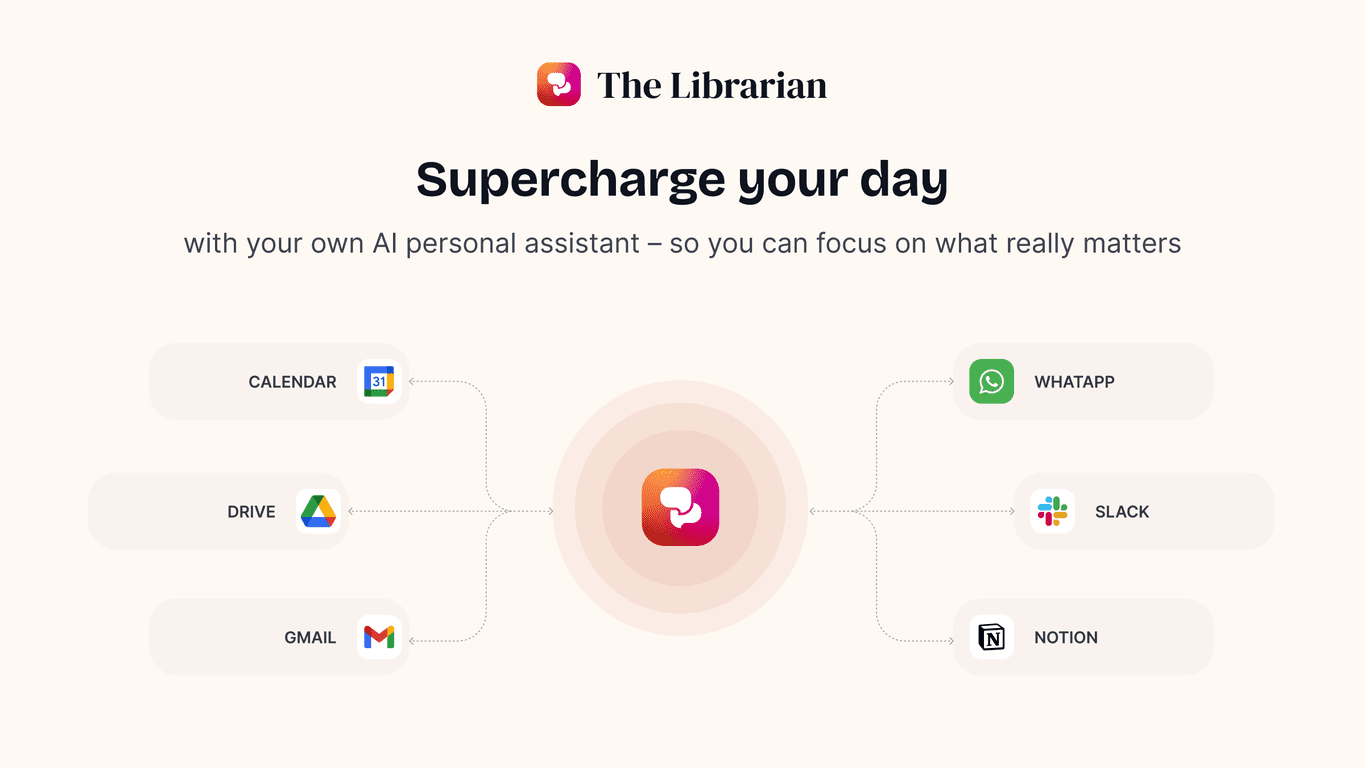
  2. Tool integrations through Model Context Protocol, including services like Slack and Google Calendar.
  3. Natural, expressive speech in 70+ languages (useful if you’re building for multilingual teams).
  4. Templates and voice modification options that help you get started without staring at settings for an hour.
  5. Powerful API for deploying on web, mobile, or telephony (good if you’re planning a real product, not just a demo).
  6. Action capabilities like scheduling, messaging, and research-style summaries.

How it works (walkthrough, not just marketing)

Here’s the basic idea I followed: you create an assistant, give it a clear “role,” then connect it to tools so it can turn speech into actions. The assistant uses your instructions plus context from integrations to decide what to do next.

In other words, you’re not limited to “answering questions.” Once the tools are connected, it can help you run small workflows—like drafting a message, summarizing information, or creating a calendar event—while keeping the interaction conversational.

Concrete use cases I’d actually build

  • Executive scheduling assistant: “Find a time, propose two options, and schedule it.” Works best when you define the rules for conflicts and the assistant knows what “available” means for your calendar.
  • Slack operations helper: “Summarize this thread and draft a reply I can approve.” This is where I saw the best consistency—small, targeted tasks beat giant vague requests.
  • Telephony / contact center voice agent: Use the API deployment path if you want it to handle calls. The key is mapping intents to actions and keeping the prompt instructions tight so the assistant doesn’t improvise too much.

Pros and Cons (Based on My Tests)

Pros

  • Customization feels real, not cosmetic. Changing the assistant’s voice and behavior actually affected how it responded in my scenarios, especially around tone and follow-up questions.
  • Integrations make it useful. When I connected it to workflow tools (like scheduling and messaging), it stopped being “just a chatbot” and started acting like a helper.
  • Voice quality is genuinely engaging. The delivery sounded natural, and it didn’t feel flat during longer back-and-forth prompts.
  • Interface is friendly. Even with limited setup experience on my side, I didn’t feel lost. The flow made sense.
  • Templates and resources help you move faster. I didn’t have to start from zero, which matters when you’re testing multiple workflows.

Cons

  • It can get technical if you go beyond basic setups. If you’re not comfortable with APIs or integration logic, you may hit a learning curve sooner than you’d like.
  • Performance can vary with complexity. In my testing, the assistant was most consistent when the workflow was tightly scoped. More complex tool chains increased the chances of slower responses or less predictable behavior.
  • Pricing details aren’t as transparent as I’d expect. I could confirm the Business Plan numbers I used below, but for anything outside that, you’ll want to double-check directly on the official site or with support.
  • It’s still evolving. If you’re building something production-heavy, you’ll want to keep an eye on updates and feature changes over time.

Pricing Plans: What I Found

Pricing can change, so I’m going to stick to what I observed in the information available to me during this review. 11.ai lists a Business Plan that includes 13,750 minutes of conversational AI per month. Overages are billed at about $0.08 per minute. For larger needs, the platform mentions enterprise options like volume discounts and custom plans.

For the most accurate current rate (and any setup fees that might apply), I’d still verify on the official website or contact support—because AI platforms don’t always keep pricing perfectly consistent month to month.

Wrap up

So, should you care about 11.ai? If you want a voice assistant that can do more than chat—like scheduling and messaging—this is one of the more practical platforms I’ve tested. I’d choose it if you need voice + integrations and you’re willing to spend a little time tightening your instructions and connecting the right tools.

If you’re expecting “instant magic” with zero setup or you don’t want to touch integrations at all, you might get frustrated. But if you’re building a real workflow assistant (or planning to deploy one via web/mobile/telephony), 11.ai feels like a solid foundation.

Stefan

Stefan

Stefan is the founder of Automateed. A content creator at heart, swimming through SAAS waters, and trying to make new AI apps available to fellow entrepreneurs.

Related Posts

Figure 1

Strategic PPC Management in the Age of Automation: Integrating AI-Driven Optimisation with Human Expertise to Maximise Return on Ad Spend

Title: Human Intelligence and AI Working in Tandem for Smarter PPCDescription: A digital illustration of a human head in side profile,

Stefan
AWS adds OpenAI agents—indies should care now

AWS adds OpenAI agents—indies should care now

AWS is rolling out OpenAI model and agent services on AWS. Indie authors using AI workflows for writing, marketing, and production need to reassess tooling.

Jordan Reese
experts publishers featured image

Experts Publishers: Best SEO Strategies & Industry Trends 2026

Discover the top experts publishers in 2026, their best practices, industry trends, and how to leverage expert services for successful book publishing and SEO.

Stefan

Create Your AI Book in 10 Minutes