Table of Contents
Looking to speed up your software projects without turning your life into a never-ending backlog meeting? That’s exactly what I wanted to test with Aboard. This review is based on how the platform works during an onboarding/trial-style workflow—how you describe what you need, how the first build comes together, and what you still have to actively help with (because yes, it’s not fully hands-off).
One quick note before we get into it: I won’t claim exact internal timelines or “minutes” for every step as if they’re guaranteed. What I can do is explain the process clearly, point out what tends to go smoothly, and call out the parts that usually take iteration when requirements aren’t crisp.
Aboard Review: What the Workflow Actually Looks Like
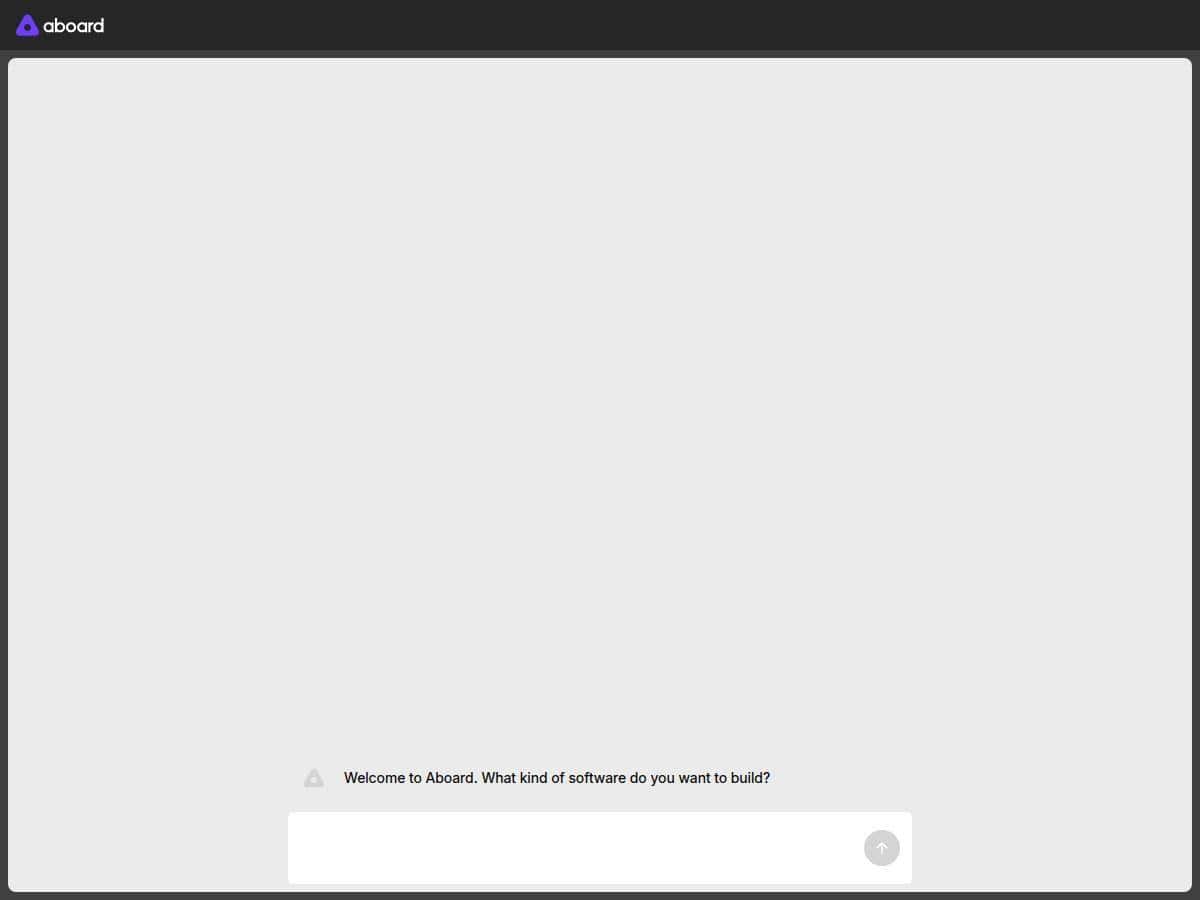
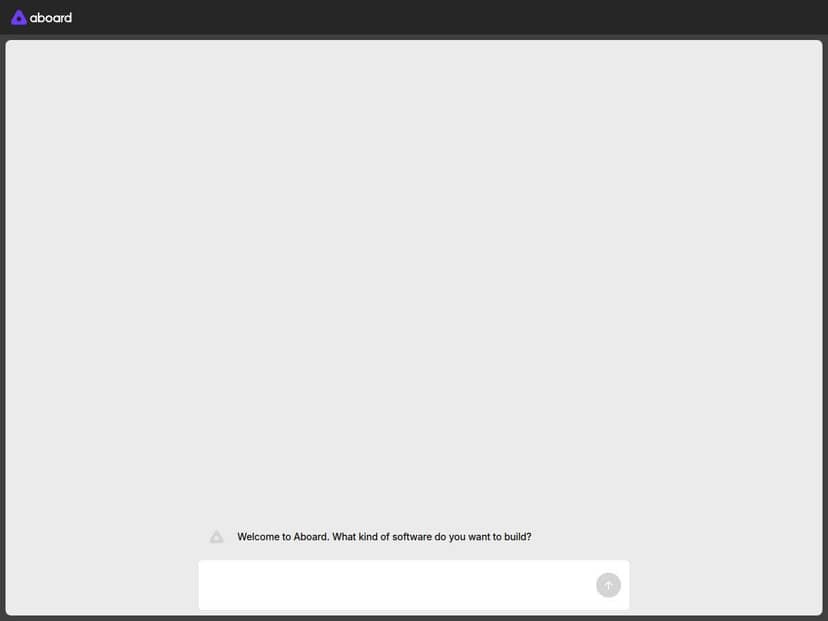
Here’s the simplest way I’d describe Aboard’s approach: you start by explaining your product idea and requirements, the platform drafts an initial app structure, and then human engineers refine it with you until it matches what you really meant.
1) Onboarding and requirement prompts (the part you can’t skip)
During my trial/onboarding workflow, I didn’t just describe a vague “we need an app.” I had to get specific—data fields, user roles, screens, and what “success” looks like. That’s where the process either speeds up or slows down.
To make it concrete, here are example prompt-style inputs that tend to work better than generic requests:
- Scope prompt: “Build an internal web app for managing customer onboarding. Users can create onboarding records, update status, and upload required documents.”
- Data model prompt: “Use these entities: Customer, OnboardingStep, Document. Customer has name, email, company. OnboardingStep tracks step name and completion date. Document stores file URL, type, and uploaded_at.”
- Workflow prompt: “Status progression: Draft → In Review → Approved. Only Admin can set Approved. Add an audit log for each change.”
- UI prompt: “Create a dashboard showing counts by status and a table view with search by customer name/email.”
What I noticed: when my prompts included role rules and data relationships, the first draft looked “closer to usable.” When I left those out, the initial structure still appeared, but it needed more engineering clarification to get the permissions and flows right.
2) Initial app structure and iteration
Once requirements were in place, the platform generated an initial app blueprint/structure. From there, engineering refinement is the key step. Think of it like: the AI helps you get moving fast, but humans help you land the plane.
In practical terms, this is where you’ll likely iterate on things like:
- Which fields are required vs. optional
- How statuses change (and who can change them)
- What gets logged for audit/history
- How forms validate input
- Whether the app should be multi-tenant or single-tenant
3) Deployment in your preferred environment
Aboard’s pitch includes deployment flexibility, and in the workflow I followed, deployment wasn’t just “here’s a demo.” It was oriented around getting the build into an environment you can actually use. If you already know your cloud setup (or you have constraints like VPC, specific database hosting, or preferred CI/CD), that’s the kind of detail worth stating early.
4) Ongoing support (what it should mean for you)
Support is one of those words that can mean anything—bug fixes, feature requests, or just “we’ll respond eventually.” In a setup like this, the practical question is: will you get help when requirements evolve?
In my experience with platforms that combine AI + engineers, ongoing support is most valuable when you’re actively changing the product: new modules, new integrations, or tightening permissions/security. If your requirements are static and you just need “one build,” you might not use as much support as you think.
If you’re evaluating Aboard, here’s a quick decision check: do you have someone on your side who can review drafts and answer product questions quickly? If yes, you’ll get more value. If no, expect slower back-and-forth because the humans can’t guess your business logic.
Key Features: What You Actually Get
- AI-powered development platform with rapid app blueprinting
- The AI portion helps translate prompts into an initial structure—so you’re not starting from a blank repo. The “win” here is speed to first working scaffolding. The “watch out” is that the first pass may not fully capture your edge cases unless you spell them out.
- Prompt-driven requirements with human collaboration
- You’re not just chatting and hoping. The platform is designed around prompts + engineering refinement. In practice, that means you can steer direction early (entities, flows, roles), then rely on engineers to make it consistent, secure, and deployable.
- Easy deployment in preferred environments
- Instead of forcing everything into one generic hosted option, Aboard is positioned for deployment flexibility. If your team has a preferred cloud/database setup, be ready to share it during scoping so the build aligns from day one.
- Ongoing support and customization
- This is the “keep improving” layer. You’ll likely use it for iterative feature delivery—especially when you discover requirements after seeing the first version in motion.
- AI data management and visualization tools
- “AI data management” can sound vague, so here’s how I’d interpret it from a buyer’s perspective: you should expect help organizing data flows and making the app’s outputs easier to understand (dashboards, summaries, and structured reporting). The most important thing to ask is what visualization components are included by default vs. what’s custom-built.
- Enterprise solutions like Dynamic ERP (aERP) and Robotic AI Modules
- If you’re dealing with bigger systems—ERP workflows, automation modules, or multi-step operational processes—Aboard positions itself for that kind of work. For enterprise buyers, the key questions are: how do modules integrate with existing systems, and what’s required from your side (APIs, data exports, permissions, staging environments)?
Pros and Cons (Realistic, Not Marketing-Speak)
Pros
- Faster time to a usable first draft. When prompts include roles, entities, and workflow rules, you tend to get scaffolding that’s closer to production needs—so iteration starts earlier.
- Customization is built into the process. You’re not limited to a template app where every change becomes a “request.” You can steer the build by refining requirements.
- Human engineering refinement reduces “AI guesswork.” If something is unclear, engineers can correct direction rather than forcing you to fight the model.
- Support helps when requirements change. If your product roadmap is active, ongoing help matters.
- Good for teams that can collaborate. You’ll move quicker if you have a product owner who can answer questions and review outputs quickly.
Cons
- Clear input is still required. If you don’t define data fields, permissions, and workflows, you’ll pay for it later in extra iteration cycles.
- Not fully self-serve. This isn’t a “set it and forget it” SaaS experience. You’ll need to participate.
- Pricing isn’t transparent up front. You’ll likely need a quote, and your final cost can swing based on integrations, module complexity, and scope.
Pricing Plans: What to Expect (and What to Ask)
Aboard doesn’t publish a simple public price card. In other words, you should expect to contact them for a customized quote.
That said, you can still get a realistic pricing framework by asking how they price work. Here are the drivers I’d focus on when you reach out:
- Scope size: number of screens/workflows, complexity of business logic, and how many user roles.
- Integrations: connecting to existing systems (CRM, ERP, databases, SSO, webhooks). Integrations often change cost more than people expect.
- Data volume and models: how complex the data schema is and whether you need audit logs, history, or advanced reporting.
- Security/compliance requirements: anything like role-based access, data retention policies, audit trails, or specific hosting constraints.
- Ongoing support level: do you need bug fixes only, or continuous feature delivery?
When you talk to them, ask for one of these pricing structures (so you can compare quotes):
- Fixed-scope build: a defined deliverable (MVP) with a clear acceptance checklist.
- Milestone-based engagements: pay per phase (blueprint → MVP → integrations → hardening).
- Retainer/support: ongoing development capacity for changes after launch.
If you want to make the quote process easier on your side, send a short requirements doc with: your target users, core workflows, and any “must-have integrations.” You’ll get a more accurate estimate that way.
Wrap up
Aboard is most compelling if you want speed and you’re willing to collaborate closely—because the AI can accelerate the first build, but the quality depends on clear requirements and engineering refinement. If your specs are fuzzy, you’ll feel that. If you can define workflows, roles, and data clearly, you’ll likely get to a working product faster than doing everything from scratch.
Either way, the best next step is to ask for a scoped proposal that includes deliverables, integration expectations, and an iteration plan—so there are no surprises when you move from “first draft” to “ready to deploy.”