Table of Contents

What Is Adject v1.5 (and What I Actually Tested)?
I went into Adject v1.5 pretty skeptical. I’ve seen enough “AI does everything” tools to know the marketing can get ahead of the reality. But I still wanted to test the core promise: take one decent product photo and generate a set of new, studio-style images (and even videos) fast enough to be useful for real product listings.
So here’s my setup and what I tried, because that matters more than hype.
Test setup
I used a single product photo as the reference (a flat-lay style shot on a light background). My goal wasn’t “make it look perfect like a pro shoot.” It was: can it generate additional angles and lifestyle/styled variations that are close enough to ship for e-commerce use?
- Reference image: one clear product shot, product centered, minimal clutter
- Runs: I did 3 separate generations using the same reference to see how consistent results were
- Variants: I generated multiple outputs per run (angles + styled variations) rather than just one “hero” image
- What I checked: background edges, product shape fidelity, reflection accuracy, color consistency, and whether any artifacts showed up
What Adject v1.5 does (in plain English)
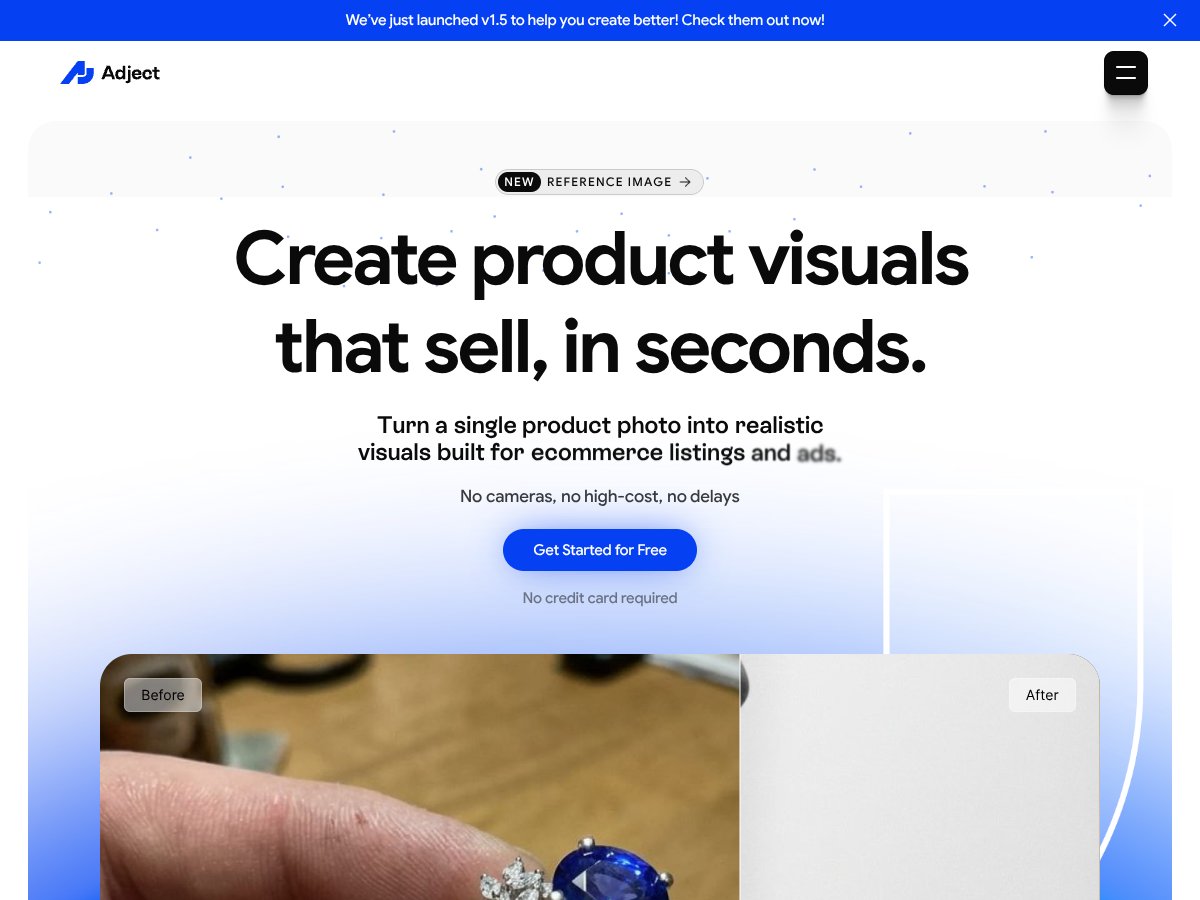
Adject v1.5 is an AI visual generator built around a simple flow: upload a product reference image, then generate new visuals based on that reference.
In my experience, it’s mainly used for:
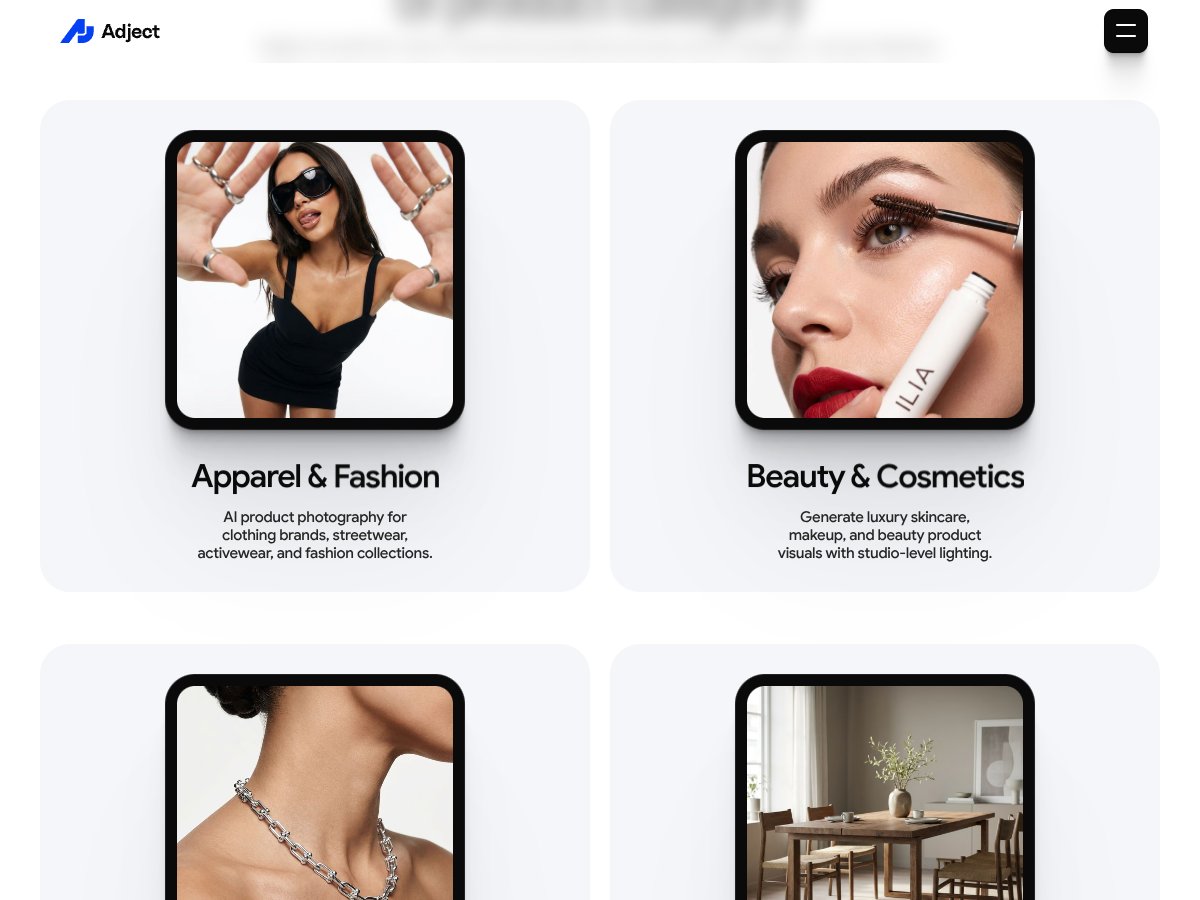
- New product angles (variations that look like they came from a photo session)
- Styled/lifestyle shots (more “market-ready” than plain mockups)
- Video outputs (short generated clips meant for ads or listing promos)
It’s not an editing suite where you’ll tweak every pixel. Think “generate plausible marketing visuals from a reference,” not “Photoshop with AI.” If you want to manually fix tiny seams, adjust micro-reflections perfectly, or design custom scenes from scratch—this isn’t that.
What I noticed about quality (the good + the annoying)
Overall, the results were close enough to be useful, especially for the first pass of a catalog. But it wasn’t flawless. Here’s what stood out in the outputs I generated.
- Product consistency: Most generated images kept the product identity reasonably well. On repeated runs, the overall shape stayed believable.
- Background edges: This is where things got hit-or-miss. Some outputs had slightly messy transitions where the product met the background—nothing catastrophic, but it’s noticeable if you zoom in.
- Reflections & highlights: I saw occasional “almost right” reflections. Sometimes the lighting matched the vibe, sometimes it drifted just enough to look AI-generated.
- Color drift: A few images leaned slightly warmer or cooler than the reference. If your brand color accuracy is critical, you’ll want to review carefully.
In other words: it’s a strong speed tool, not a guarantee of perfect studio realism every single time.
Who Adject v1.5 is for
Adject.ai seems aimed at e-commerce brands, POD shops, and smaller sellers who need lots of product visuals without paying for a full photoshoot every time.
It’s especially useful if you need:
- quick listing images for new products
But if you’re expecting ultra-precise edits or highly controlled scenes (like exact product photography lighting, consistent reflections across hundreds of SKUs), you’ll probably end up doing extra review and cleanup.
Best Use Cases (Based on My Results)
This is the part I care about most, because it’s where “AI tool” becomes either a real workflow or a time-waster.
Best use cases
- Catalog expansion: If you need more images per product than you currently have, Adject v1.5 can help you generate a set quickly.
- Testing creatives: I like using AI outputs for early ad testing—then swapping in the “final” real photos later if something performs.
- Styled backgrounds: When you want lifestyle or studio-like scenes (not just a plain white background), it handles that direction well.
Worst use cases (or at least, where I’d be cautious)
- Strict e-commerce standards: If your store requires perfectly consistent lighting and reflections across every product image, expect to manually review.
- Highly reflective or complex materials: The more the product depends on exact reflective behavior, the more likely you’ll see “close but not exact” highlights.
- When you need pixel-perfect backgrounds: Background edge artifacts can happen. If you’re running images through tight quality checks, plan for re-generations.
Adject v1.5 Features Snapshot (What You Can Expect)

From testing and day-to-day usability, Adject v1.5 feels built for speed and “good enough” marketing visuals. You’re not hunting through layers of controls. You’re uploading a reference and generating outputs.
Here’s what matters for planning your workflow:
- Input: a product reference image (the quality and clarity of your reference matters)
- Output types: generated images plus short generated video clips
- Iteration: you’ll likely want to run a few generations to find the best angle/background combo
- Review needed: expect to inspect background edges, product highlights, and color consistency
Pricing at the time of my test
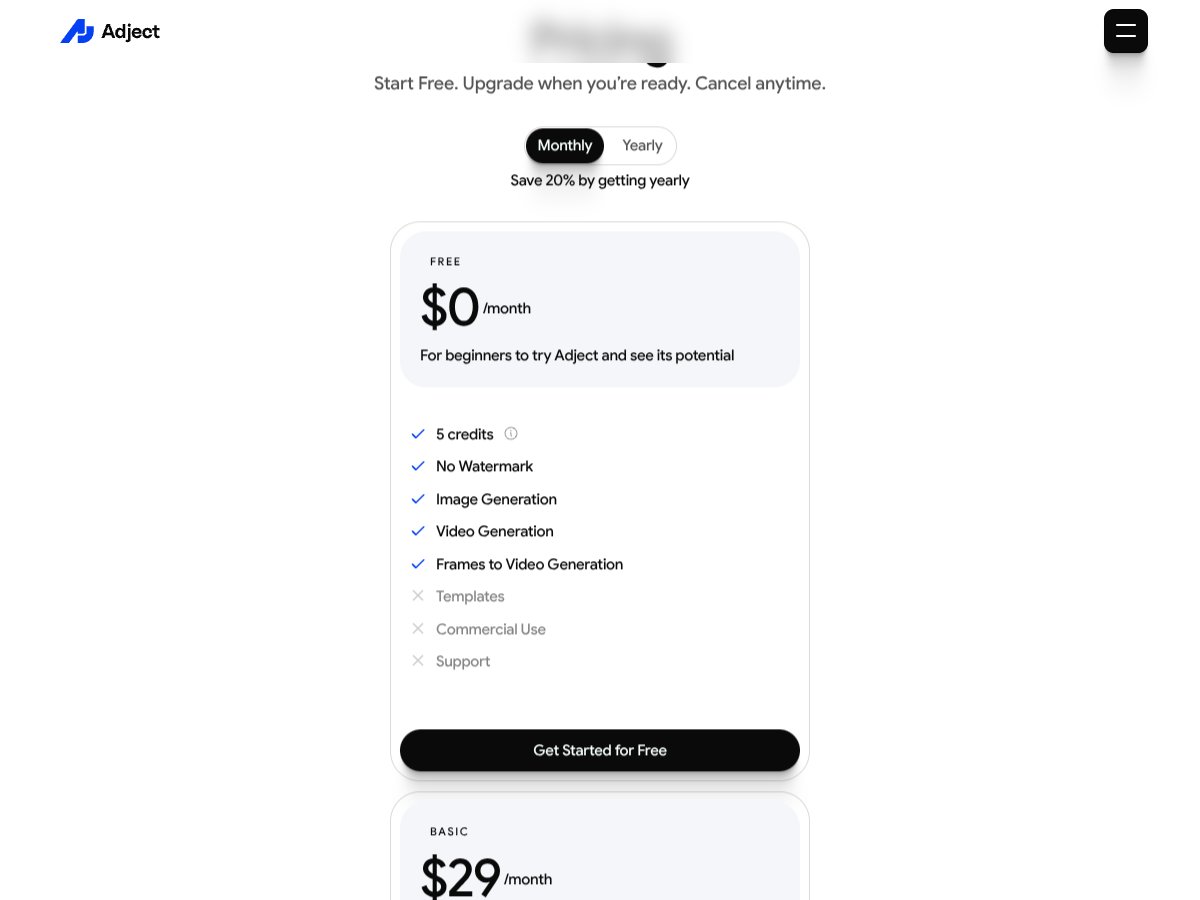
Pricing can change fast with AI tools, so I always recommend checking the current plan on the Adject.ai site before you commit. During my evaluation, the tool positioned itself as an affordable option compared to “pay for a shoot” costs—especially when you’re producing multiple variations per product.
If you’re comparing subscriptions, don’t just compare monthly price—compare how many usable images you actually get per run and how much time you save vs. manual editing.
How Adject v1.5 Stacks Up Against Alternatives
I compared Adject v1.5 against tools that solve adjacent problems. The key thing? A lot of competitors are “better” at one narrow task—enhancing, video creation, or ads—while Adject v1.5 is focused on generating product visuals from a reference.
Quick comparison (based on category + what each tool is built for)
- Adject v1.5: generate new product images/videos from a reference photo (great for listing variations fast)
- Topaz AI: enhance/refine existing images and videos (great if you already have the shots)
- Creatify: UGC-style ad creatives and short video concepts (more marketing-focused than product photo generation)
- Synthesia: avatar-driven talking videos (not really a product visual generator)
- OutlierKit: credit-based ad creation tools (useful for ads, but not specialized for product catalog visuals)
Topaz AI
What it does differently: Topaz is more about enhancing what you already have—sharpening, improving clarity, and pushing quality higher. It doesn’t replace the need for a good reference photo.
Price (as commonly listed): Starting around $39/month.
Choose this if… you already have product photos and you want them to look cleaner and more professional without re-shooting.
Stick with Adject v1.5 if… you need to generate additional angles/background/lifestyle variations quickly for listings and ads.
Creatify
What it does differently: Creatify is built around UGC-style ad production—more “social ad content” than “product catalog photography.”
Price (as commonly listed): Around $99/month.
Choose this if… your main goal is short-form ad creatives and you want that UGC vibe.
Stick with Adject v1.5 if… you primarily need product images/videos that match your catalog and listing needs.
Synthesia
What it does differently: Synthesia focuses on AI video presentations with avatars—think explainers, tutorials, and talking-head marketing.
Price (as commonly listed): Starting around $89/month.
Choose this if… you want avatar-based video content.
Stick with Adject v1.5 if… you want product visual generation (images + product-focused videos), not presenter-style content.
OutlierKit
What it does differently: OutlierKit is more about ad creation with a credit system, aiming for speed and simplicity.
Price (as commonly listed): From $29/month.
Choose this if… you want quick ad assets and you’re okay with less product-photo specialization.
Stick with Adject v1.5 if… you want generated visuals that are closer to product photography output (angles, backgrounds, styled shots).
So… is Adject v1.5 “better”?
Not in the universal sense. It’s better at generating new product visuals quickly. Topaz is better at improving existing photos. Synthesia is better at avatar videos. Creatify and OutlierKit are more about ad creative workflows.
Adject v1.5 holds up when your problem is “we don’t have enough product photos for everything we want to sell.” It struggles when your problem is “we need perfect, consistent, studio-grade accuracy with zero review.”
My Honest Verdict on Adject v1.5 (After Testing)
After running a few generations and comparing outputs, my take is pretty simple: Adject v1.5 is a solid tool for fast product visual generation, and it can save real time when you’re building listings or testing marketing angles.
But it’s not magic. The results are only as good as your reference image, and you’ll want to review for background edge issues, highlight/reflection drift, and occasional color mismatches. If you’re expecting “upload once and never touch anything again,” you’ll be disappointed.
If you want speed and more variation per product without paying for every shoot, Adject v1.5 is worth trying. Just run a couple iterations, pick the best outputs, and don’t skip the quality check.